When Destiny 2 suddenly disconnects, matchmaking fails or an error code appears out of nowhere, every player asks the same question: is Destiny 2 down? These moments can happen during weekly resets, content updates or even on a completely normal afternoon, catching Guardians off guard.
Because connection failures and server outages feel identical to the player, it’s essential to understand how to verify the actual cause. Many disruptions happen locally, Wi-Fi drops, ISP routing issues or bandwidth conflicts, which makes distinguishing the real reason behind the problem critical. And since one of the most searched terms in the community is Destiny 2 down, having the proper workflow to check server status quickly saves a lot of frustration.
Before diving into fixes, you must first clarify the core question: is Destiny 2 down due to scheduled maintenance, unplanned server outages or problems in your connection path? This guide breaks down every possibility so you always know exactly what to do.
Is Destiny 2 Down? Common Downtime Reasons

Most times players search is Destiny 2 servers down, the cause fits into predictable categories.
Scheduled Maintenance
Bungie takes Destiny 2 offline intentionally for:
- Weekly reset backend tasks;
- Patch deployments;
- Seasonal updates;
- API maintenance;
- Expansion launches.
During these scheduled windows, the game becomes unavailable across all platforms. Anyone checking Destiny 2 is down at these times will find the downtime expected and planned.
Unexpected Outages
Unplanned disruptions can also occur:
- High traffic after new content;
- Login queue failures;
- Cloud server instability;
- Cross-play synchronization problems;
- Backend issues affecting authentication.
This is when thousands of players simultaneously ask why is Destiny 2 servers down.
Where to Check Destiny 2 Server Status
When you suspect Destiny 2 is down, you should rely on verified, real-time sources.
Official Bungie Channels
These are the most accurate:
- Bungie Help (Twitter/X);
- Bungie.net Support page;
- Known Issues list;
- In-game notifications during outages.
Whenever players wonder is Destiny 2 down right now, these are the first places to check.
Third-Party Trackers
These tools are helpful but rely on user reports:
- Downdetector;
- Steam server status;
- PlayStation Network / Xbox Live;
- Epic Games server metrics.
Because the data is community-driven, spikes can occur even when Destiny 2 servers are stable, especially during regional ISP outages.
Error Codes Explained: What They Actually Mean
Many times players assume Destiny 2 is down because of an error code, yet not all codes indicate server instability.
Official Error Codes (Documented by Bungie)
These codes appear on Bungie’s support pages:
- WEASEL — General connection disruption;
- CENTIPEDE — Difficulty connecting to Bungie servers;
- CATERPILLAR — Session/login-related transitions;
- CHICKEN — Temporary failure to maintain connection.
These errors reflect networking issues but do not confirm an outage.
Community-Reported Codes (Not Officially Defined)
Codes frequently mentioned by players — such as BEE, ANTEATER, BEAVER, BABOON and MARIONBERRY — do not have public, official meanings.
Players often experience these during:
- Packet loss;
- Route congestion;
- Wi-Fi interference;
- Unstable ISP connections.
Fixes and Workarounds for Common Issues
Before assuming that Destiny 2 is down, it’s important to rule out local problems that can mimic server outages. Many players search is Destiny 2 servers down when the issue is actually caused by unstable Wi-Fi, ISP routing, NAT restrictions or background bandwidth usage.
These problems often look identical to real downtime, which is why verifying your local environment is a crucial step before blaming the servers.
Destiny 2 is especially sensitive to packet loss, routing congestion and temporary network instability. This means that even when the community insists Destiny 2 is down, the issue can still be on your side and these fixes help you confirm that.
Quick Fixes You Should Try First
Start with the simplest troubleshooting steps. These resolve the majority of short-lived connectivity problems that lead players to mistakenly believe Destiny 2 is down right now.
1. Restart Destiny 2: Temporary glitches in the client can interrupt your connection to authentication servers or matchmaking services. Restarting the game forces a fresh handshake.
2. Restart Router and Modem: Power cycling clears DNS conflicts, local congestion and temporary routing issues, often removing symptoms that make players ask why is Destiny 2 servers down.
3. Prefer Wired Over Wi-Fi: Wireless networks introduce interference and packet loss, especially in apartments or houses with multiple competing signals. A wired connection drastically improves stability.
4. Close Bandwidth-Heavy Applications: Streaming, downloads, cloud backups and video calls can create enough congestion to cause disconnects or login failures.
5. Restart the Platform Launcher (Steam, PSN, Xbox, Epic): Many connection failures originate from the platform service rather than Destiny 2 itself. Restarting the launcher resets the session tokens and resolves authentication bugs.
These steps eliminate short-term instability, which is often misinterpreted as Destiny 2 is down. They’re fast, safe and effective as a first line of defense.
Intermediate Fixes for Persistent Connectivity Problems
If quick fixes don’t resolve the issue, try more advanced steps. These address deeper local or ISP-level problems, which frequently trigger false alarms when players assume is Destiny 2 servers down.
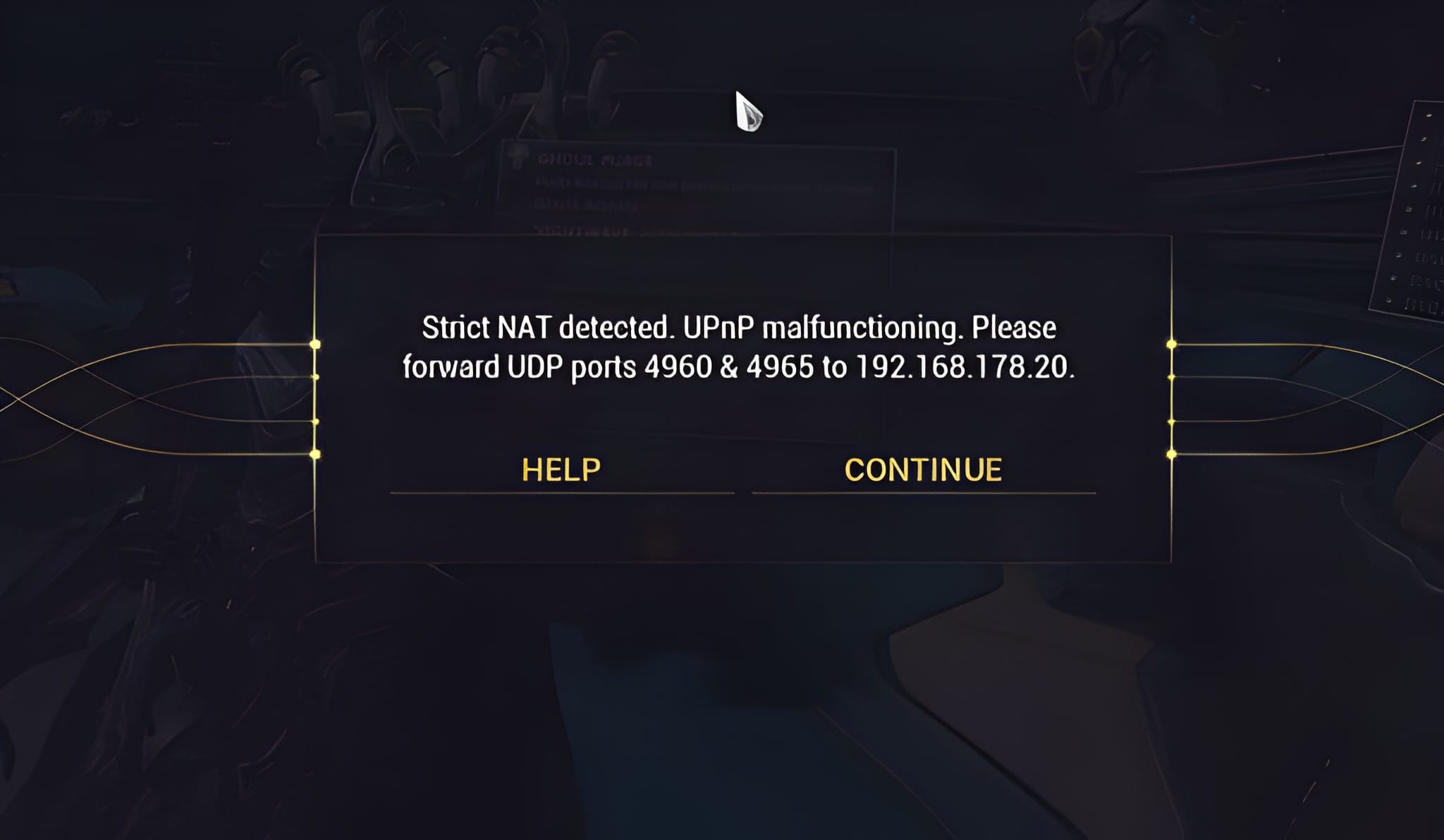
1. Check NAT Type (Open or Type 1 Recommended): NAT restrictions can block matchmaking, prevent fireteam invites and cause error codes. An Open NAT ensures your system can communicate correctly with Destiny 2’s services;
2. Toggle IPv6 On or Off: Some ISPs have incomplete IPv6 support. Switching between IPv4 and IPv6 can stabilize your connection path, especially during peak hours;
3. Update Network Drivers: Outdated drivers cause random disconnects, delayed packets and socket instability, symptoms players often interpret as Destiny 2 is down;
4. Disable Conflicting VPNs or Proxies: VPNs can reroute traffic through congested or distant locations, creating artificial latency, packet loss and routing loops;
5. Clear Platform Cache: Cached files sometimes corrupt authentication tokens or create outdated network requests. Clearing your platform cache forces the system to rebuild fresh, stable connections.
Why these fixes matter: These steps target persistent conditions that mimic real outages. When the community reports Destiny 2 is down but official servers are stable, these deeper issues are often responsible for the disruption.
Advanced Troubleshooting: When It's Not Server Downtime
Some issues persist even when Destiny 2 servers are fully online. These typically indicate routing instability, not actual downtime.
Signs the Problem Isn’t Server-Side
Players often assume Destiny 2 is down when the root cause is actually local. These warning signs help you identify when the issue is not related to Bungie’s servers, even if your experience feels like a typical outage.
1. Disconnects occur only during peak hours: If your connection fails mostly at night or during busy times, it often points to regional ISP congestion or unstable routing rather than server downtime. Many players interpret this pattern as is Destiny 2 servers down, but true outages affect all players simultaneously, not just your region or timeframe;
2. Matchmaking errors appear inconsistently: When matchmaking fails randomly, working one minute and breaking the next, the cause is usually network instability. If servers were offline, errors would occur consistently for everyone, not intermittently for a subset of players;
3. Voice chat stutters but ping remains normal: Voice chat uses a slightly different packet flow than gameplay. When voice breaks but your ping stays stable, it typically indicates packet shaping, jitter or routing desync. This is not a symptom of actual downtime, even though it may feel like why is Destiny 2 servers down;
4. PvP hit registration feels delayed: Hit-reg issues happen when data packets arrive out of sync, often due to micro packet loss or routing congestion. If the servers were down, you wouldn’t even load into Crucible matches, delayed hit registration points to route quality, not server outage;
5. Only specific activities fail to load: If Raids, Dungeons or Nightfalls fail to launch while other activities function normally, this usually means your local connection is struggling to maintain a stable route to certain data nodes. True server outages affect all activities, not just specific ones.
During these cases, players often search is Destiny 2 down right now, but the servers are usually functioning.
Destiny 2 Server Problems
| Issue Type | Meaning | What to Check |
| WEASEL / CENTIPEDE | General connection failure | Bungie Help + local network |
| Slow logins after reset | High traffic | Wait a few minutes |
| Packet loss | ISP congestion | Router, cables, wired connection |
| Matchmaking errors | Routing instability | Connection path |
| Sudden mass errors | Possible outage | Official status pages |
This table helps quickly identify whether Destiny 2 is down or if the issue is local.
How ExitLag Improves Destiny 2 Stability When Servers Are Online
So after verifying everything, what’s the real answer to is Destiny 2 down? Outages happen, maintenance, resets and unplanned disruptions, but Bungie resolves them quickly.
However, many players still suffer from lag, rubberbanding, packet loss and inconsistent matchmaking even when servers are functioning normally. These issues almost always come from routing instability, not server downtime.
This is where ExitLag helps. ExitLag does not bypass maintenance or fix offline servers, but it dramatically improves your connection when Destiny 2 is online through technologies designed specifically for online gaming.
ExitLag Benefits for Destiny 2 Players
- Real-time Route Optimization: continuously selects the best path to Destiny 2 servers;
- Multipath Connection: your data travels through multiple routes for redundancy;
- Traffic Shaper: prioritizes game packets for consistent stability;
- Multi-Internet (Automatic Failover): switches between connections if one drops;
- FPS Boost: frees system resources for better performance;
- Advanced Settings: full control for power users;
- Dedicated Support Team: always available to assist;
- Global Server Infrastructure: servers on all continents;
- PC + Mobile Compatibility: desktop subscription also works on supported mobile titles;
- Important: ExitLag does not work on consoles and cannot fix servers that are offline.
FAQ
1. How do I check if Destiny 2 is down right now?
The fastest way is to check official Bungie channels: Bungie Help on Twitter/X, the Support page and in-game notifications. If these channels confirm maintenance or outages, the answer to is Destiny 2 down is yes — temporarily.
2. Why does it look like Destiny 2 is down even when servers are online?
Local issues such as unstable Wi-Fi, ISP congestion, NAT restrictions or outdated drivers often mimic server outages. Many players search is Destiny 2 servers down but later discover their connection path was the real problem.
3. Why do I keep getting error codes if Destiny 2 is not down?
Because most error codes — both official (WEASEL, CENTIPEDE, CATERPILLAR) and community-reported (BEE, BEAVER, BABOON) — are triggered by routing problems, packet loss or service instability, not confirmed downtime. Server outages are usually announced quickly.
4. Are third-party trackers reliable for checking downtime?
They help identify patterns, but they rely on user reports. This means spikes can appear even when the servers are stable, especially during regional ISP issues. Official Bungie resources remain the most reliable source.
5. What’s the difference between server downtime and routing instability?
If Destiny 2 is down, all players are affected equally and Bungie usually confirms it. Routing instability affects only your connection path, causing lag, disconnects, hit-reg issues and matchmaking failures, even though the servers are working normally.
Play Destiny 2 with Consistent Stability: Optimize Your Connection with ExitLag
Whenever you ask is Destiny 2 down, always check Bungie's official channels first. If the servers are offline, nothing will connect. But when the servers are online and the problem is your route, ExitLag ensures stable, optimized gameplay with consistent performance.
For the smoothest, most stable Destiny 2 experience, try ExitLag on your next session.