

Is Rocket League Free? Yes, completely. Rocket League became a free-to-play title and has remained free on every major platform since then. You can download and play it today on PC, PlayStation, Xbox, and Nintendo Switch without spending anything.
Rocket League Free To Play means no upfront purchase, no subscription fee, and no paywall blocking you from playing online. The base game is fully accessible from the moment you download it, and online multiplayer does not require PlayStation Plus, Xbox Game Pass, or Nintendo Switch Online.
That last point surprises many players. Most online console games lock multiplayer behind subscription services. Is Rocket League Free to play online without a sub? Yes, it is one of the few exceptions on both PlayStation and Nintendo Switch platforms.
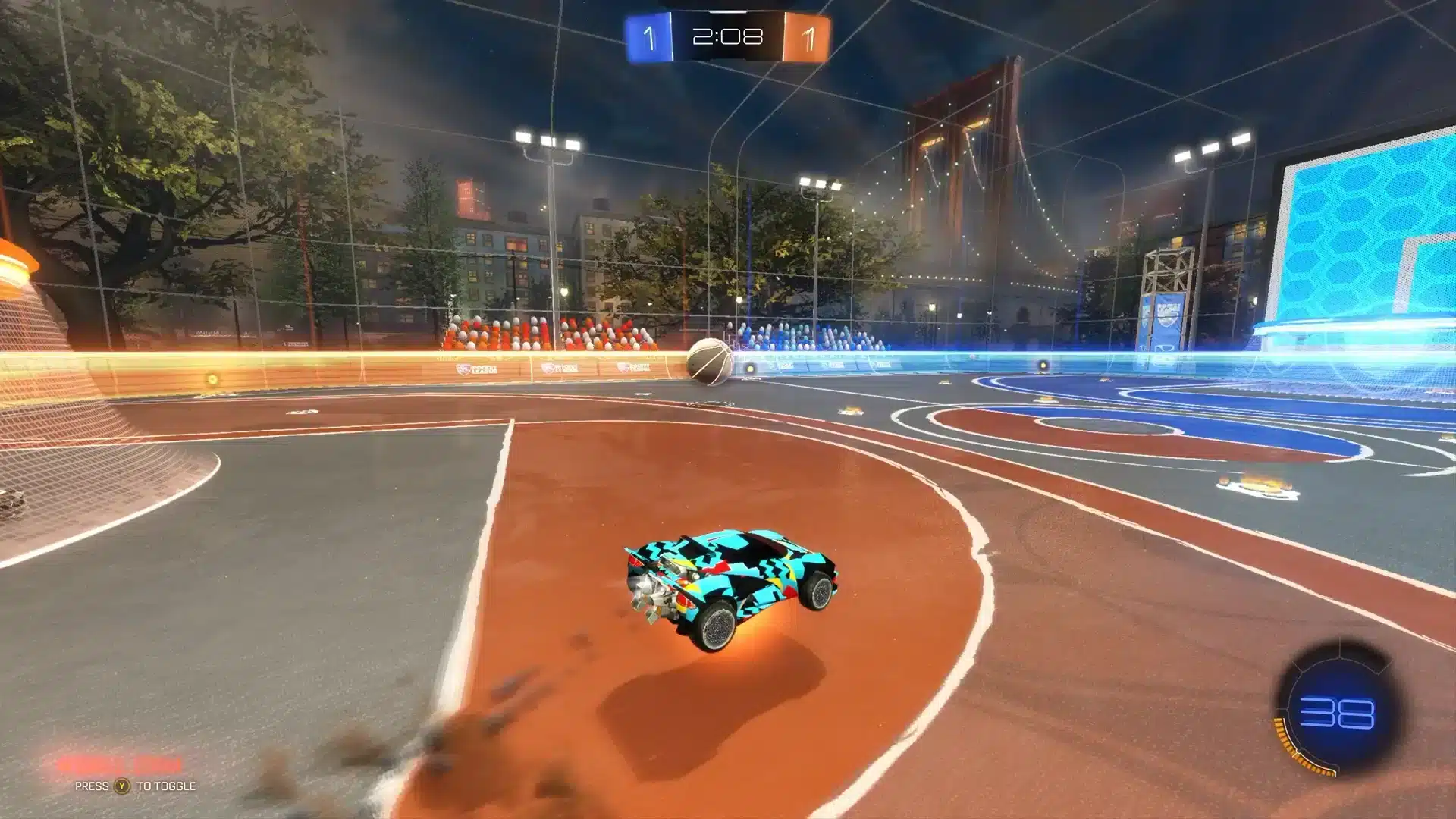
Is Rocket League Free on Every Platform?
Is Rocket League Free on PS5?
If you are asking: Is Rocket League Free on PS5? Yes. You can download it directly from the PlayStation Store at no cost and play online immediately. A PlayStation Plus subscription is not required for Rocket League's online modes, which makes it a genuine exception in the PlayStation ecosystem.
Performance on PS5 is excellent, with the game running at 120fps when you enable the performance mode in settings. Cross-play is active by default, so PS5 players compete against the full player pool including PC, Xbox, and Switch.
Is Rocket League Free on Xbox?
Is Rocket League Free on Xbox? Yes. Download it from the Microsoft Store on Xbox One, Xbox Series S, or Xbox Series X at no cost. Like PlayStation, Xbox does not require an active Game Pass subscription for Rocket League online play.
Key platform features on Xbox:
- Free download from Microsoft Store
- No Xbox Game Pass or Xbox Live Gold required for multiplayer
- Cross-play enabled across all platforms
- Runs at high framerates on Xbox Series X and Series S
Is Rocket League Free on Switch?
Is Rocket League Free on Switch? Yes. The Nintendo eShop offers a free download for Rocket League on Switch. Nintendo Switch Online membership is not required to play online, which again makes it one of the few Switch games that avoids that subscription gate.
Switch performance is reduced compared to PC or current-gen consoles due to hardware limitations, but the gameplay experience is fully functional and the competitive modes are complete.
Is Rocket League Free on PC?
Play Rocket League For Free Online on PC by downloading it through the Epic Games Store. Since Epic acquired Rocket League in 2019, the PC version moved exclusively to the Epic Games Store, and the game became free at the same time.
No subscription is required for PC multiplayer either. An Epic Games account is free to create, and the download takes under thirty minutes on most connections.
What Do You Get in the Free Version of Rocket League?
The free base game includes everything you need to play Rocket League competitively. Here is what is included at no cost:
- Full access to all ranked competitive modes
- All arena maps
- Standard casual and ranked playlists
- Cross-play with all platforms
- Access to the free tier of the Rocket Pass (seasonal content)
- All core car bodies, boosts, and decals unlocked at the start
What requires spending real money or earning in-game credits:
- Premium Rocket Pass tier: Unlocks the paid reward track with exclusive cosmetics
- Item Shop: Cosmetic bundles, special edition cars, limited-time decals
- Credits: The in-game currency used to purchase cosmetics or trade items
None of the paid content affects gameplay. Every cosmetic purchase is purely visual.
How to Download Rocket League for Free
The process is simple and takes under five minutes per platform. Follow these steps:
- Open the game store for your platform (Epic Games Store on PC, PlayStation Store, Microsoft Store, or Nintendo eShop on Switch)
- Search for "Rocket League"
- Select the title and click the free download button
- Create an account if you do not already have one (Epic account for PC)
- Complete the download and launch the game
The game will prompt you to link accounts across platforms. Doing so lets you carry your Rocket League Free cosmetics and progression between devices.
| Platform | Where to Download | Online Sub Required |
|---|---|---|
| PC | Epic Games Store | No |
| PS5 / PS4 | PlayStation Store | No |
| Xbox Series X/S, Xbox One | Microsoft Store | No |
| Nintendo Switch | Nintendo eShop | No |
Pro Tips for New Free-to-Play Rocket League Players
- Play Free Play mode constantly: The best improvement comes from spending time in Free Play practicing aerials, wall hits, and boost efficiency before jumping into ranked. There is no faster way to climb than deliberate solo practice.
- Turn off ball cam for ground dribbles: Ball cam is essential for most situations, but turning it off during close-range dribbles and flicks gives you much better spatial awareness of your car and the ball.
- Manage boost efficiently: Chasing every large boost pad slows you down more than it helps. Learn which small boost pads are on your path and prioritize those to maintain speed while keeping boost above thirty percent.
- Watch your replays: Rocket League lets you save and review replays of your matches. Watching your own games from a birds-eye view reveals positioning mistakes that are impossible to see in the moment.
- Prioritize positioning over chasing: Most low-rank losses come from all players chasing the ball at the same time. Rotate back and hold position after a shot attempt, even if your teammate misses.
Common Mistakes New Rocket League Free To Play Players Make
- Jumping straight into ranked: Ranked match outcomes affect your rating permanently, and playing ranked before you understand the basics leads to a lower placement that takes weeks to climb out of. Fix: spend at least ten to twenty hours in casual modes and Free Play before attempting ranked.
- Skipping the settings menu: Default camera settings are not optimal for most players. Adjusting camera distance, field of view, and deadzone settings to match your playstyle makes a significant difference in how easy the game feels to read. Fix: spend fifteen minutes in settings on day one testing different values before playing matches.
- Playing with high latency: Rocket League is a physics-based game where every millisecond of input delay matters. High ping means your aerial attempts and saves land a fraction of a second late, which is enough to miss. Fix: play on the region closest to your location and consider using a connection optimizer to reduce ping.
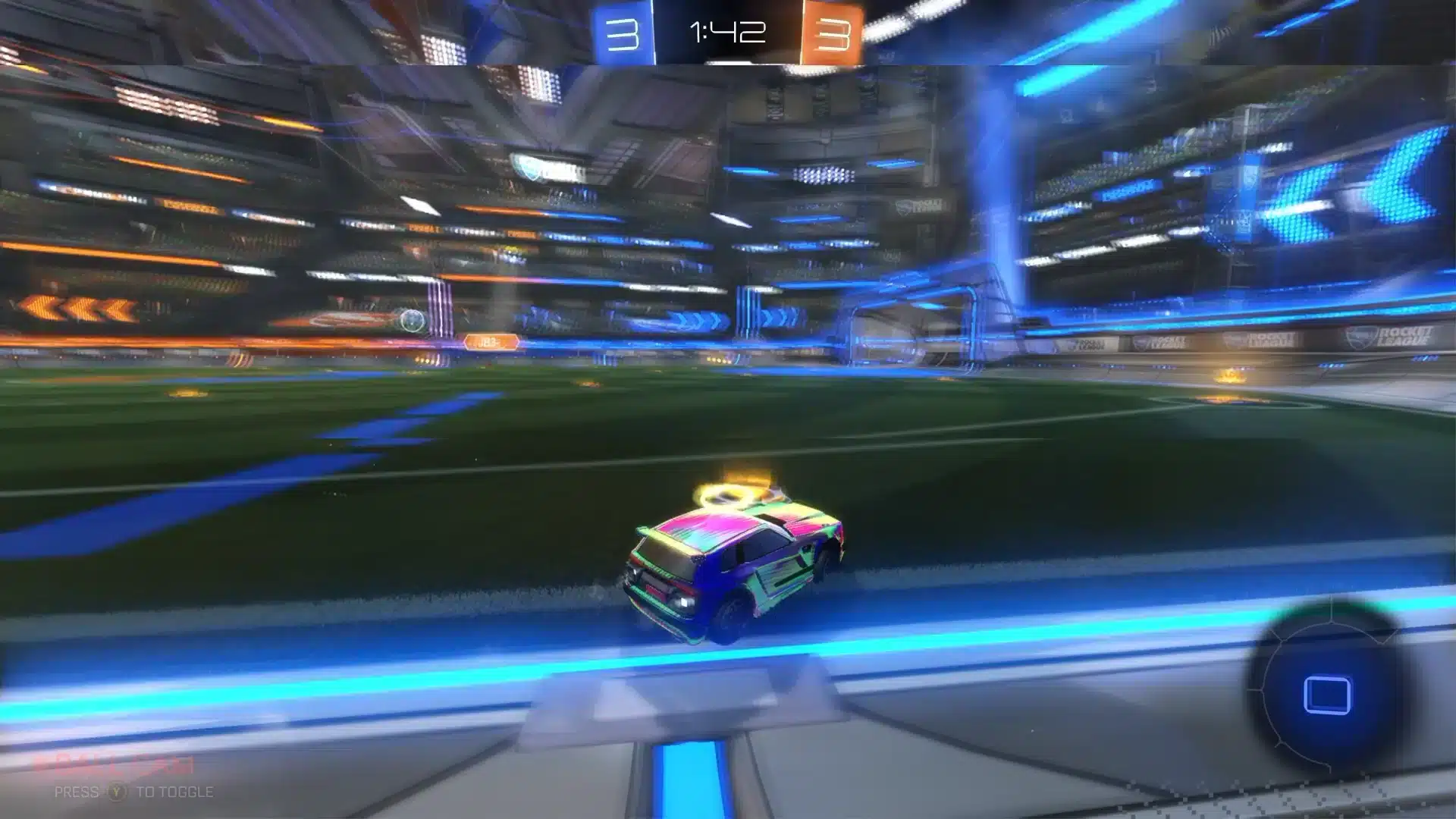
Does Ping Matter in Rocket League?
Rocket League's physics simulation is extremely sensitive to latency. A 20ms difference in ping can be the margin between an aerial goal and a clean miss. For competitive players especially, connection quality is a real performance variable.
ExitLag is a game connection optimizer that routes your traffic through the fastest available paths between your device and Rocket League servers. It is not a VPN: it does not encrypt your traffic or mask your IP. Instead, it uses Multipath Technology to send your data through multiple routes simultaneously, selecting the best one in real time to minimize ping and eliminate packet loss.
For Rocket League Free To Play online on any platform, ExitLag supports PC connections directly. Download ExitLag and test the difference on your connection before your next ranked session.
Is Rocket League Free? Yes, on every platform, with no subscription required to play online. Download it today and start playing.
All game images used in this blog post belong to Psyonix / Epic Games. They are used for informational and educational purposes only and do not imply endorsement or affiliation with the rights holders.



