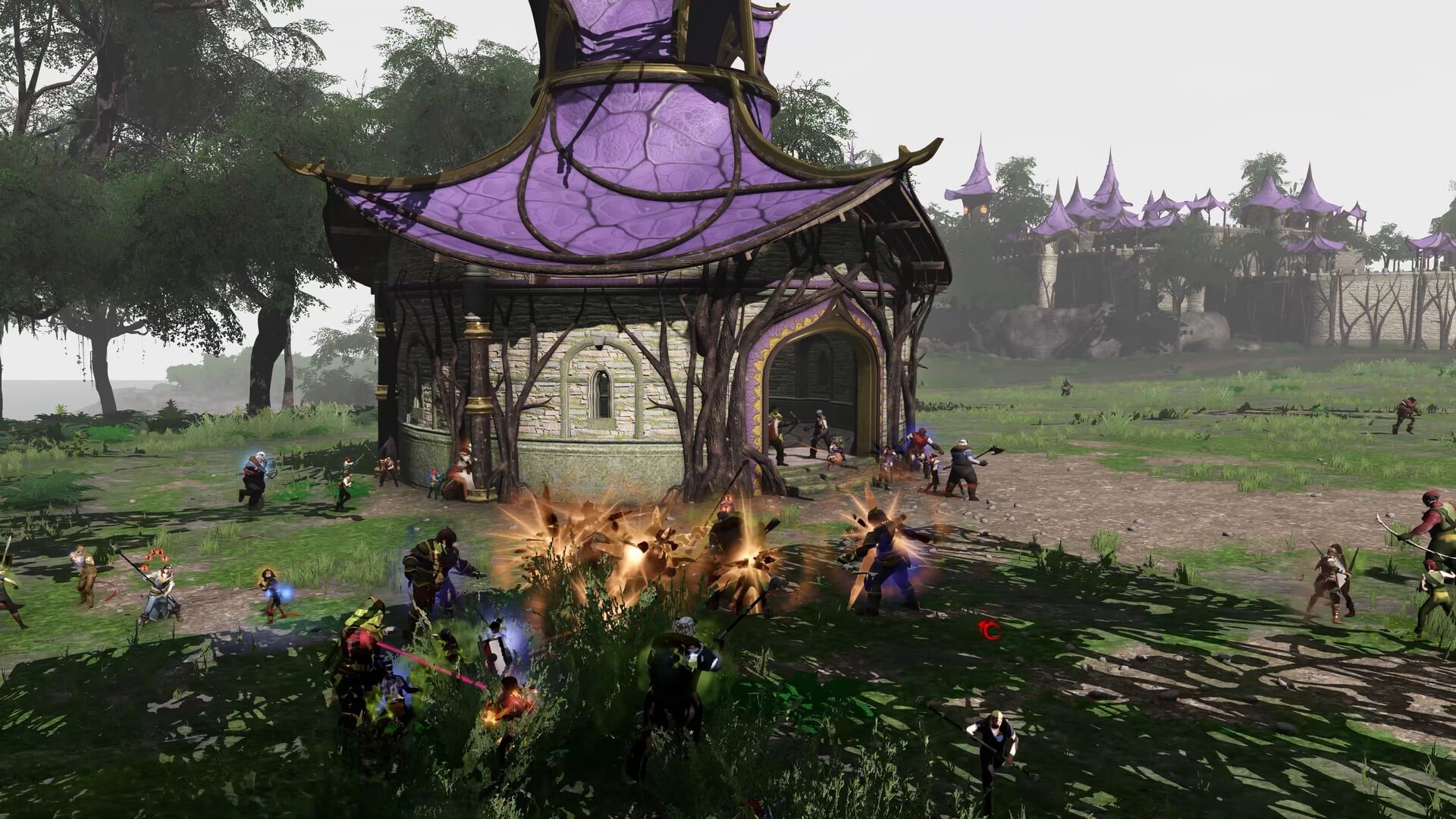
If you play Throne and Liberty Global, few things are more frustrating than having your character freeze, teleport, or fail to respond because of jitter. Unlike simple high ping, jitter creates fluctuating latency that makes actions unpredictable, skills delayed, and movement inconsistent. This kind of instability is especially painful in PvP, large-scale sieges, open-world boss fights, and competitive encounters where timing determines everything.
Throne and Liberty Global is officially listed among the titles supported by popular gaming optimization tools, which you can explore at ExitLag supported games list.
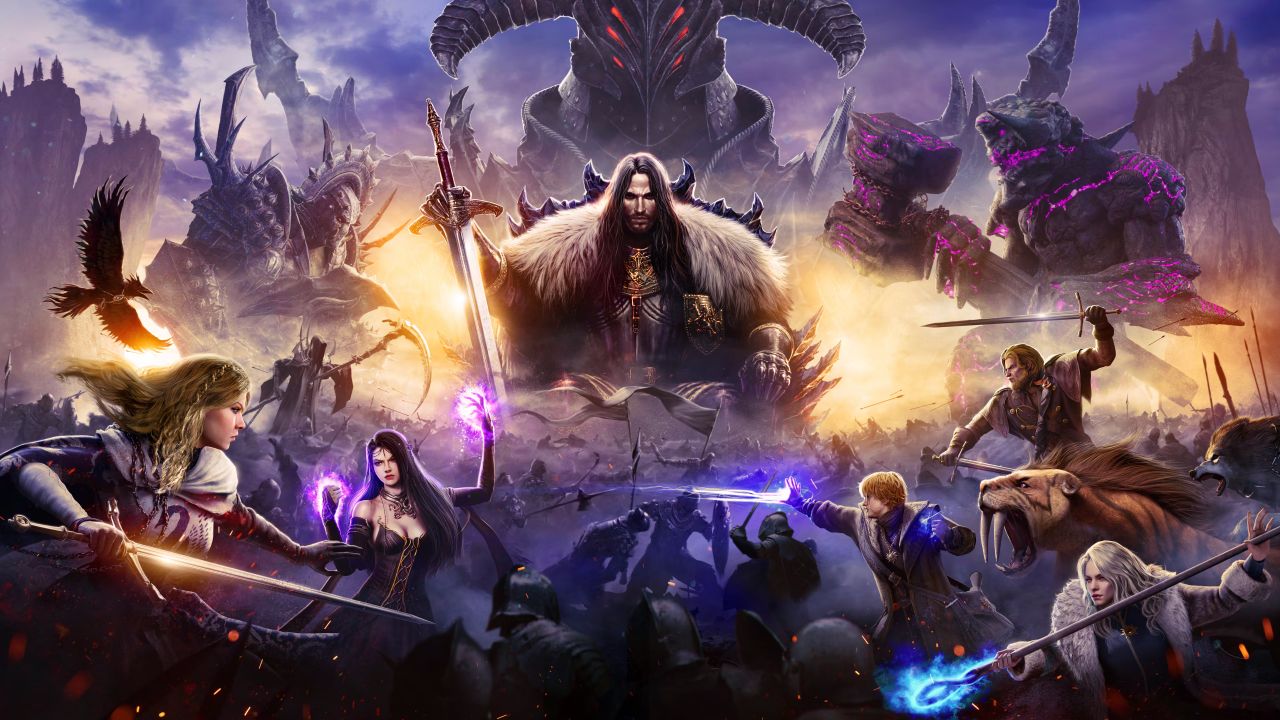
What is jitter in Throne and Liberty Global?
In online games, jitter refers to the irregular variation in latency, meaning the time your connection takes to communicate with the game’s servers is constantly shifting. While ping measures speed, jitter measures consistency, and unstable connections create highly inconsistent response times.
For example:
40ms → 120ms → 75ms → 160ms → 50ms → 130ms
This is severe jitter.
A healthy connection should have latency changes of no more than 5–10ms over time. Anything above that range introduces instability, making it impossible to predict when skills will register or how enemies will appear on your screen. The response time becomes random instead of steady.
In Throne and Liberty Global, where animation locks, timing, dodging, and precise skill execution are crucial, jitter can destroy the entire gameplay experience.
How jitter affects your gameplay in Throne and Liberty Global
Jitter impacts nearly every mechanic in Throne and Liberty Global. Due to the game’s timing-heavy combat and large-scale encounters, unstable latency is extremely noticeable. Common issues include:
- Inconsistent commands: Sometimes your skill fires instantly; other times it takes a full second to cast.
- Unreliable dodges: Timing is everything—jitter makes dodging AOEs or boss mechanics nearly impossible.
- Broken combos: Many classes rely on chained abilities; jitter interrupts the entire rotation.
- Sudden death moments: Enemies or players appear to teleport or blink, catching you off guard.
- Frustrating PvP duels: Hit registration and reaction timing become unpredictable.
- Wasted buffs or consumables: Boosts activate too late or after you’ve already died due to delay.
- Hit registration issues: Sometimes skills register, sometimes they don’t.
- Precision problems: Timing-based abilities, movement cancels, and targeted skills become unreliable.
From dungeons to castle sieges to arena matches, jitter makes Throne and Liberty Global feel chaotic and unresponsive.
Main causes of jitter in Throne and Liberty Global
Network congestion
If several devices use your network at the same time—streaming, downloading, video calls—they compete for bandwidth, creating unstable packet flow and jitter.
Unstable routing
Your ISP does not guarantee stable routes to game servers. If your data is rerouted mid-session, your latency shifts drastically, producing inconsistent response times.
Wi-Fi instability
Wi-Fi is one of the biggest contributors to jitter:
- Signal interference
- Walls and distance
- Competing devices
- Overlapping channels
Wired Ethernet is significantly more stable.
ISP infrastructure issues
Some providers simply have overloaded, aging, or poorly configured infrastructure. Even high bandwidth does not prevent jitter if the routing is unstable.
Distance to Throne and Liberty Global servers
Longer distances mean more hops. More hops mean more chances for variation and instability during packet travel.
Game-level load
Throne and Liberty Global features massive-scale PvP, large raids, public bosses, and zones with hundreds of players. The more data the client must process, the more sensitive your connection becomes to timing inconsistencies.
How to identify and measure jitter in Throne and Liberty Global
Extended ping test
To truly detect jitter, you need to observe ping over time—not just a single number.
Use:
ping google.com -t
If the numbers jump around significantly—40ms, 130ms, 90ms, 150ms—you are experiencing jitter.
In-game signs
Inside Throne and Liberty Global, jitter appears as:
- Constantly shifting ping values
- Gameplay that feels inconsistent
- Moments of smooth performance followed by sudden instability
- Rubberbanding during movement, mounts, or combat
- Variable skill delay—sometimes fast, sometimes late
- An overall unstable feel even when your ping looks “normal”
If your character feels unpredictable from minute to minute, jitter is the cause.
Jitter table
| Jitter Level | Range (ms) | Gameplay Impact |
| Excellent | 0–5ms | Ultra-stable, competitive-ready. |
| Good | 6–15ms | Minor variation, barely noticeable. |
| Moderate | 16–30ms | Noticeable jitter in PvP and raids. |
| Poor | 31–50ms | Frequent delay and rubberbanding. |
| Severe | 50ms+ | Unplayable in competitive or PvE content. |
Basic solutions to reduce jitter in Throne and Liberty Global
Prioritize your connection
- Use Ethernet cable Wi-Fi is unreliable and causes jitter, especially in crowded areas.
- Close background applications Streaming, downloads, cloud sync, and app updates cause unstable bandwidth usage.
- Limit devices on your network Fewer devices = fewer variables = fewer latency spikes.
- Disable automatic updates Windows, Steam, launcher updates, and system tasks trigger bandwidth spikes.
- Update your network drivers Old drivers cause inconsistent packet processing.
- Game-specific optimization Disable overlays or capture tools that may interfere with packet flow.
Configure QoS on your router
Quality of Service allows your router to prioritize Throne and Liberty Global traffic. With QoS enabled, your game packets are always sent first, even during household congestion.
Check with your ISP
If jitter persists:
- Ask your provider to test your line
- Request routing adjustments
- Confirm whether your area is overloaded
- Ask for modem or router replacement
But these fixes are often partial and inconsistent. They do not stabilize routing in real time.
ExitLag: the definitive solution to eliminate jitter in Throne and Liberty Global
What is ExitLag?
ExitLag is a specialized software designed exclusively for connection optimization in online games. Crafted by passionate gamers, it functions as an intelligent connection stabilizer, ensuring your data travels through the most stable, reliable routes to Throne and Liberty Global servers.
ExitLag’s full technology breakdown is available here: ExitLag full technology breakdown
It does not act as a VPN, does not encrypt your traffic, and does not slow down your internet. Instead, it controls and stabilizes your routing with professional-grade precision.
How ExitLag eliminates jitter in Throne and Liberty Global
ExitLag uses advanced Multi-Internet technology, described here: ExitLag multi-route technology explained
It resolves jitter through:
- Multiple simultaneous routes Sends your data through several optimized paths; if one becomes unstable, others take over instantly.
- Intelligent packet selection Eliminates jitter by selecting only the fastest, most stable packets.
- Real-time route optimization Constantly adjusts your routing to maintain stable latency.
- Hop reduction Minimizes travel stages between you and the server, reducing instability points.
- Smart buffering Smooths out packet delivery even when your ISP is unstable.
ExitLag stabilizes every second of gameplay—something ISPs cannot do.
Advantages of ExitLag for Throne and Liberty Global players
Full ping stabilization
Your latency becomes consistent and predictable.
True jitter elimination
Multi-route packet selection ensures smooth, steady gameplay.
Improved timing and skill precision
No more delayed dodges, misfired skills, or uncertain timing.
Competitive advantage
In PvP, wars, arenas, and raids, stable latency is everything.
Works on any server
Official, regional, private, or international.
Simple interface
Just select Throne and Liberty Global, click Apply, and play.
Is ExitLag worth using in Throne and Liberty Global?
ExitLag is ideal if you:
- Experience jitter frequently
- Play in competitive PvP or large-scale content
- Live far from servers
- Experience unstable ISP routing
- Use Wi-Fi or live in a congested area
- Play during peak hours
- Need consistent skill timing for your class
Pricing page: ExitLag pricing and plans
How to use ExitLag in Throne and Liberty Global
The process is extremely simple:
Step 1 – Access the official ExitLag website and download the application. There’s a free trial period for new users.
Step 2 – Install and open the program. Log in with your account.
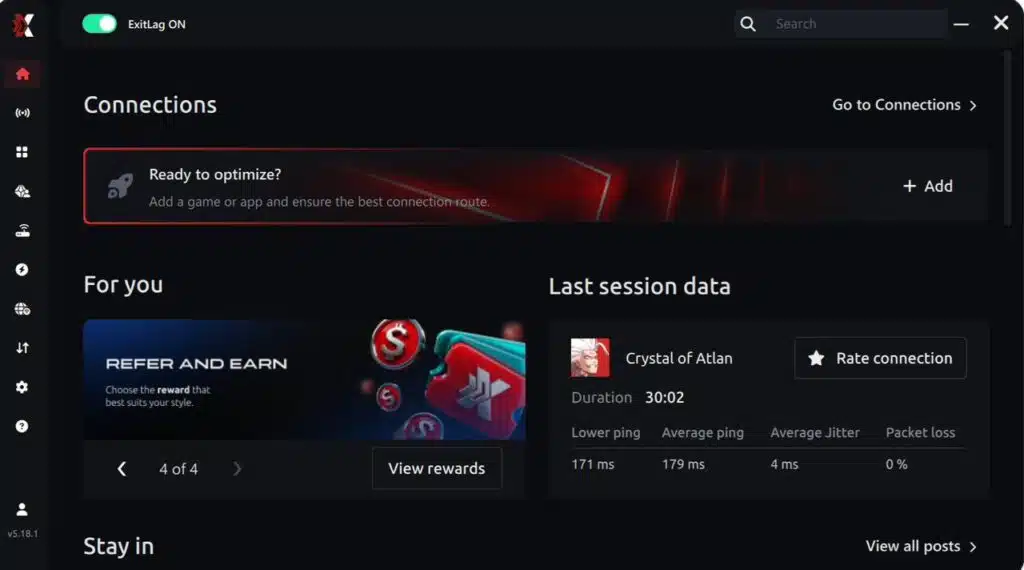
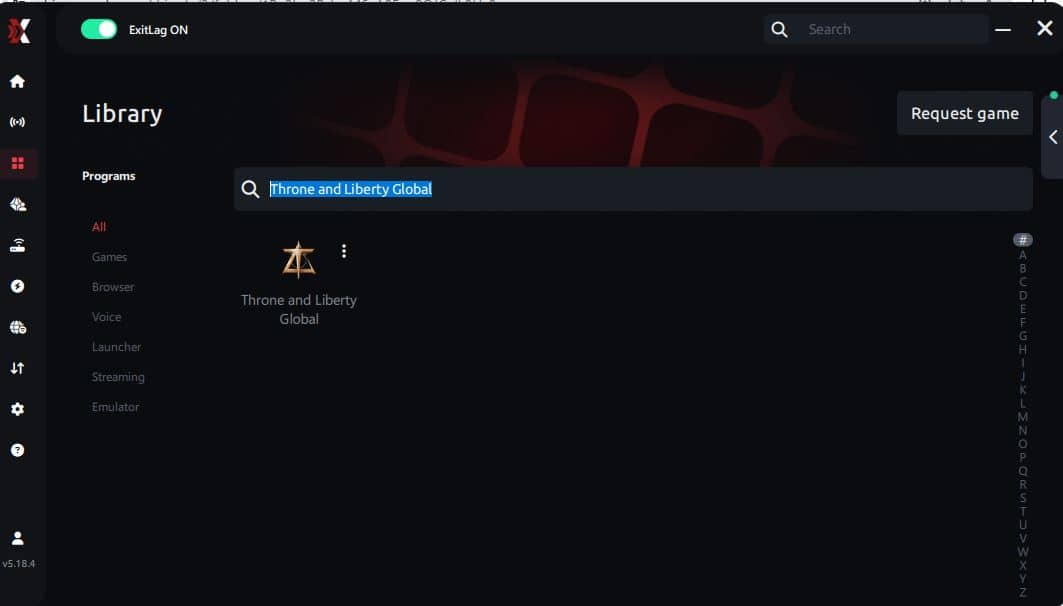
Step 3 – In the search bar, type “Throne and Liberty Global” and select the game from the list.
Step 4 – Choose between automated or manual route
Based on the results, you can let ExitLag automatically select the best route or manually choose the server that showed the lowest latency for your connection.
AI-optimized automated route
Based on the results, you can let ExitLag automatically select the best route through AI optimization. The system analyzes multiple connection paths in real time and automatically identifies the most efficient route for your connection, ensuring the lowest possible latency without requiring manual choices.
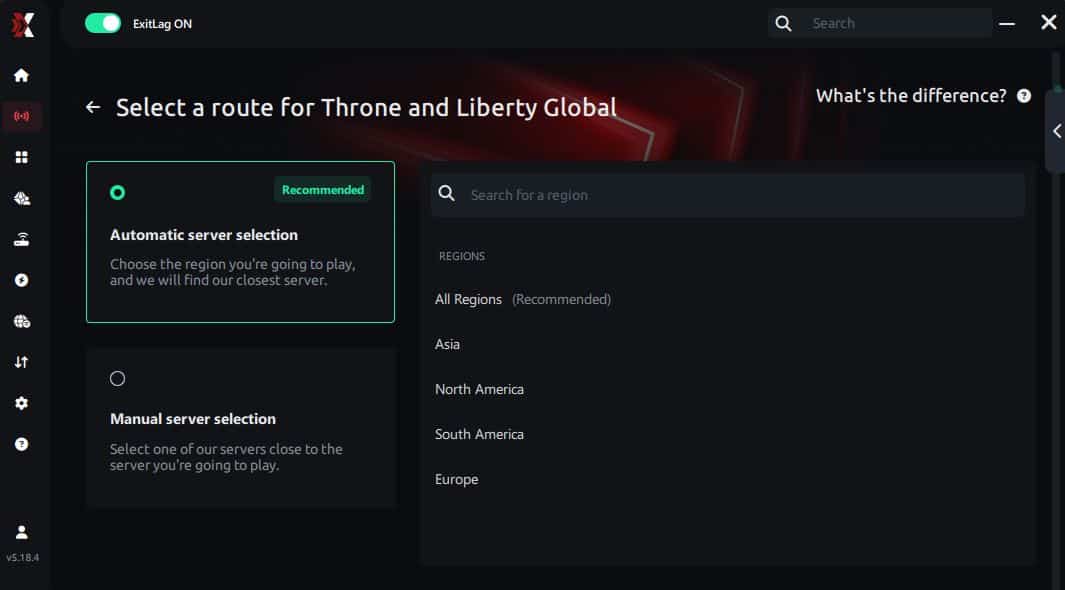
Manual route
If you prefer to have full control over your connection, you can manually choose the server based on the ping test results. Simply select the server that showed the lowest latency or the one that best meets your specific gaming needs, allowing complete customization of your experience.
Step 5 – Click “Throne and Liberty Global” or the play button. ExitLag will begin optimizing your connection automatically.
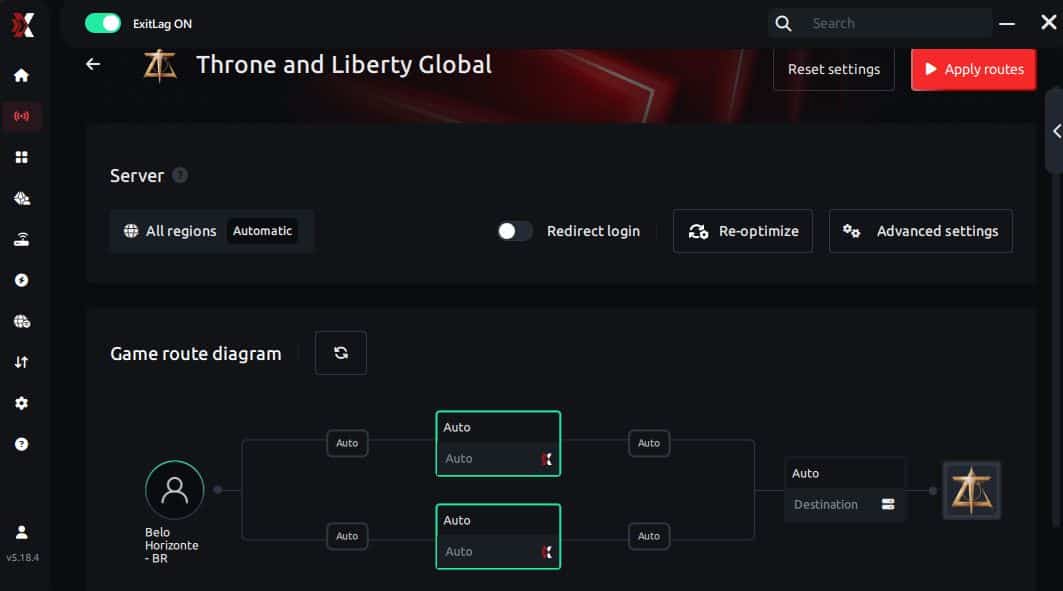
Step 6 – Wait a few seconds until optimization is complete. You’ll see ping indicators in the interface.
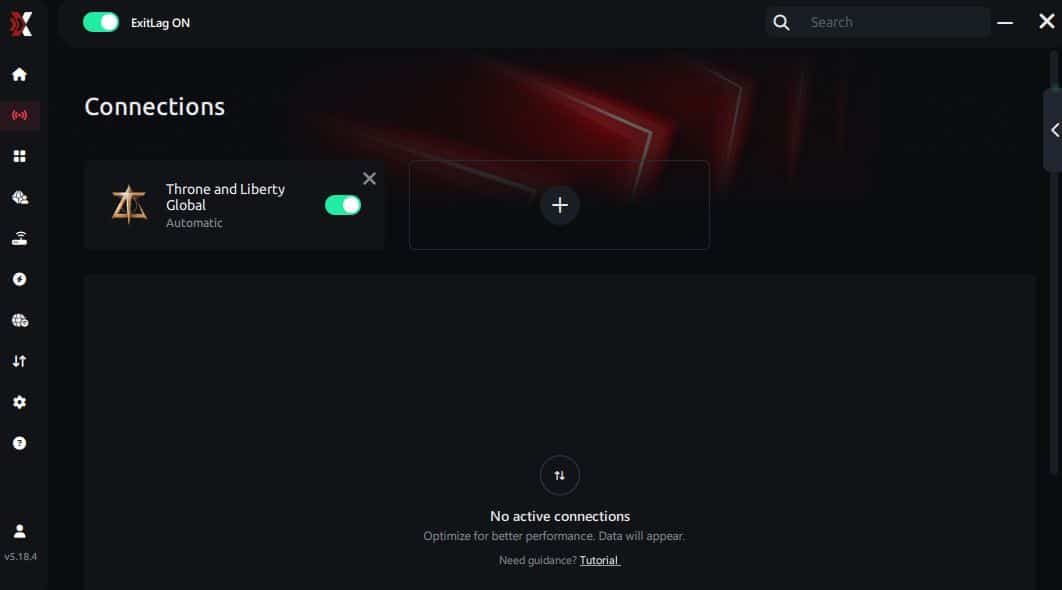
Step 7 – Launch Throne and Liberty Global normally. The optimization will already be active.
ExitLag runs in the background while you play, constantly adjusting routes to maintain the best possible performance.
FAQ: Jitter in Throne and Liberty Global
What is the difference between jitter, lag, and packet loss?
Jitter = fluctuating ping. Lag = delay caused by high ping. Packet loss = lost packets that never reach the server. You can have low ping but high jitter, resulting in terrible gameplay.
Why does my ping fluctuate in Throne and Liberty Global?
Common causes include:
- Network congestion
- Wi-Fi interference
- ISP routing issues
- Server distance
- Excess devices on your network
Is jitter worse than high ping?
Yes, often. A stable 120ms ping is more playable than unstable 50–150ms jitter.
How do I know if I have jitter?
If gameplay feels inconsistent—sometimes fast, sometimes delayed—jitter is likely. Running an extended ping test confirms it.
Does Wi-Fi cause jitter?
Yes. Wi-Fi is highly unstable due to interference. Ethernet is always more reliable.
Does ExitLag fix other issues besides jitter?
Yes. ExitLag also reduces ping, prevents packet loss, and stabilizes routing.
Do I need ExitLag open while playing?
Yes. It must be running to maintain optimized routing.
Why does jitter feel worse during raids and PvP?
More players = more server data = more sensitivity to unstable latency.
Conclusion
Jitter can turn Throne and Liberty Global into a frustrating, unpredictable experience. It ruins timing, disrupts combat, breaks skill rotations, and causes you to lose fights you should have won. But you don’t need to accept fluctuating latency as normal.
With smart optimization—and especially with ExitLag, the definitive solution for stabilizing online gameplay—you can eliminate jitter entirely. ExitLag gives Throne and Liberty Global players the stability needed for fast responses, precise control, and competitive consistency.
Never let unstable latency ruin your dungeon runs, castle sieges, or PvP ranking again. Stable gameplay is achievable.
Read more optimization tips here: ExitLag blog optimization tips
Take control of your Throne and Liberty Global experience. Stabilize your connection. Remove jitter. Play at your full potential.
Start your ExitLag free trial now: Start your ExitLag free trial