League Of Legends Mods have become one of the most searched topics among players who want a fresh look for their favorite champions. From custom skins to visual overlays, the modding scene around Summoner’s Rift is bigger than most people realize. However, not every mod is created equal, and understanding the difference between safe and risky tools matters more than ever.
Riot Games has a clear but often misunderstood stance on modifications. Some League Of Legends Mods are tolerated as long as they stay purely cosmetic, while others can put your account at serious risk. Knowing exactly where that line sits is the key to enjoying custom content without losing years of progress.
To answer the main question directly: League Of Legends Mods that only change visuals on your own screen, such as client-side skin swaps, are generally tolerated by Riot under a use-at-your-own-risk policy, while mods that alter hitboxes, reveal hidden information, or inject code into the game process are strictly against the rules and carry a real ban risk. This distinction is the foundation for everything else in this guide.

What Are League Of Legends Mods?
League Of Legends Mods are third-party files or programs that change how the game looks or behaves on a player’s own computer. Most commonly, these mods swap the visual appearance of a champion skin without touching gameplay systems. Furthermore, they never affect what opponents see during a match.
The vast majority of popular league of legends game mods fall into the cosmetic category. They replace textures, particle effects, or animations locally. As a result, the server never receives any modified data, and the match outcome stays completely fair.
Cosmetic Mods vs Gameplay Mods
Not all modifications carry the same risk. Understanding this split is essential before downloading anything.
- Cosmetic mods: Change skins, recall animations, or splash art. They stay local and do not touch competitive systems.
- Gameplay mods: Alter hitboxes, camera zoom, or reveal fog of war information. These break Riot’s rules directly.
- Injector-based tools: Insert code into the running game process, which Vanguard is specifically built to detect.
- File-replacement tools: Swap static assets on disk without touching live memory, generally considered lower risk.
How League Of Legends Skin Mods Actually Work
Most league of legends skin mods rely on a mod manager that intercepts the game’s request for a skin file. Instead of loading Riot’s official asset, the manager redirects the client to a custom file stored on your machine. Consequently, only you see the new skin, while every other player in the match sees the default appearance.
This process happens entirely offline in terms of gameplay logic. The manager does not communicate with Riot’s servers to validate or unlock anything. Therefore, no stats, damage values, or hitboxes are changed at any point.
Is Riot Okay With League Of Legends Game Mods?
Riot’s official position has stayed consistent for years: third-party modifications are technically against the Terms of Service, but purely cosmetic tools are treated as use-at-your-own-risk rather than an automatic bannable offense. This means Riot reserves the right to act, even if enforcement has historically been rare for cosmetic-only changes.
Two golden rules define what tends to stay safe. First, the mod cannot reveal hidden information, alter hitboxes, or change the camera zoom level. Second, it cannot be used to unlock an official paid skin for free without purchasing it.
- Skins that recreate a look already sold in the store, without payment, are treated as piracy.
- Mods that change minimap visibility or reveal enemy positions cross into gameplay manipulation.
- Any tool that injects code into League’s process is flagged by Vanguard, Riot’s kernel-level anti-cheat.
- Sharing or selling modified skins publicly increases visibility and, therefore, increases risk of review.
What Changed With Vanguard?
Vanguard is Riot’s kernel-level anti-cheat system, and it fundamentally shifted how mods are evaluated. Because Vanguard monitors deeper system activity than previous anti-cheat solutions, injector-based tools are detected far more consistently today.
However, Riot has also refined Vanguard to reduce unnecessary friction for legitimate players. On qualifying hardware, the kernel driver now loads only while League Of Legends is actually running and unloads on exit. This adjustment does not change the rules around mods, but it does show Riot is actively balancing security with player experience.
Popular Tools For League Of Legends Mod Skins
Several community tools have become the standard way players install league of legends mod skins. Most of them rely on the same underlying format, which packages skin assets into a single container file.
| Tool Type | Purpose | Risk Level | Notes |
|---|---|---|---|
| Mod manager (file-based) | Loads custom skin packages locally | Low to moderate | Does not inject into live memory |
| Skin package format | Stores textures and configuration | Low | Purely cosmetic container, no code execution |
| Injector-based changer | Alters running game process | High | Frequently flagged by kernel-level anti-cheat |
| Paid or cracked skin unlockers | Claims to unlock store skins for free | Very high | Considered piracy, high ban probability |
Steps To Check If A Mod Is Safe Before Installing
Before installing any league of legends mod, run through a quick verification process. This habit alone prevents most of the problems players run into.
- Confirm the tool only replaces local skin files and does not claim to modify hitboxes, camera, or vision.
- Check that the source is a known community project with an active, transparent development page.
- Read recent community feedback to see if the tool still works after the latest client update.
- Verify the mod does not promise free access to a paid skin currently sold in the in-game store.
- Scan the downloaded file with updated antivirus software before running it.
Why Do Players Still Get Banned For League Of Legends Mods?
Most bans linked to league of legends game mods do not come from a cosmetic skin swap itself. Instead, they trace back to bundled scripts, injectors, or unrelated third-party programs running alongside the skin tool. Riot’s detection systems look at overall behavior, not just a single file.
Another common cause is timing. Riot occasionally reviews historical data and issues ban waves months after the actual mod use occurred. As a result, some players are surprised when an account gets flagged long after they assumed the risk had passed.
Are Free Skin Websites Safe To Use?
Many websites promise unlimited free custom skins, but not all of them are trustworthy. Some genuinely host cosmetic-only Fantome-style packages, while others bundle malware disguised as a skin installer.
- Only download from sources with a visible, established community track record.
- Avoid executable files that request unusual permissions during installation.
- Prefer packages that clearly state they are cosmetic-only and local to your machine.
- Never enter your Riot account credentials into a third-party skin website.
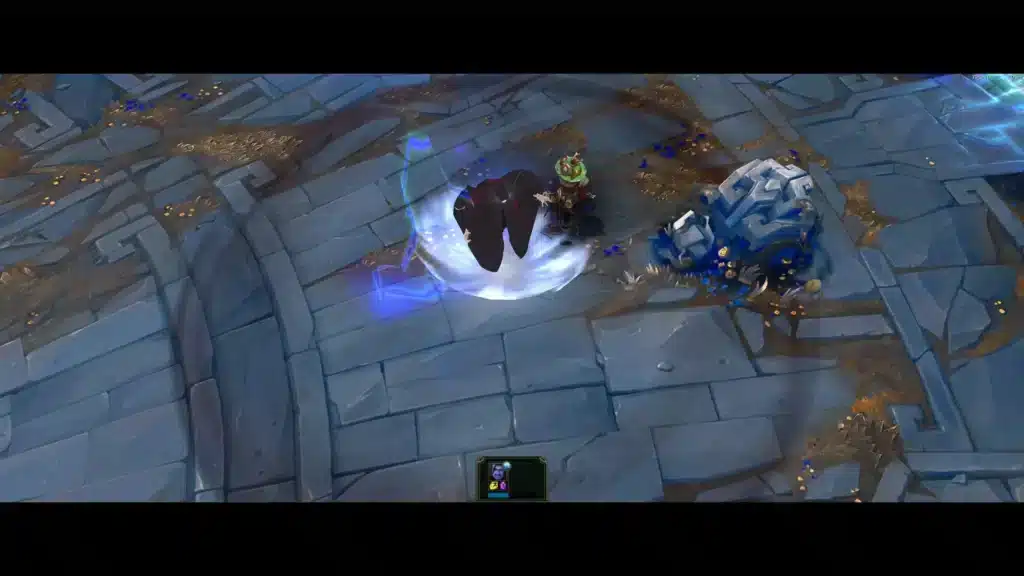
Pro Tips: League Of Legends Mods
Use these strategies to enjoy custom content while keeping risk as low as possible.
Pro Tips: League Of Legends Mods
- Stick to cosmetic-only tools: Mods that never touch hitboxes, vision, or camera zoom stay within Riot’s tolerated range, which significantly lowers ban probability.
- Update mods after every patch: League’s client changes frequently, so an outdated mod manager can break or trigger unexpected anti-cheat flags.
- Keep a clean install for ranked play: Some players remove all mods before important ranked sessions, reducing exposure during periods with active ban waves.
- Avoid third-party executables from unknown forums: Legitimate mod managers are open source and reviewable, which is a strong safety signal compared to closed, unverifiable tools.
- Never mix skin mods with scripting tools: Combining cosmetic changes with any script that affects gameplay dramatically increases detection risk, even if the skin itself is harmless.
Common Mistakes Players Make With League Of Legends Mods
Avoiding these mistakes keeps your account safer and your experience smoother.
Common Mistakes League Of Legends Mods Players Make
- Downloading from random links shared in chat: Players often grab mod files from unverified sources, which increases malware exposure. Fix: only use community-trusted mod managers with public repositories.
- Assuming all mods are equally safe: Many players lump cosmetic skins and gameplay-altering tools into the same category. Fix: verify exactly what the mod changes before installing it.
- Ignoring client updates: An outdated mod can behave unpredictably after a patch, sometimes triggering unnecessary anti-cheat attention. Fix: update or disable mods immediately after every League patch.
- Using mods to unlock paid skins for free: This crosses directly into piracy territory and carries the highest ban risk of any modding activity. Fix: only use mods for skins you would not otherwise purchase, treated strictly as a local visual preview.
Getting A Smoother Match While Using League Of Legends Mods
Cosmetic mods change what you see, but they do nothing for your actual connection quality during a match. Lag, packet loss, and unstable routing can undo the fun of a fresh skin far faster than any visual change can fix it. That is where a dedicated connection optimizer becomes genuinely useful.
ExitLag is not a VPN. It analyzes multiple network paths in real time and automatically selects the fastest, most stable route between your PC and League’s servers. It does not encrypt traffic, does not mask your IP, and does not interact with anti-cheat systems in any way.
For competitive titles like League Of Legends, that translates into faster inputs, lower ping, and fewer moments of packet loss during a crucial teamfight. ExitLag supports thousands of titles across PC and Mobile, with servers spread across dozens of countries, and it is safe to run alongside cosmetic mods since it never touches game files or injects code.
- Real-time optimization: Reduces delay and packet loss, making abilities and last-hits feel more responsive.
- Multipath technology: Routes traffic through multiple paths simultaneously, so a single failure does not disconnect you mid-fight.
- AI-powered routing: Automatically picks the fastest stable path with one click, while manual customization stays available for advanced users.
If unstable ping has been costing you ranked games, you can grab the ExitLag Download and test the difference in your very next match.
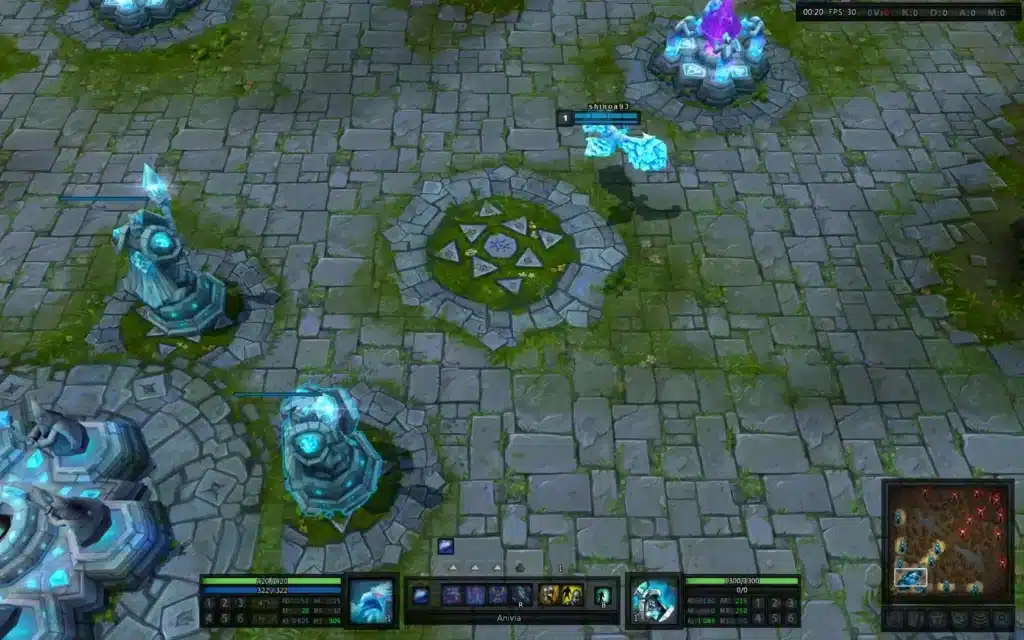
Frequently Asked Questions About League Of Legends Mods
A few final questions come up constantly among players exploring custom content.
Can You Get Permanently Banned For League Of Legends Skin Mods?
Permanent bans specifically for cosmetic-only league of legends skin mod use are uncommon, but they are not impossible. The higher risk comes from injector-based tools or mods bundled with unrelated scripts, so staying strictly cosmetic matters.
Do League Of Legends Mods Work After Every Patch?
Not always immediately. Because League receives frequent updates, mod managers sometimes need a short period to catch up before custom skins load correctly again.
League Of Legends Mods remain a gray area that rewards players who stay informed and cautious. League Of Legends Mods that stick to cosmetic changes, come from trustworthy sources, and stay updated after every patch offer the lowest realistic risk. Combine that careful approach with a stable, optimized connection, and your games will look better and feel smoother at the same time.
All game images used in this blog post belong to Riot Games. They are used for informational and educational purposes only and do not imply endorsement or affiliation with the rights holders.
Got questions or want to connect with other players? Join the conversation at the ExitLag Forum!