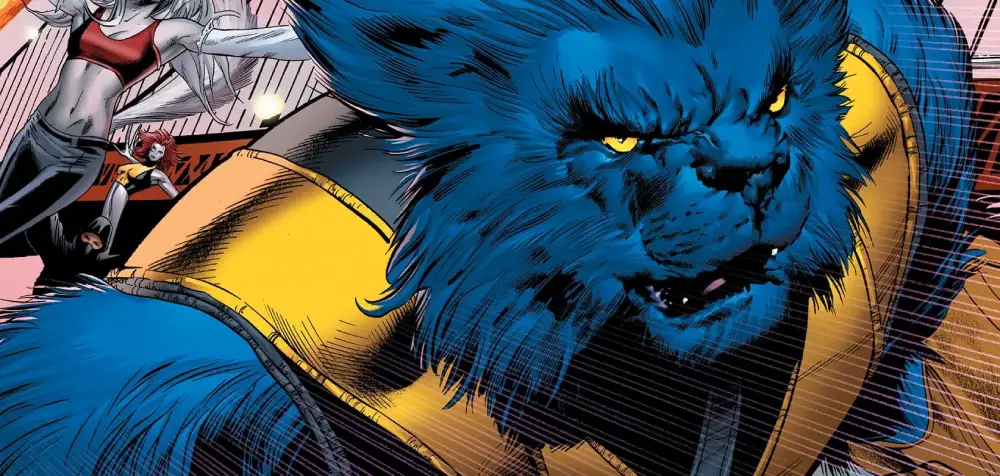
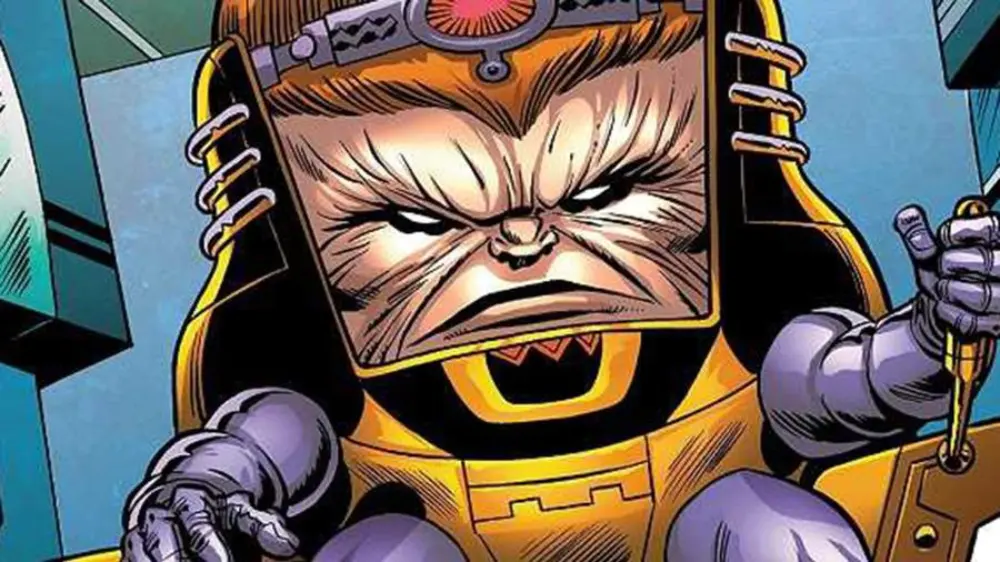
The Marvel Universe is colliding with the fast-paced world of competitive gaming in the Marvel Rivals beta, a thrilling new team-based PVP shooter developed by NetEase and Marvel Games.
If you're eager to start but run into issues, check out these common Marvel Rivals crashing fixes.
With iconic heroes and villains, destructible environments, and unique team-up abilities, Marvel Rivals is generating huge excitement among fans and gamers alike. From Iron Man to Loki, each character brings something unique to the battlefield. You’ll find that the game emphasizes cooperation, strategy, and mastery of each hero's abilities.
This Marvel Rivals beta testing phase serves as a golden opportunity for passionate players to not only get early hands-on experience, but also directly influence the game’s development through feedback and bug reports. With limited beta slots and exclusive features, participating early means you can explore the evolving metagame before launch and earn unique beta rewards.
Players who join the Marvel Rivals closed beta not only gain bragging rights but also a chance to help balance characters, suggest improvements, and provide insights that can shape the final release. The developers are especially keen on community feedback during this stage, as it allows them to fix unforeseen bugs, optimize gameplay loops, and polish visual elements based on real-world usage.
Want to be one of the first to test the game? This comprehensive guide breaks down everything about the Marvel Rivals beta sign up process, including how to get Matvel Rivals beta key, download the game, understand the mechanics, and start playing before the official launch.
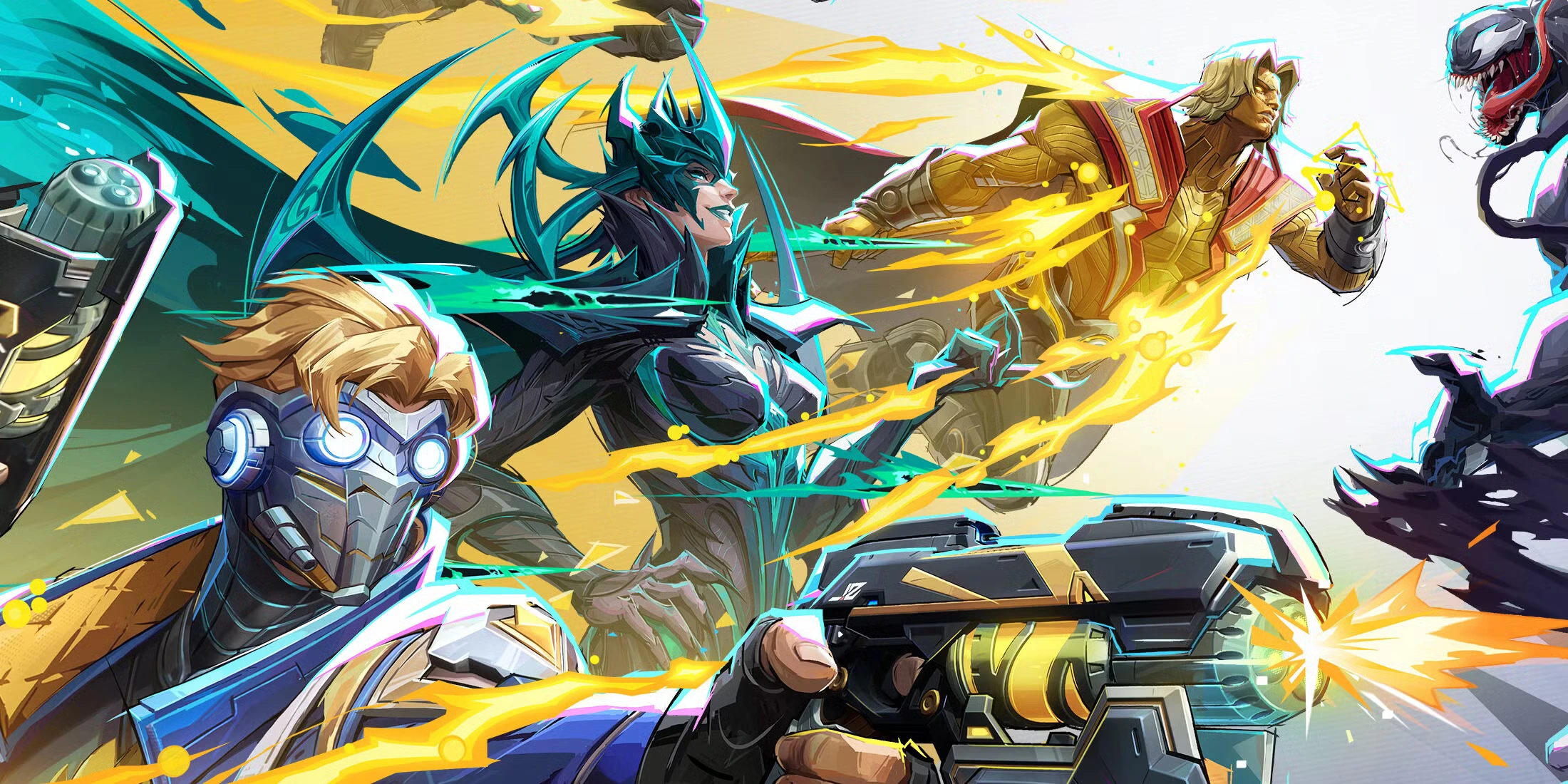
What is the Marvel Rivals beta?
The Marvel Rivals beta is a limited-time early access version of the full game, specifically designed for testing. The purpose is to evaluate gameplay mechanics, performance under load, and community feedback to inform final adjustments. NetEase Games and Marvel Games have confirmed both open beta and closed beta stages.
In a closed beta, players must register and be selected to participate. Invitations often include beta keys or codes, and access may be restricted to specific regions or platforms. In contrast, an open beta allows anyone to join without prior approval, offering broader access to the general public.
This approach benefits developers by simulating real-world server loads and revealing balancing issues that may not surface during internal testing. It also builds excitement and buzz around the game, encouraging players to share their experiences online and helping the game go viral before its full release.
If you're encountering connection issues or unusual messages, be sure to consult this list of Marvel Rivals error codes and their solutions.
Why join the beta?
- Experience Marvel Rivals beta before public release.
- Provide direct feedback to improve the final version.
- Experiment with a dynamic roster of Marvel heroes and villains.
- Gain insight into the meta and strategic depth of 5v5 team battles.
- Earn exclusive in-game rewards for participation.
- Build familiarity with the game before official ranked seasons begin.
- Help uncover bugs and glitches, contributing to a more polished product.
- Be part of a vibrant early community that could evolve into an esports scene.
How to sign up for the Marvel Rivals beta
Signing up for the Marvel Rivals beta varies based on your platform, region, and the current testing phase. Below is a general guide to help you secure access.
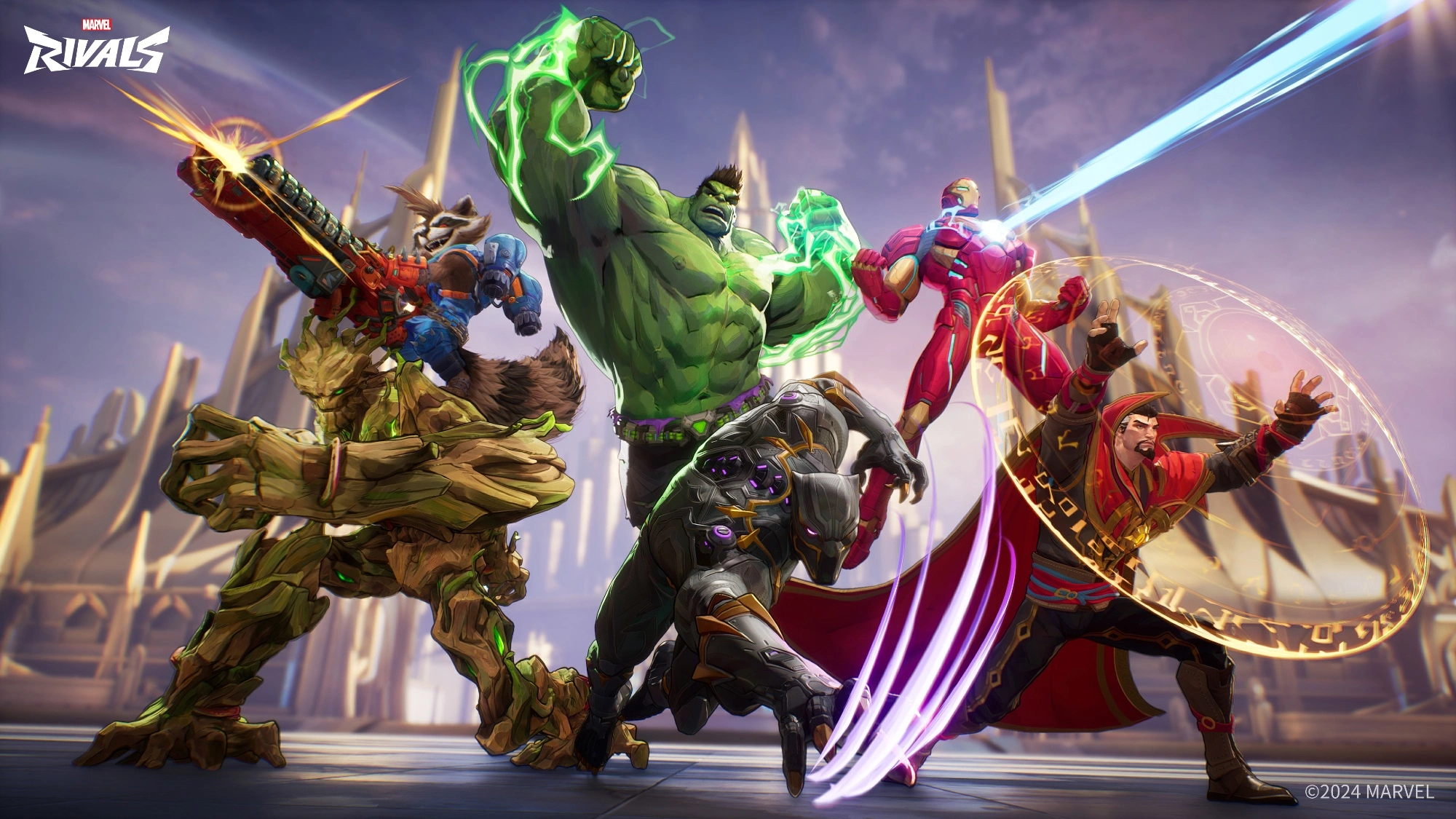
Marvel Rivals beta sign up Steam
To sign up on Steam:
- Visit the Marvel Rivals Steam Page.
- Look for the "Request Access" button and click it.
- Wait for an email or notification confirming your participation.
For PlayStation 5 and other platforms
- Visit the official Marvel Rivals website.
- Log in or create an account.
- Choose your platform and enter the necessary information.
- Submit your request and await confirmation.
Additional sign-up tips
- Join the official Marvel Rivals Discord to receive real-time alerts.
- Follow the @MarvelRivals Twitter account for beta announcements and key drops.
- Participate in promotional campaigns with content creators for bonus entry chances.
- Check regional forums or subreddits that might announce country-specific access waves.
How to get a Marvel Rivals beta key or code
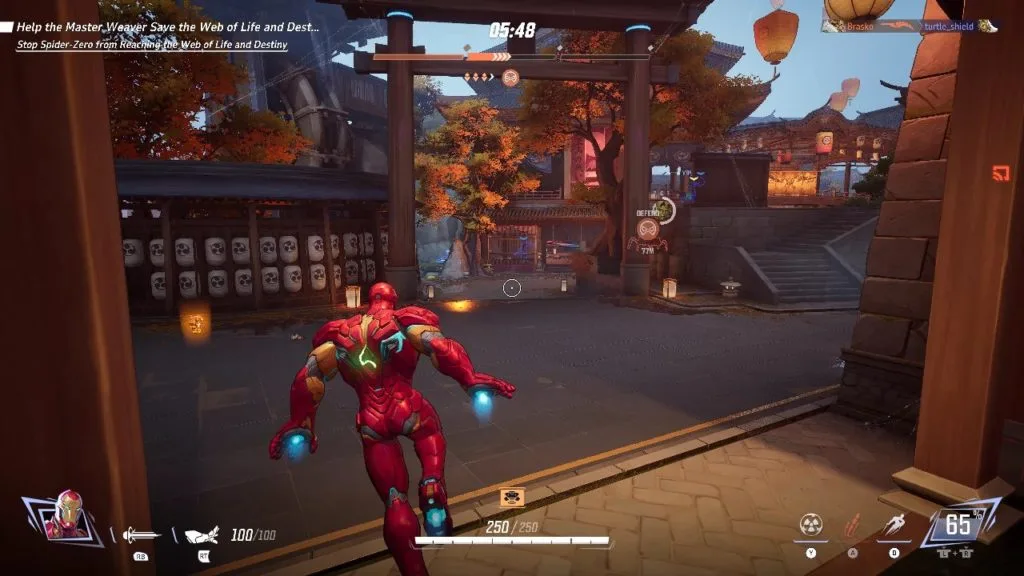
Gaining access to the closed beta may require a Marvel Rivals beta key or beta code. These keys are limited in quantity and are usually distributed through:
- Email Invitations: Watch your inbox if you’ve registered.
- Social Media Contests: Participate in official giveaways on Twitter, Facebook, and Instagram.
- Twitch Drops: Earn a key by watching partnered streamers during select promotional periods.
- Content Creator Campaigns: Follow creators who are part of the promotional campaign. They may have spare keys for giveaways.
- Influencer and Press Events: Subscribe to gaming newsletters or follow popular streamers who might receive codes to distribute.
⚠️ Only trust keys distributed through official channels. Avoid third-party resellers.
Many players also report that engaging regularly on Discord or creating fan art/content may improve your chances of being selected.
To dive deeper into character lore, check out this spotlight article about Star-Lord in Marvel Rivals.
Marvel Rivals beta release date and access schedule
Exact Marvel Rivals beta release dates may vary across regions and platforms. Below is a projected timeline of beta availability:
| Region | Access Start | Access End | Type |
| NA | July 1, 2025 | July 10, 2025 | Closed beta |
| EU | July 2, 2025 | July 10, 2025 | Closed beta |
| Global | July 15, 2025 | July 30, 2025 | Open beta |
To receive the most current information on the Marvel Rivals beta release date, subscribe to the official newsletter and activate notifications on social media platforms.
You can also check the latest news updates from the development team for real-time insights and announcements.
Some phases may also offer staggered access based on platform or account registration date, so early sign-ups often get rewarded with priority access.
How to play Marvel Rivals beta and what to expect
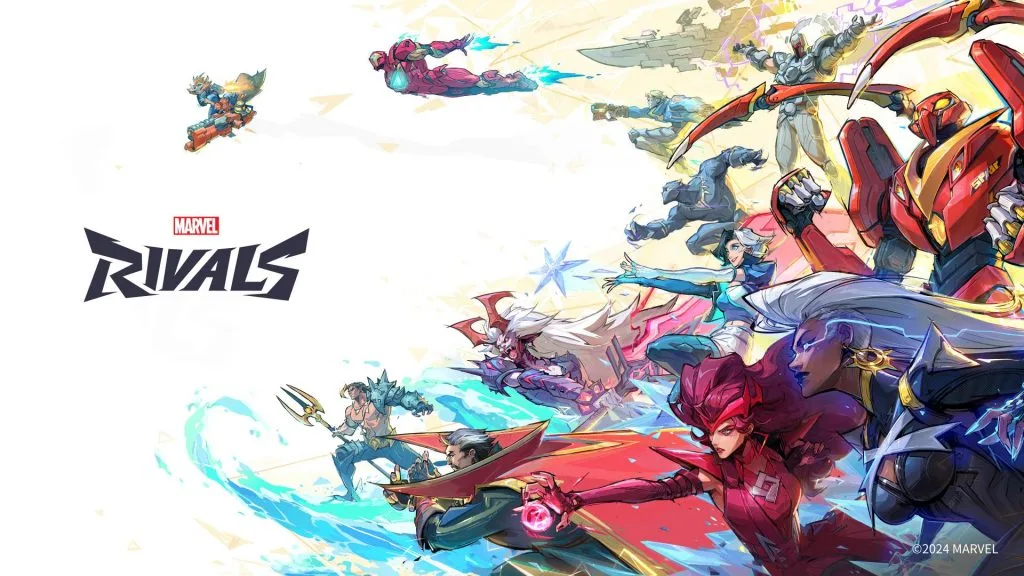
Once you have beta access, it’s time to jump in and experience Marvel Rivals beta firsthand. Here’s what the beta includes:
Core gameplay content
- Roster: Start with around 12 unlockable characters including Iron Man, Spider-Man, Magneto, Storm, and Loki.
- Game Modes: 5v5 PVP team modes with objective-based combat.
- Maps: Several maps featuring destructible terrain and interactive elements.
- Training Tools: Tutorials and practice ranges to master hero mechanics.
Key features:
- Character Synergy: Mix and match hero abilities for combo attacks.
- Interactive Maps: Collapse walls or activate hazards for strategic advantages.
- Live Feedback: Players can report bugs, suggest improvements, and view developer patch notes in real time.
- Customization: Limited-time skins, sprays, and emotes may be testable.
- Progress Tracking: Although progress might be wiped post-beta, you’ll gain valuable familiarity with maps and mechanics.
Marvel Rivals beta download
To download the Marvel RIvals beta:
- Steam: Log into your account and access the game through your Library.
- PS5: Use the redeem code sent to your account email.
- Other Platforms: Follow instructions sent by Marvel Rivals based on your registration method.
You may need to agree to a confidentiality agreement or bug reporting policy depending on the phase. beta download sizes could range between 15–25 GB, so ensure you have enough disk space in advance.
FAQs about the Marvel Rivals beta
How to sign up for Marvel Rivals beta?
Visit the official website or the Steam page and complete the registration process. For PS5, log into your PlayStation account and follow the platform-specific prompts.
How to play Marvel Rivals beta?
After installing the game, launch it from your respective platform. Complete the onboarding tutorial, customize your hero settings, and start queuing for matches.
How to get a Marvel Rivals beta key?
Monitor your email, follow official social channels, and participate in community events. Keys are also given out during Twitch streams and through content creator campaigns.
When does Marvel Rivals beta start?
The closed beta launches on July 1, 2025. The global open beta begins on July 15, 2025.
When does Marvel Rivals beta end?
The open beta concludes on July 30, 2025. Post-beta surveys may be available to collect feedback.
Is Marvel Rivals beta available on PS5/Steam?
Yes. Marvel Rivals is available on Steam and PS5 during both beta phases. Additional platforms like Xbox or mobile may be added later.
Can I still get access to Marvel Rivals beta?
Yes, if spots are available. Stay active on social media, sign up through the website, or win a key through contests.
Get an edge with ExitLag during the beta
A reliable internet connection is essential for enjoying any competitive multiplayer game. During betas, server overloads and network spikes are common.
ExitLag provides professional-grade connection routing, allowing your traffic to bypass congestion by finding the fastest route to the game’s servers. The result: significantly reduced ping, less packet loss, and smoother gameplay.
With ExitLag, you can focus on mastering combos, landing ultimates, and coordinating with your team—without being hindered by lag.
Benefits of using ExitLag for Marvel Rivals beta
- Multi-path connection optimization
- Real-time performance monitoring
- Improved server selection based on your location
- One-click activation and setup
- Compatible with hundreds of games including Marvel Rivals
- Free trial available for new users
Final thoughts on Marvel Rivals beta sign up and next steps
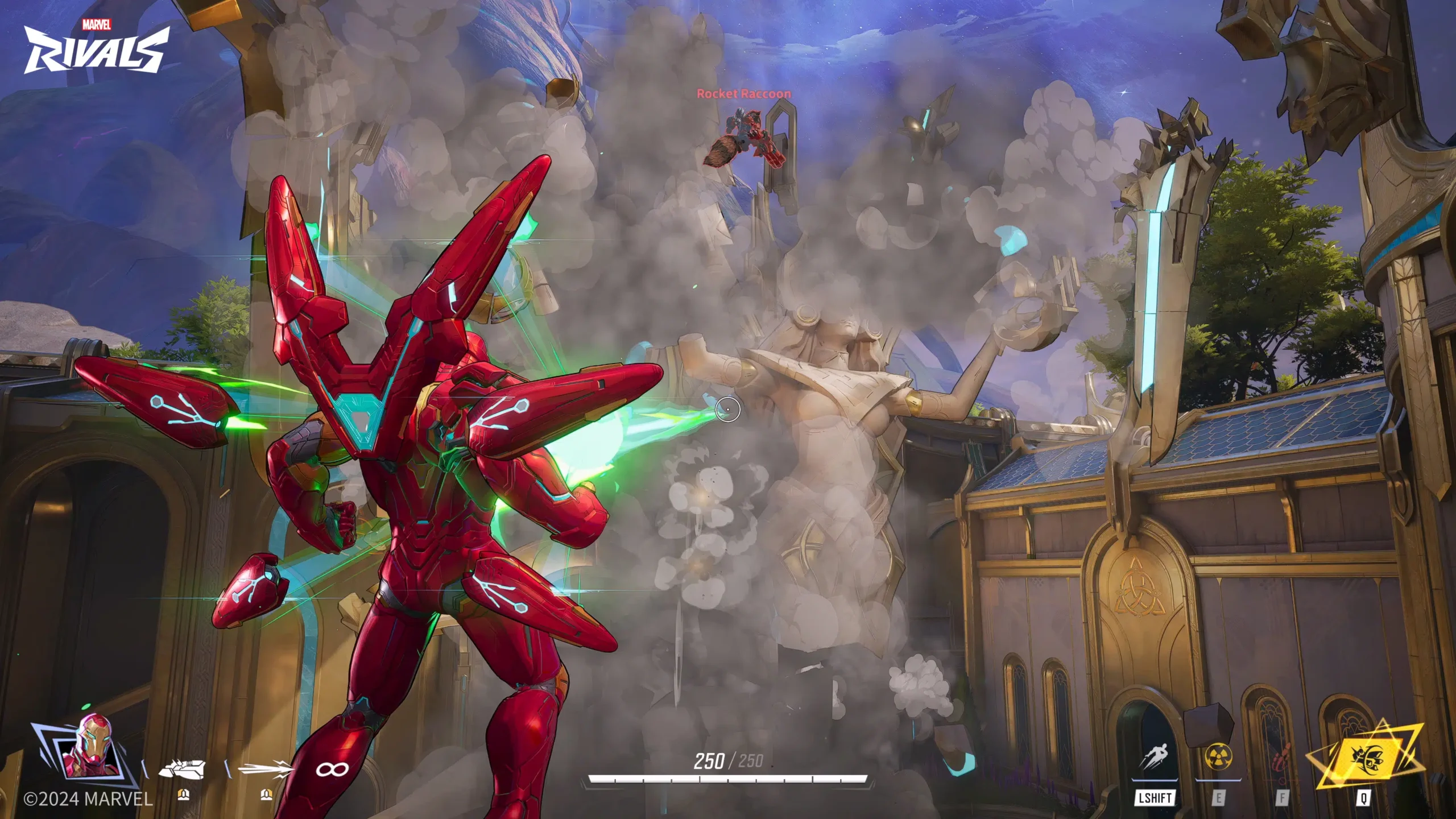
The Marvel Rivals beta is your best chance to dive into the Marvel gaming universe before the official release. With structured team gameplay, cinematic visuals, and competitive depth, it’s set to become one of the most anticipated titles in the hero shooter genre.
🦸 Sign up, play, and shape the game’s development with your input.
🛡️ And to ensure smooth gameplay throughout, install ExitLag and gain the competitive edge from day one.
Still waiting for your code? While you prepare, install ExitLag to ensure lag-free gameplay the moment you get access. Marvel heroes deserve a stable connection—so do you.