Marvel Rivals Download is straightforward for most players, but the game's storage requirements and system specs catch many people off guard before they start. Knowing exactly what you need before you commit to a download saves time and prevents mid-install surprises on hardware that cannot run it well.
Marvel rivals download is available for free on Steam. The game is free-to-play with no purchase required to access the full roster of heroes. The initial download is approximately 70GB, with the full installed size reaching upward of 124GB once updates and patches are applied. An SSD is strongly recommended for both installation and load time performance.
How to download marvel rivals comes down to creating a free Steam account, finding the game in the Steam store, and clicking Install. However, the system requirements, storage preparation, and post-install settings adjustments are what determine whether the game actually runs smoothly from the first session. This guide covers all of it.
Marvel Rivals Download: PC System Requirements
Minimum and Recommended Specs
Before starting your marvel rivals download pc, verify that your hardware meets at least the minimum requirements. Running below minimum specs results in unstable frame rates, crashes, and a poor first experience.
Minimum Requirements:
- OS: Windows 10 64-bit (version 1903 or newer)
- CPU: Intel Core i5-6600K or AMD Ryzen 5 1600X
- RAM: 16GB
- GPU: NVIDIA GeForce GTX 1060 6GB or AMD RX 580 8GB
- DirectX: Version 12
- Storage: 70GB available space (SSD recommended)
Recommended Requirements:
- OS: Windows 10 or 11 64-bit
- CPU: Intel Core i7-8700K or AMD Ryzen 7 3700X
- RAM: 16GB (32GB for best performance)
- GPU: NVIDIA GeForce RTX 2080 Super or AMD RX 6800 XT
- DirectX: Version 12
- Storage: 70GB SSD (additional space for future patches)
| Spec Category | Minimum | Recommended |
| CPU | i5-6600K / Ryzen 5 1600X | i7-8700K / Ryzen 7 3700X |
| GPU | GTX 1060 6GB / RX 580 8GB | RTX 2080 Super / RX 6800 XT |
| RAM | 16GB | 16-32GB |
| Storage | 70GB (SSD preferred) | 124GB+ SSD |
| OS | Windows 10 64-bit | Windows 10 or 11 64-bit |
Storage Planning
The initial download is roughly 70GB, but Marvel Rivals has received consistent content updates since launch. Each season update adds new maps, heroes, and cosmetics, pushing the total installed size past 100GB on active installations. Clear at least 130GB of SSD space before beginning the install to avoid running out of room after future updates without warning.
If you have both an HDD and SSD, always direct the install to the SSD. Load times on a hard disk drive are significantly longer than SSD, which makes the between-match loading screen wait noticeably worse for HDD users.
How to Download Marvel Rivals on PC
Steam Installation Steps
How to download marvel rivals on PC follows this process:
- Open a web browser and navigate to store.steampowered.com.
- Create a free Steam account if you do not already have one. No credit card is required for free-to-play games.
- Download and install the Steam client if you have not already.
- Log into Steam and use the search bar to find "Marvel Rivals."
- Click on the Marvel Rivals store page and select "Play Game" or "Install."
- Choose your installation directory. Select your SSD if one is available.
- Confirm the install and wait for the download to complete. At average broadband speeds, the initial 70GB download takes 30 to 90 minutes.
- Once downloaded, launch the game through Steam to trigger the initial shader compilation and first-run setup.
The first launch includes a shader pre-compilation step that takes several minutes. This is normal and only happens once. Do not close the game during this phase.
Alternative: Epic Games Store
Marvel Rivals is also available on the Epic Games Store for players who prefer that platform. The installation process mirrors Steam: create a free account, find the game, and click Install. Both versions are free and receive simultaneous updates. Your progress and purchases are tied to the platform you choose and are not cross-transferable between Steam and Epic.
Marvel Rivals System Requirements: Performance Tuning
Graphics Settings for Different Hardware Tiers
After installing, matching your graphics settings to your hardware tier prevents frame rate instability in the game's busiest team fight moments.
Low-End Hardware (GTX 1060 / RX 580):
- Set overall quality to Low
- Disable ray tracing if toggled on
- Cap frame rate to 60 FPS for consistency
- Reduce resolution scaling to 85% if needed in busy team fights
Mid-Range Hardware (RTX 2060 / RX 6700):
- Medium to High quality settings
- Ray tracing optional (drops about 15-20 FPS when enabled)
- Target 120 FPS with DLSS or FSR enabled
- Motion blur: disabled (improves visual clarity in fast-paced fights)
High-End Hardware (RTX 3080 / RX 6900 XT and above):
- Ultra or Epic settings
- Ray tracing on if targeting 60+ FPS
- DLSS Quality or FSR Quality mode for best balance
- Frame rate cap at 144 or uncapped for high refresh rate monitors
Network Settings and Region Selection
At first launch, Marvel Rivals automatically selects your server region. Verify this is set to your nearest region in the Settings menu under Network. Playing on a distant server region causes noticeably higher ping that affects projectile hit registration and ability responsiveness in a game where reaction windows are tight.
Enable the in-game ping display to monitor your latency during matches. A stable connection under 60ms provides a smooth competitive experience. Connections above 100ms cause visible shot registration delays.
Marvel Rivals Download: What to Do After Installing
First Steps After Launch
After the game finishes its first-run setup, follow these steps to get into your first match efficiently:
- Complete the tutorial to unlock your first free hero.
- Claim all available login bonuses from the Missions and Events tab.
- Set your graphics and control preferences in Settings before your first real match.
- Play Quick Match with starter heroes to learn movement and ability timing before ranked.
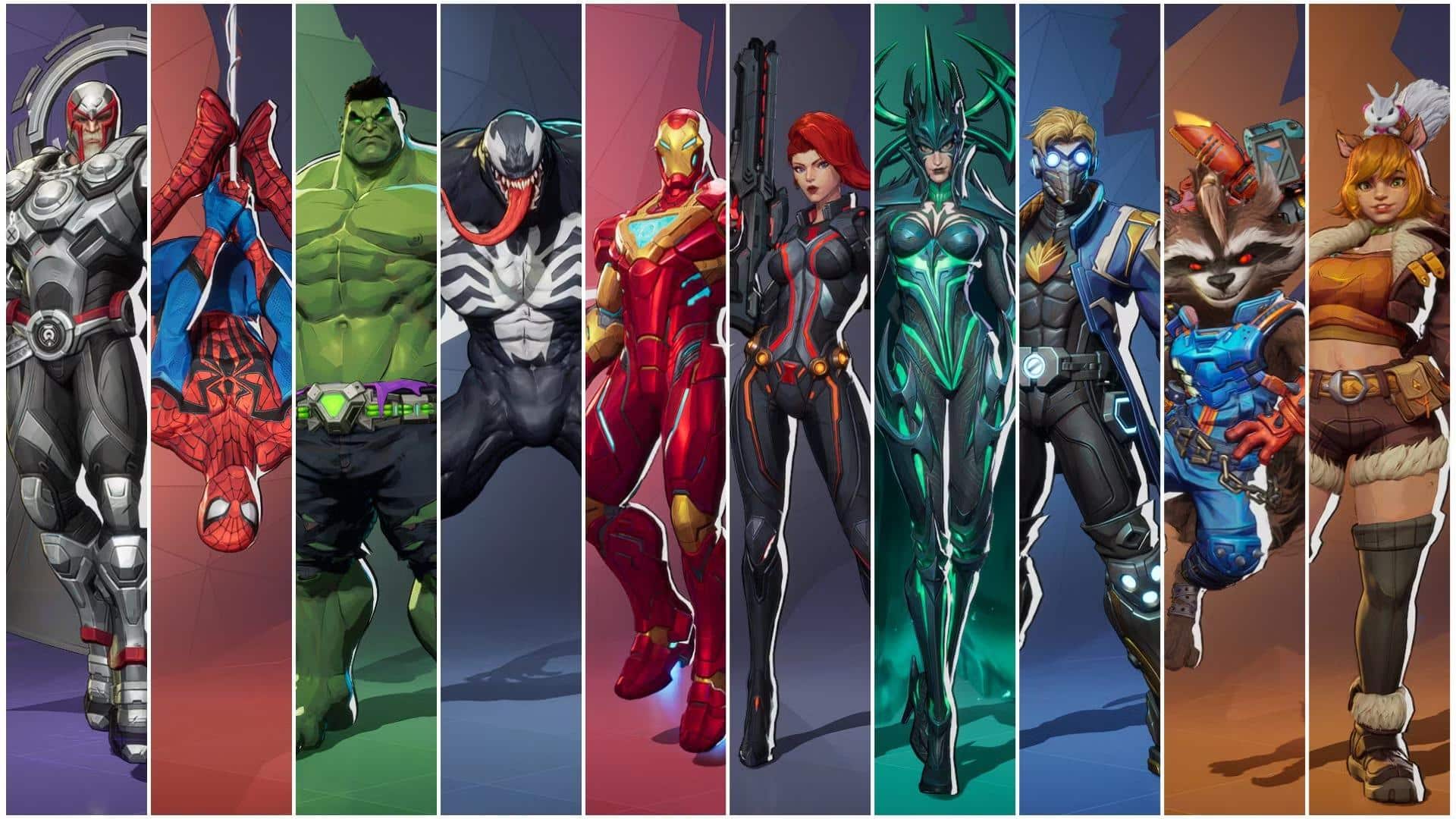
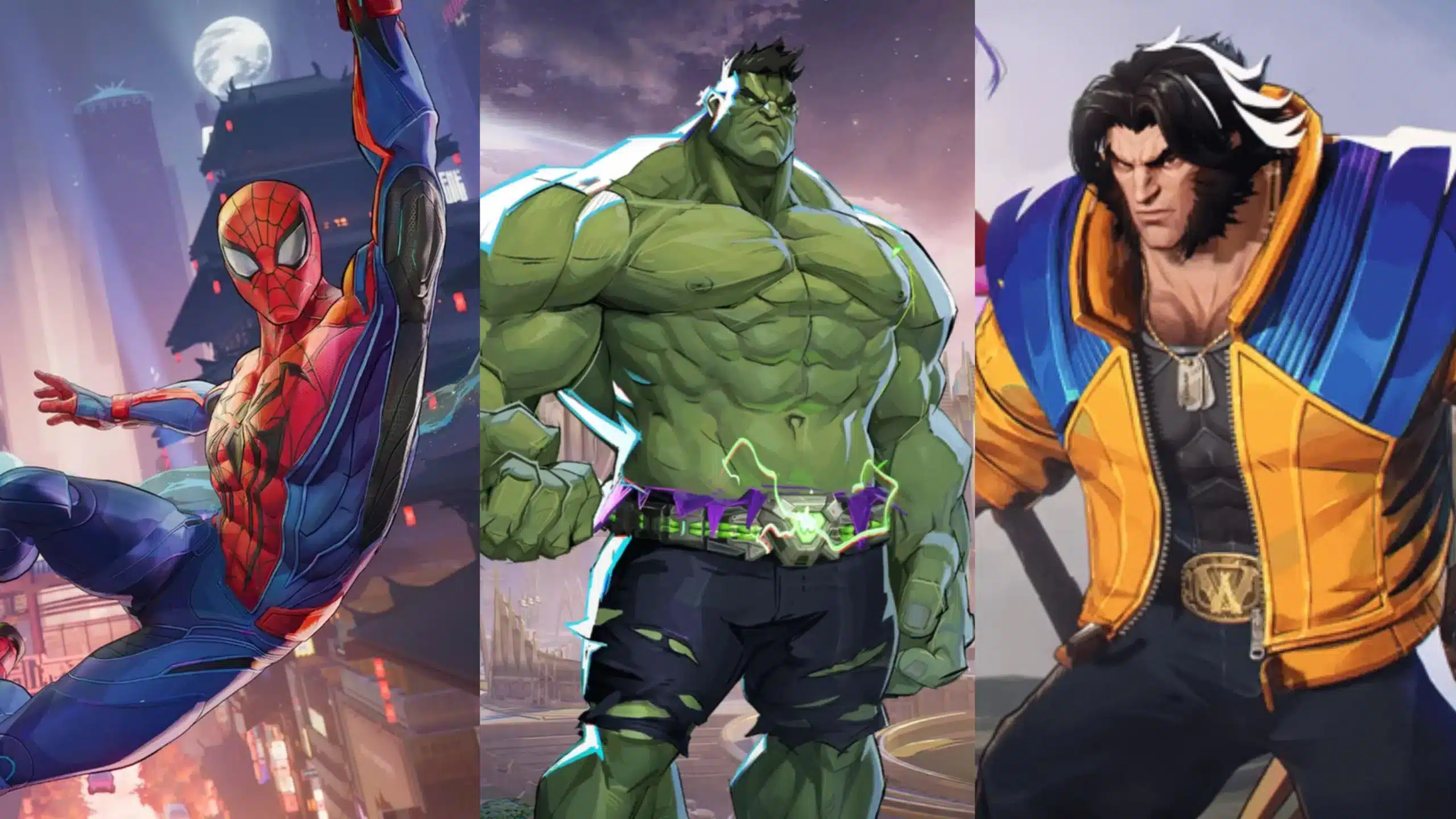
- Explore the hero roster and identify two or three characters whose playstyles appeal to you.
Marvel rivals download also includes a rotating free hero trial system that lets you play any hero during a trial period even before unlocking them permanently. Take advantage of trial periods to explore the full roster before spending Lattice (the premium currency) on heroes you have not tested.
Hero Acquisition and Free Content
Marvel Rivals provides a meaningful amount of free content for new players. The base roster includes heroes available without purchase through the seasonal free track, and the game's battle pass has a free tier that rewards consistent play without requiring purchase.
Prioritize the seasonal mission chain immediately after install. These missions provide free currency, heroes, and cosmetics that give new players a substantial head start before spending anything.
Pro Tips: Marvel Rivals Download
- Install on SSD from the start: Moving large game installations after the fact is cumbersome. Choose your SSD as the install location during the initial Steam install rather than relocating it later.
- Complete the tutorial before jumping into Quick Match: The tutorial teaches ability mechanics that are not intuitive from a simple hero description. Even experienced players from other hero shooters benefit from the tutorial's mechanical overview.
- Enable the FPS counter immediately: Monitoring your frame rate from the first session helps you identify whether your current settings are causing performance issues before they affect your placement matches.
- Check your server region after install: Automatic region detection is occasionally incorrect. Manually verify you are on the right server in Network Settings before playing competitive modes.
- Use the hero trial system before purchasing: Do not spend premium currency on a hero based on a video clip alone. Play the trial version in a real match environment to confirm the playstyle suits you.
Common Mistakes Marvel Rivals Download Players Make
- Installing on an HDD instead of an SSD. HDD installations cause long load times between matches and delayed texture streaming in-game. Fix: During the Steam install prompt, manually select your SSD as the installation directory rather than accepting the default location.
- Skipping the shader compilation on first launch. Closing the game during shader pre-compilation causes stutters and micro-freezes in every subsequent session until the compilation runs to completion. Fix: Let the first-launch shader compilation finish completely before entering a match.
- Not checking server region at first login. New players on the wrong region server experience 150ms+ ping in every match without realizing the setting exists. Fix: Navigate to Settings, then Network, immediately after first login and confirm your region is set to the nearest available option.
Play Marvel Rivals at Lower Ping With ExitLag
Marvel rivals download gets your game installed, but connection quality determines whether you actually play at your best. In a game where abilities fire in tight windows and projectile hit registration depends on milliseconds, a stable, low-latency connection is not optional for competitive play.
ExitLag is a game connection optimizer that routes your traffic through the fastest, most stable network path to Marvel Rivals' servers in real time. It is not a VPN and does not affect game files or account data.
For marvel rivals download pc users and all competitive players, ExitLag provides:
- Reduced ping and packet loss to Marvel Rivals servers worldwide
- Multipath Technology automatically selecting the fastest route to your region
- Multi-Internet support for instant fallback if your primary connection drops mid-match
Download ExitLag for PC and play Marvel Rivals at the connection quality your hardware deserves
All game images used in this blog post belong to Marvel and NetEase Games. They are used for informational and educational purposes only and do not imply endorsement or affiliation with the rights holders.