Using minecraft color codes is one of the best ways to personalize text, signs, server messages, and in‑game communication. Whether you’re decorating your base, formatting commands, or managing a server, color formatting helps everything look cleaner and more professional.
In this guide, you’ll learn how to use every minecraft pc color codes, how formatting works, how to apply colors to signs, and how to create styled text using a minecraft color code generator.
Understanding what color codes are, where they work, and who benefits from them will help you format your builds and messages with precision. Minecraft’s color formatting is simple once you learn the basics-and this guide covers everything you need.
What Are Minecraft Color Codes?
Minecraft uses a set of codes to apply colors and text effects using the section symbol (§) or, on Bedrock, the ampersand (&). These codes change the appearance of text in:
- Signs
- Chat messages
- Server plugins
- Command blocks
- Books & written texts
- Custom item names
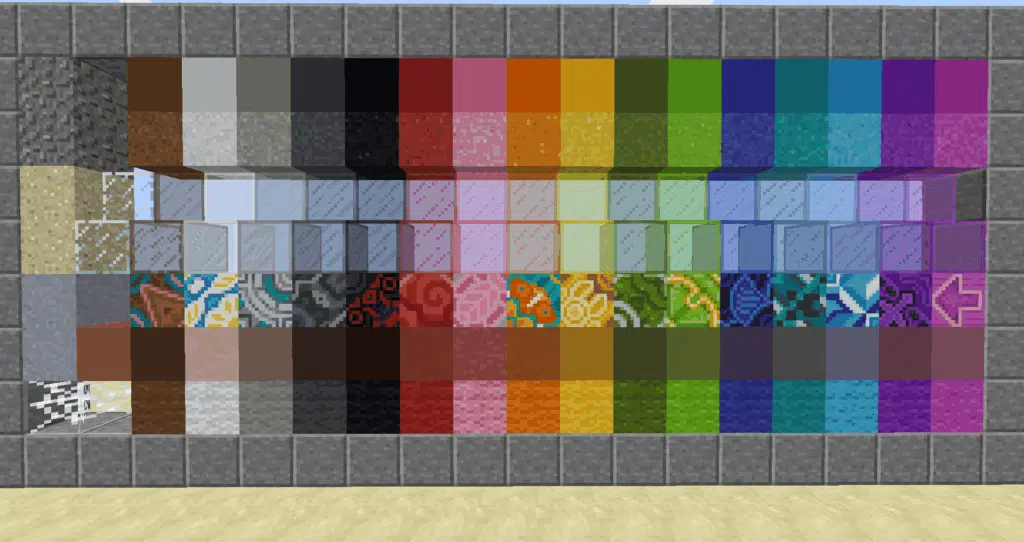
Color codes Minecraft options include 16 base colors plus several formatting modifiers.
How Color Codes Work in Minecraft
In Java Edition, formatting uses the § symbol, followed by a character.
Example:
§cHello World
This prints red text.
In Bedrock Edition and many server plugins, players can use &, making it easier to type.
Example:
&6Gold Text
Complete Minecraft Color Code Table
Below is the full color list used in Java and Bedrock.
| Color | Code | Hex Example |
| Black | §0 | #000000 |
| Dark Blue | §1 | #0000AA |
| Dark Green | §2 | #00AA00 |
| Dark Aqua | §3 | #00AAAA |
| Dark Red | §4 | #AA0000 |
| Dark Purple | §5 | #AA00AA |
| Gold | §6 | #FFAA00 |
| Gray | §7 | #AAAAAA |
| Dark Gray | §8 | #555555 |
| Blue | §9 | #5555FF |
| Green | §a | #55FF55 |
| Aqua | §b | #55FFFF |
| Red | §c | #FF5555 |
| Light Purple | §d | #FF55FF |
| Yellow | §e | #FFFF55 |
| White | §f | #FFFFFF |
These are the core minecraft color code values used everywhere in text formatting.
Text Formatting Codes
Minecraft also includes style modifiers.
| Effect | Code |
| Bold | §l |
| Italic | §o |
| Underline | §n |
| Strikethrough | §m |
| Obfuscated (magic text) | §k |
| Reset style | §r |
These can be combined with colors.
Example (bold red text):
§c§lDanger!
Using Minecraft Color Codes on Signs
One of the most common uses is minecraft sign color codes, which allow players to decorate builds with colored text.
Java Edition
You can type the § symbol directly if your keyboard supports it.
Common method:
- Windows: Alt + 21 or Alt + 0167
- Mac: Option + 6
Then type the color code after the section symbol.
Example:
§1Blue Letters
Bedrock Edition
Signs use & instead of §.
Example:
&6Golden Sign Text
Using Minecraft Color Codes in Command Blocks
Command blocks support color formatting for titles, subtitles, tellraw messages, and more.
Example command:
/tellraw @a {“text”:”Welcome!”,”color”:”gold”}
Or using raw formatting:
/execute as @a run title @s subtitle {“text”:”§dHello Player”}
Server Plugins and Color Codes
Plugins such as EssentialsX, LuckPerms, and MiniMessage allow:
- Gradient colors
- Rainbow text
- Hex formatting
- Permissions-based color usage
Many servers also enable formatting in:
- Chat prefixes
- Scoreboards
- MOTDs
- Custom items
This makes color code Minecraft formatting important for server administrators.
Using a Minecraft Color Code Generator
A minecraft color code generator tool helps players create:
- Gradient text
- Rainbow patterns
- Multi-colored signs
- Hex color sequences
These tools convert hex colors into Minecraft-ready formatting automatically.
Common generator features:
- Copy-paste formatting
- Preview of text colors
- Hex-to-Minecraft translation
This is especially useful for large signs or server titles.
Creating Gradient Text for Advanced Builds
Using hex codes, you can create custom gradients.
Example (MiniMessage format):
<gradient:#ff0000:#ffff00>Medieval Village</gradient>
This blends red to yellow.
Common Uses for Color Codes in Survival and Servers
Players frequently use colors to improve:
- Storage system labels
- Base navigation signs
- Custom item names
- Chat clarity
- Roleplay builds
- Adventure maps
In server environments, color codes enhance:
- Ranks
- Scoreboards
- Rules boards
- Warp menus
How ExitLag Improves Multiplayer Formatting Projects
When you’re working on massive builds, adventure maps, or multiplayer formatting systems, connection stability matters. Color-coded systems, command blocks, and plugin menus often require navigating large servers.
ExitLag enhances formatting projects by:
- Reducing ping during server editing
- Stabilizing connection for world downloads
- Preventing lag when loading large builds
- Improving responsiveness when managing commands
To activate peak performance:
- Create your ExitLag account
- Download ExitLag
- Select Minecraft and apply optimized routes
- Enjoy smooth editing and formatting with ExitLag ON!
Advanced Minecraft Color Codes and Formatting
Minecraft offers two main formatting systems:
- Legacy formatting using § codes (Java & Bedrock)
- JSON text formatting using color names, hex, gradients, click events, etc.
Full Hex Color Support (Java Edition 1.16+)
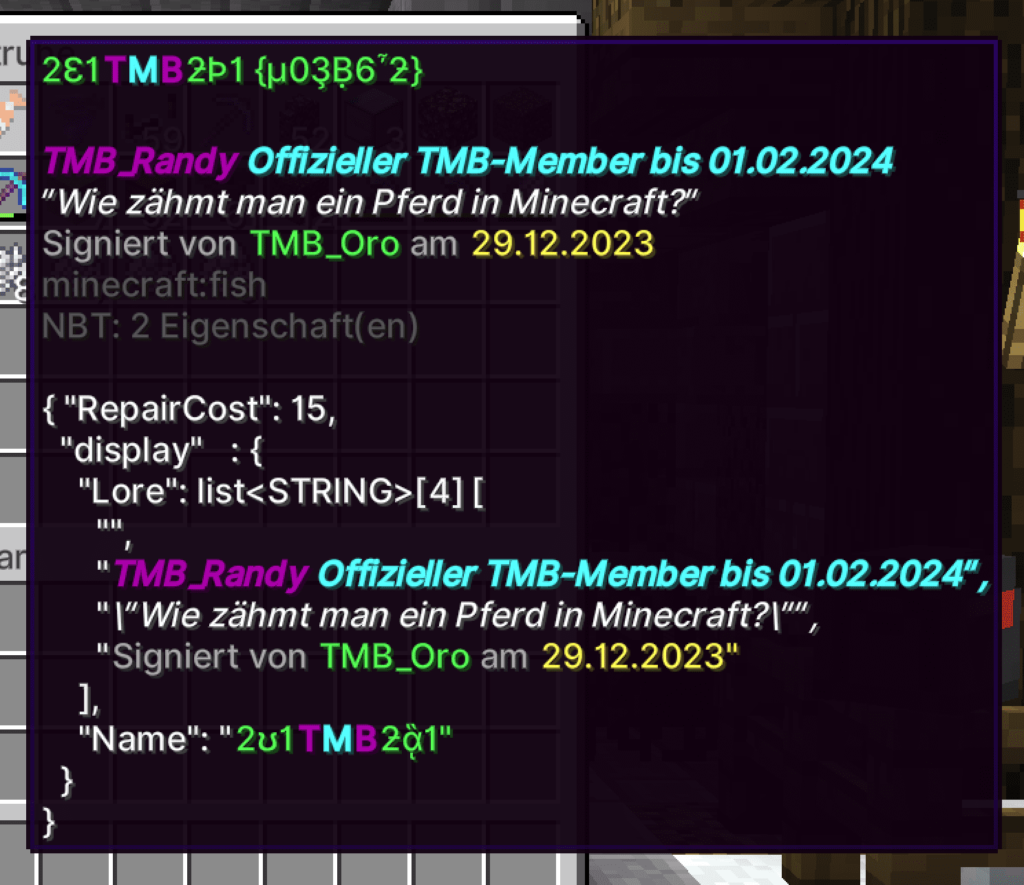
Players can use True RGB colors, allowing millions of unique color combinations.
Basic Hex Syntax
/tellraw @a {“text”:”Welcome!”,”color”:”#34eb9b”}
Where Hex Colors Work
- /tellraw
- /title
- /subtitle
- JSON signs
- Books
- Display entities
- Items renamed through commands
- Plugin chat formats (Paper/Spigot/Bungee)
Where Hex Does NOT Work
- Normal chat typed by players
- Anvil renaming (unless server plugins override)
- Bedrock manual signs
- Scoreboard number values
If you’re using a minecraft color code generator, it likely outputs this JSON-friendly format.
Gradients (Multi-Color Text)
Gradients require JSON or a plugin that supports advanced formatting.
JSON Gradient (MiniMessage Example)
<gradient:#ff0000:#ffff00>Medieval Village</gradient>
Three-Color Gradient
<gradient:#ff0000:#ff8800:#ffff00>Minecraft Base</gradient>
Perfect for:
- Server titles
- NPC dialogue
- Adventure map text
- Spawn area signs
Many minecraft color code generator tools output gradients automatically.
Rainbow Text
Plugins like MiniMessage, TAB, or NBT APIs support animated rainbow effects.
Example
<rainbow>VIP RANK</rainbow>
Some servers also allow looping/animated rainbow patterns.
Scoreboard Formatting (Names, Titles & Objectives)
Scoreboards accept formatting in objective titles and display names, but not in numerical values.
Example
/scoreboard objectives add stats dummy {“text”:”§6Player Stats”}
Supported Formatting
- Text color (via §)
- Bold, italic, underline
- Hex colors (only in JSON)
Unsupported
- Hex colors in numeric values
- RGB gradients inside default scoreboard entries
Scoreboard formatting is one of the most common uses of color codes minecraft in servers.
Advanced Sign Formatting (Java Only)
Unlike basic minecraft sign color codes, JSON allows full styling:
JSON Sign Example
/data merge block ~ ~ ~ {
Text1:'{“text”:”Welcome”,”color”:”#ffaa00″}’,
Text2:'{“text”:”to the Base”,”color”:”#55ffff”,”bold”:true}’
}
Supported on JSON Signs
- Hex colors
- Bold / Italic / Underline / Strikethrough
- Click events
- Hover messages
NOT Supported
- Bedrock does not allow JSON signs
If you want multi-line gradients on signs, JSON formatting combined with a minecraft color code generator is the best method.
MOTD (Message of the Day) Formatting
The MOTD is the text shown in your server list.
Basic MOTD
§aWelcome!
Styled MOTD
§6§lMedieval §e§lEmpire
RGB MOTD (BungeeCord/Paper)
§x§f§f§7§00§00WELCOME
Each pair after §x represents one hex digit.
Command Block Color Formatting
Color codes greatly enhance adventure maps.
Tellraw Command
/tellraw @a {“text”:”§bQuest Updated!”}
JSON with Hex
/tellraw @a {“text”:”You entered the dungeon”,”color”:”#ff4444″}
Use this to highlight:
- Objectives
- Warnings
- NPC dialogue
- Story elements
Custom Item Names & Lore
Example (Green Sword Name)
/give @p diamond_sword{display:{Name:'{“text”:”Emerald Blade”,”color”:”green”}’}} 1
Multi-Line Lore
/give @p stick{display:{Lore:[‘{“text”:”A powerful relic”,”color”:”#44ff44″}’,'{“text”:”Forged long ago”,”italic”:false}’]}}
This is widely used in RPG servers and adventure maps.
Armor Stand & Display Entity Text (1.20+)
Example
/summon text_display ~ ~1 ~ {text:'{“text”:”Welcome Adventurer”,”color”:”#33ccff”,”bold”:true}’}
Useful for:
- Floating labels
- Area titles
- Spawn instructions
- NPC names
Display entities allow:
- Scaling
- Rotation
- Shadow toggles
- Background visibility
A huge improvement over armor-stand floating text.
Using Color Codes for Adventure Maps
Color coding simplifies gameplay communication.
Suggested Color System
- §e Yellow → Tips
- §a Green → Safe zones
- §c Red → Danger
- §d Purple → Magic / lore
- §b Aqua → NPC names
This enhances readability and atmosphere.
Plugin Formatting Cheat Sheet (EssentialsX, Paper, TAB, etc.)
EssentialsX
- Supports & formatting
- MiniMessage when enabled
- Hex-compatible
LuckPerms
Prefixes/suffixes use:
&6[Knight]&f Player
TAB Plugin
- RGB names
- Gradients
- Animations
- Placeholders
Paper Adventure API
Supports:
- Full MiniMessage
- Hex
- Gradients
- Events & clickable interactions
A must-know for server administrators working with minecraft pc color codes.
Common Mistakes to Avoid
- Mixing § and & in the same message
- Using hex where it’s not supported
- Forgetting to close JSON brackets
- Not resetting styles with §r
- Using colors on scoreboard values (not allowed)
Avoiding these prevents formatting bugs.
How ExitLag Improves Server Editing & Color Code Workflows
Color formatting often requires:
- Large world loading
- Command block testing
- Server plugin setup
- Adventure map editing
ExitLag helps with:
- Stable connections while editing
- Reduced ping on modded or heavy servers
- Faster chunk loading
- Less lag during command block updates
Quick Setup
- Create your ExitLag account
- Download the client
- Select Minecraft & apply optimized routes
- Enjoy smoother formatting work with ExitLag ON!
Final Thoughts
Mastering advanced color code minecraft techniques opens the door to professional-quality builds, servers, and maps. With gradients, RGB text, JSON formatting, and plugin support, you can transform simple messages into immersive, cinematic experiences.
Whether you’re formatting signs, creating an adventure map, designing an RPG system, or polishing a server’s UI, knowledge of minecraft color code tools gives you full creative freedom.
General Disclaimer
All game images used in this blog belong to Mojang Studios. They are used for informational/educational purposes only and do not imply endorsement or affiliation with the rights holders.
Got questions or want to connect with other players? Join the conversation at the ExitLag Forum!