
If you are searching for a minecraft structure finder, you probably want to locate rare buildings like Strongholds, Ancient Cities, or Woodland Mansions without wasting hours exploring randomly. Structures in Minecraft can dramatically change your survival progression, especially when they contain exclusive loot.
A minecraft structure finder helps players identify exact coordinates of generated structures using seeds, commands, or external tools. Whether you play survival, creative, or speedrun worlds, knowing how to locate structures efficiently gives you a major advantage.
So how to find structures in Minecraft? You can use the /locate command, external seed-based tools, biome exploration logic, or specialized online structure finder minecraft platforms that replicate world generation algorithms.
Understanding how structure generation works will make your exploration smarter and faster.
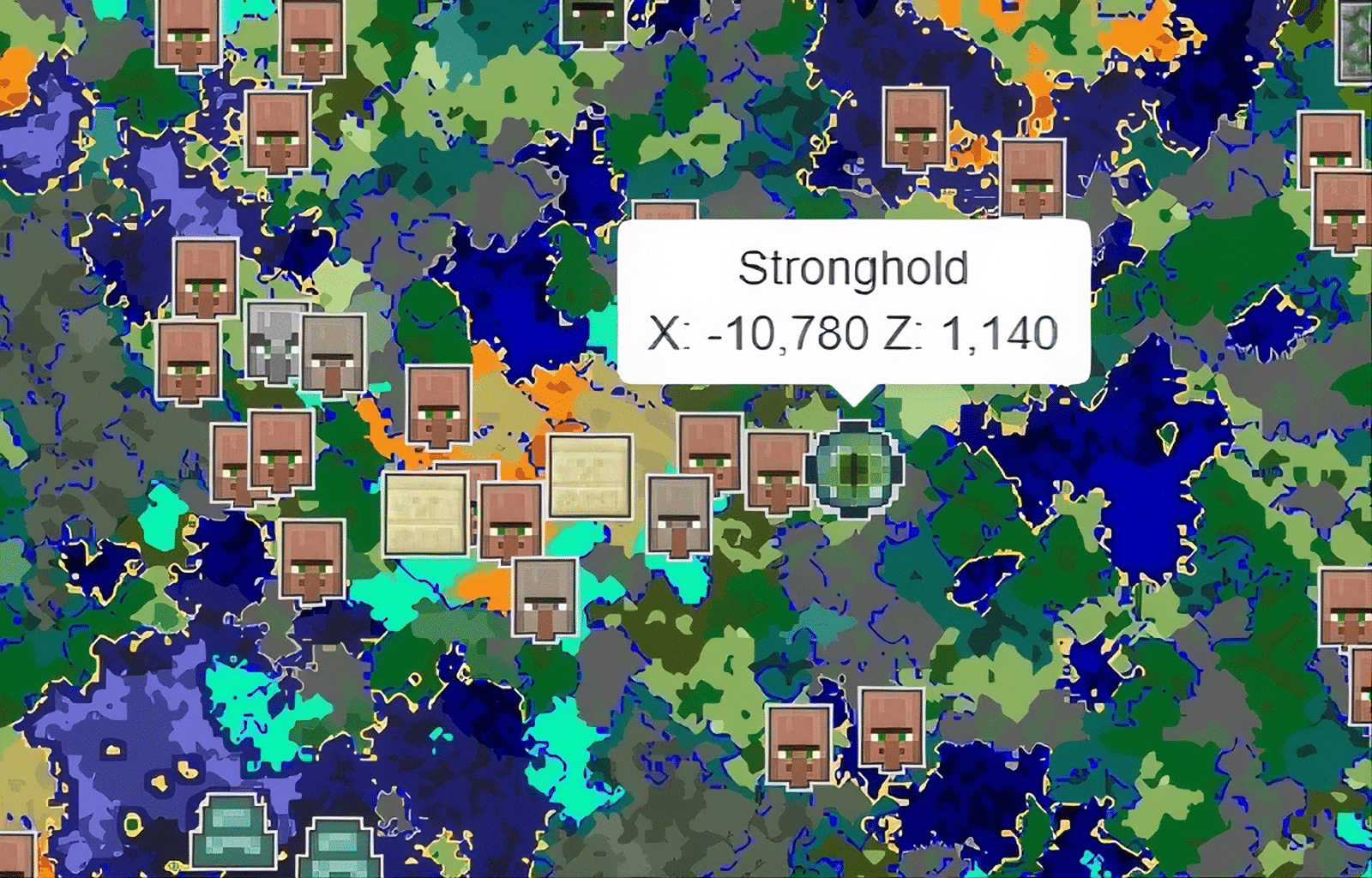
Minecraft Structure Finder: What Is It and How Does It Work?
A minecraft structure finder is a system or tool that helps players detect the coordinates of generated buildings inside a world. These tools rely on the world seed - the unique code that determines terrain and structure placement.
When you create a world, Minecraft uses its procedural generation system to determine where structures appear. A minecraft structures finder reads that seed and calculates where villages, temples, monuments, and other structures are located.
There are two main types of structure finders:
- In-game command-based finders
- External seed analysis tools
Both methods have different advantages depending on your playstyle.
How World Seeds Control Structure Placement
Every Minecraft world uses a numeric or alphanumeric seed. This seed controls:
- Terrain layout
- Biome distribution
- Structure placement
- Ore generation patterns
A minecraft seed structure finder uses this seed to recreate your world map externally and reveal hidden coordinates.
Because generation is algorithm-based, tools can predict exact structure locations.
How to Find Structures in Minecraft Using Commands
One of the simplest ways to find structures in Minecraft is by using the /locate command.
Using the /locate Structure Command
The command syntax is:
/locate structure <structure_name>
For example:
/locate structure stronghold
The game will return exact coordinates of the nearest structure of that type.
Step-by-Step Guide
- Enable cheats in your world (if allowed).
- Open the chat window.
- Type /locate structure ancient_city (or another structure).
- Copy the coordinates displayed.
- Travel to that location.
This method works in both Java and Bedrock editions, although achievements may be disabled if cheats are enabled.
Using commands is fast, but it removes part of the exploration challenge.
Minecraft Seed Structure Finder Tools Explained
If you prefer not to enable cheats, an external minecraft seed structure finder is the best option.
These tools require:
- Your world seed
- Game version (Java or Bedrock)
Once entered, they display an interactive map showing:
- Villages
- Strongholds
- Bastion Remnants
- Woodland Mansions
- Ocean Monuments
- Ancient Cities
One of the most popular structure finder minecraft tools is Chunkbase.
Why Use External Tools?
Advantages include:
- No need to enable cheats
- Pre-planning for speedruns
- Multiplayer coordination
- Strategic base placement
These tools are especially useful when planning long-term survival worlds.
Find Structures in Minecraft Without Cheats
If you want a pure survival experience, you can still find structures using in-game mechanics.
Strongholds
Use Eyes of Ender to locate the End Portal.
Woodland Mansions
Trade with cartographer villagers to obtain Woodland Explorer Maps.
Ocean Monuments
Search deep ocean biomes and use ocean maps.
Ancient Cities
Explore Deep Dark biomes underground below Y-level 0.
Most searched structures include:
- Stronghold
- Ancient City
- Woodland Mansion
- Ocean Monument
- Bastion Remnant
Learning biome-specific spawn rules helps narrow your search radius significantly.
Why Structure Finders Matter in Survival and Speedrunning
A minecraft structure finder saves time and resources.
Instead of wandering randomly:
- You reduce travel risk
- You conserve food supplies
- You avoid unnecessary mob encounters
- You optimize speedrun routes
For competitive multiplayer servers, locating structures quickly can provide access to powerful loot earlier than other players.
In large survival servers, efficiency often determines progression speed.
Multiplayer Exploration and Performance Stability
When exploring long distances on multiplayer servers, performance stability becomes important.
Lag spikes can cause:
- Delayed chunk loading
- Teleport rubberbanding
- Missed mob reactions
- Combat delay inside structures
ExitLag improves multiplayer stability by:
- Reducing packet loss
- Stabilizing ping fluctuations
- Optimizing routing to Minecraft servers
- Maintaining smoother chunk loading during exploration
If you frequently explore far coordinates found using a minecraft structure finder, stable connectivity ensures your travel remains smooth and uninterrupted.
Understanding how to use a minecraft structure finder properly transforms structure hunting from random exploration into strategic progression planning.
Structure Finder Minecraft Bedrock - What’s Different?
When using a structure finder minecraft bedrock tool, it is important to understand that Bedrock Edition generates certain structures differently than Java Edition.
While the overall seed logic is similar, structure spacing, stronghold distribution, and biome generation can vary slightly between versions.
Key Java vs Bedrock Differences
- Stronghold ring distribution may vary
- Mansion spacing can feel wider in some seeds
- Bastion and Fortress generation ratios differ slightly
- Version updates impact algorithm adjustments
Because of these differences, always select the correct edition when using a minecraft bedrock structure finder.
Using the wrong version filter is one of the most common mistakes players make.
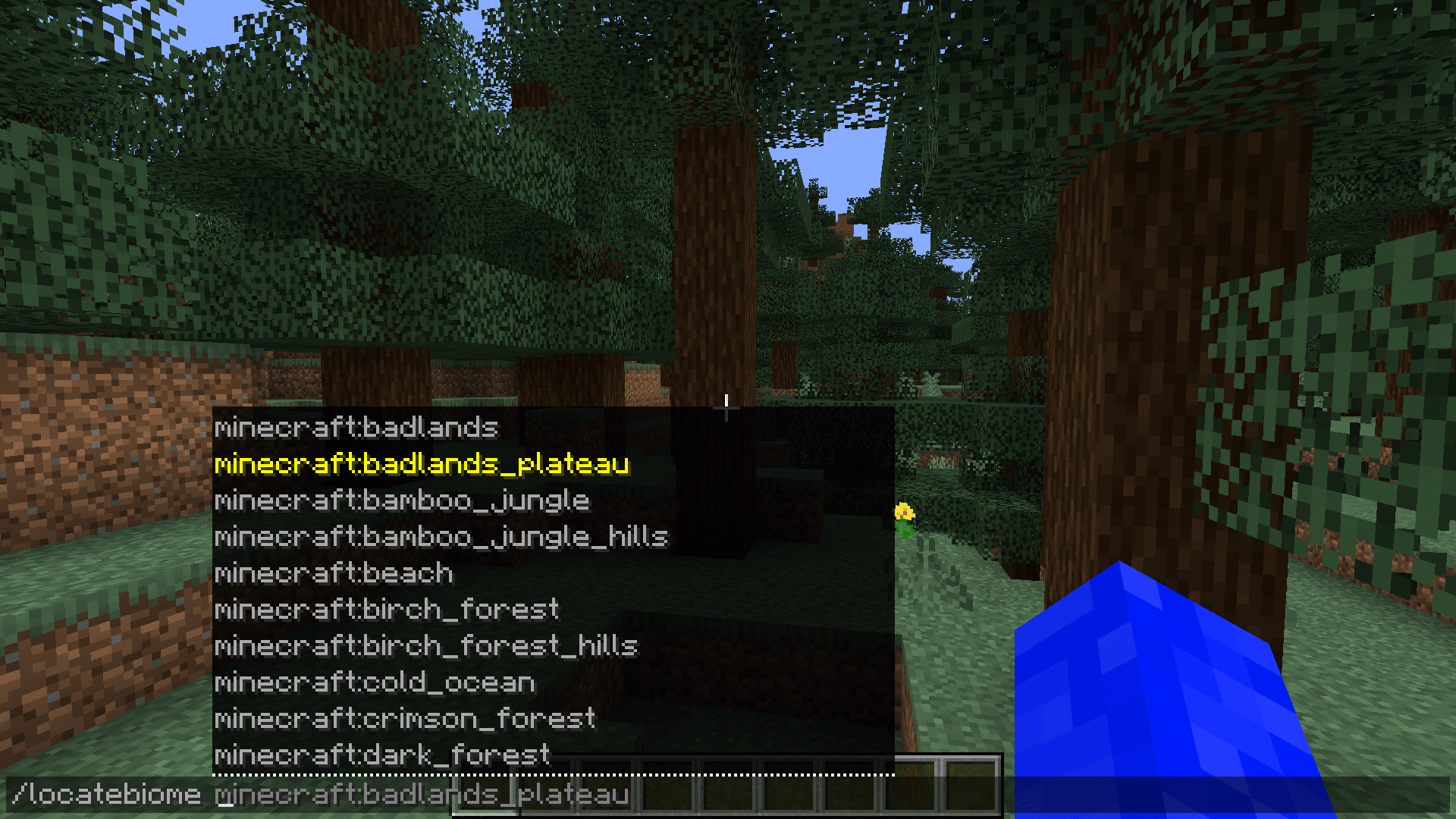
Minecraft Bedrock Structure Finder Tools Explained
If you play Bedrock Edition, you must use tools that specifically support Bedrock seed calculations.
How to Use a Bedrock Seed Tool
- Retrieve your world seed from settings.
- Select Bedrock Edition in the seed map tool.
- Choose the correct version number.
- Enable the structure filters you need.
- Click on the map to reveal coordinates.
Most searched Bedrock structures include:
- Stronghold
- Ancient City
- Village
- Woodland Mansion
- Bastion Remnant
A minecraft structures finder designed for Bedrock ensures accurate coordinate output without enabling cheats.
Advanced Minecraft Structures Finder Strategies
Beyond basic tools, advanced players optimize structure routing.
Understanding Structure Spacing
Structures generate on a grid system with minimum spacing rules. This means:
- Mansions are extremely rare due to spacing distance
- Ocean Monuments follow deep ocean boundaries
- Bastions and Fortresses share generation zones in the Nether
Understanding spacing helps predict where the next structure might generate even without tools.
Chunk-Based Exploration Logic
Minecraft worlds load in 16x16 chunk segments.
Structures align within chunk boundaries, and delayed chunk rendering can make structures appear later than expected.
This is why multiplayer performance stability affects discovery.
Find Structures in Minecraft for Speedrunning
Speedrunners rely heavily on minecraft structure finder logic.
Stronghold Triangulation
Instead of blindly following Eyes of Ender, speedrunners:
- Throw an Eye
- Mark direction
- Move several hundred blocks
- Throw another Eye
- Calculate intersection point
This dramatically reduces travel time.
Nether Fortress Optimization
Efficient Nether routing includes:
- Exploring along cardinal axes
- Understanding biome-based spawn rules
- Recognizing Bastion vs Fortress clustering patterns
Planning structure chains (Village → Stronghold → Fortress) is key to fast completions.
Common Problems with Minecraft Structure Finder Tools
Even experienced players run into issues.
Incorrect Version Selection
If your world version does not match the tool version, coordinates may be inaccurate.
Seed Formatting Errors
Java and Bedrock sometimes handle negative or long numeric seeds differently.
Generation Updates
Major updates can modify world generation rules. Older tutorials may no longer apply to the current version.
| Method | Works in Survival | Requires Cheats | Best For |
| /locate Command | Yes | Yes | Quick coordinates |
| Seed Map Tools | Yes | No | Pre-planning & speedruns |
| Biome Exploration | Yes | No | Pure survival gameplay |
| Explorer Maps | Yes | No | Targeted mansion/village search |
Choosing the right method depends on whether you prioritize challenge, efficiency, or competitive optimization.
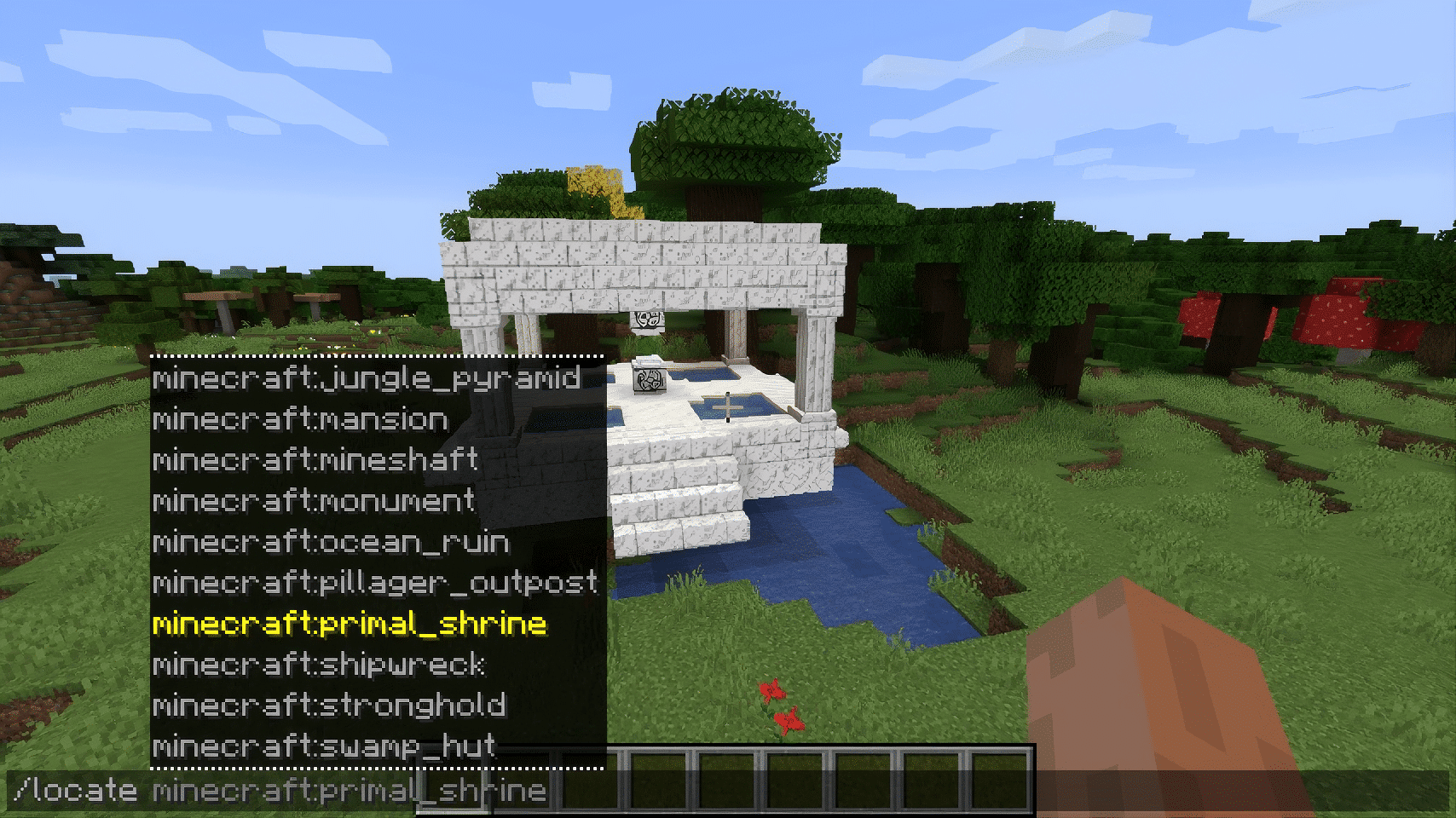
Minecraft Structure Finder: Advanced Exploration & Multiplayer Optimization
Using a minecraft structure finder on multiplayer servers introduces additional variables.
Server performance affects:
- Chunk loading speed
- Render distance limits
- Entity synchronization
- Elytra travel stability
Lag spikes while traveling thousands of blocks toward coordinates can cause rubberbanding or delayed structure rendering.
ExitLag improves multiplayer exploration by:
- Reducing packet loss
- Stabilizing ping fluctuations
- Optimizing routing paths to Minecraft servers
- Maintaining smoother long-distance travel
When exploring far coordinates provided by a minecraft structure finder, stable connectivity ensures chunks load properly and combat inside discovered structures remains responsive.
Combining smart seed analysis, correct version selection, and stable multiplayer performance transforms structure hunting into a precise and efficient progression strategy.
All game images used in this blog belong to Mojang Studios. They are used for informational/educational purposes only and do not imply endorsement or affiliation with the rights holders.


