

The demand for mlb the show pc continues to grow as more players look for ways to enjoy one of the most popular baseball gaming franchises on their computers. While the series has expanded significantly beyond its original console roots, many fans still wonder whether a dedicated PC version will ever become a reality.
Interest in mlb the show pc has increased even further as the franchise reached additional platforms and attracted a larger audience. With modern gaming becoming increasingly cross-platform, PC players are eager to know whether they can officially join the experience and enjoy all the features that have made the series successful.
The question surrounding mlb the show pc remains one of the most discussed topics among baseball gaming fans. Understanding the current platform situation, future possibilities, and alternative ways to play can help players stay informed about the future of the franchise.
What is MLB The Show?
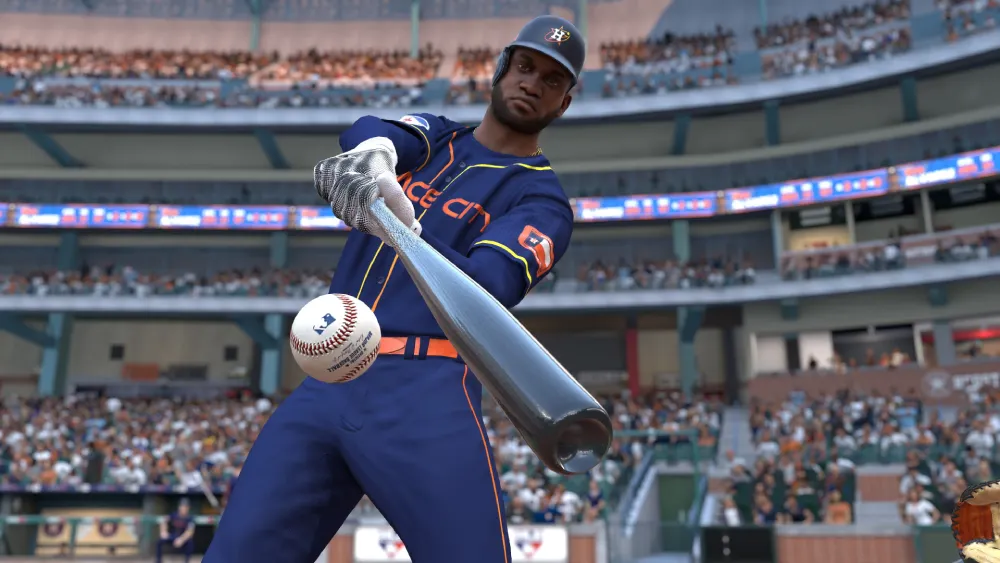
MLB The Show is a baseball simulation franchise developed by San Diego Studio and officially licensed by Major League Baseball.
The series is known for its realistic gameplay, detailed player models, authentic stadiums, and deep game modes that appeal to both casual and competitive sports gamers.
For many baseball fans, the franchise represents the most complete virtual baseball experience available today.
Why MLB The Show became popular
The success of Major League Baseball the show comes from its commitment to realism and attention to detail. Each yearly release introduces roster updates, gameplay improvements, visual enhancements, and new features designed to reflect the current MLB season.
Players can enjoy:
- Franchise mode;
- Road to the Show;
- Diamond Dynasty;
- Online multiplayer;
- Exhibition matches.
These modes provide a variety of experiences for different types of players.
Growth beyond PlayStation
For many years, mlb the show was considered a PlayStation-exclusive franchise. However, recent releases expanded to additional platforms, allowing more players to experience the series.
This expansion fueled speculation that a future mlb the show pc version could eventually become possible.
Is MLB The Show available on PC?
One of the most common questions among sports gaming fans is whether mlb the show pc currently exists as an official release.
At the time of writing, there is no dedicated PC version of MLB The Show available through major platforms such as Steam or Epic Games Store.
Current platform availability
Recent versions of mlb the show are available on:
- PlayStation consoles;
- Xbox consoles;
- Nintendo Switch.
These releases allow players across multiple console ecosystems to enjoy the game.
However, PC remains absent from the official platform list.
Why PC players are interested
The interest in mlb the show pc is understandable for several reasons.
PC gaming offers advantages such as:
- Flexible hardware options;
- Higher frame rates;
- Custom graphics settings;
- Wider peripheral support;
- Large gaming communities.
Many sports franchises have already expanded to PC, which is why baseball fans continue requesting the same treatment for MLB The Show.
Why MLB The Show is not currently on PC
Although there is strong demand for mlb the show pc, several factors may influence the absence of a dedicated PC release.
Development priorities
Expanding a sports franchise to a new platform requires significant development resources.
Developers must address:
- Performance optimization;
- Hardware compatibility;
- Anti-cheat solutions;
- User interface adjustments;
- Technical support requirements.
These considerations can impact release decisions.
Licensing and business considerations
The relationship between developers, publishers, and licensing agreements may also influence platform availability.
Because Major League Baseball the show operates under official MLB licensing, platform expansion decisions often involve multiple stakeholders and long-term business strategies.
As a result, a PC release may require additional planning beyond simple technical development.
MLB The Show 25 and PC expectations
Every new release generates renewed discussion about mlb the show pc, and mlb the show 25 release date announcements have been no exception.
Why players expected a PC version
Several developments encouraged speculation:
- Expansion to Xbox;
- Launches on Nintendo Switch;
- Increased cross-platform support;
- Growing PC sports gaming market.
These changes led many players to believe that a PC version could eventually follow.
What MLB The Show 25 means for PC players
While the mlb the show 25 release date generated excitement, official announcements did not include a dedicated PC version.
However, community interest remains strong, and many players continue monitoring future updates for potential changes.
As the gaming industry becomes increasingly platform-agnostic, the possibility of a future PC release remains a topic of discussion.
Alternative ways to play MLB The Show on PC
Although there is no native mlb the show pc version, some players explore alternative solutions to access the game.
Cloud gaming options
Cloud gaming has become an increasingly popular method of accessing console games through different devices.
Potential benefits include:
- No console ownership required;
- Remote access capabilities;
- Reduced hardware requirements;
- Cross-device convenience.
Availability may vary depending on region and platform support.
Remote play solutions
Players who already own supported consoles can sometimes access their games remotely through official remote play services.
These solutions allow gameplay on a computer while the game itself continues running on the console.
Although not a true mlb the show pc release, remote play provides another option for fans who prefer using a computer screen.
MLB The Show PC
For players evaluating their options, it is useful to compare the current availability of mlb the show across different platforms. The table below summarizes the current situation and highlights where players can officially access the franchise.
| Platform | Official Support | Notes |
| PlayStation 5 | Yes | Full support |
| PlayStation 4 | Yes | Supported releases |
| Xbox Series X/S | Yes | Full support |
| Xbox One | Yes | Supported releases |
| Nintendo Switch | Yes | Portable version available |
| PC | No | No official native version |
This comparison clearly shows why discussions about mlb the show pc remain so common. While the franchise has expanded significantly beyond PlayStation, PC players still do not have access to an official standalone version.
What the table tells us
The most important takeaway is that MLB The Show is no longer limited to a single console ecosystem. Expansion to Xbox and Nintendo platforms demonstrates that the developers are willing to broaden the franchise’s reach.
This history of platform expansion is one reason many players remain optimistic about a future mlb the show pc release.
How PC compares to current platforms
PC gaming represents one of the largest gaming markets in the world. Many sports franchises now launch simultaneously on consoles and computers, making the absence of mlb the show pc increasingly noticeable.
If a future release arrives, it could introduce:
- Higher graphical settings;
- Enhanced performance options;
- Wider accessibility;
- Larger online communities.
These potential benefits help explain the ongoing demand from PC players.
What would a future MLB The Show PC release need?
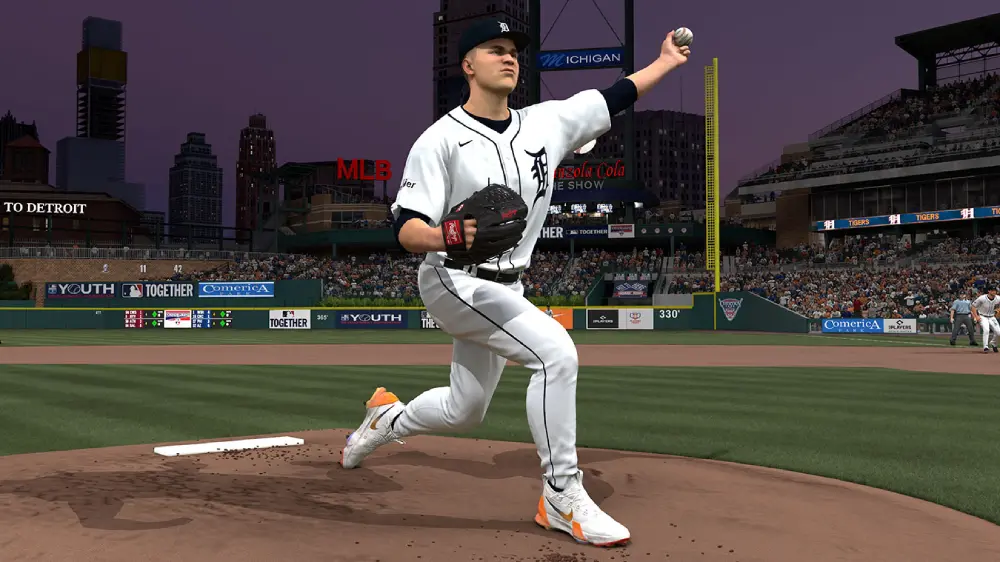
If developers eventually decide to release mlb the show pc, several important features would likely be expected by the community.
Technical expectations
Modern PC gamers typically expect:
- High refresh rate support;
- Ultrawide monitor compatibility;
- Custom graphics settings;
- Keyboard and controller support;
- Optimized performance.
Meeting these expectations would be essential for a successful launch.
Online and competitive features
A PC release would also benefit from:
- Cross-platform matchmaking;
- Cross-progression support;
- Anti-cheat protection;
- Stable online infrastructure.
These features have become increasingly important in modern multiplayer sports games.
Community demand for MLB The Show PC
The continued discussion around mlb the show pc demonstrates the strong interest within the gaming community.
Why demand keeps growing
Several trends contribute to this demand:
- Growth of PC gaming;
- Expansion of sports games on PC;
- Increased cross-platform ecosystems;
- Larger baseball gaming audiences.
These factors make a future PC version seem increasingly plausible.
What players are hoping for
Most fans simply want access to the same experience available on consoles.
Players hope for:
- Full feature parity;
- Cross-platform support;
- Consistent updates;
- Competitive online play.
A successful PC launch could significantly expand the franchise’s player base.
FAQ
No. At the moment, there is no official native mlb the show pc version available.
The mlb the show 25 release date announcements did not include a dedicated PC version.
Potential reasons include development priorities, technical considerations, and business decisions regarding platform support.
Currently, mlb the show is available on PlayStation, Xbox, and Nintendo Switch consoles.
Depending on available services and regional support, some players may access the game through cloud gaming or remote play solutions.
Stay Ready for Future MLB The Show PC News with ExitLag
The demand for mlb the show pc continues to grow as players look for new ways to enjoy one of the most respected baseball franchises in gaming. While there is currently no official PC version, the expansion of Major League Baseball the show to multiple platforms demonstrates that the franchise is evolving and reaching new audiences.
Whether you are following updates related to the mlb the show 25 release date or simply hoping for future PC support, staying informed about platform announcements will help you be ready for any future developments.
And when playing online games on supported platforms, ExitLag can help optimize your connection routes, reduce instability, and provide a smoother multiplayer experience.
Try ExitLag and enjoy more reliable performance in your favorite online games.
Got questions or want to connect with other players? Join the conversation at the ExitLag Forum!


