

If you've been experiencing packet burst BO6 warnings during matches, you're not alone. This network issue has become one of the most common complaints among Call of Duty players, causing lag spikes, stuttering, delayed hit registration, and frustrating gameplay interruptions that can completely change the outcome of a match.
Many players report that packet burst BO6 appears even when they have fast internet connections. As a result, the issue often feels random and difficult to solve. Whether you're playing multiplayer, Ranked Play, or Zombies, understanding why packet burst occurs is the first step toward creating a smoother and more stable gaming experience. And before we continue, know that to know more about all the relevant content about gaming, you just have to check our blog.
What is packet burst BO6 and why does it happen?
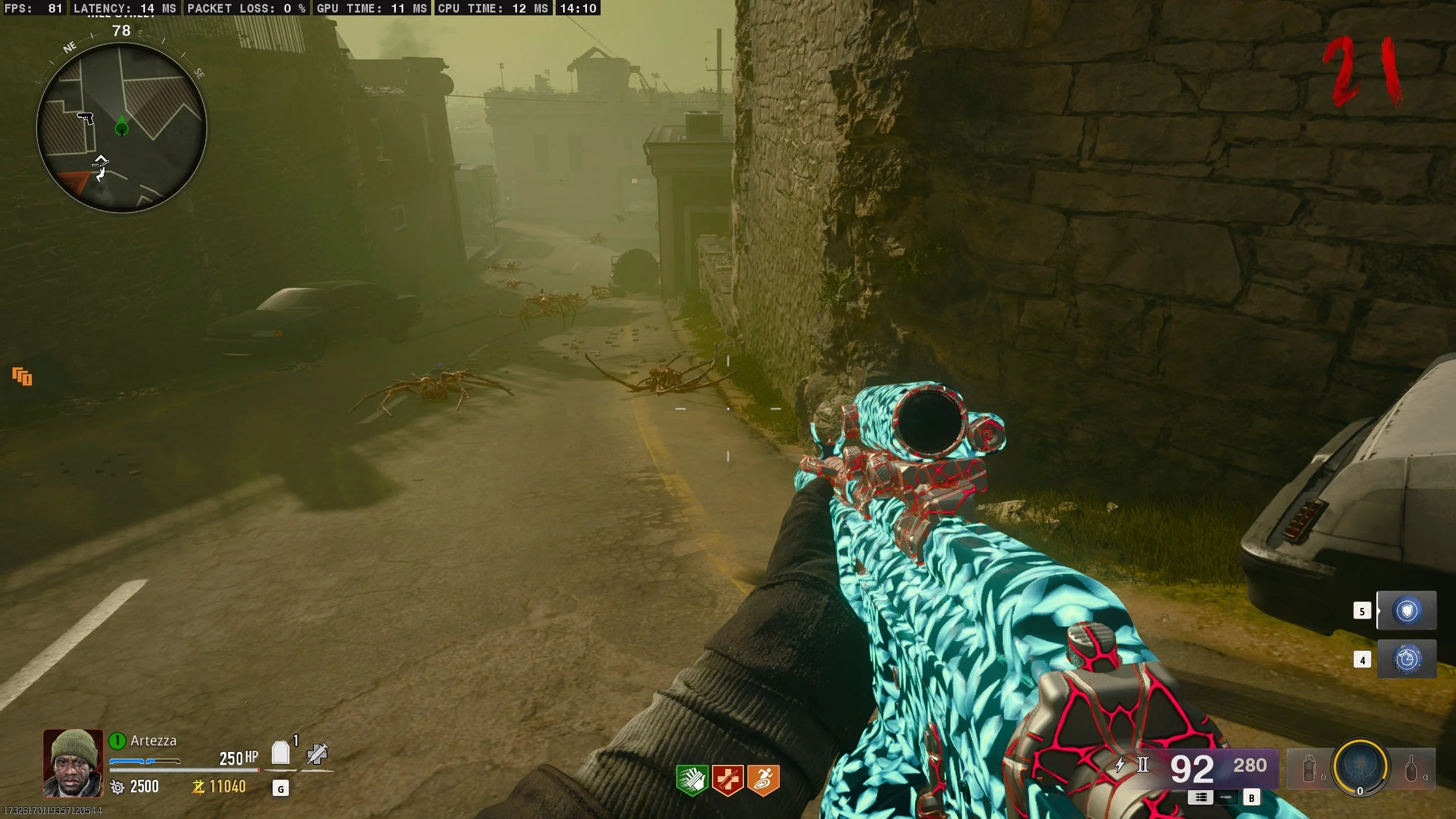
Call of Duty: Black Ops 6 is a first-person shooter developed by Treyarch and Raven Software. As one of the most demanding online shooters available, the game relies heavily on constant communication between players and servers. Because of that, even small interruptions in data transmission, called as packet burst BO6, can create noticeable gameplay issues.
Packet burst occurs when game data is delivered inconsistently between your device and the game server. Instead of receiving information in a smooth stream, the game receives large chunks of data at irregular intervals. Consequently, this can lead to freezing, rubberbanding, delayed actions, and synchronization problems.
Understanding packet burst
Every online multiplayer game constantly exchanges information between your system and the server. This includes player movement, weapon fire, scorestreak activation, damage registration, and environmental updates.
Under normal conditions, these packets travel continuously and predictably. However, when packets begin arriving in sudden bursts instead of a steady flow, the game struggles to process information correctly.
As a result, players may notice:
- Sudden stuttering during movement
- Delayed hit markers
- Rubberbanding effects
- Players teleporting across the map
- Brief screen freezes during firefights
These symptoms are often directly linked to packet burst rather than traditional high ping.
How packet transmission works in online shooters
Online shooters depend on low-latency communication. Every action you perform must be transmitted to the server and validated before appearing accurately in the game world.
For example, when you fire your weapon, the server must receive that information immediately. At the same time, it must communicate enemy positions, movement data, and match events back to your client.
When packet delivery becomes inconsistent, the server receives delayed information. Consequently, your actions may appear out of sync with what is actually happening in the match.
This is why some players feel they were eliminated before seeing an opponent appear on screen. In reality, the server and client are no longer perfectly synchronized.
Why packet burst affects gunfights and movement
Competitive shooters reward precision and reaction speed. Therefore, even a brief interruption in network communication can have major consequences.
During intense engagements, Black Ops 6 exchanges thousands of pieces of information every second. If packet bursts occur during these moments, the game may struggle to update positions, animations, and hit registration accurately.
Because of that, players often experience:
- Missed shots that should connect
- Delayed weapon swapping
- Inconsistent movement
- Poor hit detection
- Unpredictable enemy behavior
In many situations, packet burst creates disadvantages that feel similar to high latency even when your ping appears normal.
Check also: How to fix FPS drop in Call of Duty: Black Ops 6: complete guide to reduce latency
What causes black ops 6 servers are bad complaints?
One of the most common discussions within the community revolves around whether black ops 6 servers are bad. While server infrastructure certainly plays a role, packet burst can be triggered by several factors working together.
Understanding these causes can help identify the source of the problem before applying potential fixes.
Server congestion and matchmaking routes
Large-scale online games rely on multiple server locations worldwide. During peak hours, some data centers may become heavily populated.
When matchmaking places players on overloaded routes, packet delivery can become inconsistent. Consequently, players may experience packet burst even when their personal internet connection is functioning properly.
This is particularly common during:
- Major seasonal updates
- Double XP weekends
- New content launches
- Free access events
- Ranked Play resets
Regional server overload
Server quality can vary depending on location. Some regions have more available infrastructure than others.
If matchmaking routes players through distant or crowded servers, additional hops between networks can introduce instability. Therefore, players may encounter packet burst despite having excellent local internet performance.
Regional routing problems often become more noticeable during high-traffic periods when server demand exceeds available capacity.
Peak-hour performance issues
Network congestion affects both game servers and internet service providers. During evening hours, more users are simultaneously consuming bandwidth through streaming services, downloads, and online gaming.
As a result, packet consistency can deteriorate even when overall download speeds remain high.
Common causes include:
- Congested ISP routes
- Shared neighborhood bandwidth
- Server overload
- Temporary routing failures
- High regional traffic volume
Understanding these factors helps explain why packet burst sometimes appears only during certain times of the day.
You may also like: FPS Boost in Call of Duty: Black Ops 6: how ExitLag improves performance 2026
How to fix packet burst BO6 effectively
Fortunately, several solutions can significantly reduce packet burst occurrences. While no single method works for every player, combining multiple optimizations often produces the best results.
The goal is to create the most stable communication path possible between your device and the game server.
Network settings that improve stability
Your network configuration plays a major role in packet delivery consistency.
At first, verify that your NAT type is Open or Moderate. Restrictive NAT configurations can interfere with matchmaking quality and connection stability.
Additionally, keep your network drivers updated and ensure your system isn't running unnecessary background applications.
Programs that frequently consume bandwidth can interfere with game traffic and create packet delivery interruptions.
Router and Wi-Fi optimizations
Wireless networks remain one of the most common causes of packet burst.
Although modern Wi-Fi is fast, it is still vulnerable to interference from walls, neighboring networks, and household devices.
For the best possible stability:
- Use a wired Ethernet connection whenever possible
- Restart your router regularly
- Update router firmware
- Enable Quality of Service (QoS) settings
- Reduce background bandwidth usage
- Place your router in an optimal location
These adjustments can significantly improve packet consistency during gameplay.
Best graphics settings to reduce network strain
Although packet burst is primarily a network issue, system performance can sometimes contribute to the problem.
When hardware becomes overloaded, the game may struggle to process incoming network information efficiently.
To improve stability:
- Lower unnecessary visual effects
- Reduce VRAM usage
- Disable excessive background overlays
- Update GPU drivers
- Maintain stable frame rates
Balancing graphical quality with system performance helps create a smoother overall experience.
Check also: COD Black Ops 6 Zombies: complete guide to undead mode
How ExitLag helps reduce packet burst
Network routing plays a major role in packet stability. Even if your internet connection is fast, inefficient routing between your ISP and game servers can introduce packet burst issues.
ExitLag helps optimize this process by identifying better routes between your connection and Black Ops 6 servers. Instead of relying on a single route, it continuously analyzes network conditions and adjusts traffic paths in real time.
As a result, players can benefit from:
- Reduced packet instability
- More consistent latency
- Fewer routing interruptions
- Improved server communication
- Smoother gameplay during competitive matches
For FPS games where every millisecond matters, maintaining stable packet delivery can be just as important as achieving low ping.
ExitLag can drastically improve your gameplay for an accessible price. To know more, check our pricing page.
Extrapolation BO6 explained: is it related to packet burst?
Many players who encounter packet burst warnings also notice another networking message called extrapolation BO6. While these issues are different, they often appear together because both are connected to server synchronization problems.
Understanding the distinction can help players identify the root cause of performance issues more effectively.
What is extrapolation in Black Ops 6?
Extrapolation occurs when the game predicts player movement because updated information from the server has not arrived on time.
Instead of waiting for fresh data, the game estimates where players should be positioned. Although this prevents complete freezing, it can create strange animations and inaccurate movement.
As a result, players may notice:
- Opponents sliding unexpectedly
- Characters appearing to teleport
- Delayed animations
- Inconsistent movement tracking
- Sudden position corrections
These symptoms often become more noticeable during fast-paced engagements.
Differences between extrapolation and packet burst
While both issues affect gameplay quality, they are not identical.
Packet burst refers to inconsistent data delivery between your system and the server. Extrapolation occurs when the game attempts to compensate for missing or delayed information.
In simple terms, packet burst is the cause, while extrapolation can be one of the visible consequences.
For example, if network data arrives late because of packet burst, the game may use extrapolation to estimate player positions until updated information becomes available.
Why both errors often appear together
Because both issues involve communication delays, players frequently experience them simultaneously.
Common causes include:
- Packet delivery interruptions
- Server synchronization failures
- High latency variation
- Routing instability
- Temporary server congestion
Therefore, reducing packet burst often helps minimize extrapolation warnings as well.
Read also: How to Play Black Ops 6 Multiplayer: Guide to connect with players around the globe
Packet burst BO7: could the problem continue in future Call of Duty titles?
As discussions about future Call of Duty releases continue, many players wonder whether packet burst BO7 will become another widespread concern.
While future networking improvements are likely, online multiplayer games will always face challenges related to server load, routing efficiency, and internet infrastructure.
Lessons learned from BO6
Black Ops 6 highlighted how important network optimization has become in modern shooters.
Compared to older Call of Duty titles, BO6 processes significantly more real-time information due to larger environments, advanced movement systems, and complex gameplay mechanics.
Because of that, maintaining stable communication between players and servers is more important than ever.
Developers continuously monitor network performance and often release updates designed to improve stability throughout a game's lifecycle.
Network technologies likely to appear in future releases
Future Call of Duty games may benefit from several networking advancements.
Potential improvements include:
- Smarter server allocation
- Improved regional routing
- Enhanced lag compensation systems
- Better matchmaking infrastructure
- Advanced packet prioritization
These technologies could help reduce many of the issues players currently experience.
What players should expect from BO7
Although no online game can completely eliminate connectivity problems, future entries will likely continue focusing on server optimization and network stability.
However, players will still need reliable home networks and optimized routing to achieve the best possible experience.
As online shooters become increasingly competitive, connection quality will remain a major factor in performance.
Read also: Why Packet Burst Happens in Black Ops 6
How to prevent packet burst in BO6 long term
Preventing packet burst requires more than applying a single fix. Instead, players should focus on maintaining a stable gaming environment over time.
Small improvements across multiple areas often produce the best results.
Best practices for competitive players
Competitive players place a premium on consistency.
To maximize connection stability:
- Use wired Ethernet whenever possible
- Avoid large downloads during matches
- Keep network hardware updated
- Close unnecessary background applications
- Monitor connection quality regularly
These habits help reduce unexpected performance issues.
Optimizing your home network
Your home network serves as the foundation of your gaming experience.
Improving network health may involve:
- Upgrading outdated routers
- Enabling Quality of Service features
- Separating gaming devices from heavy streaming traffic
- Reducing Wi-Fi interference
- Rebooting networking equipment periodically
Even small improvements can have noticeable effects on packet consistency.
Maintaining consistent performance during updates
Major game patches frequently generate spikes in player activity.
Consequently, server demand often increases dramatically after updates.
To reduce potential issues:
- Download updates before peak hours
- Restart your game after installing patches
- Verify game files periodically
- Monitor official server status announcements
Taking these precautions can help avoid unnecessary network disruptions.
| Issue | Possible Cause | Recommended Fix |
| Packet Burst | Routing instability | ExitLag and Ethernet connection |
| Extrapolation | Server desynchronization | Stable network routing |
| Rubberbanding | Packet loss | Router optimization |
| Lag Spikes | ISP congestion | Route optimization |
| High Ping | Distant servers | Better server selection |
Check also: 6 Ways to Reduce Lag in Call of Duty
Frequently asked questions
What is packet burst BO6?
Packet burst BO6 is a network issue that occurs when game data arrives in inconsistent bursts instead of a steady stream. This causes stuttering, lag spikes, delayed hit registration, rubberbanding, and other synchronization problems that negatively affect gameplay performance.
How to fix packet burst BO6?
The most effective solutions include using a wired Ethernet connection, updating router firmware, closing background applications, checking NAT settings, reducing network congestion, and optimizing your connection route to game servers. Combining multiple fixes generally provides the best results.
Why do players say black ops 6 servers are bad?
Many players associate packet burst, lag spikes, and server desynchronization with poor server performance. While server congestion can contribute to these issues, local network conditions, ISP routing, and regional infrastructure can also play significant roles.
What is extrapolation BO6?
Extrapolation BO6 is a system that predicts player movement when updated server information is delayed. Instead of freezing gameplay, the game estimates positions until fresh data arrives. This can create visual inconsistencies such as sliding, teleporting, or sudden movement corrections.
Does ExitLag help with packet burst?
ExitLag can help reduce packet burst by optimizing the route between your device and the game servers. Through real-time route adjustments and traffic optimization, it helps improve packet stability, reduce latency fluctuations, and maintain smoother gameplay during matches. You should check more games compatible with ExitLag at our official games page.
Is packet burst expected in BO7?
While future Call of Duty titles will likely include networking improvements, packet burst can still occur whenever routing issues, server congestion, or internet instability are present. However, advancements in server infrastructure may reduce the frequency and severity of these issues.
In conclusion
Experiencing packet burst, extrapolation warnings, or random lag spikes can make even the most exciting Black Ops 6 match frustrating. Fortunately, understanding the causes behind these issues allows players to take meaningful steps toward improving connection quality and gameplay consistency.
By optimizing your network, maintaining updated hardware, and using tools designed to improve routing efficiency, you can significantly reduce interruptions and enjoy smoother matches. Above all, addressing packet burst BO6 proactively helps create a more responsive and competitive experience, allowing you to focus on winning gunfights instead of fighting your connection. Download ExitLag now!



