
A PSN outage became a major concern for PlayStation players after two disruptions were recorded on November 18 and 19, 2026, close to the launch of GTA 6. According to independent monitoring service IsDown, both incidents have been resolved.
The disruptions affected gaming and social features, including game streaming. During the first incident, players also reported trouble signing in and accessing online PlayStation features.
Although each PSN outage occurred around the GTA 6 launch, the timing alone does not establish that the game caused either disruption. Sony had not provided an official explanation for the incidents in the sources reviewed.
If you're still having trouble accessing a game on PS5, start by checking the network's status. A PSN disruption is not the same as a stalled download, a license error, a console update issue, or a problem with your home connection.
Is PlayStation Network back online? Status as of November 19
At 1:48 p.m. EST on November 19 (3:48 p.m. Brasília time), IsDown reported that PlayStation Network was operating normally. The Indian Express also reported that PlayStation's official status page showed services had been restored that day.
That information reflects the network's condition at the time of the check. It does not guarantee that services will remain available. Players should check again if new errors appear, and editors should confirm the status before publication.
PlayStation's official service status page is the primary place to check for maintenance notices and outages. IsDown offers a separate incident history. Even when there is no widespread PSN alert, an individual player may still experience issues with their console or internet connection.
PSN outage timeline: November 18 and 19, 2026
IsDown recorded two incidents categorized as major disruptions. The times below are shown in U.S. Eastern Standard Time (EST, UTC-5), with their equivalents in Brasília time (UTC-3).
November 18: Gaming and social features disrupted
The first incident began at approximately 2:01 p.m. EST (4:01 p.m. Brasília time) and lasted about 32 minutes, ending at 2:33 p.m. EST. IsDown identified the affected components as Gaming and Social and Game Streaming.
During that period, PlayStation acknowledged difficulties launching games, apps, and network features. Players also reported sign-in problems and trouble using online services. These reports do not mean every player or region experienced the same level of disruption.
November 19: Another disruption, followed by recovery
The second incident began at approximately 12:34 a.m. EST (2:34 a.m. Brasília time). According to IsDown, the disruption lasted about 24 minutes, ending at 12:58 a.m. EST, and again affected Gaming and Social and Game Streaming.
Both incidents are marked as resolved in the monitoring service's history. Those durations describe the periods tracked by IsDown, not necessarily how long each player lost access. The available sources also do not establish a complete list of affected regions.
GTA 6 won't launch on PS5? Here's what to check
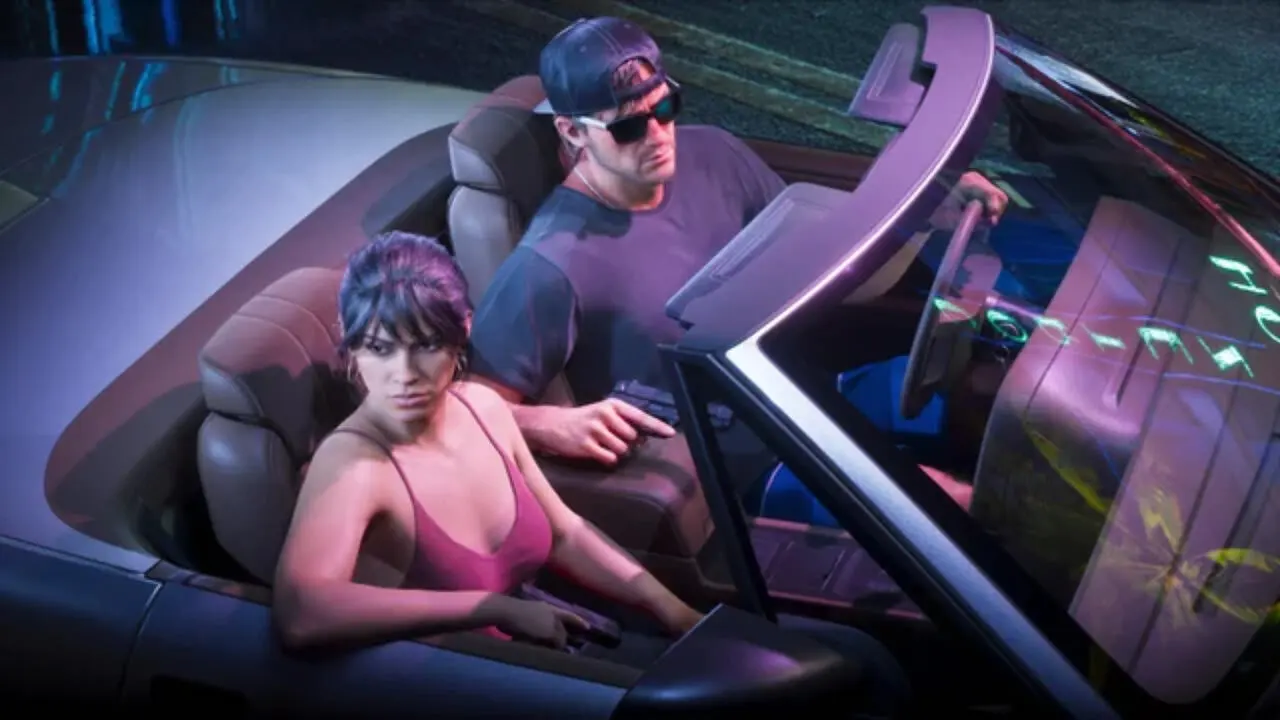
A game may fail to start even after a broader network incident has ended. If you're looking into GTA 6 PSN issues, identify the error first rather than assuming that PlayStation Network is down again.
How to tell sign-in, license, download, and connection errors apart
PlayStation's support guidance recommends different checks for different symptoms. These are useful first steps when a game or online feature is not working as expected.
| What you see on PS5 | What to check first |
| You can't sign in to your PlayStation account | Check PSN service status and test the console's internet connection. |
| GTA 6 or another game shows a padlock icon | Verify which account owns the game, then try restoring licenses. |
| A download won't start | Check Downloads/Uploads, available storage space, and PSN status. |
| A download starts but gets stuck | Test your PS5 connection and check service notices before retrying. |
| A game launches, but an online feature fails | Identify the affected service. PSN, Rockstar's services, and your home network are separate systems. |
If a game shows a padlock icon, go to Settings > Users and Accounts > Other > Restore Licenses. Sony states that restoring licenses does not delete user data.
How to check for a PS5 system software update
Pending system software updates can also prevent certain content from working correctly. Check your console's software separately from the PlayStation Network status.
- From the PS5 home screen, open Settings.
- Go to System > System Software.
- Select System Software Update and Settings.
- If an update is available, choose Update System Software and follow the on-screen instructions.
To test your connection, open Settings > Network > Connection Status > Test Internet Connection. A failed test may indicate a local issue even when PSN is operating normally.
How to check PSN status and contact support
Searches for PSN outage reports related to GTA 6 may bring up coverage of the disruptions that have already ended. Check the date and time on each report so an older incident is not mistaken for a new one.
Before concluding that PlayStation Network is down again, use this checklist:
- Check the official dashboard: Visit status.playstation.com for notices about gaming, social features, and other PlayStation services.
- Compare the timestamps: Make sure an error lines up with an active incident, rather than the resolved reports from November 18 or 19.
- Check your PS5: Test your home connection, review system software updates, and inspect the download or license involved.
- Document the issue: If it persists, note the error code, date, time, and region before contacting PlayStation Support.
If another disruption is confirmed, an updated report should specify when it started, which services were affected, where the impact was confirmed, and whether it has ended. As of the latest status check used for this article, the two incidents recorded on November 18 and 19 had been resolved.