

PUBG: BATTLEGROUNDS players in Saudi Arabia and neighboring Middle Eastern countries may experience higher ping because their matches connect to distant servers.
The issue is particularly relevant for competitive players, where delayed movement, unstable hit registration, and packet loss can affect gunfights.
But why do players experience PUBG high ping in Saudi Arabia when other popular games offer connections below 20 milliseconds?
Official data provides part of the answer.
According to Saudi Arabia's Communications, Space and Technology Commission (CST), PUBG recorded an average latency of 80 ms during the second quarter of 2026.
The report classified the measured server destinations as European, rather than Saudi Arabian.
Understanding PUBG Middle East servers requires examining matchmaking availability, server distance, and internet routing.
Here is what the official information reveals and how players can improve their connections.
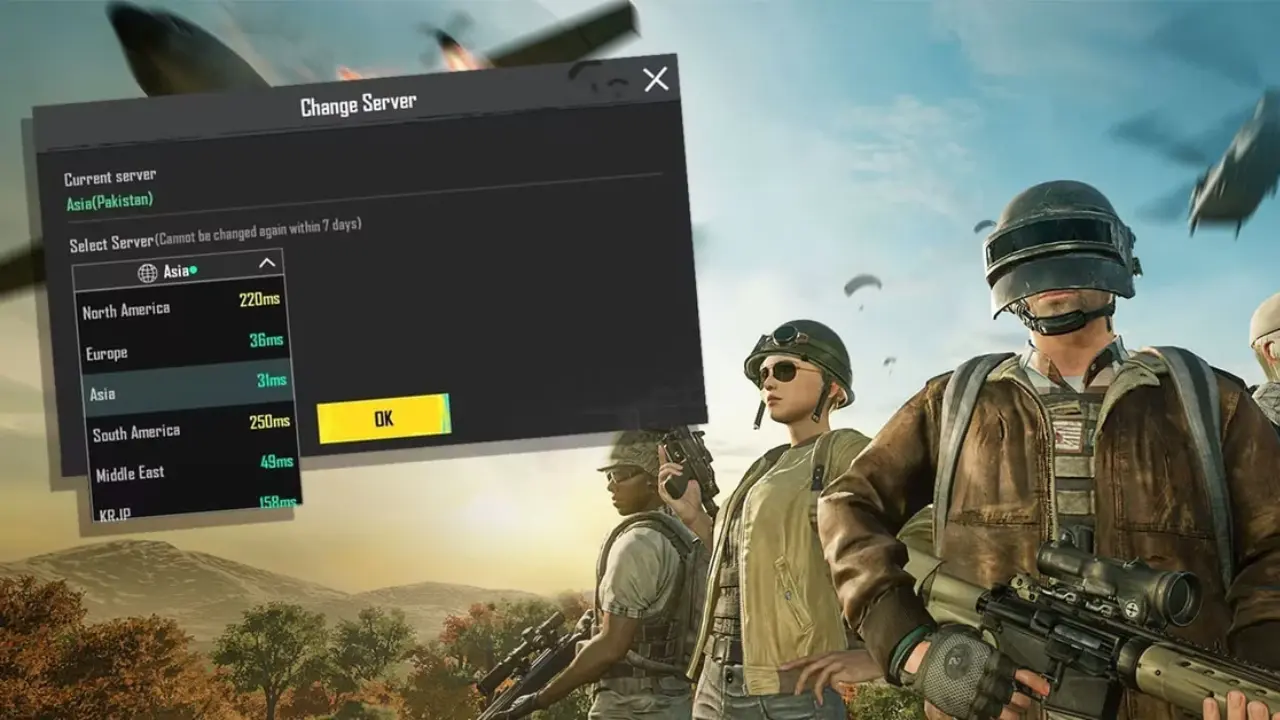 PUBG: BATTLEGROUNDS operates regional matchmaking infrastructure across several international markets.
However, KRAFTON does not provide a complete public list identifying every physical server location serving Middle Eastern players.
This makes it difficult to confirm the availability of dedicated PUBG Saudi Arabia servers or a specific PUBG Dubai server for PC and consoles.
The available official measurements provide more useful information.
PUBG: BATTLEGROUNDS operates regional matchmaking infrastructure across several international markets.
However, KRAFTON does not provide a complete public list identifying every physical server location serving Middle Eastern players.
This makes it difficult to confirm the availability of dedicated PUBG Saudi Arabia servers or a specific PUBG Dubai server for PC and consoles.
The available official measurements provide more useful information.
The report classified PUBG's measured server destination as Europe.
Its first-quarter report had recorded a national average of 78 ms, also associated with European infrastructure.
These measurements suggest that European server destinations remained relevant for Saudi PUBG connections during the first half of 2026.
However, the data does not establish that every match connects to Europe.
It also cannot confirm that dedicated Middle Eastern servers were permanently removed or never existed.
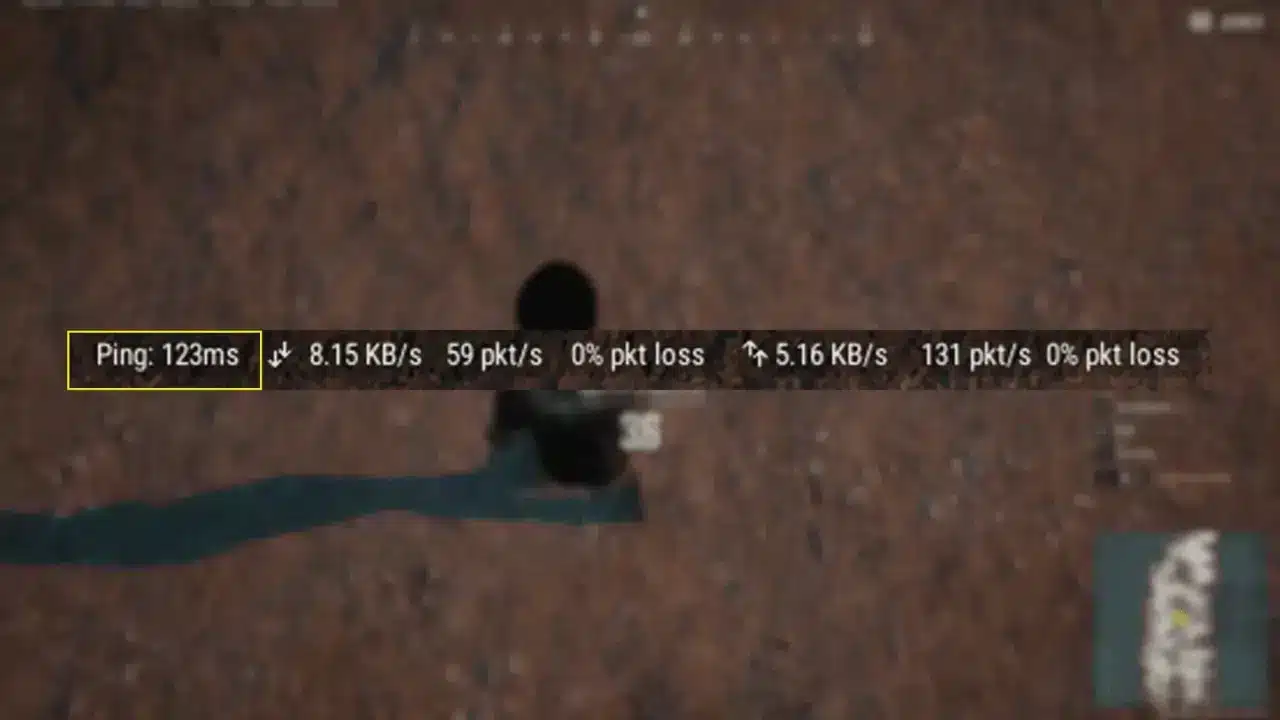 High latency usually involves several interconnected factors.
For Middle Eastern players, geographical distance can be especially important when matches use European infrastructure.
High latency usually involves several interconnected factors.
For Middle Eastern players, geographical distance can be especially important when matches use European infrastructure.
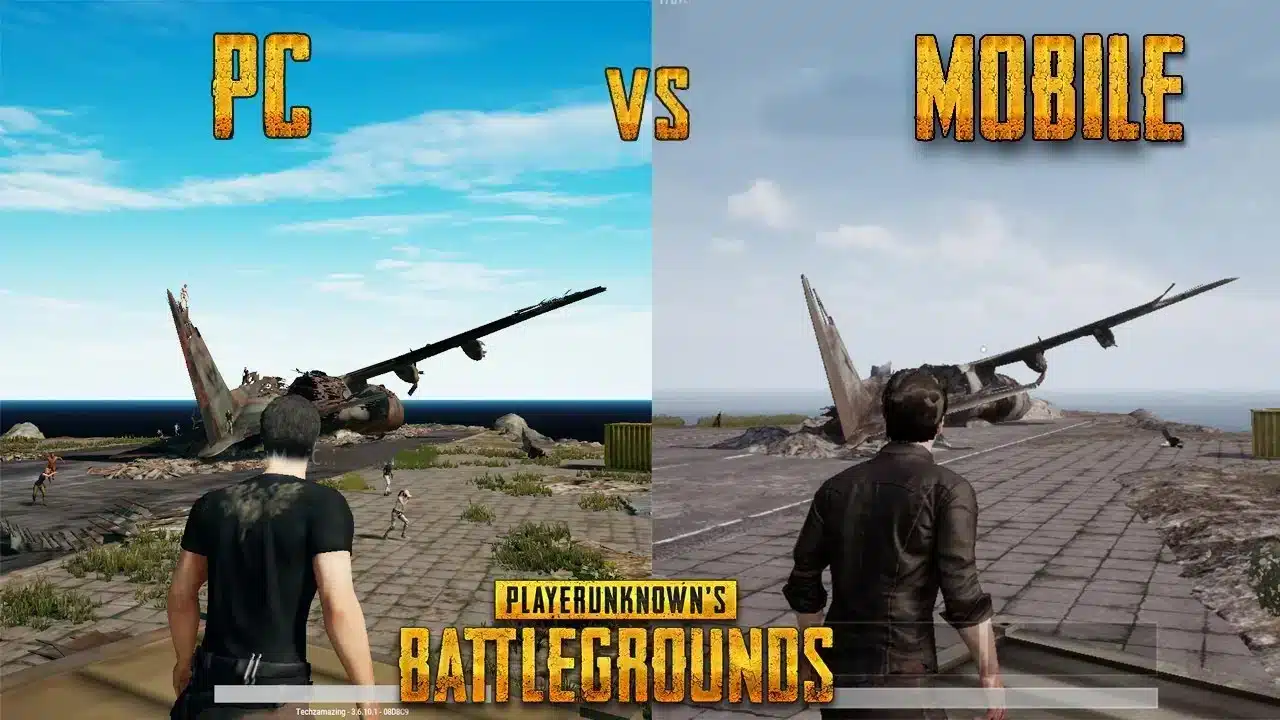 An important distinction is that PUBG: BATTLEGROUNDS and PUBG Mobile are separate products.
They have different development operations, matchmaking systems, and server infrastructures.
Saudi Arabia's CST measurements demonstrate the difference.
An important distinction is that PUBG: BATTLEGROUNDS and PUBG Mobile are separate products.
They have different development operations, matchmaking systems, and server infrastructures.
Saudi Arabia's CST measurements demonstrate the difference.
The figures were recorded during the same quarterly reporting period.
However, they do not represent a direct performance comparison under identical game conditions.
PUBG Mobile's lower average does not mean the PC and console versions are experiencing an outage.
It indicates that the measured destinations and network conditions differed.
Players researching PUBG PC Middle East servers should avoid applying PUBG Mobile server lists or troubleshooting instructions to BATTLEGROUNDS.
High ping can make actions feel delayed.
Packet loss may cause rubber-banding, interrupted movement, or missing updates.
Jitter can create sudden connection instability, even when average ping remains acceptable.
Low FPS, meanwhile, is primarily a rendering problem rather than a network measurement.
 Players experiencing PUBG matchmaking high ping should investigate local network conditions before attempting advanced solutions.
Does PUBG Have Middle East Servers in 2026?
PUBG: BATTLEGROUNDS operates regional matchmaking infrastructure across several international markets.
However, KRAFTON does not provide a complete public list identifying every physical server location serving Middle Eastern players.
This makes it difficult to confirm the availability of dedicated PUBG Saudi Arabia servers or a specific PUBG Dubai server for PC and consoles.
The available official measurements provide more useful information.
What does Saudi Arabia's Game Mode report show?
The CST Game Mode dashboard compares gaming latency across participating Saudi Arabian internet providers. Its second-quarter 2026 report recorded the following PUBG results:| Internet provider | Average PUBG ping |
| Mobily | 74 ms |
| Salam | 79 ms |
| Zain | 79 ms |
| stc | 82 ms |
| Saudi Arabia average | 80 ms |
How reliable are these measurements?
The CST uses Meqyas devices installed on participating fiber-to-the-home connections. Measurements are analyzed using SamKnows technology. Therefore, the results represent monitored connections during specific reporting periods. They should not be interpreted as guaranteed latency values for every player, platform, or matchmaking mode.Why Is PUBG Ping High in Saudi Arabia?
High latency usually involves several interconnected factors.
For Middle Eastern players, geographical distance can be especially important when matches use European infrastructure.
Distance between Saudi Arabia and Europe
Ping measures the round-trip time required for information to travel between a player's device and the server. Longer distances generally increase latency. Even an efficient connection between Saudi Arabia and Europe has unavoidable propagation delays. This helps explain why a European server may produce considerably higher ping than infrastructure located within the Gulf region. However, distance alone does not determine the result.International routing and ISP congestion
Internet service providers determine how traffic travels through interconnected networks. Sometimes, a connection follows longer routes because of network agreements, infrastructure limitations, or congestion. Two players living in Riyadh may therefore experience different latency despite joining the same destination. The same applies to players in Kuwait, Bahrain, Qatar, and the UAE. Local Wi-Fi interference and background downloads can further reduce connection stability. Importantly, increasing internet download speed does not automatically reduce latency.How Does PUBG Matchmaking Affect Server Selection?
PUBG requires many participants to create a standard battle royale match. Maintaining enough available players is therefore essential for matchmaking. Different modes, perspectives, maps, and regions can divide the available player population. KRAFTON discussed this challenge in its April 29, 2026 development letter. The company explained that smaller matchmaking pools may require adjustments to preserve reasonable queue times. In May, map selection was expanded to several regions, including Europe and North America. However, the change created additional challenges.What changed in August 2026?
On August 11, KRAFTON announced another adjustment. The company reduced the number of simultaneously available maps from five to three in several regions. According to the developers, unpopular maps were splitting matchmaking populations and increasing queue times. The changes applied to selected PC and console regions, including Europe. These announcements demonstrate how available player populations influence matchmaking decisions. However, they do not prove that the same changes caused Middle Eastern players to connect to European servers.Can players manually select another PUBG server?
Regional availability depends on the game version, platform, and current matchmaking configuration. PUBG does not universally provide a manual data center selector comparable to those found in certain other competitive games. Players should review the options available in their current game mode. Changing maps or matchmaking settings does not guarantee access to a particular physical server. Likewise, a location appearing in community discussions does not confirm official matchmaking availability.PUBG PC vs PUBG Mobile: Why Is Ping Different?
An important distinction is that PUBG: BATTLEGROUNDS and PUBG Mobile are separate products.
They have different development operations, matchmaking systems, and server infrastructures.
Saudi Arabia's CST measurements demonstrate the difference.
| Game | Average ping, Q2 2026 | Measured server location |
| PUBG: BATTLEGROUNDS | 80 ms | Europe |
| PUBG Mobile | 14 ms | Saudi Arabia |
How to Check PUBG Ping and Packet Loss
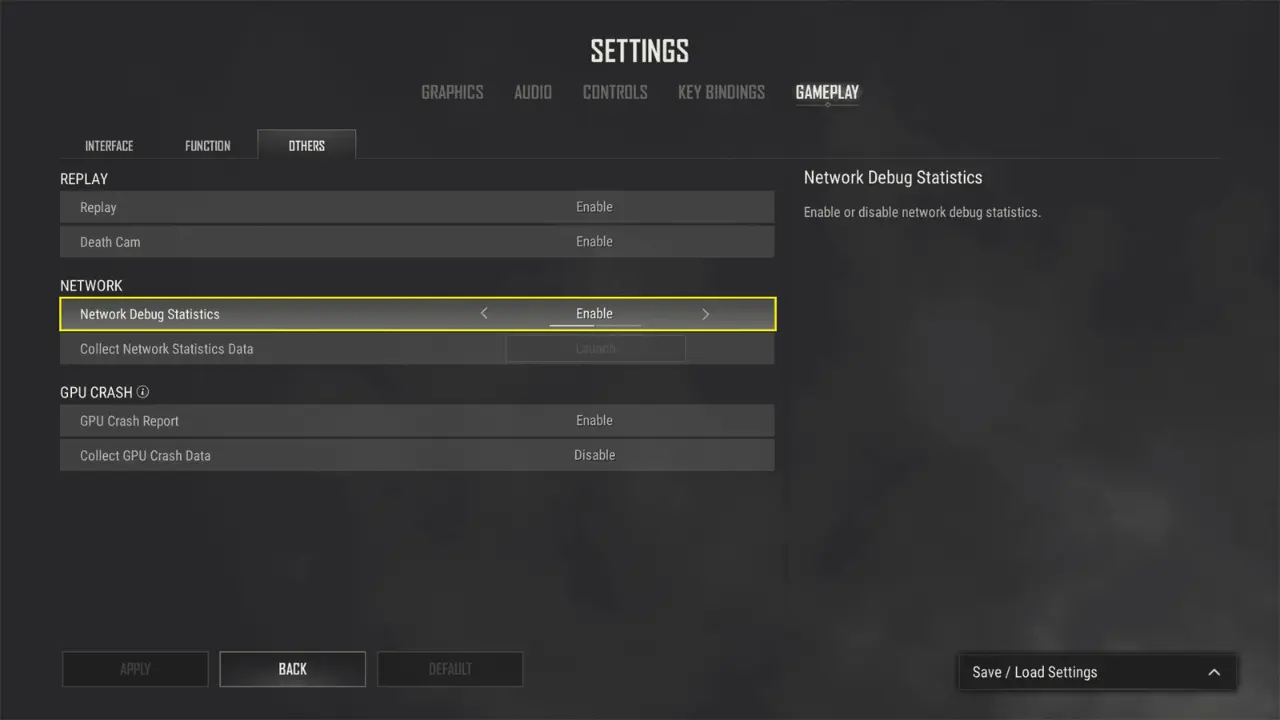
Before changing network settings, players should identify whether the problem involves latency, packet loss, or local performance. PUBG includes network debugging information on supported versions.Enable network statistics
On PC, follow these steps:- Launch PUBG: BATTLEGROUNDS.
- Open Settings.
- Navigate to Gameplay and locate the available interface settings.
- Look for Network Debug Statistics.
- Enable the option if available in your version.
- Join a match and monitor the displayed information.
What do the indicators mean?
| Indicator | Meaning |
| Ping | Round-trip network latency |
| Packet loss | Information failing to reach its destination |
| Jitter | Variations in network delay |
| FPS | Local rendering performance |
Compare multiple matches
Record your connection statistics across several matches. Include the game mode, approximate time, server or match identifier when available, and observed latency. If ping remains close to 80 ms on a European destination, geographical distance may explain part of the delay. If latency suddenly increases above your usual baseline, investigate congestion or routing changes. The CST's average should not be treated as an individual diagnostic threshold.How to Reduce PUBG High Ping in the Middle East
Players experiencing PUBG matchmaking high ping should investigate local network conditions before attempting advanced solutions.
1. Check PUBG server announcements
Visit the official PUBG news page and PUBG Support. Look for maintenance notices, matchmaking changes, and known connectivity problems. If a service is unavailable, local network optimization cannot restore it.2. Improve your home connection
PUBG Support recommends several basic connectivity adjustments:- Use Ethernet instead of Wi-Fi.
- Restart your router and modem.
- Pause unnecessary downloads and updates.
- Reduce simultaneous bandwidth usage.
- Update network drivers and router firmware when appropriate.
3. Compare matchmaking conditions
Test your connection across different available game modes. Repeat the comparison during peak and off-peak hours. Different matchmaking populations may affect queue availability, while server destinations and routing conditions can influence latency. Avoid assuming that a longer queue always means a better connection.4. Investigate ISP routing
If high ping persists, contact your internet provider. Provide your location, ISP, connection type, usual latency, and affected matches. PUBG Support may also request the server ID or match ID when investigating a problem. Network diagnostic tools can help identify unexpected latency increases. However, individual traceroute timeouts do not necessarily indicate packet loss affecting gameplay.5. Test alternative routes with ExitLag
When inefficient international routing contributes to high ping, connection optimization software may provide another option. ExitLag analyzes alternative network paths for supported games, including PUBG: BATTLEGROUNDS. For Saudi Arabian players connecting to European destinations, optimized routing may help reduce unnecessary network detours. However, it cannot remove the unavoidable delay associated with physical distance. To evaluate its effectiveness:- Launch PUBG without ExitLag.
- Record ping and packet loss across multiple matches.
- Close the game and activate ExitLag for PUBG.
- Apply the recommended route optimization.
- Repeat the tests under similar conditions.


