RimWorld is famous for its deep simulation, emergent storytelling, and complex pawn behavior systems. However, that same complexity can sometimes turn into frustration when something breaks. One of the most common and confusing problems players face is rimworld not letting me move my pawn. You click, draft, undraft, issue orders—and nothing happens.
When a RimWorld pawn refuses to move, it can feel like the entire colony is stuck. Whether the issue is related to recreation needs, movement capacity reductions, pathfinding errors, or mod conflicts, understanding the root cause is essential to fixing it quickly.
In this in-depth guide, we’ll break down exactly why RimWorld is not letting you move your pawn, how to identify the underlying cause, and what steps you can take to restore normal behavior. We’ll also cover common related issues like RimWorld pawn not doing recreation, red square boxes from mods, apparel problems such as forced clothing loops, and how these systems interact.
Understanding Pawn Control in RimWorld

Before troubleshooting, it’s important to understand how RimWorld pawns work. A rimworld pawn is governed by layers of systems including needs, schedules, health, mental state, work priorities, apparel, ideology, and mods. When one of these systems fails or conflicts, pawns may ignore commands entirely.
In many cases, the game is technically working as intended—but a hidden rule is overriding your direct orders.
RimWorld Not Letting Me Move My Pawn: The Most Common Causes
The issue of rimworld not letting me move my pawn almost always falls into one of these categories:
- Pawn is restricted by schedule or mental state
- Pawn is incapacitated or downed
- Movement capacity reduced (e.g., consciousness or injury)
- Pathfinding or zone restrictions
- Recreation or need-based override
- Mod-related errors
Understanding which category applies saves hours of trial and error.
Check If the Pawn Is Drafted or Incapacitated
The first and simplest check is whether the pawn can physically move.
Health and Status Checks
- Is the pawn downed?
- Are their moving capabilities severely reduced due to injuries?
- Is the pawn unconscious or in a mental break?
If Moving capacity is reduced to 15% or below, the pawn becomes downed and can no longer walk normally.
Drafting vs Undrafting Issues
Sometimes drafting does not override restrictions if the pawn:
- Is in a berserk or catatonic state
- Is performing a task with a higher priority
RimWorld Pawn Not Doing Recreation and Ignoring Orders
A very common cause of immobile pawns is related to needs—especially recreation.
When players report rimworld pawn not doing recreation, it often overlaps with movement issues.
Why Recreation Can Lock Pawns
If a pawn’s recreation options are:
- Inaccessible
- Forbidden
- Not present in the schedule
The pawn may idle or fail to find a valid assignment. Pawns will not perform recreation if there are no available recreation activities or if the schedule blocks movement to them.
Fixing Recreation-Related Movement Issues
- Check available recreation buildings
- Ensure recreation types match pawn preferences
- Verify recreation times in the schedule
- Remove conflicting mods that alter needs
Schedule and Zone Restrictions
Schedules are a silent controller of pawn behavior.
Common Schedule Problems
- Pawn scheduled for sleep during active periods
- Pawn assigned to recreation with no valid activity
Zone Restrictions
If your rimworld pawns are restricted to a zone that:
- Has no valid path
- Is completely enclosed
- Contains forbidden tiles
They will refuse movement commands.
RimWorld Mods Red Square Box on Pawns Explained
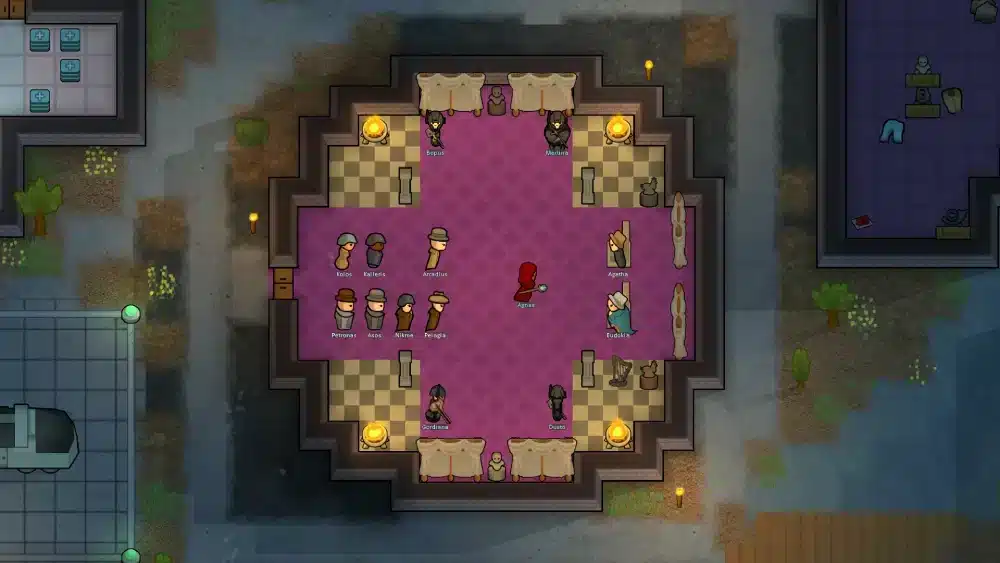
If you see rimworld mods red square box on pawns, you are almost certainly dealing with a mod conflict or debug visualization.
What the Red Square Box Means
In most cases, the red square indicates:
- A missing or broken texture or mesh from a mod
- A failed animation or model call from a mod
This visual bug often coincides with pawns becoming immobile due to errors in mod definitions.
Common Mods That Trigger Red Boxes
| Mod Type | Typical Cause |
| Apparel mods | Missing textures |
| Animation mods | Version mismatch |
| Race or body mods | Broken body definitions |
| Framework mods | Conflicts between dependencies |
Disabling the last installed mod is often the fastest fix.
Apparel Issues: Make Pawn Wearing Devilstrand RimWorld
Apparel conflicts can silently break pawn behavior.
The part about apparel itself “locking movement” is incorrect; apparel like devilstrand does not inherently prevent pawns from moving. Devilstrand is simply a fabric used to make clothing with good insulation and protection.
How Apparel Can Affect Pawns
Apparel can influence comfort and temperature but does not stop movement unless the pawn is restricted by task loops or mod issues.
Fixing Apparel Assignment Problems
- Clear forced apparel
- Check ideology apparel rules
- Ensure clothing exists and is accessible
- Verify temperature and comfort constraints
Pathfinding and Map Errors
Sometimes the problem is not the pawn—it’s the map.
Common Pathfinding Issues
- Doors locked or forbidden
- Inaccessible terrain due to furniture or blockages
- Mods altering walkable tiles
Quick Pathfinding Test
- Draft the pawn
- Order them one tile away
- Remove all zone restrictions
- Check for error messages
If movement still fails, the issue is systemic.
RimWorld Pawn Behavior
| Symptom | Likely Cause | Fix |
| Pawn won’t move | Health or schedule | Check injuries & timetable |
| Pawn ignores orders | Recreation or task loops | Add valid recreation or cancel tasks |
| Red square on pawn | Mod conflict | Disable recent mods |
| Pawn stuck equipping | Apparel rules or mod loop | Clear forced clothing |
This table helps quickly identify the source of the problem.
Mod Load Order and Compatibility
Mods are the leading cause of unexplained pawn behavior.
Best Practices for Modded RimWorld
- Keep mods updated
- Avoid overlapping functionality
- Use a proper load order
- Read mod compatibility notes
Improper load order or conflicting mods can cause pawns to stop responding entirely.
Advanced Debugging Using Dev Mode
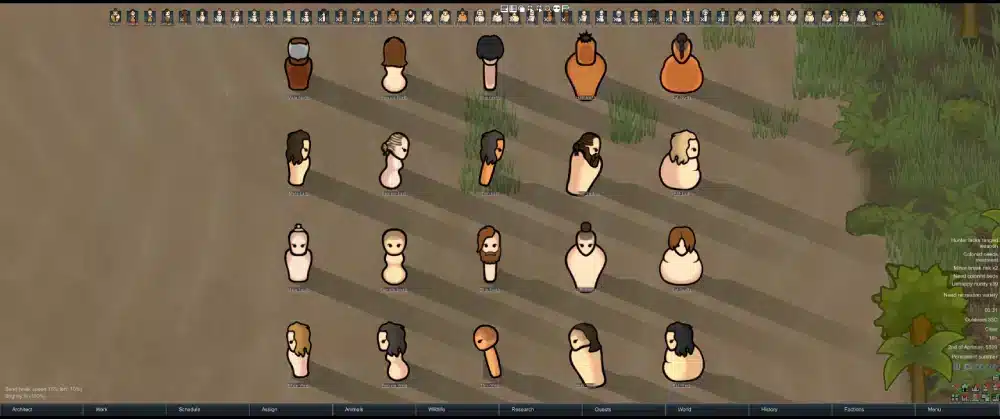
RimWorld’s developer mode is invaluable.
How to Use Dev Mode
- Enable dev mode in settings
- Select pawn
- Check log for red errors
Common error messages often point directly to the cause.
Why Performance and Stability Matter in RimWorld
Even single-player simulation games can suffer from performance instability, especially with heavy mod lists.
Lag spikes or simulation delays can make pawns appear frozen or unresponsive.
ExitLag can help PC players maintain stable system and network performance when running complex, heavily modded games.
While RimWorld is not multiplayer-focused, maintaining a stable system environment ensures smoother simulation ticks and fewer behavior hiccups.
Step-by-Step Fix Checklist
If RimWorld is not letting you move your pawn, follow this order:
- Check health and mental state
- Remove zone restrictions
- Verify schedule and recreation
- Clear forced apparel
- Disable recent mods
- Check dev mode errors
This systematic approach resolves most issues.
Preventing Pawn Movement Issues in the Future
Long-Term Tips
- Test mods incrementally
- Avoid forcing too many apparel rules
- Maintain accessible recreation
- Regularly check pawn health
- Keep save backups
Prevention is always easier than recovery.
RimWorld Not Letting Me Move My Pawn: Final Thoughts
The issue of rimworld not letting me move my pawn is frustrating, but rarely unsolvable. In most cases, the game is enforcing a rule you can’t immediately see—whether it’s a recreation loop, zone restriction, or mod error.
By understanding how RimWorld systems interact and applying structured troubleshooting, you can restore control and keep your colony running smoothly.
FAQ: RimWorld Pawn Movement Issues
Why is RimWorld not letting me move my pawn?
Usually due to health, schedule, recreation, or mod conflicts.
Can mods cause pawns to stop moving?
Yes, especially conflicting or outdated mods.
Why does my pawn refuse to do recreation?
Invalid recreation options or scheduling issues are common causes.
What does the red square box on my pawn mean?
It typically indicates a mod or texture/model error.
Can apparel like devilstrand stop pawn movement?
No—apparel does not inherently stop movement; movement issues are usually from tasks, restrictions, or mods.
All game images used in this blog belong to Ludeon Studios. They are used for informational/educational purposes only and do not imply endorsement or affiliation with the rights holders.