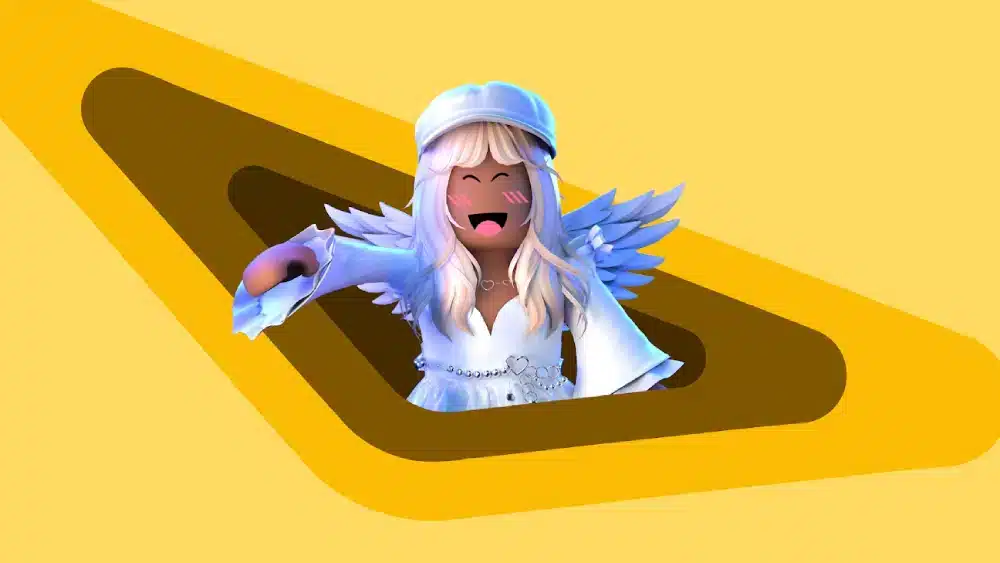
Roblox outfits are one of the fastest ways to look memorable in any experience—whether you’re flexing in a hangout, roleplaying in a café, or jumping into a competitive game where everyone’s moving too fast to read usernames.
Part of what makes avatar style so important is how long Roblox has been a customization-first social space. If you want that bigger picture before refining your look, this quick explainer on when Roblox was made and how it evolved adds useful context.
The trick is that Roblox outfits don’t stand out because they’re expensive. They stand out because they’re designed with intent: a theme, a silhouette, and a few “signature” details that people recognize instantly.
Roblox outfits also get easier to build once you stop thinking in single items and start thinking in systems: a wardrobe you can remix, a color palette that always works, and a few accessories that define your vibe.
In this guide, you’ll learn how to build Roblox outfits that look clean and unique, how to shop smarter, how to use layering without making your avatar look crowded, and how to borrow community trends safely—without falling for sketchy links.
How do you make Roblox outfits look unique?
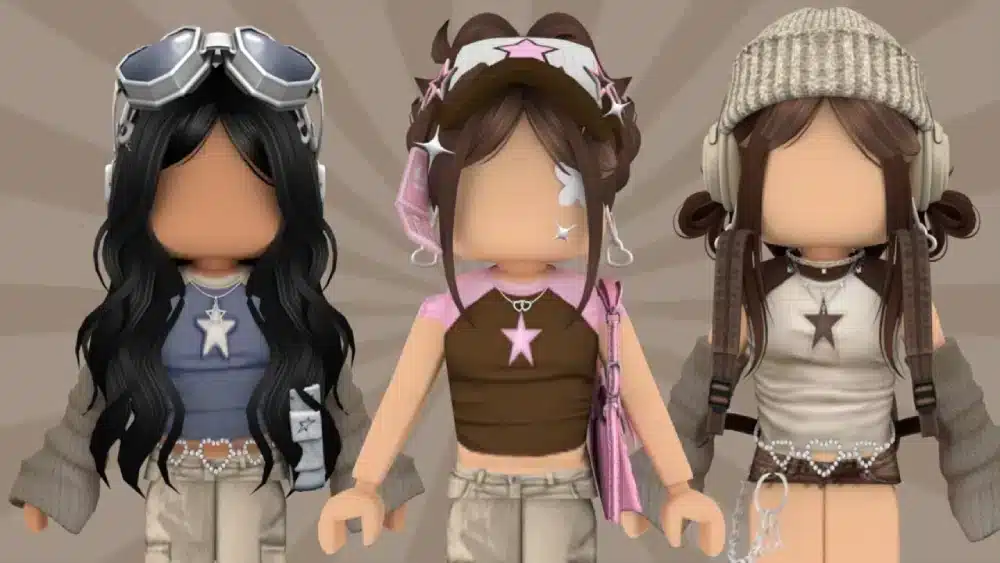
Most “I want to stand out” advice is just “buy rare stuff.” That’s not only expensive—it’s also lazy design. Unique Roblox outfits come from consistency, contrast, and a clear idea.
Before we jump into the details, here’s the core rule: you’re designing an identity. That means your Roblox clothing choices should support your theme, your avatar outfits should read clearly at a glance, your Roblox fashion should feel intentional, and your character customization should serve a recognizable look (not a random pile of items). If you use outfit codes, you should still tweak them so they feel like you.
Pick a theme and silhouette that reads fast
In Roblox, players see you for a second and move on. Your look needs to “read” quickly.
Start with a theme. Examples that almost always work:
- Streetwear (hoodie + baggy pants + clean shoes)
- Cyber / sci-fi (helmet + neon accents + tech backpack)
- Fantasy (cloak + boots + simple crown or horns)
- Minimalist (2–3 colors, almost no clutter)
- “One color only” challenge (all black, all white, all pastel)
Then build a silhouette—your outline. Silhouette is why a simple outfit can look premium.
Silhouette checklist
- One statement piece only (big hair or big hat or big back accessory)
- If your hair is loud, keep accessories quieter
- If your outfit is layered, keep colors tighter
- If your colors are loud, keep shapes simpler
Use Roblox outfits as a “thumbnail test”: zoom out and see if you still look distinct. If the silhouette is messy, remove one accessory.
Also: layered clothing can change how items drape and fit across different avatar bodies, which makes silhouettes more dynamic when used carefully.
Use color rules that always work
Color is the easiest way to look “designed” without spending more Robux.
Pick one of these palettes:
Palette formulas
- 2 neutrals + 1 accent (black/white + neon green)
- 3 tones of the same color (navy + blue + light blue)
- Complementary pair (purple + yellow, blue + orange)
- Monochrome + texture (all gray, but mix materials)
Here’s a fast table you can copy as a starting point:
| Vibe | Base colors | Accent idea | “Don’t do this” |
| Clean streetwear | black + white | red or lime | 5+ bright colors |
| Soft / cute | beige + pastel | pink or mint | heavy dark accessories |
| Cyber | black + gray | neon blue | too many glowing items |
| Fantasy | brown + dark green | gold | mixing 3 different “metal” tones |
Now apply one “rule of three” for details:
- Repeat your accent color in three places (shoes + accessory + small detail)
That alone makes Roblox outfits feel cohesive.
Roblox outfits tip: if your face accessory is bright, echo that color once on your outfit and once on your back accessory. The look instantly feels “planned.”
Where can you find Roblox clothing and ready-made avatar outfits?
If you’re only shopping randomly, you’ll either overpay or end up with pieces that don’t match anything else you own.
The best approach is to combine official shopping with community inspiration—while staying safe.
In this section, we’ll cover where to get Roblox clothing and avatar outfits legitimately, how Roblox fashion trends spread, how to use character customization tools to test looks, and how outfit codes work in a way that doesn’t put your account at risk.
Use the Avatar Shop and bundles strategically
Roblox’s Catalog/Avatar Shop is the official place to browse clothing, accessories, and more.
Use the official shop first, then build your wardrobe around reusable pieces instead of impulse buys. The Roblox Avatar Shop catalog page is the safest place to compare items, prices, and styles without risking your account.
Bundles also exist as pre-packaged avatar sets you can mix and match.
How to shop smarter (not harder)
- Buy “core basics” first (neutral pants, neutral tops, simple shoes)
- Then buy 2–3 statement accessories you can reuse
- Only after that, buy niche pieces (costumes, heavy themed sets)
Bundle remix trick
- Take one bundle for the body/style base
- Swap the hair, face item, and one accessory
- You keep a cohesive look, but it stops looking like a default bundle
This matters because Roblox outfits that look “custom” usually reuse the same few high-quality items across multiple looks. That’s how players build a recognizable aesthetic.
Use community inspiration and outfit codes safely
Roblox fashion trends don’t live only in the shop. They live in creators, social feeds, and “try-on” experiences.
One big trend is sharing outfit codes inside avatar try-on games (like Catalog Avatar Creator). Code lists are often updated publicly by community sites.
But here’s the safety rule:
Only redeem codes inside the experience that supports them.
Do not log into “free Robux / free outfit” websites, and do not install anything from random links.
A safer way to study outfit trends is to look at popular style-focused experiences and see how players build looks inside the game itself. For example, this guide to Dress to Impress on Roblox and its fashion gameplay shows why themed styling became such a strong part of Roblox culture.
Safe way to use outfit codes
- Use codes as inspiration
- Save the look (or list the item IDs)
- Replace 1–2 items so it becomes your own
That’s how you turn a popular template into a unique avatar—without becoming a copy-paste clone.
Roblox outfits tip: if a code gives you a strong base, change the hair + one accessory + your accent color. You’ll keep the vibe, but your look won’t be identical to everyone else using the same code.
How do you build Roblox outfits that still look good in different games?
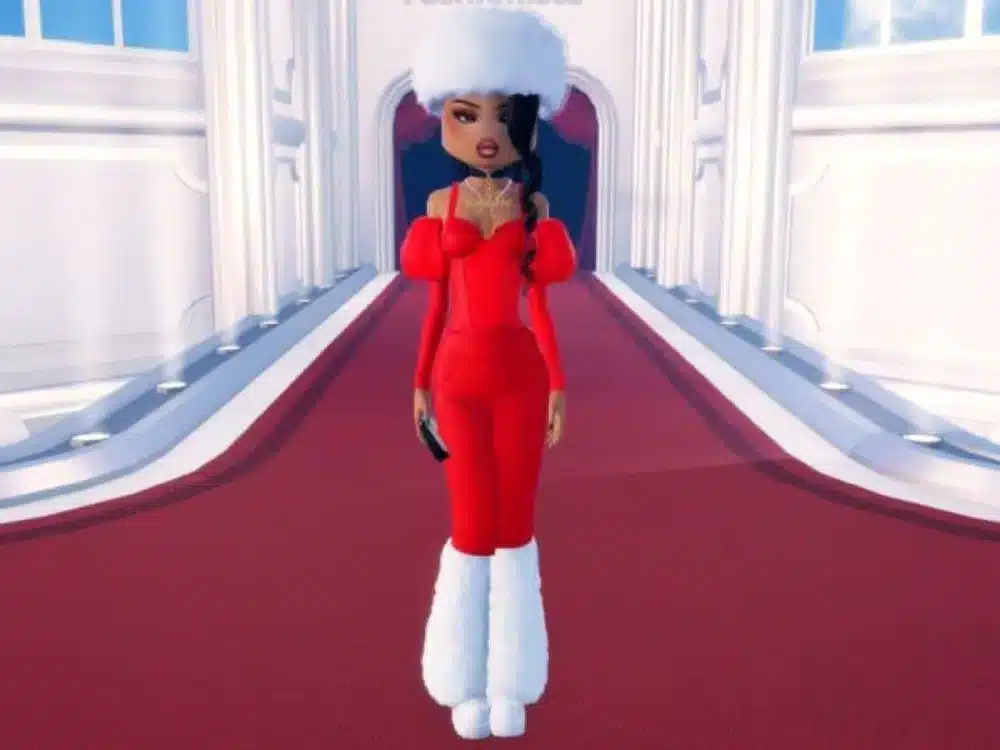
A look can be perfect in a fashion hangout and look weird in a fast-paced PvP game. Why? Because lighting, camera distance, and movement change what stands out.
So you want Roblox outfits that are flexible: readable at a distance, clean in motion, and not so cluttered that they glitch or clip.
This is where Roblox clothing choices matter a lot, avatar outfits need to be tested in multiple environments, Roblox fashion should be balanced (not noisy), character customization should support the body type you use, and outfit codes should be treated as a draft—not a final.
Layered clothing: how to use it without looking bulky
Layered clothing (3D clothing) is designed to fit and “drape” more naturally across avatar bodies, and it can be layered with other items.
That’s powerful, but it’s easy to overdo.
Layering rules that keep you clean
- Keep one layer “large” (jacket or coat), everything else slim
- Avoid stacking big shoulder items with big backpacks
- If your outfit clips, simplify the top layer first
Easy layered combos
- T-shirt + open jacket + simple pants
- Hoodie + light coat + slim accessories
- Dress/skirt + small shoulder accessory + boots
Layering is also a great way to fake “premium design” with normal-priced items—because depth and structure read as quality.
The “signature item” method
If you want to stand out consistently, pick one signature element and reuse it across multiple outfits.
Good signature items:
- one hair style
- one mask type
- one color accent
- one back accessory style
Now build 3–5 Roblox outfits around that signature. Suddenly, you’re recognizable.
Example: one signature = purple accent
- Outfit 1: monochrome + purple glasses
- Outfit 2: streetwear + purple shoes
- Outfit 3: fantasy + purple aura accessory
This is how you create a “brand,” even if you never spend big.
Roblox outfits tip: if people can describe you in one sentence (“the cyber avatar with the purple visor”), you’re doing it right.
If you want more ideas before building your next set, it helps to study avatars that are already recognizable at a glance. This list of top Roblox characters and avatar customization ideas is a good reference for silhouette, theme, and signature-item thinking.
How to use the community to level up your Roblox fashion
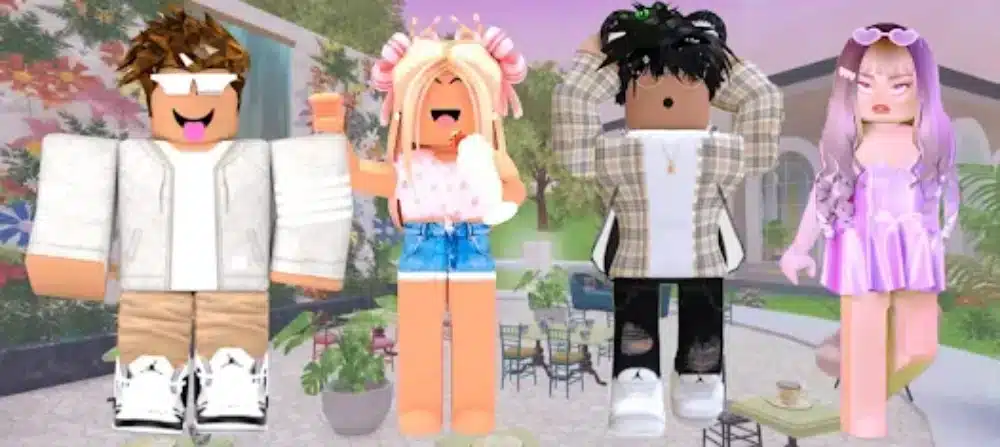
Roblox’s community is basically a massive fashion lab. The best looks are rarely invented in isolation—they’re iterated.
But there’s a difference between copying and learning.
If you want to use the community well, do three things:
- learn what’s trending
- study why it works
- remix it into your own style
That approach improves your Roblox clothing choices, helps you build better avatar outfits, keeps you connected to Roblox fashion trends, strengthens your character customization skills, and makes outfit codes useful without turning you into a carbon copy.
Where trends come from
Trends usually come from:
- avatar showcase experiences
- TikTok/YouTube creators
- themed groups and communities
- seasonal events and shop cycles
To use this without getting overwhelmed, pick one micro-style to explore each week:
- “clean minimal”
- “anime streetwear”
- “soft pastel”
- “military tech”
- “goth fantasy”
Then build just one outfit per style. That alone grows your range fast.
How to remix without copying
Here’s a remix framework:
Remix framework (swap 3 things)
- Swap the color palette
- Swap the hair/head item
- Swap the “statement” accessory
You’ll keep the structure that works, but the final Roblox outfits will feel original.
And yes, this is also how you should treat outfit codes: codes are a starting build, not the final identity.
How ExitLag can help Roblox feel smoother while you play and customize
Roblox is heavily online: experiences, servers, purchases, avatar loading, and social hubs all depend on a stable connection. When your route to the server is unstable, you can feel lag spikes, jitter, or inconsistent responsiveness—especially in competitive or fast-movement games.
ExitLag is built around optimizing routes to game servers in real time, aiming to reduce lag issues tied to routing instability (like jitter and packet loss).
That matters for Roblox in two main ways:
1) Smoother gameplay sessions
- Less “random” stutter caused by unstable routing
- More consistent movement and input feel in action-heavy experiences
2) More stable sessions in social and trading-heavy hubs
- Fewer disconnects mid-session
- More consistent loading and interaction timing when servers are crowded
How to test ExitLag without guessing
- Test during your worst hours (peak time)
- Play the same Roblox experience twice (same server region if possible)
- Compare stability (spikes and disconnects), not only “average ping”
ExitLag won’t fix low FPS or a weak device, but it can help when the problem is the path your connection takes to the server.
FAQ
Roblox outfits are combinations of clothing and accessories you equip on your avatar to create a specific look. The best Roblox outfits follow a clear theme, balanced colors, and a clean silhouette.
Start with basics you can reuse (neutral tops/pants), then add statement accessories. Browsing the official Catalog/Avatar Shop is the safest way to build a wardrobe.
Some outfit codes exist inside specific experiences (like avatar try-on games) that support code redemption. Use codes only in the game that provides them, and avoid third-party “free stuff” sites.
Pick one “signature” element (color accent, hair, mask, or back accessory) and build multiple avatar outfits around it. You’ll look consistent and recognizable without needing rare items.
Yes. Layered clothing is designed to fit and drape more naturally across avatar bodies and can be layered with other items, which expands character customization options.
If you want a simple plan to start today: pick one theme, choose a 2-color palette + 1 accent, build a clean silhouette, then save a second version with one swapped accessory for variety. You’ll end up with a “signature” look that feels like you.
And if you’re dealing with unstable sessions while you play, trade, or hang out, test ExitLag during peak hours to see if route optimization helps your consistency.
Final challenge: build one new look tonight and make it yours—because Roblox outfits should feel like identity, not inventory.
If you’re helping a friend get started or you want to rebuild your style from scratch, it’s worth keeping the official platform page bookmarked too. The main Roblox website is the cleanest starting point for logging in, managing your avatar, and jumping into new experiences safely.
Got questions or want to connect with other players? Join the conversation at the ExitLag Forum!