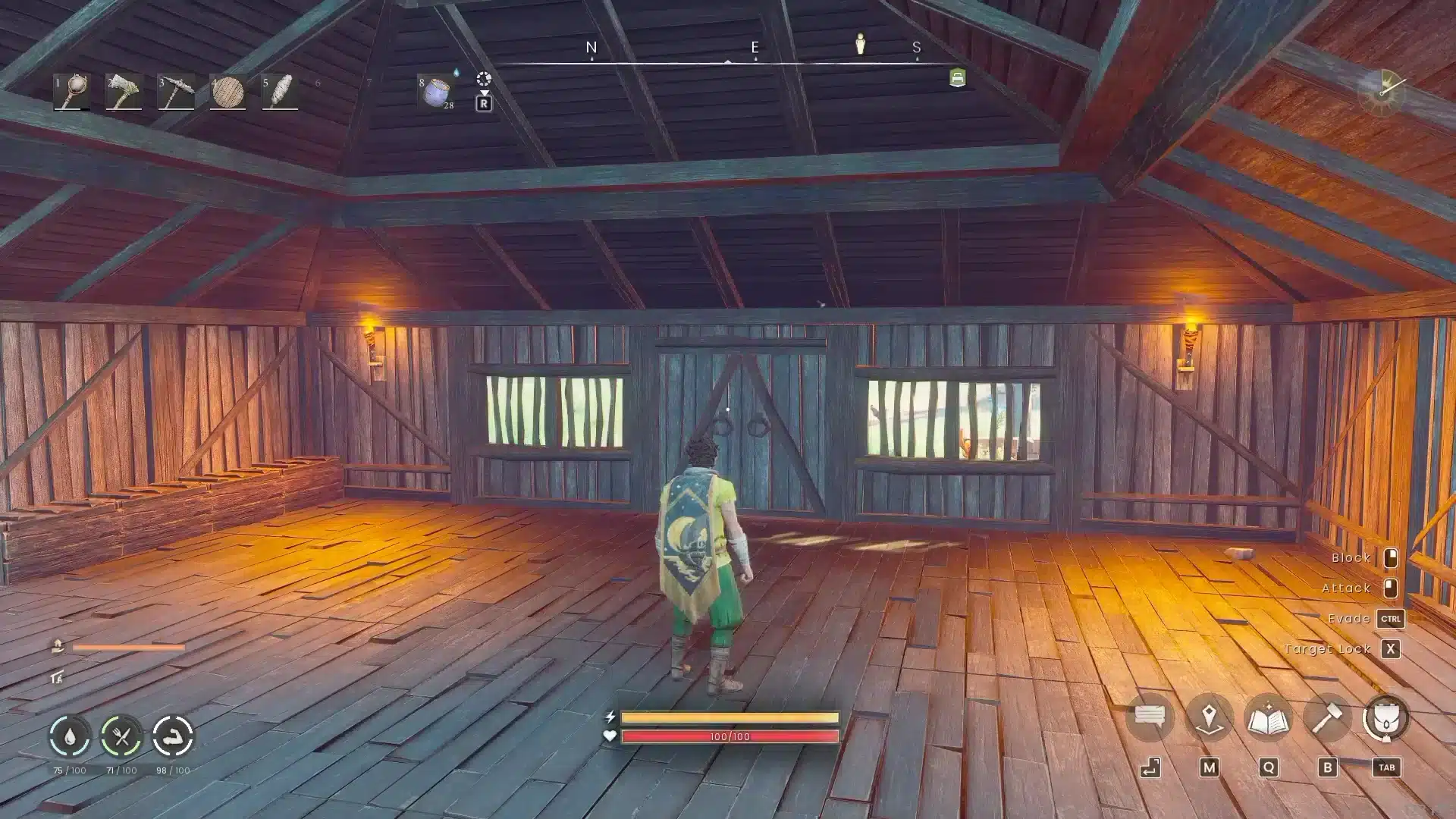
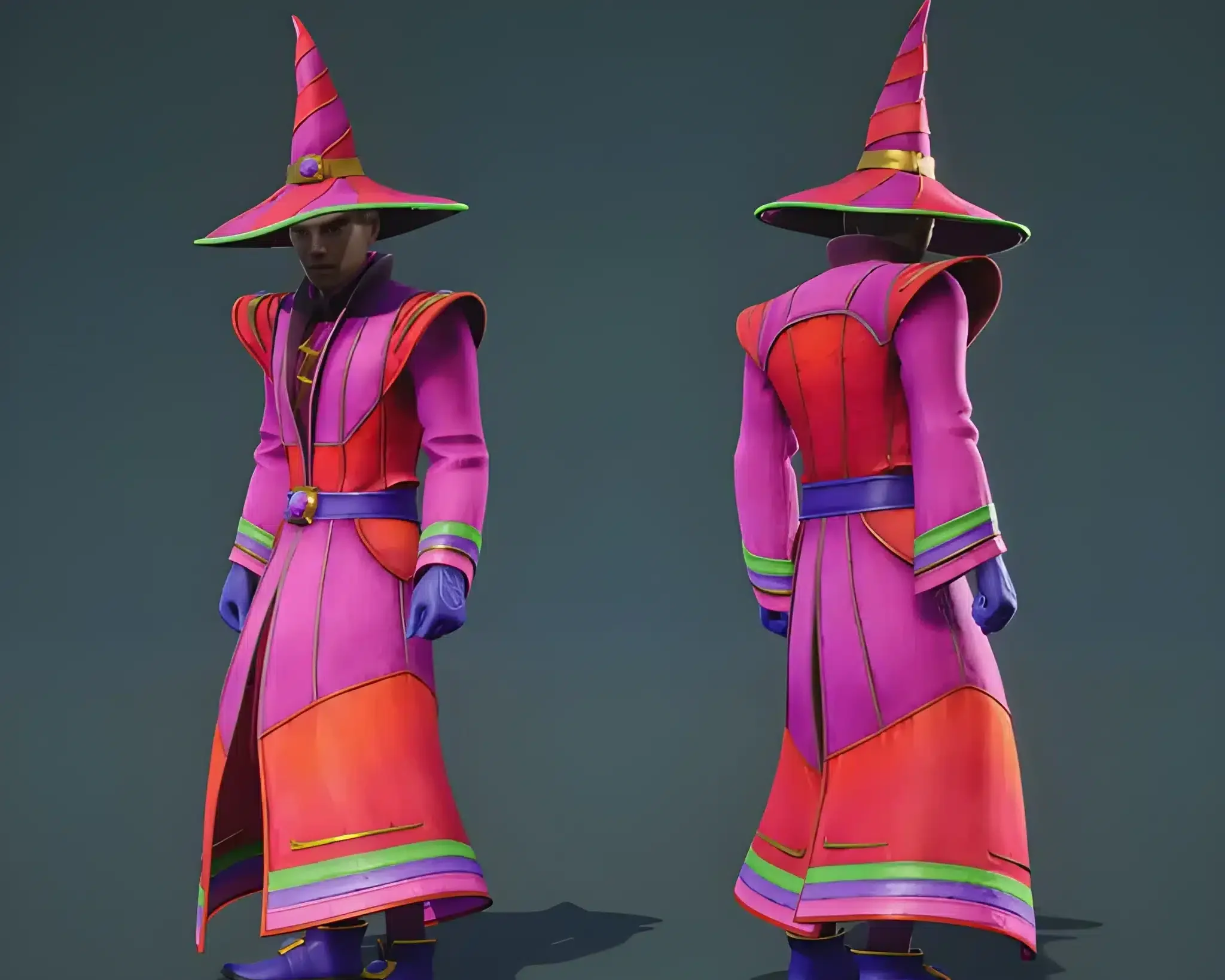
You and your friends want one world that stays online, keeps your base, and doesn't die when the host logs off. That's the whole appeal of RuneScape Dragonwilds Server Hosting, and it's why so many groups switched to dedicated servers.
The catch is that a bad setup feels worse than no server at all. A closed port, a version mismatch or a weak connection and your friends see rubber-banding, a missing world or nothing at all. Good RuneScape Dragonwilds Server Hosting starts with a few boring checks.
So what do you actually need? A 64-bit Windows or Linux machine with 2 GB of RAM plus 1 GB per player, UDP port 7777 open, and a short config file. You can rent that from a provider or run it at home. Either way, Dragonwilds Server Hosting is capped, and it tops out at six players per server today.
Jagex's own guide calls the partner-hosted route the easiest and the home route hard. We'd agree. Never forwarded a port? Rent one.
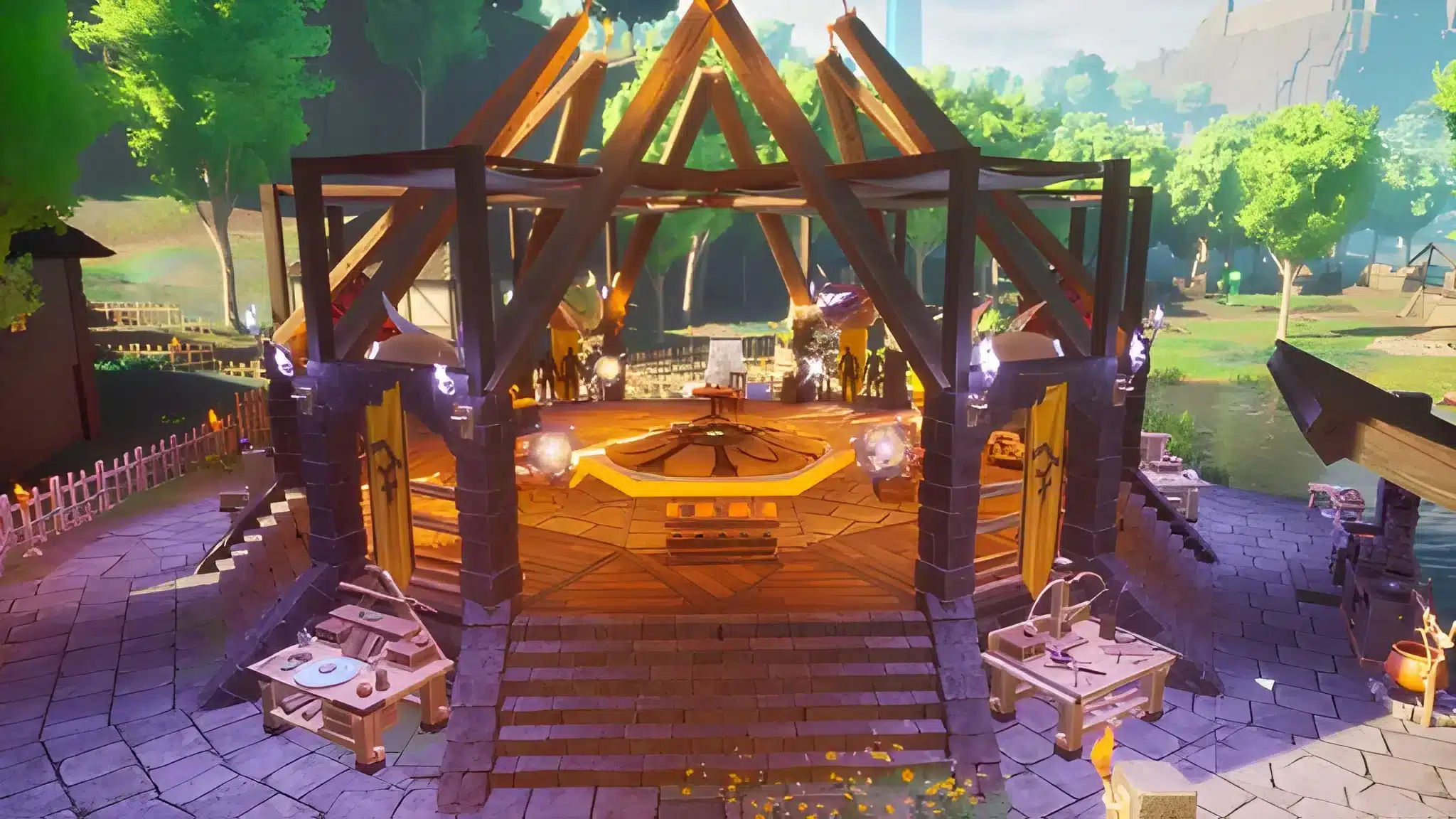
What Does RuneScape Dragonwilds Server Hosting Actually Involve?
A dedicated server is a separate program that runs your world on its own. Nobody has to stay logged in. Your save lives on the server, not on one player's PC. Jagex ships the server as a free Steam product, and it has its own app ID (4019830). You can grab it through Steam or SteamCMD.Rent a server or host it yourself?
Both work. It depends on how much you enjoy fiddling with routers.| Option | Cost | Effort | Best for |
|---|---|---|---|
| Rented server | Monthly fee | Low | Groups that want it online all day |
| Home PC | Electricity | Medium | Friends who play in the same evening hours |
| Cloud machine | Varies with capacity | High | People already comfortable with Linux |
What are the hardware requirements?
The official numbers are simple. They're also easy to underbuy, especially once a group starts stacking chests, crafting stations and walls across half a map.- 64-bit Windows or Linux
- 2 GB of RAM as a base, plus 1 GB per connected player
- 8 GB for a full six-player group
- Around 25 GB of storage, per the setup guides we checked
Who can join, and on which platforms?
Since the 1.0 release, crossplay is on by default. The game writes a PlatformPolicy=Crossplay line into DedicatedServer.ini for you. PC, PlayStation 5, Xbox Series X|S and Nintendo Switch 2 players can share a world. There's a trade-off. Console patches go through certification, so a console can lag behind PC by a few days. During that gap, crossplay with that platform is off.How Do You Set Up a Dragonwilds Server Hosting Home Server?
Here's the home route, start to finish. Most failures happen at step four, not step one.- Install the free Dedicated Servers product from Steam, or run SteamCMD with app ID 4019830.
- Find DedicatedServer.ini in RSDragonwilds/Saved/Config/WindowsServer (or the Linux folder on Linux).
- Fill in Owner ID, Server Name, Default World Name and Admin Password. The server won't start without the Owner ID.
- Forward UDP port 7777 on your router and firewall.
- Start RSDragonwilds.exe with -log -NewConsole so you can read the console.
Which ports do you need?
Port 7777 over UDP is the default. A second server on the same machine uses 7778, then 7779, and so on. If your world shows up in the server list but nobody can join, your port forwarding failed. That symptom explains most "it's online but broken" complaints. Some ISPs block forwarding entirely, and in that case a rented server is the only clean fix.How do your friends find the world?
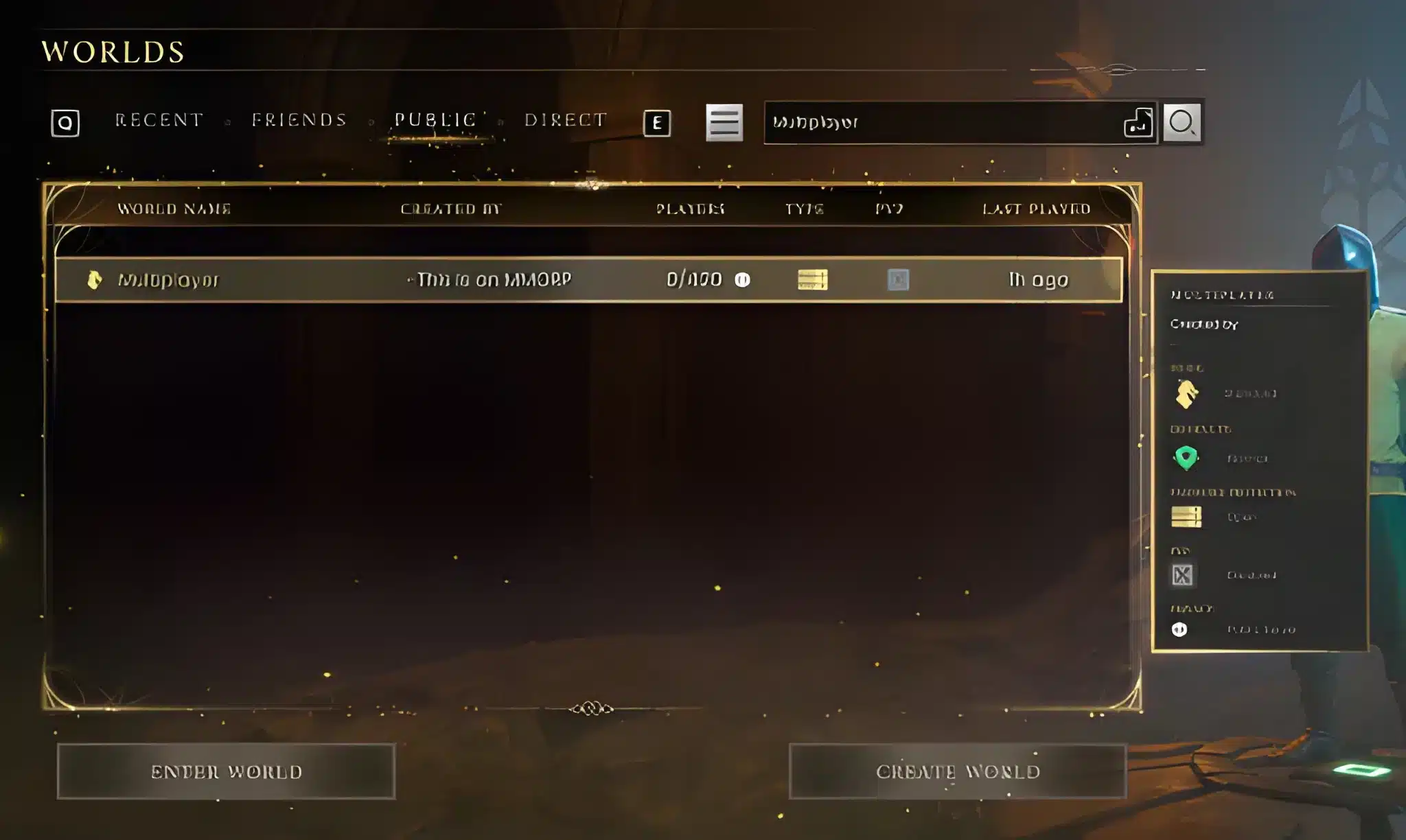
Steam invites don't work for dedicated servers right now. Players open the Public tab on the Worlds screen and search for your World Name. The search is case-sensitive. "Ashen Camp" and "ashen camp" are different searches, which has burned a lot of people during setup.Pro Tips: Dragonwilds Server Hosting
- Edit the config with the server off: Changes you make while the server runs get overwritten, so you'd lose the edit and wonder why nothing changed.
- Back up the Savegames folder before every update: The server loads the latest .sav file in Saved/Savegames, and a bad patch can hurt saves. A copy takes seconds.
- Check the version on both sides: The server log header shows the server build, and the client build sits in the top-left corner. A mismatch hides your server from the list.
- Set a World Password: It's optional, but a public listing without one invites strangers into your base.
Why Does Dragonwilds Server Hosting Break After Updates?
Because the server and client must run the same build. Every hotfix is a chance for a mismatch, and a mismatch means your world simply vanishes from the list until both sides match again. The 1.0.0.8 patch, released on October 8, is a good example. Jagex said dedicated servers needed a restart to apply it, and SteamCMD updates were being rate limited at the time.What changed in the latest patch?
The 1.0.1 notes, dated October 14, include a few server-side fixes:- A fix for Epic Games Store players who couldn't see dedicated servers
- A fix for players not registering correctly after another client reset by position or death
- Foundation and floor pieces can again be placed where one was destroyed
- Server sorting now gives consistent results
How should you handle restarts?
Restart after each update and keep automatic updating on. Then check the log header before you tell your friends it's ready. If you're hosting for a group, pick one person to own updates. Two people restarting the same machine at different times is how a Friday night falls apart.Common Mistakes Dragonwilds Server Hosting Players Make
- Forwarding the wrong protocol: People open TCP 7777 and wonder why nothing connects. Fix: forward UDP, and confirm it on every router between you and the internet.
- Editing the config while the server runs: The changes vanish on shutdown. Fix: stop the server, edit, then start it again.
- Skipping the Owner ID: The server refuses to start, and the error isn't always obvious. Fix: copy your Player ID from Settings before the first launch.
- Ignoring the version in the log header: Players report "the server is gone" when it's just a mismatch. Fix: compare server and client builds after every patch.
Can Lag Ruin a Good Server, and How Do You Fix It?
Yes. Totally. A perfect server still feels bad if the route between you and it is bad. Hosting fixes where the world lives. It doesn't fix the path your packets take. Typical symptoms are mining nodes that respond late, enemies that snap back in combat and a base build where your placed floor pieces appear a second after you click. If you host at home, the symptoms hit everyone else too. Your upload speed becomes the ceiling for all six players.How can you check your connection?
Run through this before you blame the server:- Play on a wired connection if you can
- Pause cloud backups and downloads on the host PC
- Pick a rented server in the region closest to most of your group
- Watch for packet loss at evening peak hours, not just average ping
Where does ExitLag fit in?
ExitLag is a game connection optimizer, not a VPN. It tests several network paths in real time and routes your game traffic through the fastest, most stable one. Your traffic isn't encrypted and no game files get touched. For a survival game with six players building and fighting at once, a stable route matters more than a headline ping number. Multipath sends packets over more than one route, so one bad hop doesn't freeze your swing. Multi-Internet can use up to four connections, handy if your home line drops during a boss fight. Skip the VPN while it runs. It cuts the effect. Grab ExitLag Download for PC, and your friends who play from different ISPs can each run it to stabilize their own route to your server.
Which Dragonwilds Guides Help While Your Server Warms Up?
Once the world is live, the next question is what to build first. Our setup notes in the ExitLag guide to the RuneScape Dragonwilds dedicated server cover the basics from a slightly different angle. Players who want to move around the shared world faster can check the mount guide. If lag is your main worry, our Old School RuneScape lag guide covers the general RuneScape connection side.What should a six-player group do first?
Split the jobs on day one. It saves a lot of arguing about who mined what.- Someone crafts bronze gear for the group.
- One player builds the furnace and stocks fuel.
- Two players gather wood and stone for the base.
- The host checks the log header and backs up the first save.
What would we change in this plan?
Honestly, the home route is fine for a weekend group and a bad idea for a community world. If strangers will join, rent a server and let someone else keep it online. The monthly fee is cheaper than your group losing a base. Jagex's own dedicated server how-to guide walks through the official steps and the known issues, and it's worth a read before your first launch.Final Checklist For RuneScape Dragonwilds Server Hosting
Before you invite anyone, tick these off:- RAM matches 2 GB plus 1 GB per player
- UDP 7777 is forwarded and tested
- Owner ID, Server Name, World Name and Admin Password are set
- Server and client builds match
- The Savegames folder has a fresh copy