Every Old School RuneScape player has felt it. You are mid-fight, the screen freezes for a split second, and your character teleports backward. That is Old School RuneScape Lag in action, and it ruins boss kills, skilling sessions, and PvP fights alike.
The good news is that most of this frustration is fixable. Old School RuneScape Lag usually comes from a mix of client settings, server population, and your connection route to Jagex's servers, not from your PC being "too old."
So what actually causes Old School RuneScape Lag, and how do you stop it before your next raid? The short answer: lower your graphics load, pick a low-population world close to your region, and stabilize your connection route. This guide breaks down every piece of that puzzle.
Whether you are grinding Barbarian Assault, running Trailblazer content, or just trying to bank in a packed hub, this guide covers practical fixes. We will also look at why players ask "Does Anyone Else Lag At Trail" and what the "OSRS Jubbly Jive Lag" reports actually mean.
Why Does Old School RuneScape Lag In Crowded Areas?
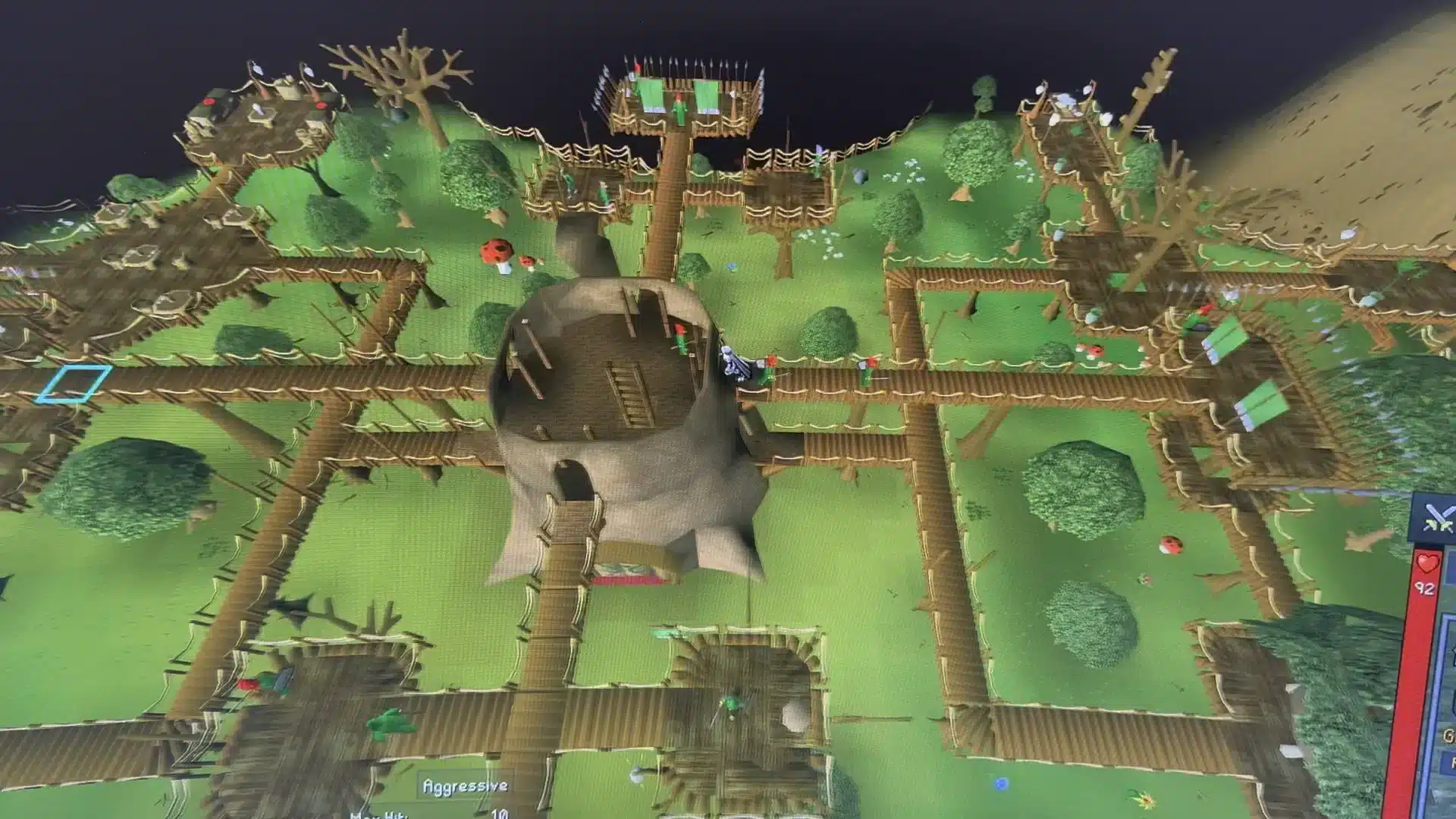
Crowded zones force the client to render dozens of extra players, pets, and animations at once. Every one of those entities sends packets that your client has to process in real time.
This is why world events, holiday minigames, and busy trading hubs feel worse than solo content. The server itself can also get overloaded when population spikes hard and fast.
Server-Side Congestion
When thousands of players log into the same league or event world within minutes, the backend struggles to keep up. This is exactly what happened during recent Trailblazer league launches, when server strain caused hotfixes and login queues.
- Sudden population spikes overload world capacity.
- New content launches attract more players than usual worlds.
- Peak hours (evenings, weekends) always carry higher load.
Client-Side Rendering Load
Your own machine is also doing heavy lifting. Rendering many player models, effects, and UI overlays at once drains CPU and GPU resources fast.
- High Draw Distance multiplies the number of rendered entities.
- Animated water, fire, and ground items add unnecessary overhead.
- Anti-aliasing and high detail settings hit lower-end GPUs hardest.
Does Anyone Else Lag At Trail OSRS? Understanding The Complaint
Many players search "Does Anyone Else Lag At Trail OSRS" after noticing consistent stutter around Trailblazer-related hotspots and busy trailing events. This is a common thread on community forums, and it is not just in your head.
Trail-related content tends to draw huge crowds because of shared rewards, group activities, and time-limited bonuses. More players in one instance means more entities to track, more projectiles flying, and more strain on both server tick processing and your client's frame rate.
Consequently, the fix is rarely a single setting. It is a combination of world choice, graphics tuning, and connection stability, which we cover in detail below.
OSRS Jubbly Jive Lag: What Is Actually Happening
The "OSRS Jubbly Jive Lag" reports usually surface around festive emote events and dance-themed activities where large groups gather in one small area to participate together. Because so many players trigger animations simultaneously, the client has to sync dozens of emote sequences at once.
This creates a temporary but noticeable freeze, sometimes called client desync, where your character seems to rubber-band a few tiles. It is a rendering and synchronization bottleneck rather than a sign that your PC is failing.
Players who lower their entity and animation settings before joining these events report a smoother experience. Below is a quick reference table comparing common lag causes to their most effective fixes.
Old School RuneScape Lag Causes And Fixes
| Lag Cause | Symptom | Best Fix |
|---|---|---|
| Overcrowded world | Freezing near banks, events, minigames | World hop to lower population world |
| High ping to server | Delayed clicks, rubber-banding | Choose a world closer to your region |
| Heavy graphics settings | Low FPS, stutter during fights | Lower Draw Distance, disable Anti-aliasing |
| Unstable home network | Random spikes, disconnects | Use wired connection, close background downloads |
| Client desync during events | Temporary freeze, position jumps | Reduce entity/animation settings before events |
| Outdated client version | Crashes, missing textures | Update RuneLite or the official client regularly |
Fixing Old School RuneScape Lag: Client Settings That Matter
RuneLite remains the most popular third-party client because it offers granular performance control that the official client does not match as easily. However, both clients respond well to the same core principles.
- Set Draw Distance to Medium or Low if you notice consistent frame drops.
- Disable Anti-aliasing when FPS dips below 30 during busy content.
- Turn off Entity Hider exceptions for players and pets in crowded zones.
- Switch to Low Detail Mode under Config > Graphics for older hardware.
- Cap your FPS instead of running uncapped, since uncapped rendering can cause thermal throttling and stutter.
Additionally, disabling unnecessary RuneLite plugins during heavy content helps a lot. Overlay-heavy plugins (damage counters, item trackers, chat filters) all add extra processing on top of an already busy scene.
- Disable cosmetic overlays during boss fights or events.
- Keep only essential plugins active (inventory tags, XP tracker) if you are struggling.
- Restart your client occasionally, since long sessions can accumulate memory bloat.
GPU Plugin Tuning
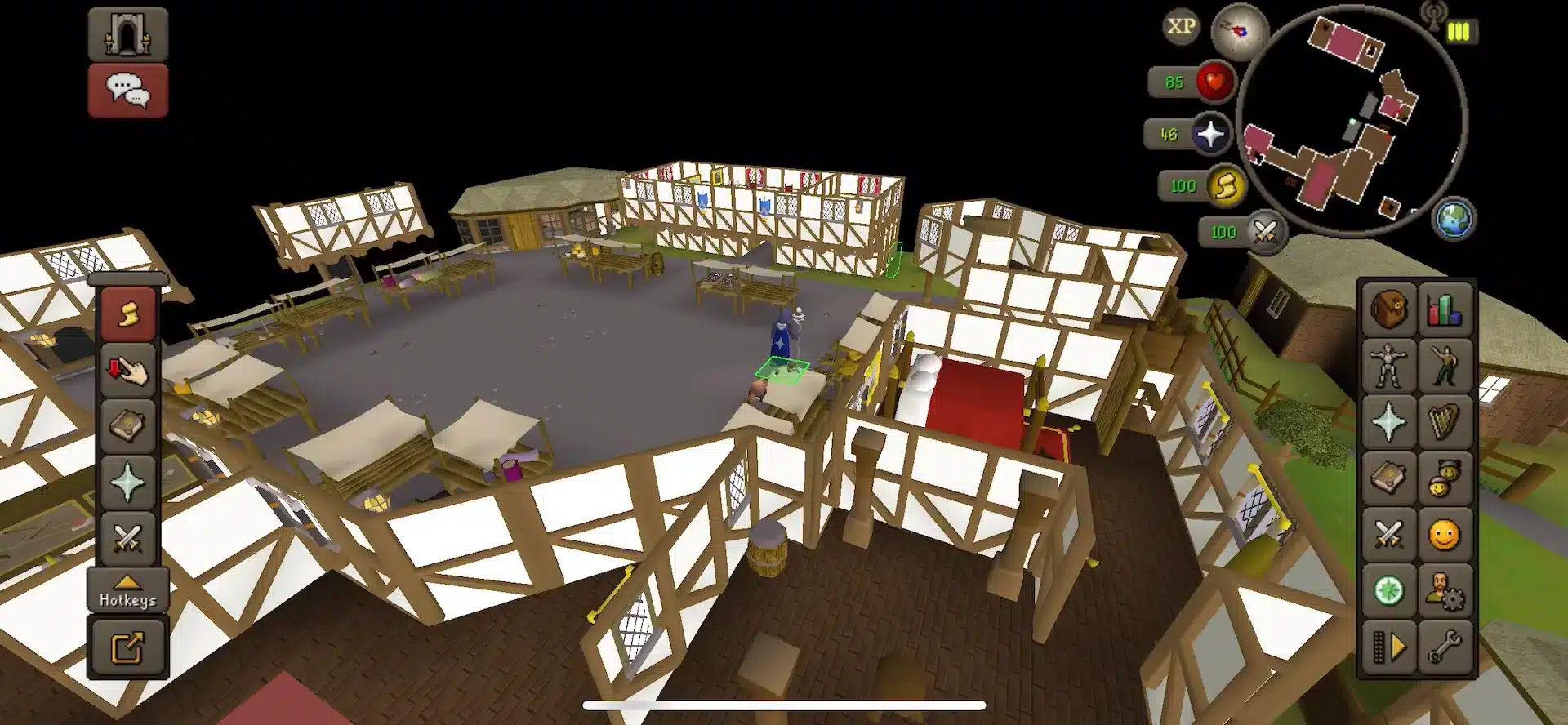
The GPU plugin in RuneLite can be a blessing or a curse depending on your hardware. On a dedicated graphics card, enabling it with moderate Fog Depth (25-40) usually smooths things out.
On integrated graphics, however, disabling the GPU plugin entirely and falling back to CPU rendering often performs better. Test both settings during a normal session before deciding.
Low-End Hardware Adjustments
If your machine consistently struggles, go aggressive with reductions. Lower Draw Distance to minimum, disable animated sprites for water and fire, and hide ground items you do not need to see.
These changes will not make your PC faster, but they remove unnecessary rendering work. That alone often resolves the worst of the stutter during crowded content.
World Selection: The Most Overlooked Fix For Old School RuneScape Lag
World hopping is free, instant, and often more effective than any graphics tweak. Every world listed at login shows a ping value next to its name, and that number matters more than most players realize.
- Below 50ms: essentially lag free for almost any content.
- 50-100ms: generally smooth, fine for PvM and skilling.
- 100-200ms: noticeable but manageable outside high-precision content.
- Above 200ms: avoid for anything dangerous, including PvP or tick-perfect bosses.
Furthermore, geography plays a huge role. If you are in North America, prioritize North American worlds over European ones, since physical distance to the server directly increases latency.
Population also matters independently of ping. A low-ping world with 1,800 players logged in will still feel heavier near banks and hotspots than a similarly-pinged world with fewer players active.
Testing Ping Before You Commit
You do not have to guess. Command line ping tools, or dedicated OSRS ping-checking utilities, let you test latency to specific world addresses before logging in.
This is especially useful before a boss trip or a big PvP session, where a single lag spike could cost you your account's items. Spend the extra thirty seconds checking first.
Common Network Issues Behind Old School RuneScape Lag
Not every case of Old School RuneScape Lag comes from the game itself. Your home network is frequently the hidden culprit, especially in households with multiple devices online.
- Background downloads or streaming eating your bandwidth.
- Wi-Fi interference from walls, distance, or other networks nearby.
- Router congestion when many devices compete for the same connection.
- ISP-level routing issues that add unnecessary hops to the game server.
Pausing downloads, switching to a wired Ethernet connection, and closing bandwidth-heavy apps before a session all reduce the odds of mid-fight freezes. These are simple habits, but they consistently make a measurable difference.
Pro Tips: Reducing Old School RuneScape Lag
- Wire your connection. Ethernet removes Wi-Fi interference entirely, which matters because even brief wireless drops translate into visible rubber-banding in-game.
- Pre-hop before events. Jumping to a fresh, lower-population world before a big event starts works because servers fill up fast once an event begins, and early hoppers avoid the initial congestion spike.
- Match graphics to your hardware, not your preference. Running max settings on modest hardware causes stutter because your GPU simply cannot keep pace with entity-heavy scenes.
- Close background bandwidth users. Streaming services, cloud backups, and other downloads compete for the same pipe, and removing them frees consistent bandwidth for your game traffic.
Common Mistakes Old School RuneScape Players Make
- Staying in a high-population world out of habit. Many players never check the world list before logging in. Fix: check ping and population every session, especially before risky content.
- Maxing out graphics settings on older hardware. This looks nice but tanks FPS during busy fights. Fix: lower Draw Distance and disable Anti-aliasing until performance stabilizes.
- Ignoring background network usage. Downloads and streaming quietly eat bandwidth during play. Fix: pause other network activity before important sessions.
- Blaming the client without checking the connection first. Sometimes the game is fine and the route to the server is not. Fix: test your connection path and consider a routing tool before assuming it is a settings issue.
How ExitLag Helps With Old School RuneScape Lag
After tuning graphics and picking a smart world, the last piece of the puzzle is your actual connection route to Jagex's servers. This is where ExitLag comes in, and it is worth being clear about what it does and does not do.
ExitLag is not a VPN. It is a game connection optimizer that continuously analyzes multiple network routes in real time and selects the fastest, most stable path between your PC and the game's servers.
It does not encrypt your traffic, does not mask your IP, and does not touch any apps outside supported games. It currently supports over 4,000 titles on PC and Mobile, backed by 1,500+ servers across 190+ countries, used by more than 30 million players processing 18 million optimizations weekly.
For an MMO like Old School RuneScape, the value shows up most during busy world events and crowded content, exactly the moments when Old School RuneScape Lag hits hardest. A more consistent routing path reduces desync and rubber-banding, since your packets travel a steadier path instead of bouncing through congested hops.
Key features that matter here
- Real-time Optimization: constantly re-evaluates your route as network conditions shift.
- Multipath Technology: sends data through multiple paths to reduce packet loss.
- Multi-Internet: can combine connections for extra stability.
- AI-powered routing: adapts automatically without manual configuration.
On the safety side, ExitLag does not modify game files, does not inject code, and does not interact with anti-cheat systems. It is considered safe with supported titles, though you should not run it alongside a VPN at the same time, since the two can conflict over routing control.
If crowded events and world hops still leave you dealing with rubber-banding, grabbing the ExitLag Download is a quick way to test whether your route to the server is the missing piece.
All game images used in this blog post belong to Jagex. They are used for informational and educational purposes only and do not imply endorsement or affiliation with the rights holders.