

Sea of Thieves has always stood out as a multiplayer pirate adventure, and now that it’s available on PlayStation 5, players are asking the big question: is Sea of Thieves crossplay?
Yes. As of 2025, Sea of Thieves is fully crossplay across all platforms—PS5, Xbox Series X/S, and PC. Whether you’re playing through Xbox Game Pass, Steam, or the PlayStation Store, you can sail, plunder, and battle with your friends regardless of what system they’re on.
This massive development unites pirate crews like never before, expanding the Sea of Thieves player base and opening new doors for multiplayer fun.
Crossplay Breakdown: What You Need to Know
What platforms support Sea of Thieves crossplay?
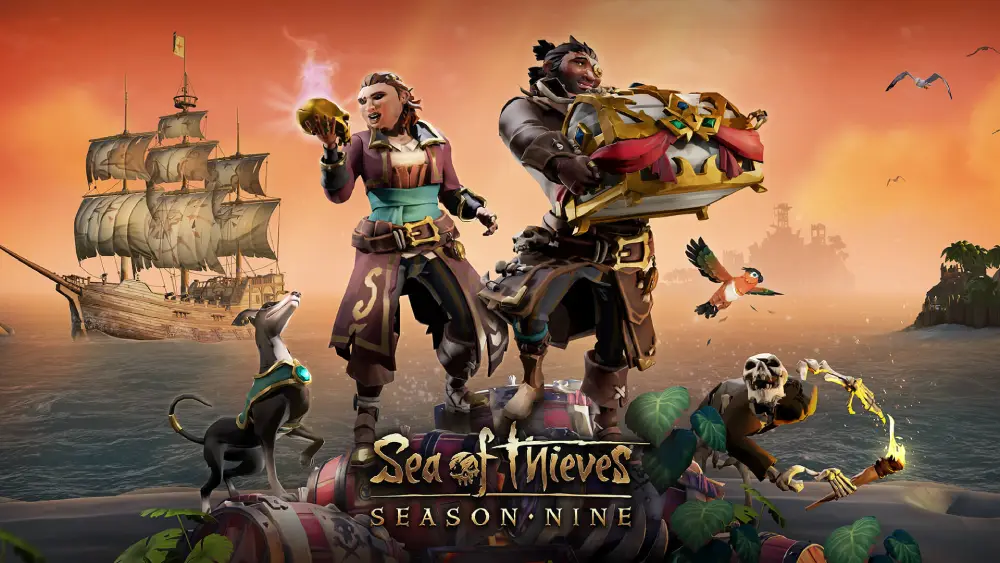
You can now enjoy cross-platform gameplay on:
- PS5
- Xbox Series X/S
- PC (Steam, Windows Store)
All three platforms are fully synchronized in multiplayer sessions, events, and seasonal content.
When did Sea of Thieves become crossplay with PS5?
Crossplay functionality for PS5 was launched alongside the PlayStation release of Sea of Thieves in April 2025. From Day 1, Rare confirmed that PlayStation players would be part of the same servers as Xbox and PC users.
Is Sea of Thieves Crossplay PS5 and PC?
Absolutely. If you’re wondering, is Sea of Thieves crossplay PS5 and PC, the answer is a definitive yes. You can:
- Form a crew with PC players if you’re on PS5
- Communicate via in-game voice chat
- Share progress and cosmetics across platforms
Crossplay between PS5 and PC uses Rare’s account-linking system and universal matchmaking. Whether you’re exploring shipwrecks or battling skeleton lords, the experience is seamless.
How to play crossplay with friends on PS5 and PC
- Add each other via Xbox Live or Rare account
- Create a party or invite directly in-game
- Join a shared session and set sail
Sea of Thieves uses Xbox Live as its social backbone even on PS5, meaning players across systems can link up effortlessly.
Is Sea of Thieves Crossplay PS5 and Xbox?
Yes, Sea of Thieves supports full crossplay between PS5 and Xbox Series X/S. This makes it one of the few first-party Xbox games to embrace PlayStation players fully.
This means you can:
- Create cross-console crews
- Participate in shared events like Gold Hoarder voyages
- Duel rival pirate ships from different consoles
No special settings are required—cross-platform matchmaking is built into the core system.
Does crossplay work for all modes?
Yes. Every mode in Sea of Thieves supports crossplay:
- Adventure mode
- Arena (when available)
- Seasonal quests and Tall Tales
- PvP factions like Guardians vs Servants
Whether you’re looking to explore new seas or battle rival crews, Sea of Thieves PS5 crossplay ensures you’re never alone.
Why Sea of Thieves Crossplay Matters in 2025
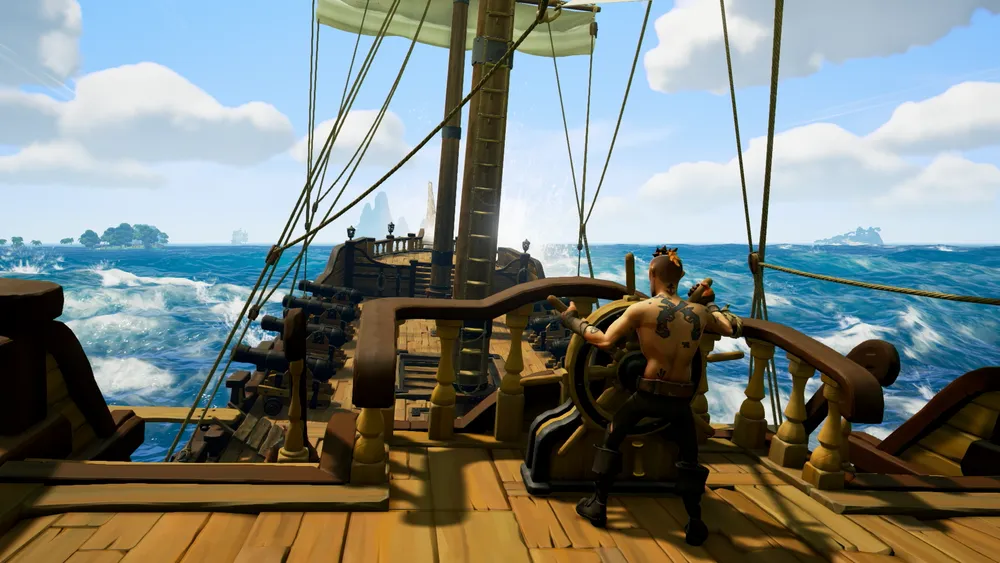
Crossplay has become a must-have feature in modern multiplayer games. Here’s why it matters for Sea of Thieves:
1. Larger, Healthier Player Base
With all platforms playing together, matchmaking is faster and more balanced.
2. Play With Friends—No Limits
No need to buy the same console. Friends on different systems can now crew up without barriers.
3. Better Events and Seasons
Unified player bases allow Rare to develop richer content with a broader reach.
4. Shared Progression
Cosmetics, gold, commendations, and progress are linked to your Rare account—not the platform.
Troubleshooting Sea of Thieves Crossplay
Crossplay is built-in, but sometimes things go wrong. Here’s how to fix common issues.
1. Can’t Join Friends on Another Platform
- Make sure all players have linked their Microsoft/Xbox accounts.
- Confirm you’re all playing the same game version.
- Restart the game or device after new installs or updates.
- Use the Invite Friends function in the menu instead of joining through platform friends lists.
In addition to these steps, ensure that your NAT type is open or moderate on both platforms. Strict NAT settings can block session invites, especially between different networks. If issues persist, switching to a wired connection or using a mobile hotspot temporarily can also isolate the cause of the connectivity problem.
2. Voice Chat Not Working Between Platforms
- Enable cross-network communication in console settings (especially on PS5).
- Use in-game voice chat, not platform-specific chat tools.
- Make sure voice permissions are granted in privacy settings.
If voice chat remains unstable, adjusting audio input and output settings on your console or PC might resolve unexpected mic conflicts. Additionally, checking for headset firmware updates or using a different headset entirely can help determine whether the issue lies with hardware or network limitations.
3. Crossplay Toggle Missing
- Crossplay is enabled by default. Only PC players can filter matchmaking via input preferences.
- Console users (PS5/Xbox) cannot disable crossplay directly in Sea of Thieves.
To enhance matchmaking fairness, especially for competitive PvP encounters, consider using third-party voice services like Discord alongside in-game chat. This can significantly improve team coordination across devices when in-game audio fails.
How to Disable Crossplay (If You Really Want To)

Some players prefer same-platform queues. Here’s what you can do:
On Xbox or PS5
Crossplay cannot be disabled in-game, but you can limit it:
- Go to Console Settings > Privacy > Communication & Multiplayer
- Change “Join Cross-Platform Multiplayer Games” to “Block”
This may prevent matchmaking entirely in some regions, so proceed cautiously.
On PC
- In Settings > Matchmaking, select your preferred input (Controller only / Keyboard only).
- This doesn’t disable crossplay, but matches you with players using the same control method.
While disabling crossplay narrows the matchmaking pool, it might help competitive players looking to avoid mismatched skill levels or control types. That said, the vast majority of players find crossplay to be a non-issue due to the game’s focus on teamwork, exploration, and adventure rather than raw reflexes alone.
Full Platform Compatibility Table for Crossplay
Here’s an up-to-date table showing exactly which systems support Sea of Thieves crossplay with each other in 2025:
| Platform | PS5 | Xbox Series X/S | PC (Steam) | PC (Microsoft Store) |
| PS5 | Yes | Yes | Yes | Yes |
| Xbox | Yes | Yes | Yes | Yes |
| Steam | Yes | Yes | Yes | Yes |
| MS Store | Yes | Yes | Yes | Yes |
As shown above, all platforms are fully compatible. Just link your Microsoft/Xbox account and dive in.
This compatibility ensures that friends across different ecosystems no longer face barriers to cooperation. Whether you prefer the DualSense controller or a keyboard-and-mouse setup, Sea of Thieves welcomes you aboard with shared seas and synchronized progression systems.
Why ExitLag is Essential for Sea of Thieves Crossplay
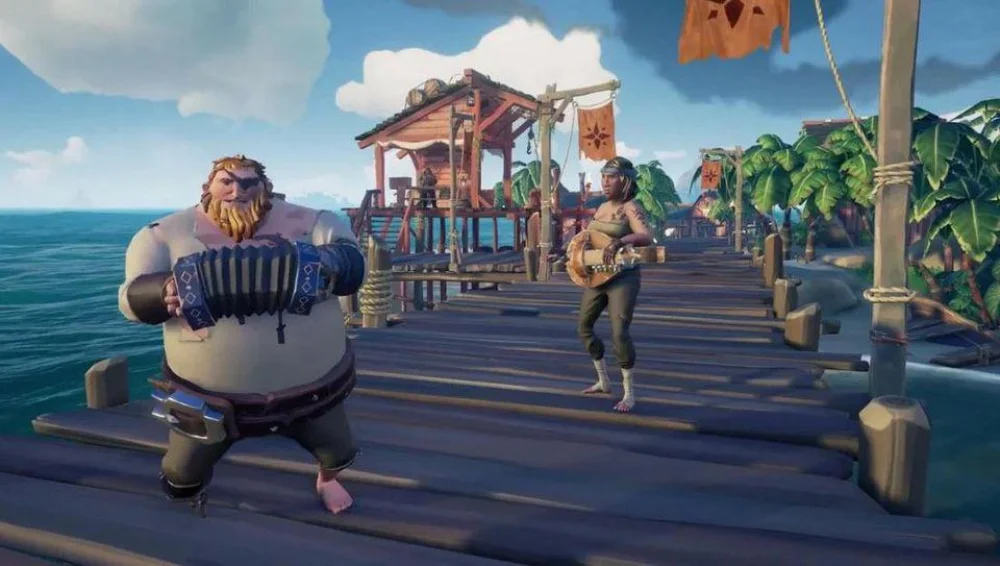
Even with perfect compatibility, lag can ruin your adventure. Here’s how ExitLag improves crossplay:
Real-Time Optimization
ExitLag dynamically selects the best route between your device and Sea of Thieves servers—essential when playing with friends across regions or platforms.
Start your Exitlag 3 days Trial!
Lag Reduction
Minimizes:
- Rubberbanding
- Delayed cannon shots
- Unresponsive emotes or tools
Voice Stability
Keeps voice chat steady even when your internet spikes. Say goodbye to broken team calls mid-fight.
Crossplay-Friendly Performance
Whether you’re on PS5, Xbox, or PC, ExitLag ensures:
- Smooth PvP battles
- Faster loading into Tall Tales and outposts
- Reduced loading disconnects when cross-platform syncing
With so many players now sharing the seas, ExitLag is no longer a luxury but a crucial part of your gaming toolkit. It ensures that network disruptions or ISP limitations don’t spoil that perfect stormy battle or treasure dive with your cross-platform crew.
FAQ – Frequently Asked Questions
Can you turn off Sea of Thieves crossplay on PS5?
Not directly in-game. Use console network settings to restrict it, though it may impact matchmaking.
Is Sea of Thieves on PS5 crossplay by default?
Yes. All new installs on PS5 launch with crossplay active by default.
Does ExitLag work on PlayStation?
ExitLag currently supports PC only, but its impact is most noticeable in PC-based matchmaking and connectivity with Xbox servers.
Can ExitLag improve PC-to-PS5 gameplay?
Absolutely. It ensures stable connections from the PC side, improving the whole session for all players involved.
If you’re a PC player hosting or joining cross-platform parties, ExitLag’s smart routing ensures your connectivity won’t be the weakest link. This makes a big difference during competitive raids, emissary fights, or coordinated faction missions.
Final Thoughts: Should You Use Crossplay in Sea of Thieves?
Yes. 100% yes. Crossplay opens the Sea of Thieves world to:
- Friends on different consoles
- Faster matchmaking
- Bigger events and PvP rivalries
And with ExitLag smoothing out performance, it’s the best way to experience this multiplayer masterpiece.
Whether you’re trading treasure or battling the Flameheart fleet, crossplay ensures the world feels vast, alive, and unpredictable.
More importantly, it bridges communities. Players who’ve never interacted before are now crewmates, sailing under a shared flag. In the world of Sea of Thieves, that connection is just as valuable as the loot you plunder.
Test Exitlag now!
All game images used in this blog belong to Rare Ltd. They are used for informational/educational purposes only and do not imply endorsement or affiliation with the rights holders.
Got questions or want to connect with other players? Join the conversation at the ExitLag Forum!

