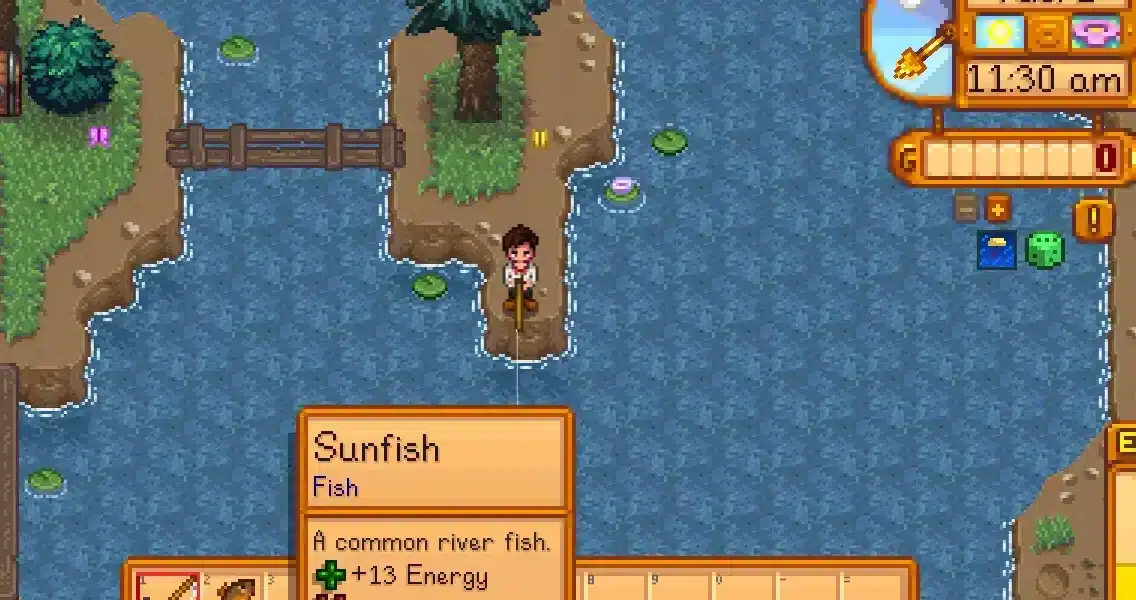
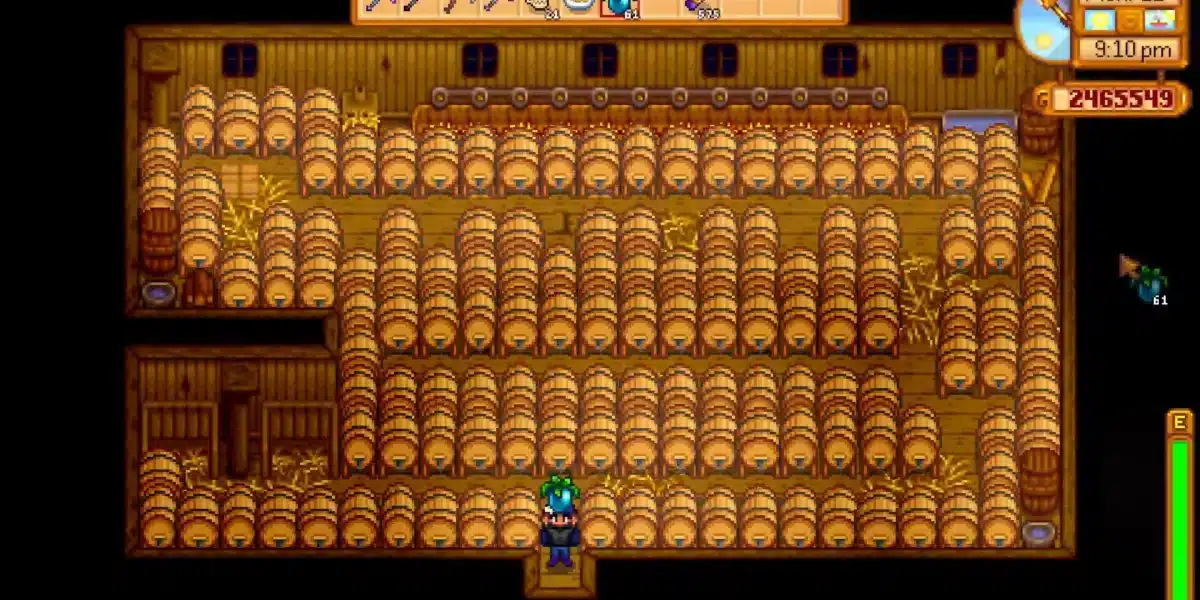
If you love farming, mining, or marrying your favorite pixelated villager, modding Stardew Valley is the upgrade you didn’t know you needed. Whether you’re looking for new crops, visual overhauls, automation tools, or anime portraits, Stardew Valley mods make the game endlessly customizable.
This 2025 guide walks you through how to mod Stardew Valley, download mods, install them safely, and choose the best mods for Stardew Valley across multiple categories.
Let’s dig into the world of mods that turn Pelican Town into your personal paradise.
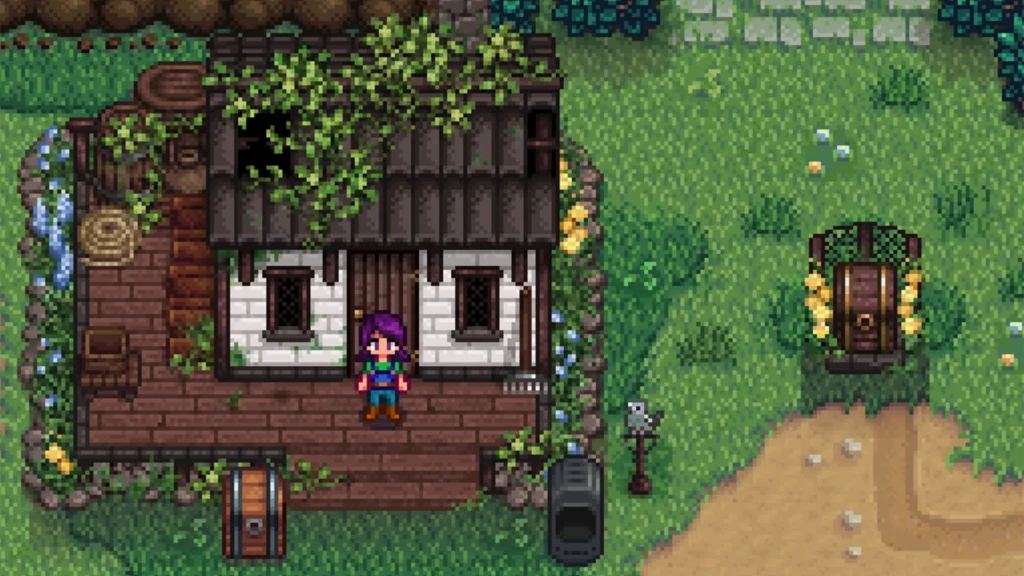
What Are Stardew Valley Mods?
Mods are community-created content that enhance or change parts of the game. They can:
- Add new characters or storylines
- Change visuals like NPC portraits and buildings
- Introduce gameplay tweaks like fast farming or infinite stamina
If you’ve ever wished you could automate your farm or turn Krobus into a cute furry companion—there’s a mod for that.
How to Mod Stardew Valley in 2025
Thanks to modding platforms and active community support, installing mods has never been easier.
Step-by-Step Guide:
- Install SMAPI (Stardew Modding API)
- Go to https://smapi.io/
- Download the installer for your OS
- Run the installer—it will create a new mod-friendly launch option
- Create a Mods Folder
- Located in the game directory after SMAPI installs
- Example path: C:/Program Files (x86)/Steam/steamapps/common/Stardew Valley/Mods
- Download Mods from Nexus Mods Stardew Valley
- Visit https://www.nexusmods.com/stardewvalley
- Use the Vortex Manager or manual download
- Extract Mod Files
- Unzip the downloaded files and drop them into the Mods folder
- Launch via SMAPI
- Use the SMAPI launcher from Steam or your desktop
- Mods will load automatically!
Pro Tip: Back up your save files before installing large mod packs.
Where to Find the Best Stardew Valley Mods
The top mod repositories are:
- Nexus Mods (Most popular): Massive collection, ratings, and categories
- ModDrop: Auto-installs mods, great for beginners
- GitHub: Indie developer mods and experimental builds
Search by tag: farming, portrait mods, cheat mods, quality of life, furry mods, etc.
Even a peaceful farming game can lag with too many mods running. Use ExitLag to stabilize your connection, reduce background ping spikes, and optimize online mod syncs—especially helpful for co-op and Stardew Valley Expanded mods. Test Exitlag now!
Best Stardew Valley Mods of 2025 (Top Picks)
Visual and Portrait Mods
- Stardew Valley Portrait Mods: Changes NPC images to anime, painterly, or fantasy styles
- Seasonal Outfits: Gives characters appropriate clothes for each season
- Eemie’s Map Recolor: Repaints the entire valley in soothing palettes
Gameplay Mods
- Stardew Valley Cheat Mod (CJB Cheats Menu): Infinite stamina, fast friendship, teleporting
- Automate: Connect machines with chests to auto-process crops and ores
- Chests Anywhere: Access all your chests from anywhere in the world
Content Expansion Mods
- Stardew Valley Expanded Mod (SVE): Adds new towns, NPCs, storylines, and quests
- Ridgeside Village: Massive new map with rich lore
- East Scarp: Adds depth and side stories
Specialty Mods
- Harvest Collections Stardew Valley Mod: Tracks harvested crops and goals in a new UI
- Stardew Valley Furry Mod: Replaces all villagers with anthro-animal designs
- Dynamic Reflections: Adds real-time shadows and water reflections
How to Download Stardew Valley Mods
If you’re using Nexus Mods:
- Create an account (free)
- Search and select the mod you want
- Choose “Manual Download” or install with Vortex Manager
- Extract the files and place them in your Mods folder
For ModDrop, the process is even simpler with one-click installs.
How to Install Stardew Valley Mods on Steam or GOG
For Steam:
- Follow the SMAPI install process above
- Launch from Steam (it will run SMAPI first)
For GOG users:
- Similar steps, but launch the StardewModdingAPI.exe manually
You can use mod profiles to switch between vanilla and modded gameplay.
Mod Compatibility with Stardew Valley 1.6
The Stardew Valley 1.6 update introduced new features but also broke many older mods.
What Works:
- SMAPI-compatible mods with recent updates
- SVE, CJB, Automate (all updated by devs)
What Might Break:
- Outdated portrait mods
- Legacy visual overhauls
Check each mod’s Nexus page for 1.6 compatibility. Some require patch mods like Content Patcher.
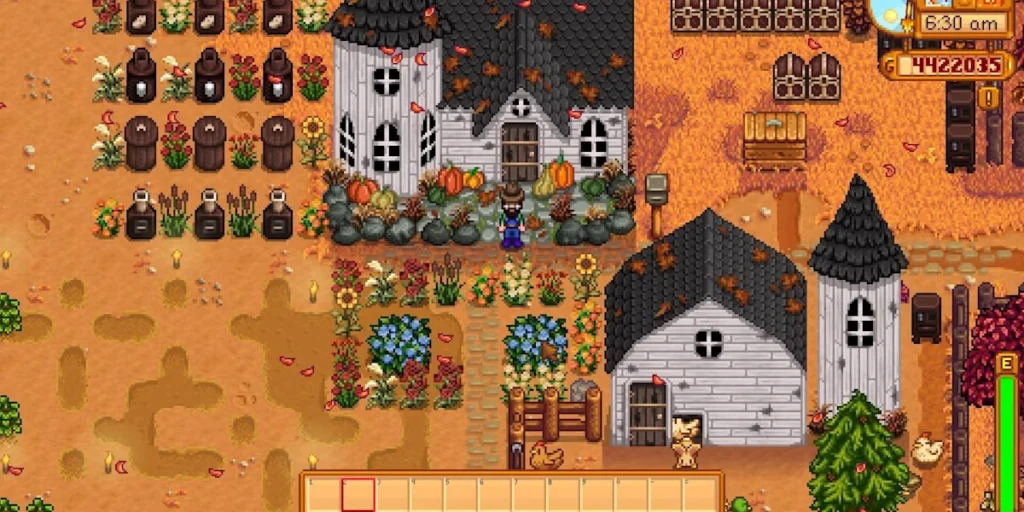
How to Create Custom Mods in Stardew Valley
Creating your own mod may seem intimidating, but tools and templates make it beginner-friendly.
Tools You’ll Need:
- SMAPI: The modding API framework
- Content Patcher: Required for most visual and text mods
- Visual Studio Code: For writing C# scripts
- Tiled: For creating custom maps and tilesets
- Json Assets: To add new items, crops, and machines
What You Can Create:
- Custom NPCs with full schedules and romance arcs
- New Crops and cooking recipes
- Furniture Sets and animal re-skins
- Dialogue Trees for quests and events
Basic Workflow:
- Create a folder with your mod’s name
- Add a manifest.json file with your metadata
- Use Content Patcher to redirect in-game assets
- Test via SMAPI and watch the console for errors
Join the Stardew Modding Discord to share your work and get feedback.
Common Modding Mistakes and Fixes
1. Mod Doesn’t Load at All
- Fix: Check if SMAPI is installed correctly; ensure the folder name matches mod title.
2. Conflicting Mods
- Fix: Use Generic Mod Config Menu to disable overlapping features
3. Outdated Mods on SDV 1.6
- Fix: Look for unofficial updates or switch to alternatives with recent patch notes
4. Visual Mods Not Applying
- Fix: Ensure Content Patcher and required dependencies are installed
Always check the SMAPI console log to diagnose.
Modding Stardew Valley Co-Op: What You Need to Know
Syncing Mods Across Players:
- All players must have the same mods installed (with identical versions)
- Best done via ModDrop or a shared mod folder via cloud services
Recommended Co-Op Mods:
- NPC Map Locations: Find friends fast
- Shared Farm Expansion: More room for everyone
- Mail Framework Mod: Send and receive items between players
Common Co-Op Issues:
- “Player not found” = different mod version
- Farm desync = auto-saves interrupted by lag
Use ExitLag to stabilize multiplayer sessions and ensure smooth mod syncing.
Start your Exitlag 3 days Trial!
Whether you’re hosting a 4-player modded farm or creating timed quests, ExitLag keeps your network smooth and responsive. You’ll avoid lag-based crashes, out-of-sync farming cycles, and frozen cutscenes.
Frequently Asked Questions (FAQ)
How do I uninstall a mod?
Just delete the mod folder from the Mods directory. Some mods may leave save data entries—back up before removing.
Can I mod Stardew Valley on console?
No, modding is only supported on PC/Mac/Linux.
How do I update mods safely?
Back up your Mods folder, download new versions, and replace old files. Always read changelogs.
What’s the best mod for beginners?
CJB Cheats Menu for quality of life, or NPC Map Locations for simplicity.
Is it safe to use furry or adult-themed mods?
Yes, as long as they come from trusted sources like Nexus Mods. Always check user reviews.
Final Thoughts: Modding Mastery
Stardew Valley mods offer a second life to an already beloved game. Whether you’re expanding your world with new maps, building love stories, or creating your dream pet chicken, the modding community gives you the tools to do it all.
For smooth farming, seamless co-op, and consistent performance under heavy loadouts, ExitLag is a must. It’s not just for FPS titles—it keeps your farms blooming at the perfect frame rate.
All game images used in this blog belong to ConcernedApe. They are used for informational/educational purposes only and do not imply endorsement or affiliation with the rights holders.
Got questions or want to connect with other players? Join the conversation at the ExitLag Forum!