

The Throne and Liberty beta is live—and it’s your chance to explore one of the most anticipated MMORPGs of the year. Whether you’re a genre veteran or curious newcomer, the open beta phase is a golden opportunity to test combat systems, explore massive zones, and experience the game before its official launch.
Developed by NCSoft and published globally with high expectations, Throne and Liberty is already making waves in the MMO community. With large-scale PvP battles, a dynamic weather system, shapeshifting mechanics, and deep class customization, this title is poised to challenge giants in the genre.
For extra insight into setup, check out this Throne and Liberty overlay guide that helps players maximize performance during the beta.
Here’s your complete guide to accessing, downloading, and making the most of the beta period—with key tips for a lag-free experience using ExitLag.
How Does the Throne and Liberty Beta Work?
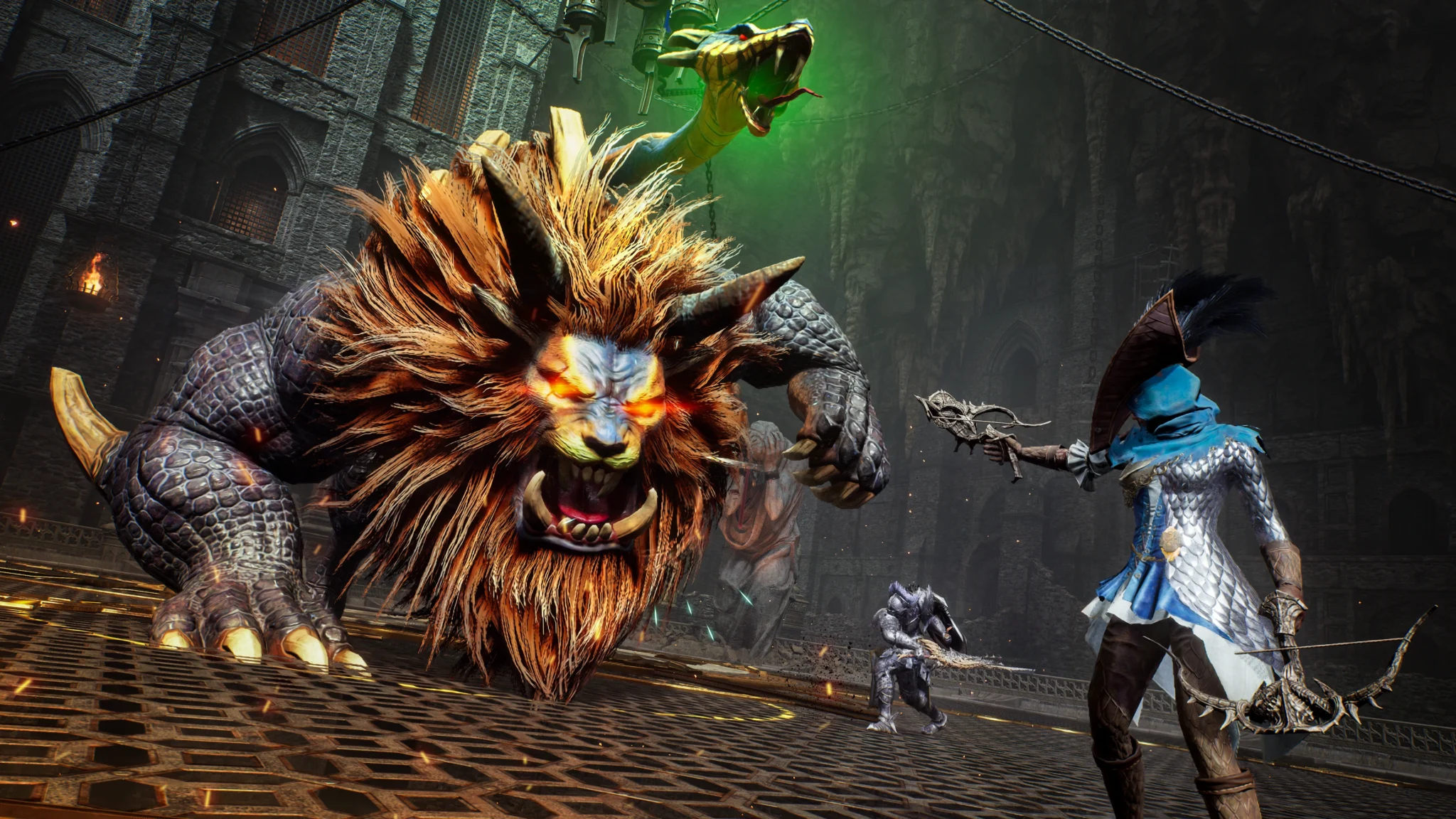
The Throne and Liberty beta is an open beta, which means it’s accessible to anyone interested—no keys or preorders required. This stage gives NCSoft the chance to gather data on performance, balance, and server stability ahead of the official launch.
How to play Throne and Liberty open beta
To get started:
- Visit the official Throne and Liberty website
- Sign up or log into your NC account
- Choose your region and platform (PC, PS5, Xbox Series X|S)
- Follow the instructions to join the open beta period
No pre-order is necessary. Once you’ve registered, you’ll be notified when the client is available for download and what time the servers go live.
Community discussion is also critical during beta. Many players share first-hand experiences and fixes within the Throne and Liberty Reddit insights, which can help you troubleshoot faster and learn what strategies other testers are using.
How to join the Throne and Liberty beta
Joining is simple:
- No key required — it’s open access
- No NDA restrictions — players can stream and share content
- Cross-platform access — the beta supports multiple platforms
Expect progress to be wiped post-beta, but this doesn’t mean your efforts are wasted—it’s the best way to learn mechanics, scout classes, and prepare for full launch.
How to Download and Install the Game
The process for installing Throne and Liberty beta depends on your platform.
How to download Throne and Liberty open beta (PC)
- Go to the official website or search the game on Steam (if supported in your region).
- Log into your NCSoft account.
- Download the beta launcher or install via Steam if available.
- Install the client and wait for updates to complete.
- Launch and log in to start your journey.
For PlayStation 5 and Xbox Series X|S
- Visit the respective game store (PlayStation Store or Xbox Store)
- Search for “Throne and Liberty Open Beta”
- Download the client and install
- Log in using your NC or linked account
Important: Always check the official channels for regional availability and scheduled maintenance.
Key Features to Expect in the Beta
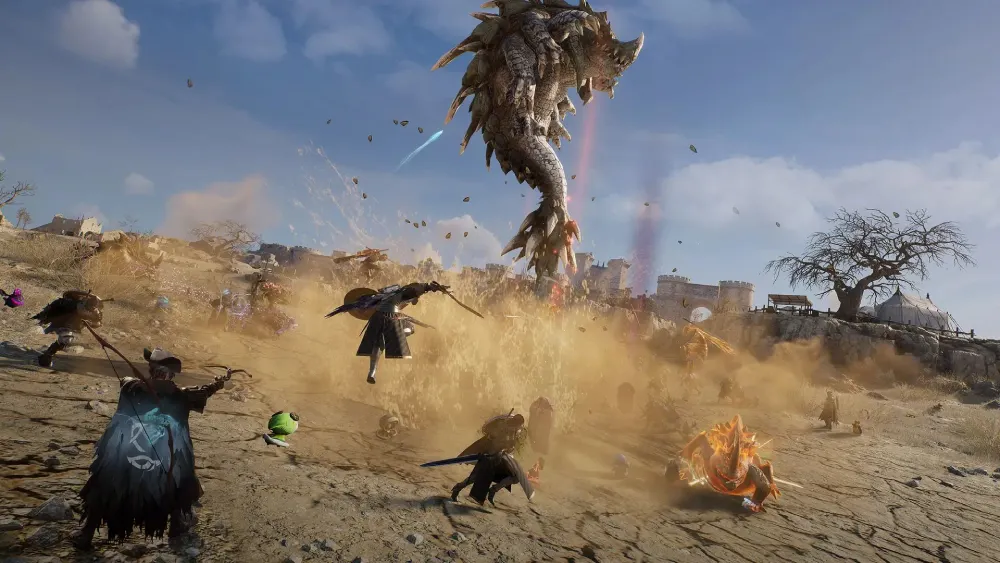
This beta isn’t just a stress test—it’s a showcase of the core gameplay elements and systems that will define the full launch.
Throne and Liberty gameplay highlights
- Dynamic World Events: Real-time battles that shift based on player choices
- Weather System: Rain, snow, and storms that impact movement and combat
- Shapeshifting: Turn into eagles, wolves, and other forms for traversal or combat
- Vertical Combat: Use cliffs, rooftops, and elevations strategically
- Open World PvP/PvE: Seamless transitions between PvE content and PvP areas
Community impressions so far
| Feature | Feedback Summary |
| Graphics & UI | Beautiful environments, slightly cluttered UI |
| Combat Feel | Fluid for PvE, slightly clunky for PvP |
| Server Stability | Solid performance during off-peak hours |
| Transformation System | A favorite among testers |
Players are especially excited about the hybrid combat system, which blends tab-targeting and action-style controls. The ability to switch between forms mid-battle adds a fresh twist to exploration and strategy.
For those fine-tuning their combat style, guides like the Throne and Liberty hit stat optimization can be game-changing.
Beta Duration, Rewards, and Progression Wipe
Knowing the time frame and what’s at stake helps plan your gaming sessions more effectively.
How long is the Throne and Liberty beta?
The open beta is expected to last approximately 7–10 days, though exact durations may vary per region. Beta timelines are usually announced on the official Throne and Liberty website.
Are there rewards or progression carryovers?
Unfortunately, no in-game progress will carry over. However:
- Some cosmetics or titles may be awarded to beta participants post-launch.
- Your feedback during the beta can influence balancing and mechanics.
Will there be a wipe after the beta?
Yes. NCSoft has confirmed that all characters, gear, and achievements will be reset before launch to maintain fairness and integrity.
Server Status and Common Issues
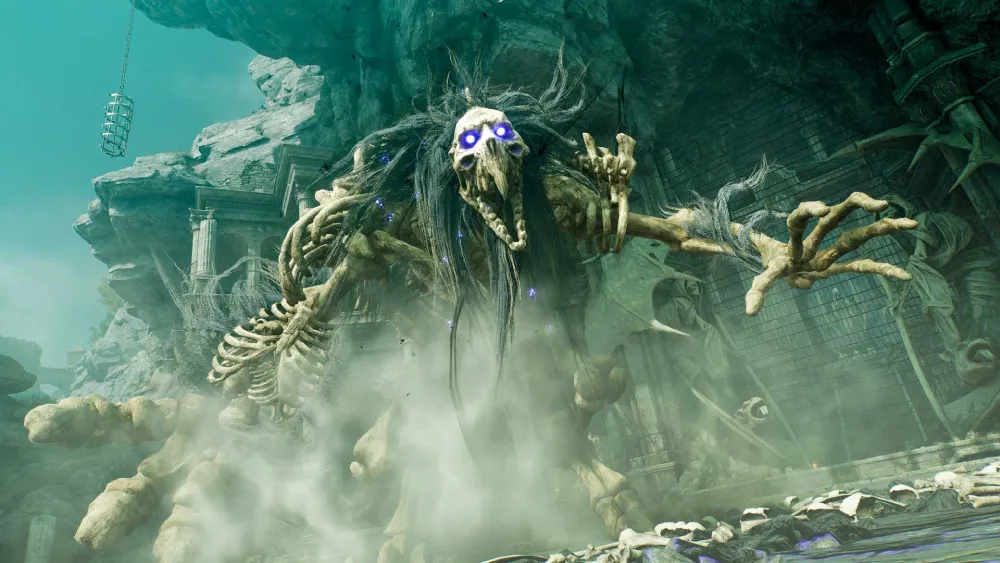
Even in beta, server reliability is crucial for an immersive experience.
How to check Throne and Liberty server status
| Source | Description |
| Official TL site | Live server status panel for each region |
| Twitter/X account | Real-time updates and maintenance notices |
| Downdetector | Community-reported outage tracker |
Frequent issues during beta
- Login errors: Usually during peak hours or maintenance
- Latency spikes: Common in cross-region play or unstable ISPs
- Game crashes: Typically due to outdated drivers or incompatible hardware
Solution: Use ExitLag to stabilize your connection, especially if you’re playing across regions or using Wi-Fi.
Important updates and maintenance notices are posted frequently on the Throne and Liberty news section, so keeping an eye there helps avoid surprises.
FAQ — Throne and Liberty Beta
Sign up on the official site, download the beta client, and log in with your NCSoft account.
Exact end dates vary but are typically announced on the homepage or official socials. Most betas last 7–10 days.
Expect the open beta phase to run for about one week, depending on your region.
Via the official site, Steam, or console store, depending on your platform and region.
Yes, all progress will be reset before official launch.
Just sign up on the official site—no code or pre-order is required.
Conclusion: Prepare for a Lag-Free Beta Adventure
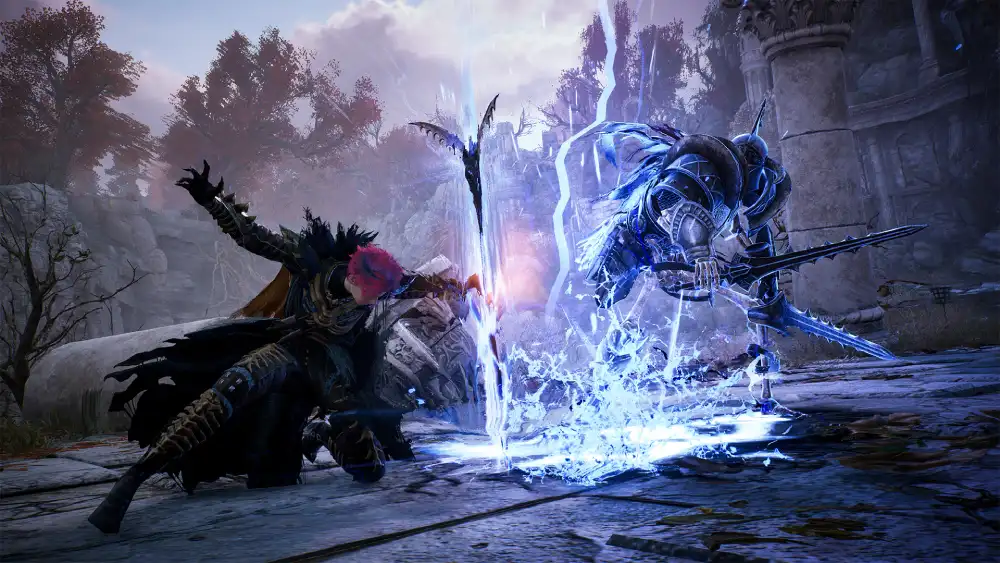
The Throne and Liberty beta offers a rare chance to explore a deep MMORPG before its full release. With its innovative mechanics, immersive environments, and community-driven features, TL is shaping up to be a genre-defining title.
Now is the perfect time to explore Solisium, test classes, and master combat—without worrying about lag or disconnects.
ExitLag ensures you enjoy the open beta with:
- Lower latency and reduced ping
- More stable server routes
- Less rubberbanding and packet loss
Don’t just play the beta—conquer it with smooth performance, faster queues, and zero frustration. Install ExitLag today and make every second in Throne and Liberty count.
Got questions or want to connect with other players? Join the conversation at the ExitLag Forum!




