

Tracking CS2 stats has become one of the most important habits for players who want to improve consistently. Statistics are not just numbers; they are indicators of how you perform in different situations, from clutch scenarios to utility usage. Following these metrics lets you identify strengths, spot weaknesses, and make real adjustments in your gameplay.
Even more, CS2 stats help you evaluate how your role in a team—whether entry fragger, lurker, or AWPer—affects overall match results. They show if your style fits your team’s strategy or if changes are needed.
But what exactly are CS2 stats? In short, they are measurable data that describe your performance in Counter-Strike 2. From kills and deaths to ADR (average damage per round) and HS% (headshot percentage), they form the backbone of competitive analysis. For both casual fans and professionals, these numbers explain the game beyond what you see on screen.
In this guide, we’ll break down how to check your own stats inside CS2, how to see them online, and which CS2 stats tracker options provide the best insights. We’ll also cover live match data, CS2 ranks, and a practical progression plan. Let’s start inside the game itself.
How to view CS2 stats in the game
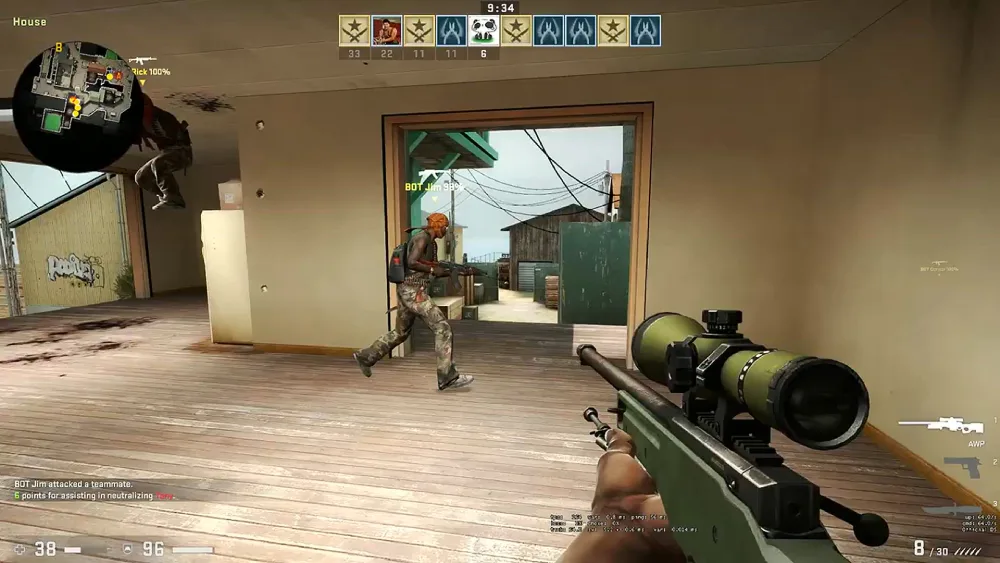
When playing CS2, the first place to check your stats is inside the client itself. Valve provides native tools that display key numbers after every match and inside the scoreboard.
Which stats appear on the scoreboard?
On the scoreboard and end-of-match screen, you can view:
- K/D ratio – kills vs. deaths
- ADR – average damage per round
- HS% – percentage of kills made with headshots
- Utility effectiveness – flash assists, smokes, and incendiary damage
- Multi-kills – rounds where you eliminated multiple opponents
Why these numbers matter
These stats are not only for bragging rights. They:
- Reveal your consistency across maps
- Indicate whether you contribute with utility or rely only on aim
- Help you understand if you’re creating openings or finishing rounds
In the same way, you can use these metrics to compare performance across maps and roles. If your ADR drops significantly on Inferno, for example, it may signal poor positioning or ineffective utility usage.
Check also: Counter-Strike: Global Offensive – An Esports Phenomenon
How to check your CS2 stats online
Besides in-game tracking, many players want a historical view of their performance. Fortunately, Steam’s built-in profile system allows you to see past matches and statistics when your privacy settings are configured correctly.
Step-by-step guide
- Open Steam and go to your profile.
- Navigate to Games → Counter-Strike 2.
- Select Match history to view past results.
- Ensure your profile is set to public for data visibility.
- Check metrics such as win rate, accuracy, and economy control.
Common problems and solutions
- Profile set to private: Change privacy settings to public.
- No stats visible: Ensure you’ve played official matches in Premier or Competitive mode.
- Outdated data: Sometimes syncing may take time; refreshing the page usually solves this.
This system is simple but limited. That’s why many players also use third-party platforms to gain a deeper view of their cs stats over time.
Which CS2 stats tracker is best?
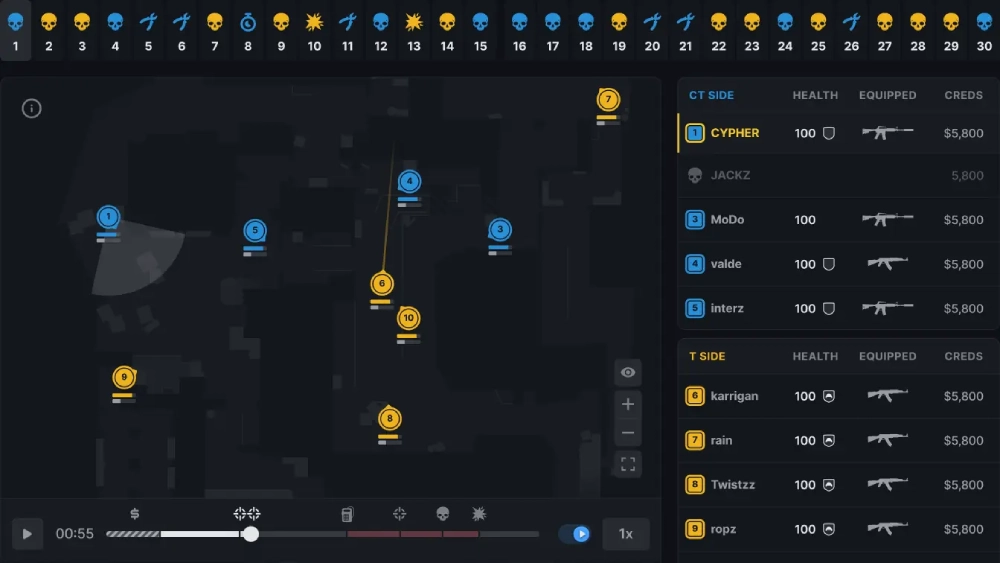
Third-party platforms offer powerful dashboards and detailed analysis for both casual and competitive players. Some even update in real time during matches.
You may also like: The Hype Around CS2 Red Stickers and tips to manage your skin inventory
Popular CS2 stats tracker options
- HLTV CS2: Best for esports, teams, and pro player stats.
- Faceit Tracker: Ideal for those competing in leagues and tournaments.
- Steam Community stats: A simple way to view personal performance without external tools.
How to choose the right tracker
Beforehand, consider:
- Coverage: Does it include pro play, personal stats, or both?
- Update speed: Are the stats refreshed instantly?
- Filters: Can you separate data by map, role, or weapon?
- Login security: Make sure the site only requires Steam OAuth, never your password.
Each tracker has pros and cons. For instance, HLTV is perfect for following pro matches but does not provide detailed individual performance unless you’re part of the pro scene. On the other hand, personal trackers are excellent for growth but may lack esports context.
Why live CS2 stats matter during games
Following live stats takes analysis to the next level. With live CS2 stats, you can observe performance round by round, making it possible to adjust strategies in real time.
What live stats show
- Round scores and momentum shifts
- ADR per player during the match
- Utility usage success in real time
- Clutch win percentage while the game unfolds
Benefits of live tracking
- Coaches can call tactical pauses based on trends
- Players can adapt their style instantly
- Fans gain a richer viewing experience when following tournaments
Live data transforms how we engage with CS2, making every round more meaningful.
Read this: CS2 Stash and inventory management guide to keep the best items
Next steps in tracking CS2 stats
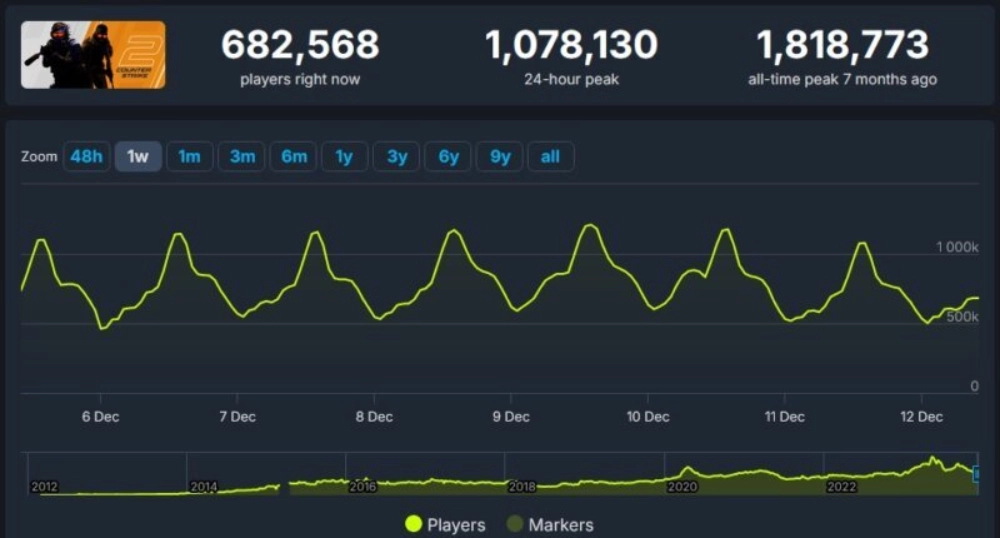
So too, CS2 stats are more than just post-match numbers. By learning to read them in-game, online, and through trackers, you gain valuable insights that directly influence your performance.
How CS2 ranks connect with stats
Understanding how ranks work in CS2 is essential for interpreting your CS2 stats correctly. Unlike casual matchmaking, Premier mode introduces the CS Rating system, which assigns a numerical value to your performance. This rating adjusts after every match and determines your position on the global leaderboard.
Difference between matchmaking and Premier
- Matchmaking ranks: Classic system similar to CS:GO’s old ELO tiers
- Premier CS Rating: Transparent number that reflects overall performance
- Leaderboard visibility: Lets you compare yourself globally or regionally
How stats influence your rating
Your CS Rating is not just about wins and losses. It’s also affected by metrics like:
- ADR (average damage per round)
- Entry frag success rate
- Clutch conversions
- Consistency across maps
This means farming kills without impact won’t always raise your rating. Stats highlight whether your performance truly contributes to winning rounds.
You may also like: CS2 Patch Notes Breakdown: what it fixes, new features and much more
Why privacy and security matter in CS2 stats trackers
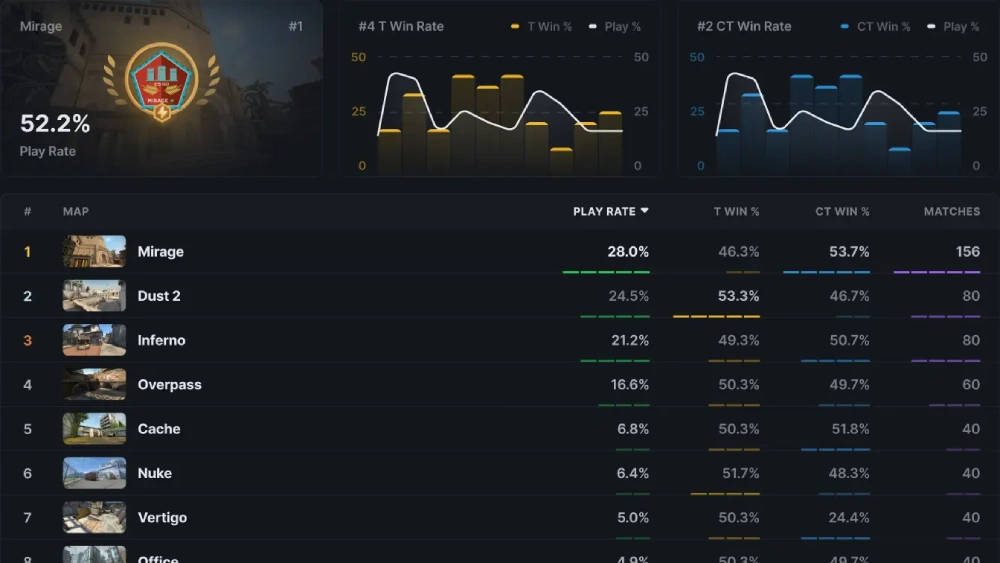
When using third-party tools, keeping your Steam account safe should be the top priority. Many sites request login through Steam OAuth, which is secure when used correctly. However, you must avoid giving your password directly to any tracker.
Safe practices when logging in
- Always check that the login page is official Steam (green lock + correct URL)
- Never enter your Steam password on a third-party site
- Revoke access to suspicious apps via Steam settings
Common mistakes players make
- Trusting trackers that ask for full login credentials
- Installing browser extensions with unnecessary permissions
- Forgetting to monitor third-party access in their Steam account
From now on, treat your data the same way you treat your in-game economy. A wrong move could cost you both security and valuable account information.
A 14-day CS2 stats improvement plan
Tracking live CS2 stats becomes even more powerful when combined with a structured training program. By following a short cycle of drills and reviews, you can see measurable improvements within two weeks.
Step-by-step program
- Days 1–3: Record baseline stats (ADR, HS%, KAST). Play naturally and gather data
- Days 4–7: Focus on utility usage. Track flashes, smokes, and assists across maps
- Days 8–10: Review clutches and retakes. Note success rate and decision-making speed
- Days 11–14: Specialize in your strong maps. Practice specific routes and executions
Read also: CS2 Update and Patch Overview
Example goals for progression
- Raise ADR by 10 points through better spray control
- Improve HS% by focusing on crosshair placement drills
- Increase clutch conversion from 20% to 35% with better time management
In summary, short cycles like this keep your training measurable and connected to actual results.
How to use CS2 stats in team strategy
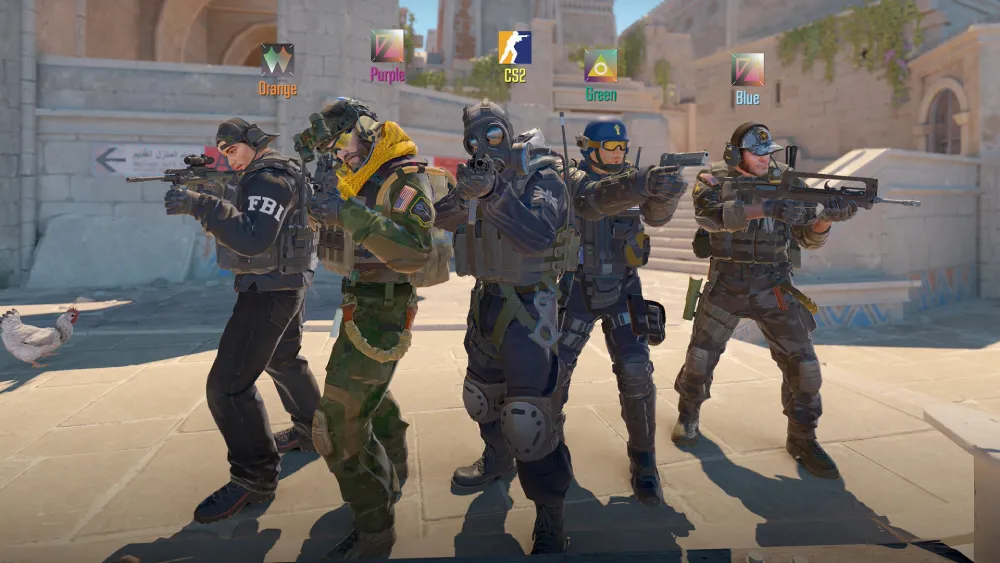
Beyond personal growth, stats shape the way teams coordinate and make calls. Competitive squads use them to refine strategies, decide map picks, and assign roles.
Practical applications for teams
- Reviewing post-match ADR to balance roles
- Checking utility effectiveness before tournaments
- Comparing success rates across CT and T sides
Example adjustments based on stats
- If entry fraggers consistently underperform, shift aggression to another role
- If CT setups show weak retake numbers, introduce new utility lineups
- If the AWPer has a low multi-kill rate, rethink positioning on long angles
That way, teams transform raw numbers into tactical adaptations.
FAQ about CS2 stats
Use live trackers that display ADR, utility usage, and clutch data round by round.
Check Premier mode in-game for CS Rating, which updates after every official match.
CS2 stats reflect the new mechanics, rating system, and maps. Old CS:GO stats remain archived but do not influence your CS2 performance.
The safest trackers are those using Steam OAuth for login, such as HLTV and official tournament platforms.
Yes. By analyzing ADR, HS%, clutch percentage, and utility efficiency, you can focus your training where it matters most.
Conclusion: mastering CS2 stats with ExitLag
Above all, CS2 stats are more than numbers. They are a roadmap to consistent improvement, smarter strategies, and deeper engagement with the game. From casual lobbies to professional tournaments, they guide both individual growth and team coordination.
By combining in-game tools, third-party trackers, and live match data, you gain full visibility into your performance. And with ExitLag ensuring that your connection never holds you back, your stats reflect only your skill and decisions.
Now that you know everything about CS2 Stats, if you want to climb ranks, improve consistency, and dominate matches, now is the time to optimize both your gameplay and your connection. Download ExitLag now!
Got questions or want to connect with other players? Join the conversation at the ExitLag Forum!
