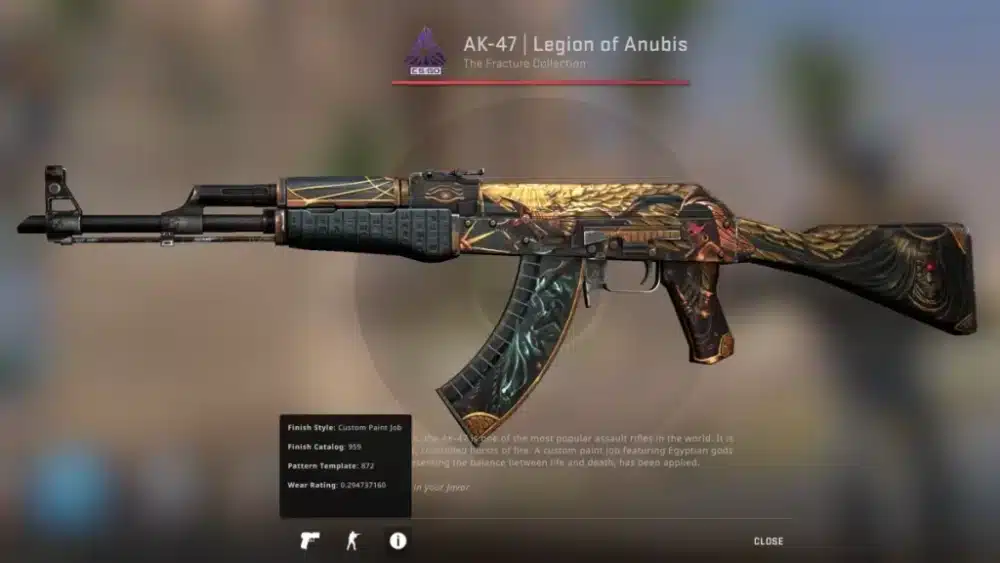
The CS2 update cycle in 2025 has become one of the most decisive elements for competitive players. Every single patch released by Valve can reshape weapon balance, economy flow, and map dynamics. If you play ranked, FACEIT, or Premier, understanding each CS2 update is essential to remain competitive.
Right now, adapting quickly to every CS2 update is no longer optional. Patch changes affect recoil patterns, smoke behavior, and even micro-adjustments to movement. Because of that, ignoring a counter strike 2 update can place you at a strategic disadvantage before the match even begins. And before we continue, know that to know more about all the relevant content about gaming, you just have to check our blog.
What is the CS2 update?
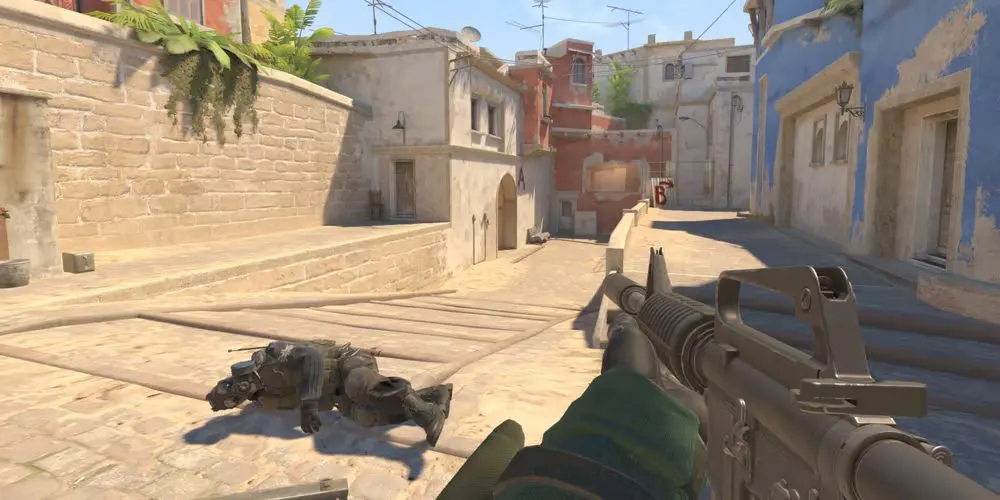
So, what is the CS2 update exactly? In simple terms, it refers to the periodic valve updates released for Counter-Strike 2 that introduce patch changes, bug fixes, CS2 improvements, and sometimes completely new features. These patches refine the Source 2 engine while adjusting the competitive meta.
From now on, if you want consistent performance, you must treat every CS2 update as part of your preparation routine. Just like aim training or demo reviews, reviewing patch notes is now part of high-level play.
How the CS2 update cycle works
The CS2 update schedule does not follow a strict calendar. However, updates generally arrive every few weeks. Smaller hotfixes may launch overnight, while larger patches tend to introduce broader patch changes affecting weapons, maps, and user interface systems.
Update frequency and timing
Firstly, major updates usually follow community feedback waves. When competitive discussions intensify around balance or bugs, valve updates often respond with targeted fixes.
Secondly, technical hotfixes are deployed quickly. These updates focus on stability, anti-cheat tweaks, or engine-level CS2 improvements that may not drastically change gameplay but improve overall smoothness.
Check also: Most Expensive Skin on CS:GO: What Makes It Worth Millions?
Where to track patch changes
Staying informed is critical. Players commonly track updates through:
- Steam News Hub announcements
- Community discussion threads
- Competitive forums analyzing meta shifts
- Patch summaries shared across esports platforms
That way, you avoid entering ranked matches unaware of key changes.
Major gameplay patch changes in the latest CS2 update
The most recent CS2 update introduced important adjustments to utility behavior, weapon balance, and user interface clarity. Even subtle patch changes can influence how rounds unfold.
Smoke and molotov interaction
One of the most discussed CS2 improvements involves how smokes and molotovs interact. The latest adjustments refined consistency in how fire spreads and how smoke dissipates. As a result, executes and retakes feel more predictable.
For tactical players, this means practicing grenade lineups again. Even small interaction tweaks can change established strategies on maps like Mirage and Inferno.
Tick rate and hit registration refinements
Sub-tick architecture continues to evolve. Although Valve rarely publishes detailed engine metrics, community testing suggests smoother hit registration and improved peek responsiveness after the most recent counter strike 2 update.
These CS2 improvements reduce desync moments during high-speed duels. In competitive play, milliseconds determine outcomes.
Armory tweaks and loadout flexibility
Another important part of the CS2 update cycle is loadout management. Valve has gradually introduced more flexibility in weapon selection before matches, allowing players to adapt preferences strategically.
Weapon balance adjustments
Recent patch changes included:
- M4A1-S: Slight damage increase at longer range
- AWP: Minor delay added after firing before re-zoom
- MP9: Reduced crouch recoil
Although these adjustments appear small, they directly affect buy-round decisions and CT hold setups.
Read too: How to fix FPS drop in Counter-Strike 2: complete guide to reduce latency
New features in recent armory drops
Valve also introduced new cosmetic collections leveraging Source 2 lighting. While skins do not alter gameplay, they impact the in-game economy and trading behavior.
Below is a summary of recent CS2 update highlights:
| Date | Update type | Key highlights |
| Oct 10 | Major patch | Loadout adjustments, HUD refinements, tick tweaks |
| Sep 25 | Hotfix | Utility interaction fix, collision bug repair |
| Sep 5 | Content update | New skins, music kits, lighting adjustments |
| Aug 20 | Balance patch | Weapon tuning, economy refinements |
As much as balance tweaks matter, economic shifts after new features can also influence competitive preparation.
Competitive impact of the latest counter strike 2 update
Every CS2 update indirectly reshapes the ranked meta. Even when patch notes appear minor, high-level players quickly test and optimize around changes.
Meta shifts in ranked play
For example, community analysis suggests CT-sided rounds gained slight stability after recent CS2 improvements to utility consistency. That may encourage more aggressive early-round control on certain maps.
Similarly, weapon buffs can revive previously underused rifles or SMGs. That forces teams to adapt their anti-eco setups and force-buy strategies.
Matchmaking adjustments
Valve updates have also refined matchmaking calculations. Performance consistency and party composition now appear to influence queue balancing more effectively.
Because of that, maintaining steady individual performance after each CS2 update becomes even more important for ranking progression.
Check this: FPS Boost in Counter-Strike 2: How ExitLag Improves Performance 2025
Why performance stability matters after every CS2 update
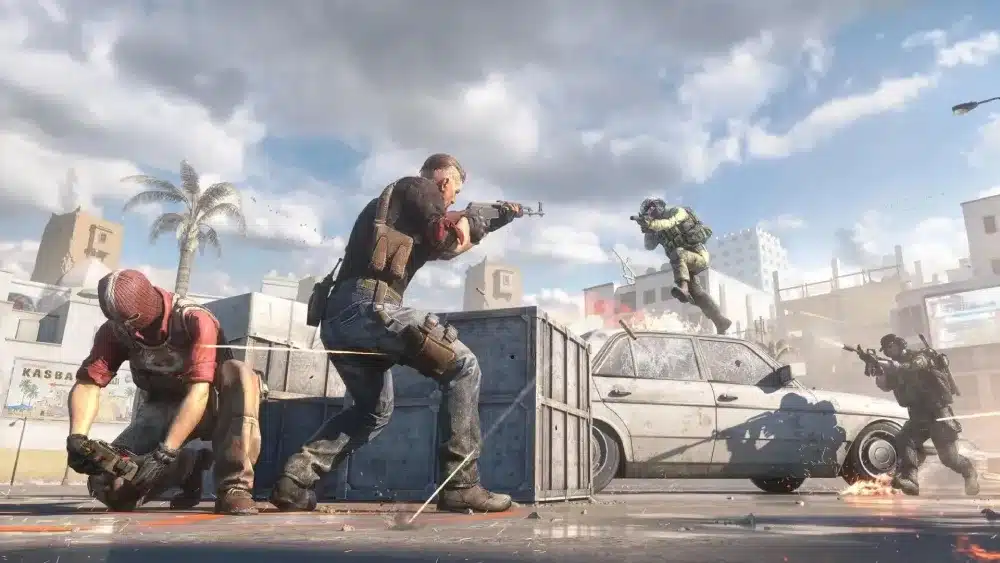
Above all, patch days often introduce server congestion. When thousands of players download updates simultaneously, temporary instability can occur.
That is exactly where connection optimization tools become crucial. ExitLag automatically reroutes your traffic through the most stable paths, reducing packet loss and stabilizing latency immediately after a counter strike 2 update.
In competitive environments, smooth routing ensures consistent hit registration and prevents microstutters that can cost rounds.
Ultimately, mastering the CS2 update cycle means more than reading patch notes. It means adapting strategies, reviewing loadouts, testing new features, and ensuring your connection remains stable during every major release. When preparation meets optimization, you stay ahead of the meta — and ahead of your opponents — after every CS2 update.
CS2 update competitive impact, optimization and future expectations
The CS2 update continues to redefine competitive Counter-Strike in 2025. Every new wave of patch changes influences ranked balance, weapon viability, and even server stability. Because of that, adapting quickly to each CS2 update is now part of serious competitive preparation.
After every CS2 update, players immediately test recoil adjustments, utility timing, and economy flow. A single counter strike 2 update can subtly reshape default setups and post-plant structures, especially at higher elo brackets.
But how does the CS2 update truly affect different types of players? In practical terms, it introduces patch changes, CS2 improvements, and sometimes entirely new features that alter gameplay balance, visual clarity, or performance stability. Understanding those layers gives you a measurable competitive edge.
From now on, treating each CS2 update as an opportunity rather than an inconvenience separates average players from consistent rank climbers.
You may also like: How to fix jitter in Counter-Strike 2: stabilize your connection and eliminate ping variations
Competitive impact of each CS2 update
Every patch produces ripple effects across ranked and tournament play. Even when valve updates appear minor, professional and semi-pro players quickly identify exploitable advantages.
Meta adjustments in ranked environments
Firstly, weapon tuning influences buy-round logic. A slight buff to the M4A1-S or recoil refinement to an SMG can change how CT sides anchor bombsites.
Secondly, utility consistency tweaks modify execute timing. Smokes lasting slightly longer or molotov spreads behaving differently can alter retake percentages.
As a result, reviewing demos after each CS2 update becomes essential.
Tactical adaptation checklist
After major patch changes, follow this sequence:
- Review official patch notes carefully
- Test recoil and spray patterns offline
- Revisit grenade lineups on key maps
- Monitor economy changes in scrims
- Evaluate FPS and frametime stability
This structured approach ensures you adapt faster than your opponents.
Patch impact by player type
Not every counter strike 2 update affects players equally. Below is a breakdown of how different profiles experience CS2 improvements.
| Player type | Likely patch effect |
| Casual gamer | UI clarity and smoother animations |
| Competitive player | Meta shifts and performance consistency |
| Skin collector | Market fluctuation and new collections |
| Server admin | Config resets and plugin adjustments |
Understanding where you fit helps prioritize which patch changes matter most to you.
Check also: CS2 Deathmatch servers: Ranking DM Servers and Training Aim
Market and economy reactions after valve updates
Large-scale CS2 update releases often influence the in-game skin economy. When new cases or collections drop, players frequently liquidate older items to invest in fresh content.
Why the market reacts
- Anticipation of rare drops
- Speculation around collection discontinuation
- Increased player activity after major new features
Even if you are not a trader, being aware of these shifts helps you make smarter inventory decisions.
Preparing for patch day efficiently
Patch days can introduce instability. Server congestion, shader recompilation, and background downloads may affect performance.
Best practices immediately after a CS2 update
- Verify game files via Steam
- Reapply autoexec and custom binds
- Clear shader cache if experiencing stutters
- Play a warm-up match before entering ranked
Taking these precautions reduces frustration and prevents unnecessary rank loss.
How ExitLag protects your performance after every CS2 update
Network congestion is common when a CS2 update launches. Thousands of players reconnect simultaneously, increasing routing instability.
ExitLag works by dynamically optimizing your connection path in real time. Instead of relying on a single unstable route, it selects the lowest-latency path available.
Key advantages during patch releases
- Reduced packet loss
- Lower ping variance
- Stabilized hit registration
- Consistent frametime during peak server load
When milliseconds decide duels, stable routing becomes just as important as mechanical skill.
You may also like: CS2 DM servers: The Complete Guide for Aim Training & Warmup
Future expectations for upcoming CS2 update cycles
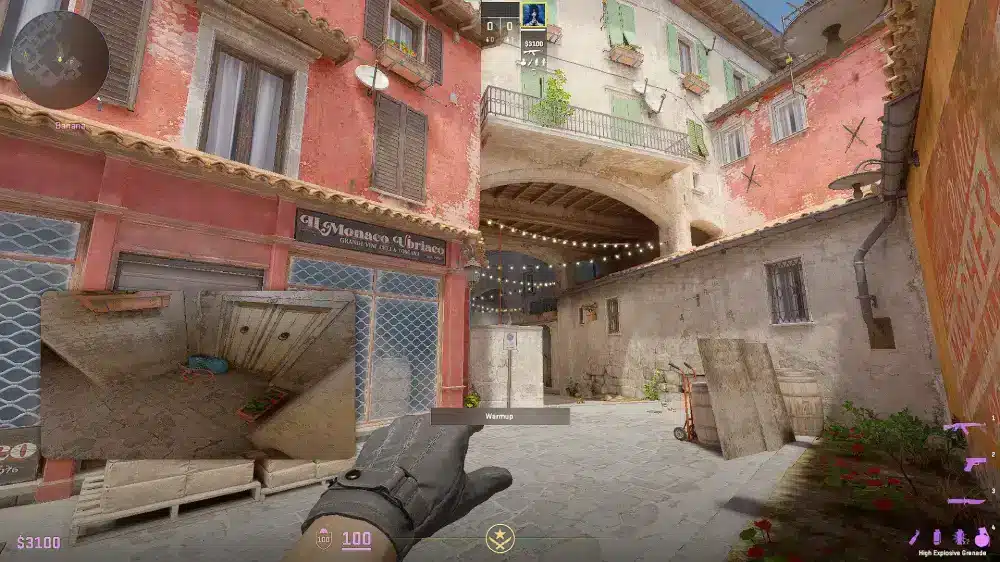
The community continues requesting deeper transparency and broader engine optimization. Based on recurring feedback trends, players expect:
- Stronger anti-cheat refinements
- Improved multi-core CPU utilization
- Reduced VRAM spikes from smoke and fire effects
- Expanded map rotation including community maps
While Valve rarely confirms roadmaps, consistent CS2 improvements suggest continued iteration.
Frequently Asked Questions (FAQ)
There is no strict calendar. However, valve updates generally arrive every few weeks, with occasional hotfixes deployed without announcement. Larger updates usually follow competitive feedback cycles or technical adjustments.
Yes, major patch changes can reset configuration files. It is strongly recommended to back up your autoexec.cfg, crosshair settings, and keybinds before every large counter strike 2 update.
Sometimes. New features and engine-level CS2 improvements may temporarily affect performance until shader caches stabilize. Monitoring FPS after updates helps detect optimization issues early.
Server congestion is common on patch day. Using ExitLag ensures optimized routing, helping stabilize ping and reduce packet loss immediately after a CS2 update goes live.
Check this: CS2 Cases: Full Guide to Cases, Drops, Odds, and Smart Choices
Official patch notes are published on Steam’s News Hub and within the CS2 client. Community discussions also provide additional interpretation and early meta insights.
In Conclusion
The CS2 update cycle defines the competitive rhythm of Counter-Strike 2. Each wave of patch changes, new features, and CS2 improvements reshapes strategies and loadouts. Players who adapt quickly gain measurable advantages in ranked environments.
However, adaptation alone is not enough. Stability matters. After every major counter strike 2 update, connection quality can fluctuate due to server load and routing congestion.
That is why competitive players rely on optimization tools. ExitLag guarantees stable routing, lower latency variance, and consistent hit registration during every CS2 update. If you want to dominate patch day instead of struggling through it, download ExitLag and secure your performance after the next CS2 update. Download ExitLag now!
Got questions or want to connect with other players? Join the conversation at the ExitLag Forum!