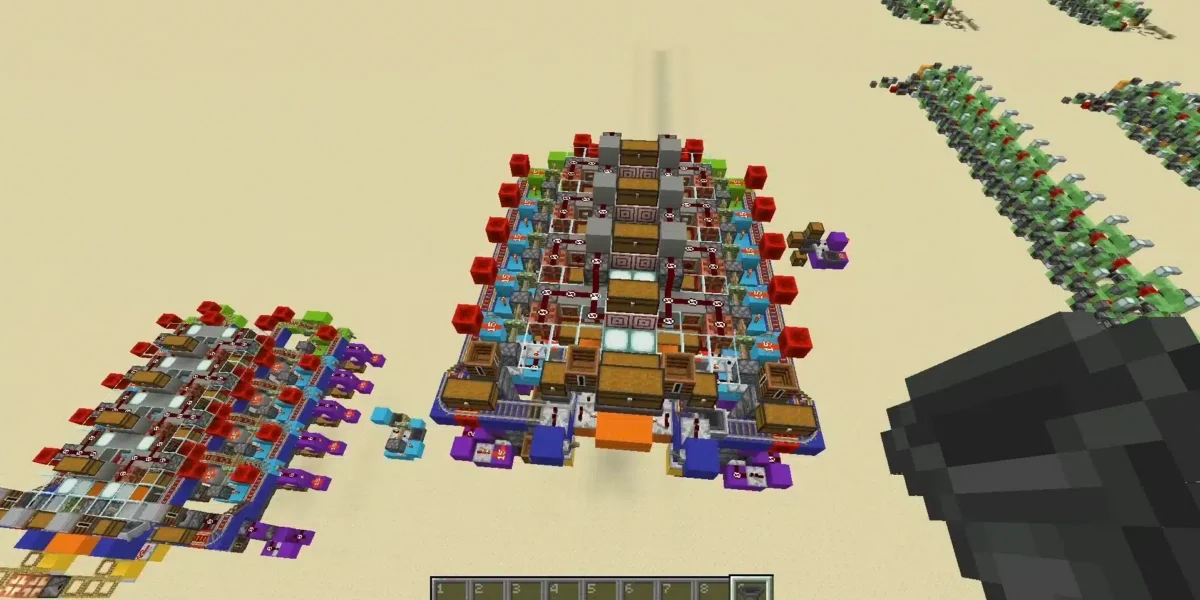
In today’s gaming world, learning while playing has become more valuable than ever. Among the best tools for this purpose, Tynker Minecraft stands out as a powerful platform that blends creativity with programming. Whether you’re a beginner or just curious about coding, this system turns Minecraft into an interactive learning experience.
Right away, Tynker Minecraft introduces a new way to interact with the game. Instead of only building and surviving, players can modify how the world behaves. From custom mobs to automated actions, coding opens endless possibilities inside Minecraft. And before we continue, know that to know more about all the relevant content about gaming, you just have to check our blog.
What is Tynker Minecraft and how does it work?
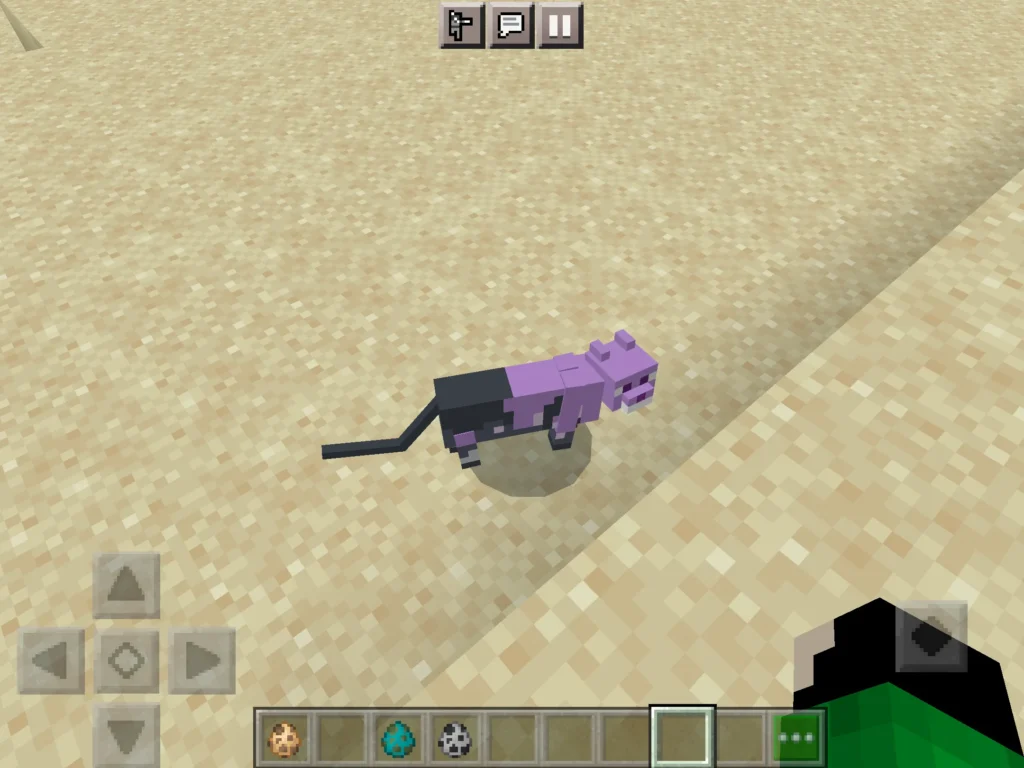
It is an educational platform that allows players to code directly into Minecraft using a visual interface. In other words, it transforms coding into something simple, visual, and engaging for beginners of all ages.
Above all, understanding minecraft Tynker gives players the ability to control their game environment. This means you are not just playing Minecraft—you are shaping how it works.
What is Tynker Minecraft?
To begin with, what is Tynker Minecraft refers to the integration between the Tynker coding platform and Minecraft. It allows users to create scripts that control actions inside the game.
At first, coding may seem complex. However, minecraft Tynker simplifies everything using a drag-and-drop system. Instead of writing code manually, you combine blocks that represent commands.
This approach removes technical barriers and helps beginners focus on logic and creativity.
How the platform works
The core idea behind Tynker com minecraft is accessibility. Players interact with code visually while seeing real-time results in the game.
Key features include:
- Drag-and-drop coding interface
- Interactive tutorials and challenges
- Real-time testing environment
- Built-in creative tools
As a result, Tynker com minecraft skins and other features become part of a complete learning ecosystem.
Why Tynker Minecraft is so popular among beginners
Learning coding through gameplay
One of the biggest reasons behind the success of minecraft Tynker com is its educational value. Instead of learning theory first, players learn by doing.
For example, users can:
- Create automated actions using loops
- Control characters with conditions
- Build custom game mechanics
This hands-on approach makes coding easier to understand and more engaging.
You may also like: Minecraft House Tutorial: Step-by-Step Guide for Beginners
Creative freedom and customization
Even more, Tynker Minecraft skins and customization tools give players full control over their experience.
With the platform, you can:
- Design your own skins
- Create unique mobs
n- Modify blocks and items - Build custom worlds
That way, minecraft skins Tynker becomes more than cosmetic—it becomes part of your creative identity.
Tynker Minecraft editor: tools you need to know
Skin editor and customization
The minecraft skin editor Tynker is one of the most popular tools available. It allows players to design and personalize their character easily.
Using the Tynker Minecraft skin editor, you can:
- Paint directly on a 3D model
- Customize every part of your character
- Export skins instantly to Minecraft
This makes customization simple and accessible, even for beginners.
Mob and item editors
Beyond skins, the platform also includes advanced tools like the Tynker Minecraft mob editor and Tynker Minecraft item editor.
These tools allow you to:
- Create custom creatures with unique behavior
- Modify existing mobs
- Design new items with special properties
In the same way, Tynker Minecraft editor expands your ability to control gameplay mechanics.
Check also: Minecraft Horse Stable: How to Build one, Designs and Tips
How to start coding in Tynker Minecraft step by step
Beginner-friendly setup
Getting started with Tynker Minecraft is simple and intuitive. Follow these steps:
- Create an account on the Tynker platform
- Choose a Minecraft coding course
- Open the coding workspace
- Start with basic tutorials
- Test your code in the game
This process helps beginners understand coding concepts without feeling overwhelmed.
First coding concepts to learn
When starting with Tynker Minecraft mods, focus on these basics:
- Loops for repeating actions
- Conditionals for decision-making
- Events for triggering actions
- Variables for storing data
By mastering these concepts, you build a strong foundation for more advanced projects.
How Tynker Minecraft transforms your gameplay
From player to creator
Without a doubt, whats Tynker Minecraft is really about is transformation. You move from being just a player to becoming a creator.
Because of that, your gameplay becomes more dynamic and personalized. You can design challenges, automate systems, and experiment freely.
Endless possibilities with mods and customization
At the same time, Tynker Minecraft mods allow players to push the limits of the game.
You can create:
- Custom adventures
- Unique game rules
- Interactive environments
- Personalized mechanics
Tynker Minecraft completely changes how you experience Minecraft, turning it into a platform for creativity, learning, and innovation.
Read also: Minecraft fish: complete guide to all fish types and farming tips
How to use Tynker Minecraft mods in your world
Step-by-step: exporting and installing mods
If you want to go beyond basic coding, Tynker Minecraft allows you to create and install your own mods. This is where the platform becomes even more powerful for learning and customization.
Follow this sequence to install your projects:
- Create your project inside Tynker
- Test your code in the simulator
- Export the file (usually .mcpack)
- Open your Minecraft version
- Import the file into the game
- Activate it in Behavior Packs or Resource Packs
This process works smoothly with minecraft Tynker integrations, especially in Education and Bedrock editions.
Best practices for using mods
To get the most out of Tynker Minecraft mods, follow these tips:
- Always test your code before exporting
- Use simple logic before complex systems
- Combine multiple small mods instead of one large file
- Keep backups of your projects
As a result, your gameplay becomes more stable and easier to manage.
Tynker Minecraft vs other editors: which is better?
Comparing Tynker with other tools
When evaluating Tynker Minecraft editor, it’s important to compare it with other popular tools.
- Tynker: beginner-friendly, visual coding, all-in-one platform
- Blockbench: advanced 3D modeling, more technical
- Nova Skin: focused only on skins
In other words, Tynker Minecraft editor is ideal for beginners, while other tools are better for advanced users.
Check also: Minecraft error code 1: complete guide to fix exit code issues
When should you choose Tynker?
Choose Tynker com minecraft if:
- You are new to coding
- You want a guided learning experience
- You prefer visual programming
Choose other tools if:
- You need advanced modeling features
- You already understand coding deeply
Therefore, minecraft Tynker com is the best starting point for most players.
Advanced features inside Tynker Minecraft editor
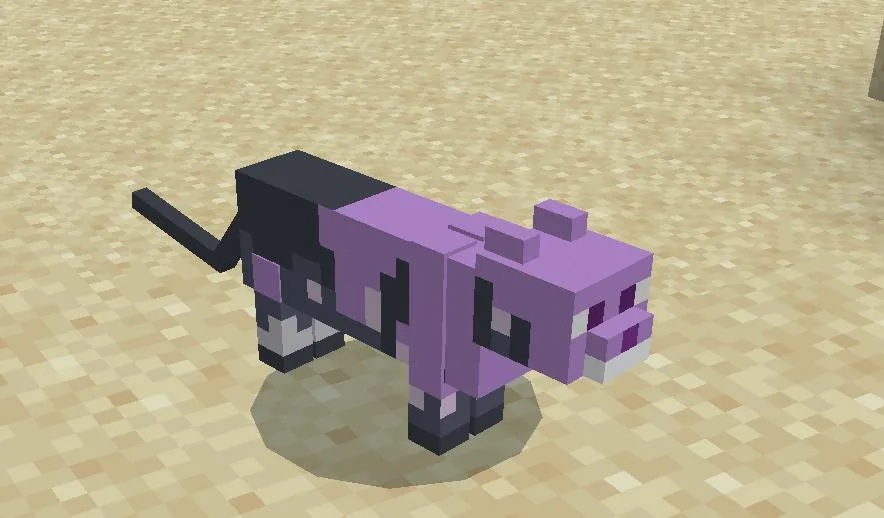
Creating custom items and mechanics
With Tynker Minecraft item editor, you can design completely new gameplay elements.
For example, you can:
- Create custom weapons with special effects
- Build items that trigger events
- Design tools with unique behaviors
This level of control allows players to transform the game into something entirely new.
Expanding creativity with mobs and skins
At the same time, Tynker Minecraft mob editor and Tynker Minecraft skins expand your creative possibilities.
You can:
- Design new creatures with custom AI
- Modify existing mobs
- Create detailed character skins
Because of that, Tynker com minecraft skins becomes a powerful tool for personalization and storytelling.
How ExitLag improves your Tynker Minecraft experience
While Tynker Minecraft enhances creativity and coding, performance still depends on your connection quality.
Lag, latency, and instability can affect how your mods run and how responsive your game feels.
ExitLag solves this problem by optimizing your connection routes in real time.
With ExitLag, you can:
- Reduce lag during modded gameplay
- Improve responsiveness when testing code
- Maintain stable performance in multiplayer worlds
- Avoid delays when loading custom content
In the same way, combining Tynker Minecraft mods with a stable connection ensures smoother and more reliable gameplay. ExitLag can drastically improve your gameplay for an accessible price. To know more, check our pricing page.
Frequently asked questions (FAQ)
Tynker Minecraft is used to teach coding through gameplay. Players can create mods, skins, mobs, and custom mechanics using a visual programming system.
It is widely used by beginners, students, and educators.
Yes, using minecraft skin editor Tynker, you can design and export custom skins easily.
The editor allows full customization of your character in a simple and intuitive way.
Absolutely. what is Tynker Minecraft for beginners is simple: it is one of the easiest ways to learn coding through games.
The drag-and-drop system removes complexity and focuses on logic.
Yes, Tynker Minecraft mods allow players to modify gameplay, create new mechanics, and build custom experiences.
This is one of the platform’s most powerful features.
Yes, ExitLag can significantly improve your experience, especially when using mods or playing online.
By optimizing your connection, it reduces lag and ensures smoother gameplay. You can test ExitLag for free and see the difference in performance. You should check more games compatible with ExitLag at our official games page.
In conclusion
Tynker Minecraft is more than just a tool—it is a complete platform for learning, creating, and transforming your Minecraft experience.
From coding basics to advanced mods, it gives players full control over their world. Whether you are designing skins, creating mobs, or building custom mechanics, the possibilities are endless.
In the end, Tynker Minecraft empowers players to move beyond gameplay and step into creation, making every session more engaging, educational, and dynamic. Download ExitLag now!
Got questions or want to connect with other players? Join the conversation at the ExitLag Forum!