If you’re looking to play PUBG PS5, you’re in for an exciting experience. With the PlayStation 5’s advanced hardware, this battle royale title now performs better than ever, offering a smoother and more immersive gaming session.
Before we dive deeper, make sure you have the right setup for PUBG PS5. One crucial aspect is optimizing your internet connection for minimal lag, which can significantly enhance your gameplay. For this, we highly recommend using Exitlag, a service that reduces ping and optimizes your connection for a flawless gaming experience.
Additionally, if you're playing PUBG PS5, it's important to ensure your console and game settings are fine-tuned to take full advantage of the next-gen features. The PS5 offers an upgraded user interface and faster load times, which can make a big difference in your gaming experience.
Compatibility: PUBG on PS5 Console
When it comes to PUBG PS5, compatibility is a key factor to ensure everything works smoothly. Fortunately, PUBG is fully compatible with the PlayStation 5, offering players a seamless transition from PS4 to the next-gen console. The game benefits from the PS5’s increased processing power, providing faster loading times and smoother gameplay.
Here’s what you need to know to get started:
- Download PUBG from the PlayStation Store to play on your PS5.
- Adjust game settings for optimal performance on the PS5.
- Check for updates regularly, as developers patch and improve compatibility for newer consoles.
- Optimize your internet connection to reduce lag and enhance gameplay experience. Using Exitlag is a great option for a smoother connection.
Performance Details: PUBG on the Next Gen
The experience on PS5 has come a long way with the new generation of consoles. The game’s performance is significantly improved, offering better frame rates, faster loading times, and a smoother experience. Players can now expect 60 FPS in most cases.
The PS5’s hardware also enhances stability and reduces crashes, ensuring a more reliable session. This is particularly helpful during high-intensity moments when every second matters. With the improved PUBG Next Gen Console Performance, you can adjust settings like graphics and control schemes to personalize your gameplay.
To get the best performance, make sure your internet connection is optimized. Exitlag can help achieve a smoother connection.
Graphics Improvements: PUBG PS5 Graphics Update
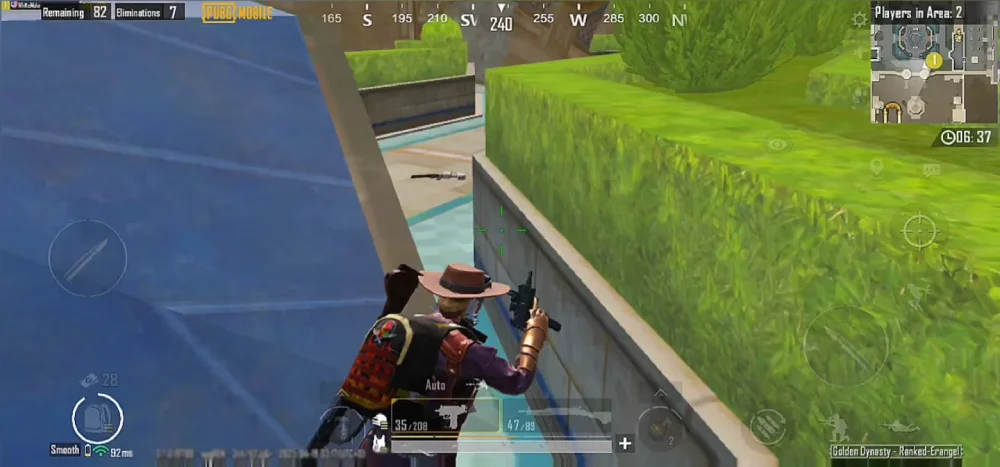
With the PS5 update, the graphics have seen a noticeable improvement. The game now takes advantage of the PS5’s graphical power, delivering sharper textures, more realistic lighting, and smoother animations.
The PUBG PS5 Graphics Update not only enhances the visuals but also improves draw distances and lighting effects, which are crucial during intense firefights. Players can now enjoy a more polished and visually impressive experience, making it even easier to spot enemies from afar and appreciate the world around them.
If you’re looking to optimize your visual experience further, check out Exitlag for improved performance. It ensures your internet connection won’t hinder the newly upgraded graphics.
How to Play PUBG on PS5: Getting Started
Getting started with How to Play PUBG on PS5 is easy, and you’ll quickly find yourself immersed in the action. First, download the game from the PlayStation Store and ensure your PS5 is updated with the latest system software. Once installed, simply launch the game, and you’re ready to start playing.
To make the most out of your gameplay experience, take some time to familiarize yourself with the new settings and features available on the PS5.
Lastly, remember to optimize your internet connection for the best PUBG PS5 performance. With Exitlag’s help, you can improve your ping and ensure a lag-free experience.