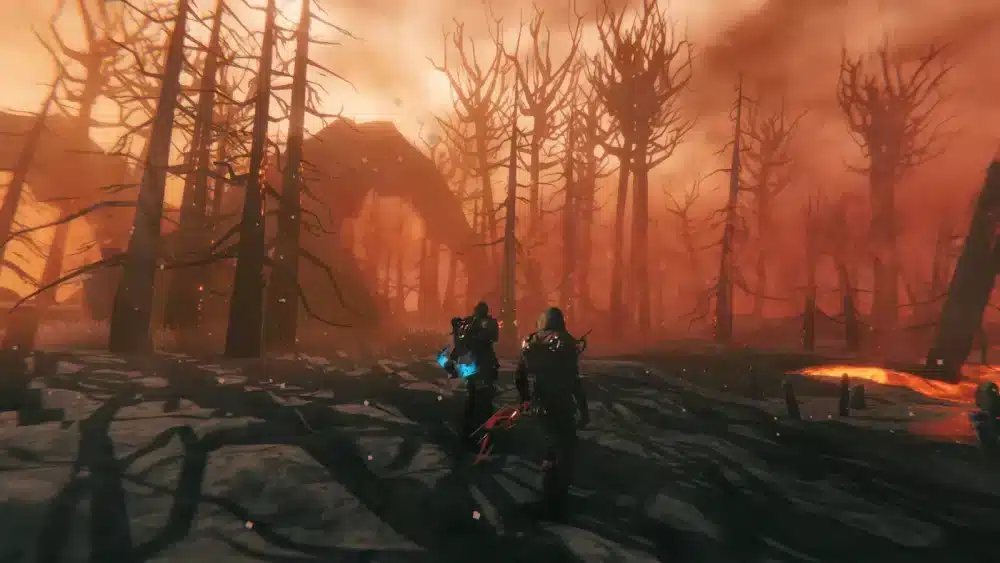
Choosing the right Valheim seeds can completely transform your survival experience. From convenient boss locations to massive mountain ranges and ideal building spots, every procedurally generated world offers unique opportunities and challenges that shape your Viking adventure.
Whether you're starting your first playthrough or looking for a fresh experience, understanding how Valheim seeds generate unique worlds makes it much easier to select a map that matches your preferred playstyle. Some players prioritize exploration, while others look for efficient progression or beautiful landscapes for ambitious building projects.
In this guide, you'll learn how Valheim seeds work, what makes a great world, how to use community tools like a Valheim seed viewer, and discover what to look for when choosing your next adventure.
What Are Valheim Seeds?
A seed is the code used by Valheim to generate an entire game world. Every mountain, forest, coastline, biome, river, dungeon, and boss location is determined by this unique string of characters.
Entering the same seed will always generate the exact same world, allowing players to share impressive discoveries and recreate popular maps with friends.
This system has helped build a large community dedicated to finding and sharing proven Valheim seeds for different objectives.
Why Seeds Matter
Your chosen seed affects:
- Boss progression;
- Biome placement;
- Resource availability;
- Sailing distances;
- Building locations;
- Exploration routes;
- Dungeon distribution.
Although every seed is technically playable, some provide a much smoother progression than others.
How World Generation Works
Valheim uses procedural generation to create large open worlds while maintaining consistent gameplay rules.
The central starting area is always relatively safe, but the surrounding biomes, oceans, and islands are arranged differently depending on the selected seed.
As players move farther from the center, the world gradually becomes more dangerous, encouraging exploration and preparation before facing stronger enemies.
Understanding this generation system helps players appreciate why no two adventures feel exactly alike.
What Makes a Great Valheim Seed?
The best worlds are not necessarily the easiest ones. Instead, an excellent seed balances accessibility, exploration, resource gathering, and long-term progression.
Some players want nearby bosses for faster advancement, while others prefer isolated islands that encourage exploration and creative base construction.
Ultimately, the ideal Valheim seed map depends on how you enjoy playing the game.
Common Features of Great Seeds
Highly rated worlds often include:
- Multiple nearby biomes;
- Convenient boss locations;
- Easy access to oceans;
- Large building areas;
- Valuable resource clusters;
- Balanced exploration;
- Scenic landscapes.
These characteristics reduce unnecessary travel while preserving the excitement of discovery.
Different Types of Valheim Seeds
The community generally categorizes worlds according to their strengths. Knowing these categories can help you choose the best seed before creating a new character.
| Seed Type | Best For | Main Advantage |
| Beginner | New players | Easy progression |
| Builder | Creative bases | Flat terrain |
| Explorer | Long adventures | Diverse biomes |
| Speedrun | Fast progression | Close bosses |
| Multiplayer | Servers | Balanced resources |
| Survival | Challenge | Difficult terrain |
Each type supports a different approach to gameplay.
Best Seeds for Beginners
Players experiencing Valheim for the first time usually benefit from worlds that minimize travel while introducing game mechanics gradually.
A beginner-friendly seed often places early biomes close together, making it easier to gather resources, defeat the first bosses, and learn crafting systems without excessive sailing.
These qualities allow players to focus on survival rather than navigation.
Beginner-Friendly Characteristics
Look for worlds with:
- Meadows near spawn;
- Nearby Black Forest;
- Accessible rivers;
- Early merchant locations;
- Short sailing routes;
- Good resource density.
These features create a smoother learning experience during the early game.
Best Seeds for Builders
Many players spend hundreds of hours creating elaborate Viking villages, castles, harbors, and mountain fortresses.
For these builders, terrain matters more than boss placement. Large flat meadows, picturesque coastlines, and dramatic mountain views often become the deciding factors when selecting a new world.
The right Valheim map can provide endless inspiration for ambitious construction projects.
The BEST Valheim Seeds You Didn't Know Existed
Best Seeds for Exploration
Exploration remains one of Valheim's greatest strengths.
Some worlds generate enormous continents, while others feature countless islands connected by dangerous seas. Players who enjoy discovering hidden locations often prefer seeds with varied geography and diverse biome placement.
These worlds reward curiosity and encourage long expeditions filled with unexpected encounters.
Using a Valheim Seed Viewer
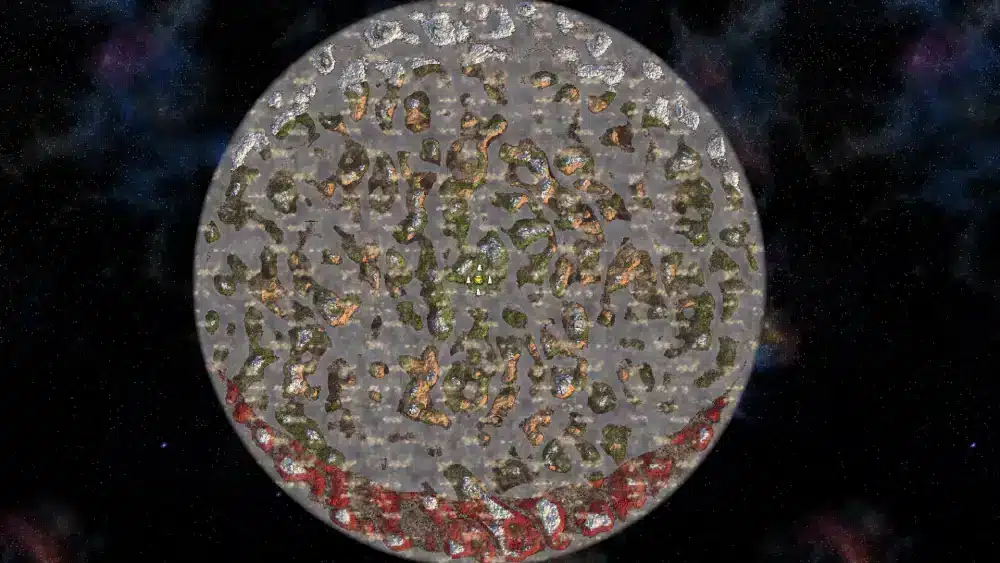
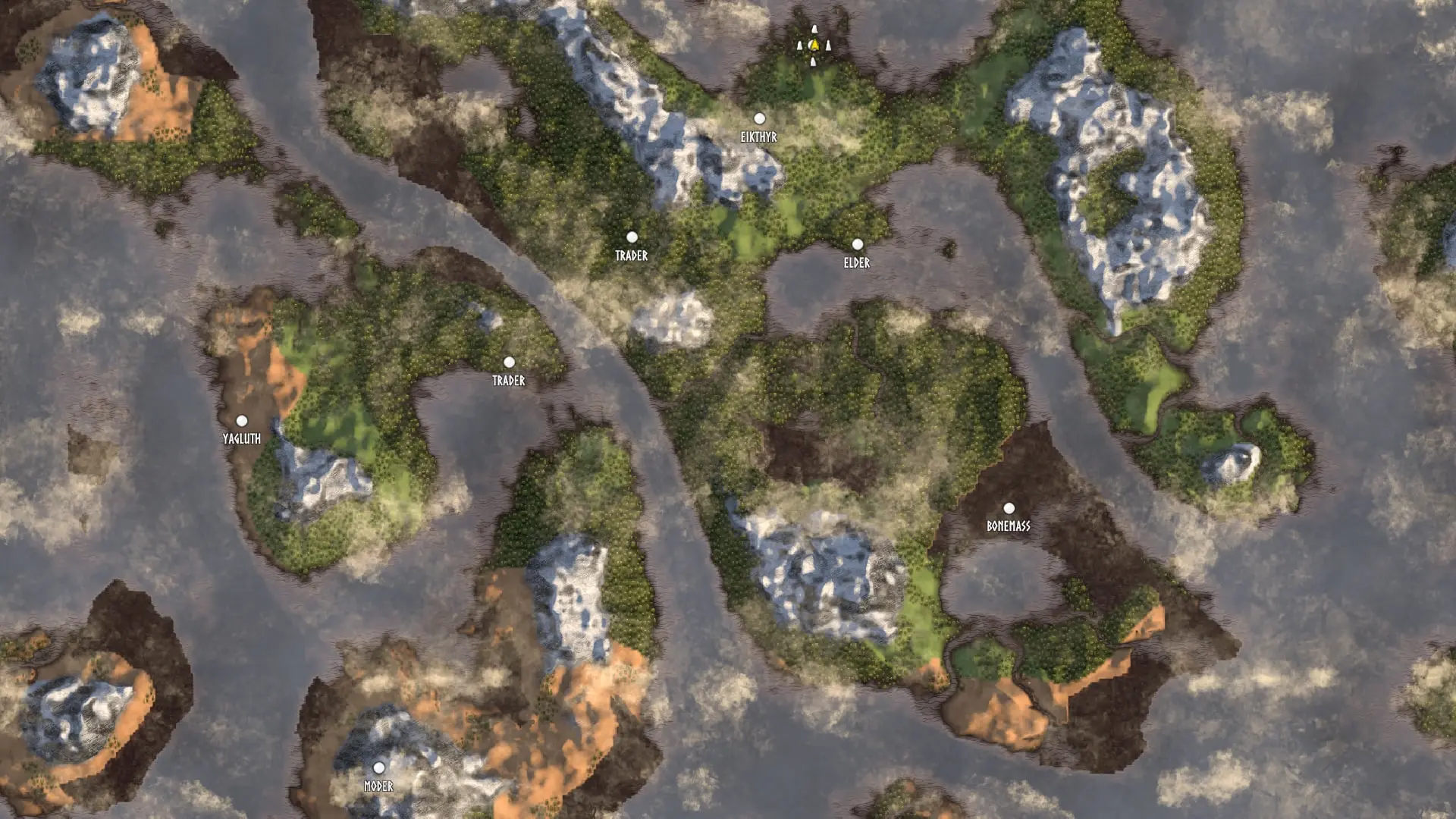
One of the most useful community tools is the Valheim seed viewer, which allows players to preview a world's layout before beginning a new adventure.
Depending on the tool, players can examine biome placement, boss locations, merchant spawns, and major landmarks without manually exploring the entire map.
While some players enjoy discovering everything naturally, others use these tools to plan efficient progression or locate ideal building sites.
Benefits of Seed Viewers
A seed viewer can help you:
- Locate bosses;
- Find the Merchant;
- Plan sailing routes;
- Identify mountain ranges;
- Discover swamp regions;
- Choose building locations.
Using these tools is entirely optional and depends on your preferred gameplay experience.
Understanding the Valheim World Generator
Every world in Valheim is created using a procedural generation system. The Valheim world generator takes a seed and applies a series of algorithms to determine biome placement, coastlines, islands, mountains, rivers, dungeons, and points of interest.
Although each world follows the same general design principles, the resulting layouts vary significantly. This balance between consistency and randomness ensures that every new adventure feels unique while maintaining fair progression.
Because the generation process is deterministic, entering the same seed will always recreate the exact same world.
Proven Valheim Seeds Worth Trying
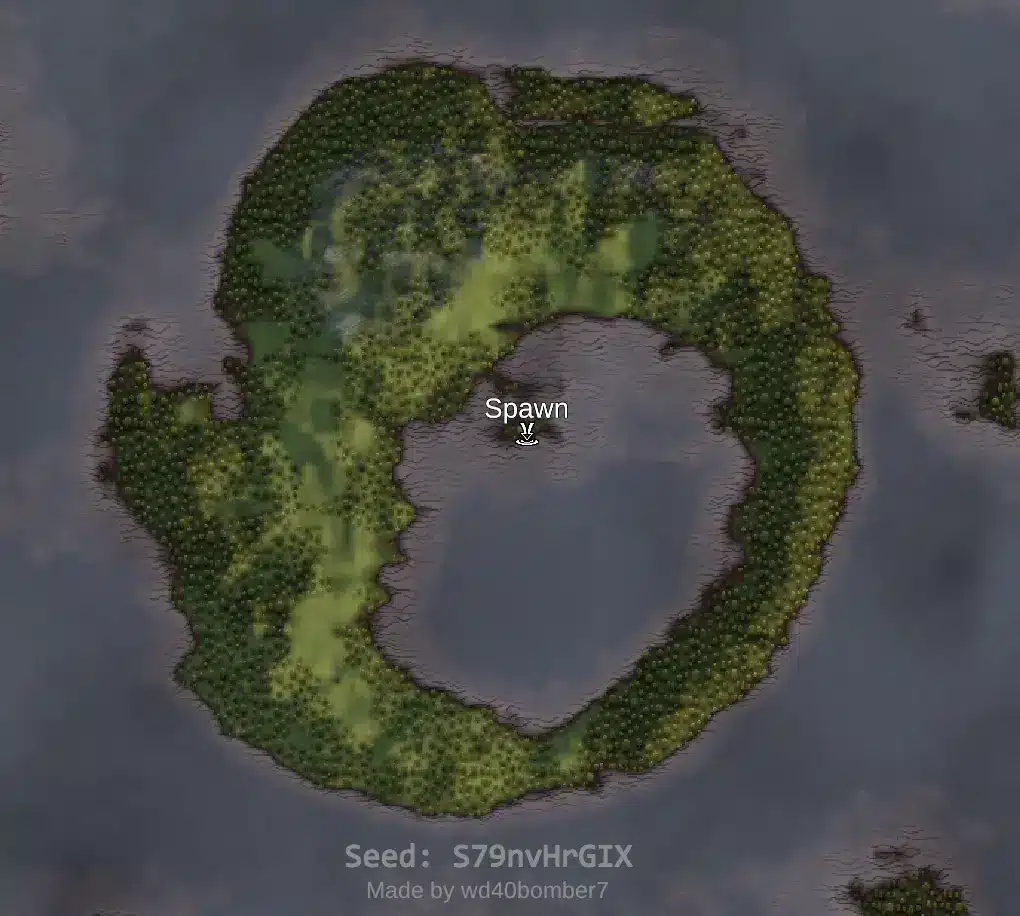
Over the years, the community has identified numerous proven Valheim seeds that consistently offer enjoyable layouts. These seeds are often recommended because they provide balanced progression, accessible biomes, convenient boss locations, or excellent terrain for building.
Rather than guaranteeing an easier experience, these worlds simply reduce unnecessary travel and create more efficient exploration routes.
What Makes a Seed "Proven"?
Community-favorite seeds usually feature:
- Well-balanced biome distribution;
- Convenient early-game progression;
- Scenic landscapes;
- Accessible coastlines;
- Good resource availability;
- Efficient sailing routes.
Many players still enjoy discovering completely random worlds, but proven seeds are a great starting point for those seeking a smoother experience.
Choosing the Right Seed for Your Playstyle
No single seed is perfect for everyone. The ideal world depends on what you enjoy most during your time in Valheim.
Some players prioritize building massive settlements, while others spend most of their time defeating bosses, exploring distant islands, or gathering rare resources. Choosing a world that supports your goals can make the entire journey more enjoyable.
Consider These Factors
Before creating a new world, think about:
- How much exploration you enjoy;
- Whether you play solo or with friends;
- If building is a major focus;
- How important quick boss progression is;
- Whether you prefer discovering everything naturally.
Answering these questions will help you choose the Valheim seed map that best fits your preferred style of play.
Should You Use a Valheim Seed Viewer?
Whether to use a Valheim seed viewer ultimately comes down to personal preference.
Some players enjoy uncovering every biome, dungeon, and boss location through exploration alone, preserving the mystery of each new world. Others prefer planning efficient routes before starting, especially when building dedicated multiplayer servers or preparing challenge runs.
Neither approach is right or wrong, the important thing is choosing the experience that feels most rewarding to you.
Exploring Your Valheim Map Efficiently
Regardless of which seed you choose, smart exploration can save a great deal of time.
Marking important locations, establishing coastal outposts, and building portals throughout your world can significantly reduce travel between biomes.
As your adventure progresses, an organized Valheim map becomes an invaluable resource for gathering materials and preparing for future expeditions.
Developing these habits early makes later stages of the game much more manageable.
Why Every Valheim Adventure Feels Different
Even after hundreds of hours, many players continue creating new worlds because each seed offers fresh opportunities.
One adventure may revolve around massive mountain fortresses, while another focuses on island exploration or sprawling coastal settlements. The procedural generation system ensures that no two journeys unfold exactly the same way, encouraging experimentation and long-term replayability.
This variety is one of the reasons Valheim remains one of the most engaging survival games available.
Why a Stable Connection Matters in Valheim Multiplayer
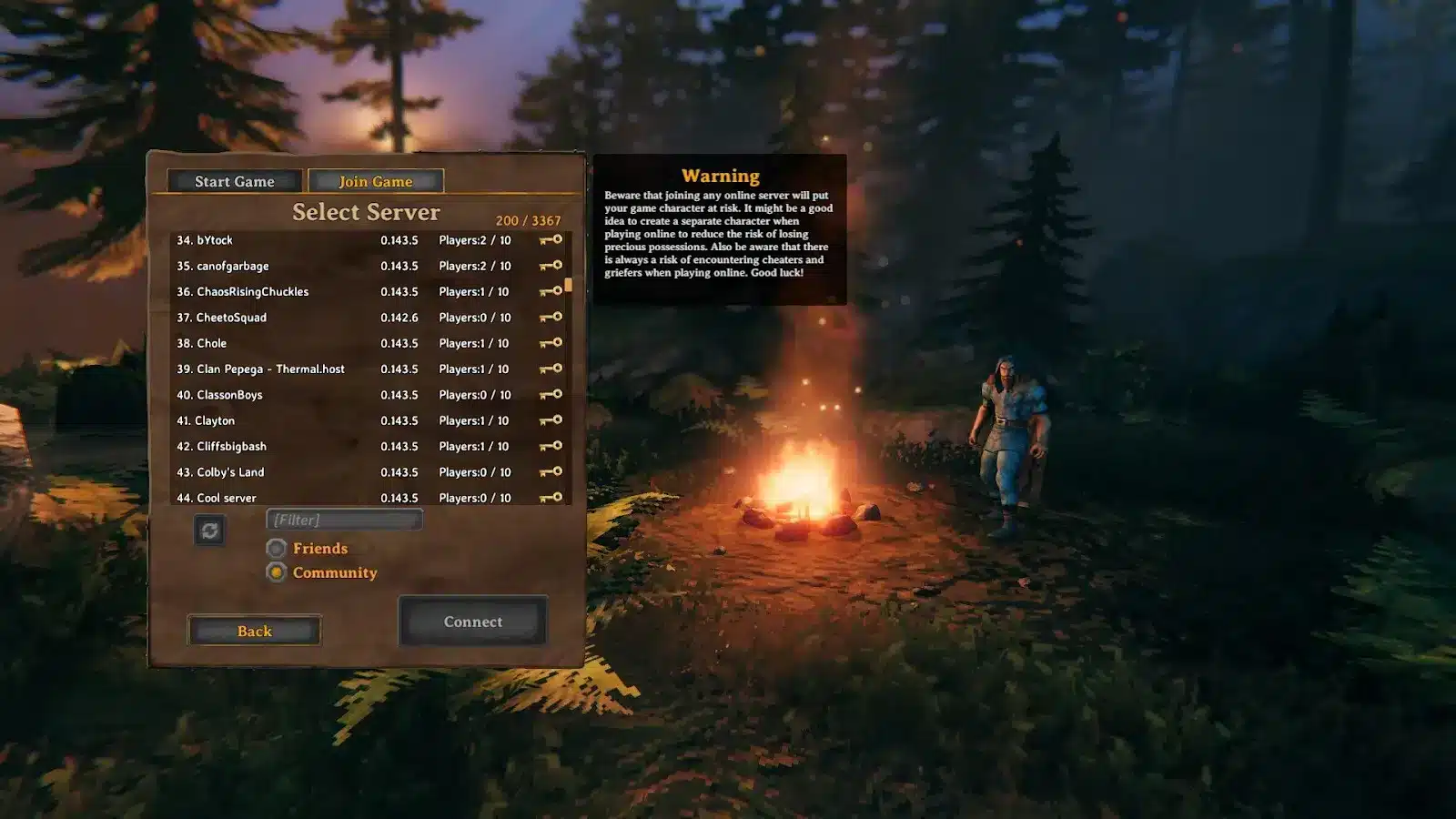
While Valheim can be enjoyed solo, multiplayer sessions benefit greatly from a stable internet connection. Building together, exploring large worlds, and fighting bosses require smooth synchronization between players.
High latency or unstable routing can lead to delayed interactions, rubber-banding, or inconsistent combat during online play.
For supported multiplayer games, ExitLag helps optimize network routes through intelligent multi-path technology, improving connection stability and creating a smoother online experience.
FAQ
What are Valheim seeds?
Valheim seeds are unique codes that generate complete game worlds. Using the same seed always creates the same terrain, biomes, boss locations, and world layout.
What is a Valheim seed viewer?
A Valheim seed viewer is a community tool that allows players to preview world layouts before starting a new game, including biomes, bosses, merchants, and other important locations.
Can I change my world after creating it?
No. Once a world has been generated, its layout cannot be changed. To experience a different map, you'll need to create a new world using another seed.
Are proven Valheim seeds better than random ones?
Not necessarily. Proven Valheim seeds are simply worlds that the community has found particularly enjoyable because of their layout, progression, or building opportunities. Random seeds can be just as rewarding.
Does the Valheim world generator create infinite maps?
No. The Valheim world generator creates very large but finite worlds with procedurally generated terrain and biome placement based on the selected seed.
Start Your Next Adventure with the Best Valheim Seeds
The best Valheim seeds aren't simply the ones with the shortest routes or easiest progression, they're the worlds that complement your preferred way of playing.
Whether you enjoy building, exploring, sailing, or conquering every boss, choosing the right seed can make each new Viking adventure even more memorable.
Download ExitLag today for a smoother and more stable Valheim multiplayer experience.