The valheim seed viewer is one of the most powerful tools available for players who want to control their Viking adventure from the very beginning. Instead of blindly exploring a procedurally generated world, you can preview biomes, bosses, resources, and key landmarks before even spawning.
Using a valheim seed viewer allows you to analyze map layouts, identify trader locations, and strategically plan your base positioning. Whether you play solo or in multiplayer, understanding world seeds can completely change how you approach survival.
So what is a seed, how does the valheim world generator work, and which tools give you the best preview options? In this complete guide, we break down everything you need to know about map generation, seed selection, and optimization strategies.
What Is a Valheim Seed Viewer?
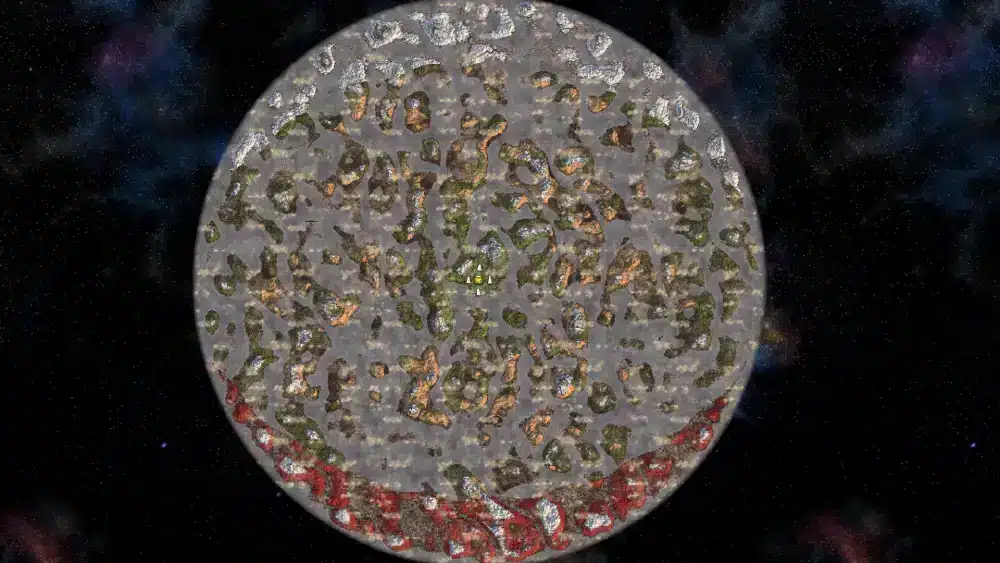
A valheim seed viewer is an external or web-based tool that allows players to input a world seed and generate a full preview of the map.
In Valheim, every world is created from a unique seed — a string of letters and numbers that determines:
- Biome distribution
- Boss spawn locations
- Trader spawn position
- Resource density
- Island and ocean layout
Instead of exploring blindly, a valheim map seed viewer reveals this information instantly.
How the Valheim World Generator Works
The valheim world generator is built on procedural generation. That means each map follows algorithmic rules but creates unique terrain arrangements.
Core Generation Principles
- Central spawn island placement
- Progressive biome distance scaling
- Randomized dungeon and boss distribution
- Ocean separation between landmasses
The algorithm ensures:
- Meadows near spawn
- Black Forest within early exploration range
- Swamp and Mountains further outward
- Plains and Mistlands in outer rings
Because of this structure, using a valheim world seed viewer helps identify whether your world offers convenient boss paths or challenging travel routes.
Why Players Use a Valheim Seed Map Viewer
Many players enjoy pure discovery. Others prefer strategy.
Using a valheim seed map viewer provides advantages such as:
- Efficient boss progression routes
- Easier trader discovery
- Resource-rich spawn zones
- Optimized multiplayer base locations
If you’re starting a server with friends, selecting a good seed can prevent hours of unnecessary travel.
Key Features of a Valheim Seed Viewer
| Feature | What It Shows | Why It Matters |
| Biome Overlay | Full biome distribution | Plan resource gathering |
| Boss Markers | All Forsaken altars | Optimize progression |
| Trader Location | Haldor spawn | Early access to rare items |
| Dungeon Spots | Crypts and burial chambers | Efficient farming |
| Map Coordinates | Precise base planning | Multiplayer coordination |
These tools make survival planning far more efficient.
Valheim Seed Generator vs Seed Viewer
Some players confuse a valheim seed generator with a viewer.
Here’s the difference:
- Valheim seed generator: Creates new seed codes
- Valheim seed viewer: Displays map layout from an existing seed
You can generate multiple seeds, then preview them in a valheim world seed viewer to find the perfect balance of convenience and challenge.
How to Use a Valheim Seed Viewer (Step-by-Step)
If you’re new to this process, follow this guide:
- Open a trusted valheim seed viewer tool
- Enter your world seed
- Select map visibility options
- Enable biome overlays
- Check boss spawn distances
- Evaluate trader location
- Choose your ideal seed
This process takes only minutes but can save dozens of in-game hours.
Best Seed Types for Different Playstyles
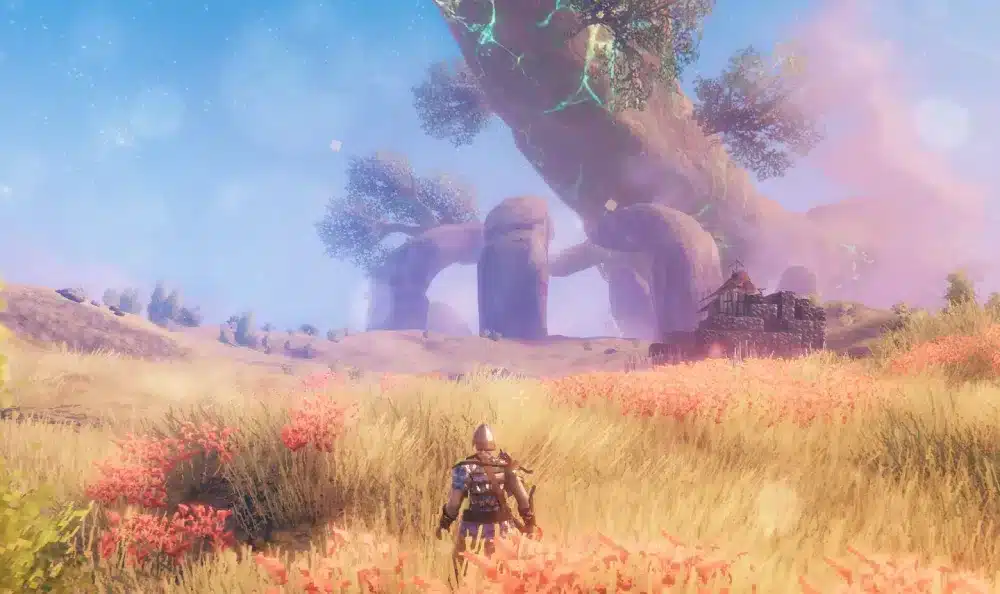
Different players want different world layouts.
For Solo Survival
- Compact continents
- Nearby trader
- Balanced biome spacing
For Multiplayer Servers
- Large connected landmass
- Centralized spawn
- Multiple swamp clusters
For Hardcore Exploration
- Distant boss spawns
- Isolated Mistlands
- Large ocean separation
Comparing Ideal Seed Layouts
| Playstyle | Ideal Biome Spread | Trader Distance | Boss Accessibility |
| Casual | Compact | Close | Moderate |
| Hardcore | Spread Out | Random | Far |
| Multiplayer | Centralized | Medium | Clustered |
| Speedrun | Efficient Path | Close | Linear |
Selecting the right seed ensures smoother progression.
Is Using a Valheim Seed Viewer Cheating?
This question frequently appears in the community.
Technically, no. The seed is part of the game’s system.
However:
- Some players prefer blind exploration
- Others prioritize strategic efficiency
Ultimately, using a valheim map seed viewer is a personal choice.
Optimizing Multiplayer Worlds
When hosting multiplayer servers, map selection becomes even more important.
Factors to consider:
- Base expansion space
- Resource density
- Ocean routes for ships
- Proximity between boss biomes
Large servers benefit greatly from previewing seeds beforehand.
Planning Base Locations with a Seed Viewer
Choosing the right base location impacts long-term survival.
Look for:
- Meadows near Black Forest
- River access for boat travel
- Mountain visibility
- Swamp adjacency
Ideal Base Requirements
- Flat terrain
- Resource variety nearby
- Minimal hostile spawn
- Strategic coastal access
- Expandable build space
Planning prevents relocation later.
How World Generation Affects Performance
World seeds do not change map size, but large player-built areas may increase server load.
Factors influencing performance:
- Terrain complexity
- Multiplayer synchronization
- Base structure size
- Server tick rate
In online servers, stable connection becomes crucial.
Why Connection Stability Matters in Valheim
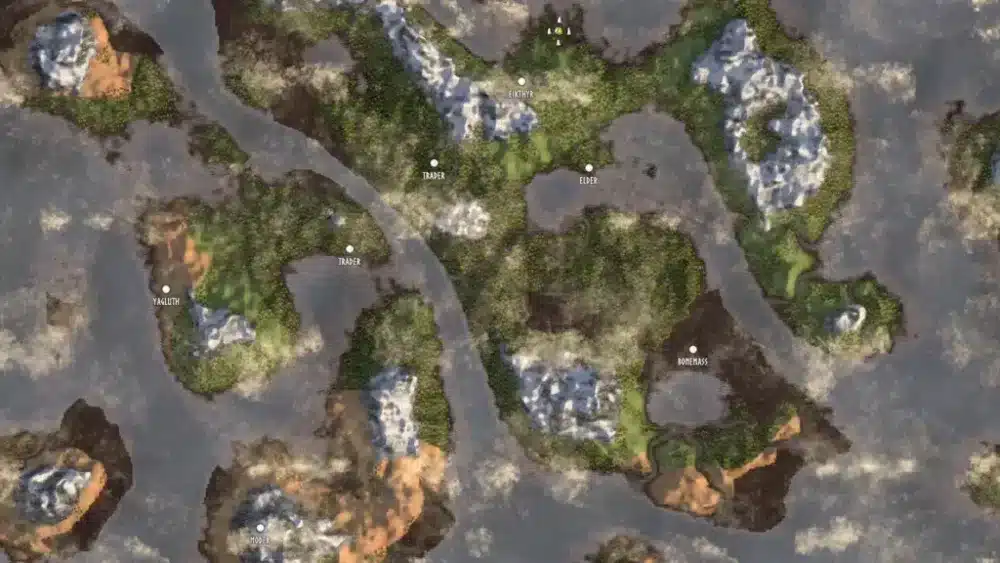
Although Valheim is survival-focused, multiplayer sessions rely on real-time synchronization.
Lag can cause:
- Delayed combat reactions
- Desynced enemy movement
- Building placement issues
- Ship navigation glitches
ExitLag improves routing stability by optimizing packet paths in real time.
With multipath connection technology, it:
- Reduces latency
- Prevents packet loss
- Stabilizes multiplayer servers
- Works on PC and Mobile
- Supports thousands of games worldwide
If you’re exploring large biomes or sailing between continents in multiplayer, connection stability is essential.
Advanced Seed Hunting Strategies
Experienced players often:
- Generate dozens of seeds
- Compare biome overlays
- Analyze boss distance ratios
- Prioritize trader proximity
- Share optimized seeds in communities
Using both a valheim seed generator and a valheim world seed viewer speeds up this process.
Common Mistakes When Choosing a Seed
Avoid these errors:
- Ignoring swamp density
- Selecting overly fragmented maps
- Choosing distant trader locations
- Underestimating ocean travel time
- Forgetting multiplayer scaling
Good planning prevents frustration.
How the Valheim Seed Viewer Impacts Speedruns
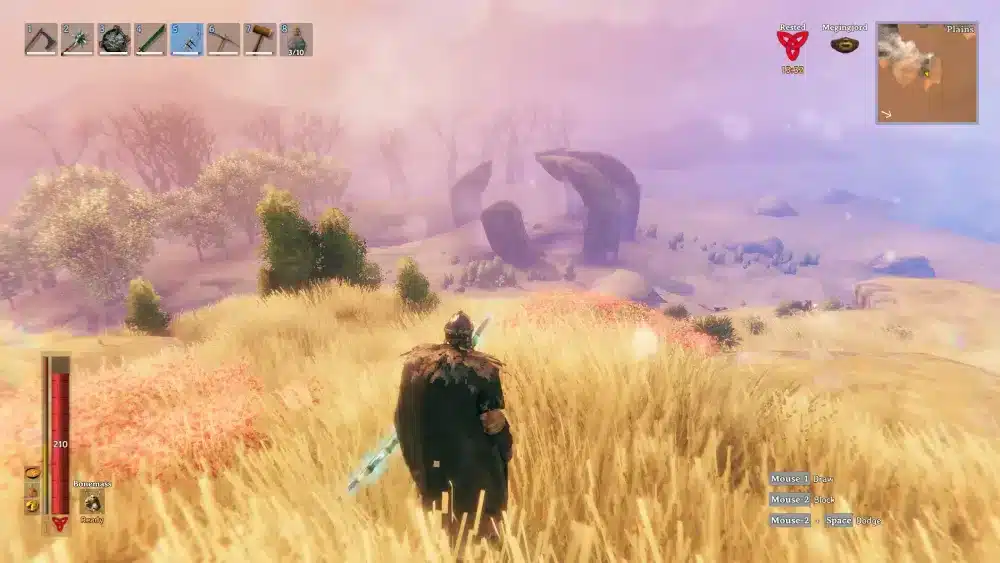
Speedrunners use seed analysis heavily.
Ideal speedrun seeds include:
- Linear biome progression
- Close boss altars
- Nearby burial chambers
- Accessible swamp crypts
Time efficiency depends heavily on world layout.
Future of Valheim World Generation
With Ashlands released and the planned Deep North biome, seed analysis becomes even more valuable.
New biome placement will:
- Expand map complexity
- Increase travel distance
- Alter resource distribution
Seed viewers will continue to play a major role in preparation.
FAQ – Valheim Seed Viewer
A tool that allows players to preview biome layouts, boss locations, and map features using a world seed.
It uses procedural algorithms to distribute biomes and landmarks based on a seed string.
Yes. A valheim seed generator creates new seed codes that you can preview with a viewer.
Yes. It does not modify the game and is widely used by the community.
No. Performance depends on player count, builds, and server hardware, making connection stability important.
Final Thoughts on Valheim Seed Viewer
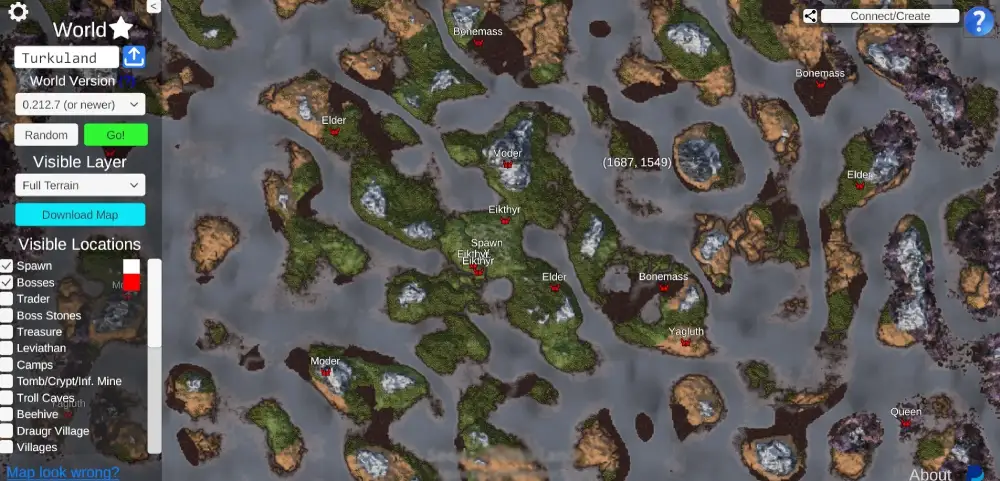
The valheim seed viewer transforms how players approach survival planning. Instead of relying purely on chance, you can strategically select worlds tailored to your playstyle.
From efficient speedruns to balanced multiplayer servers, seed tools provide clarity and control.
And when exploring massive worlds online, ensure your gameplay remains smooth and stable. Optimized routing solutions like ExitLag keep your multiplayer adventures responsive and lag-free.
All game images used in this blog belong to Iron Gate Studio. They are used for informational/educational purposes only and do not imply endorsement or affiliation with the rights holders.
Got questions or want to connect with other players? Join the conversation at the ExitLag Forum!