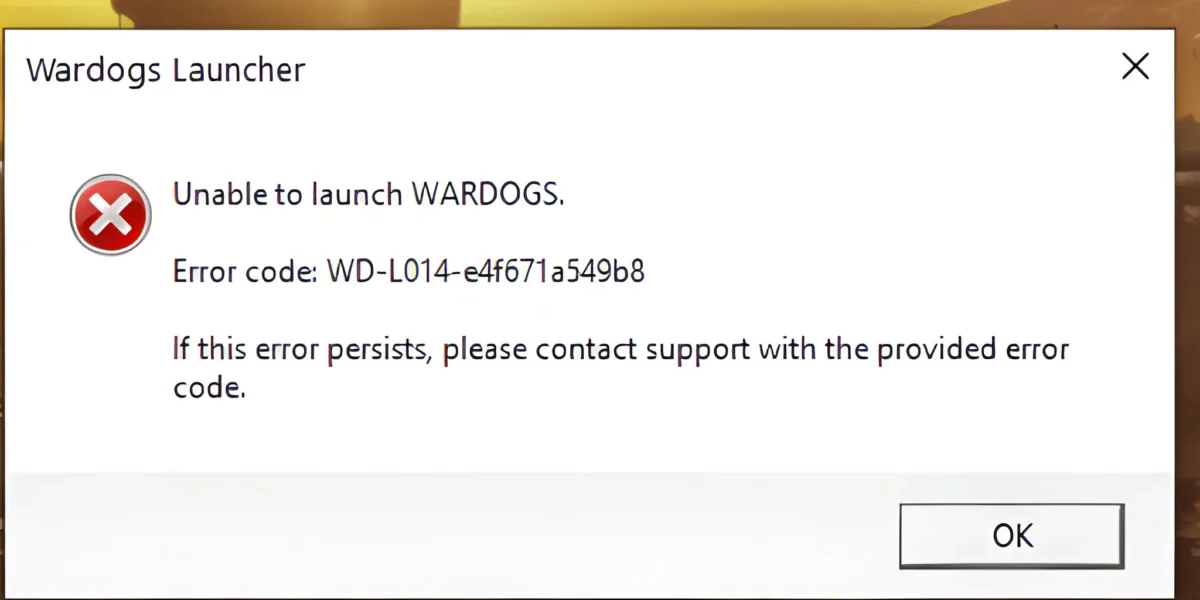
Few things are more frustrating than getting Wardogs Kicked From Match right when your team is holding the control zone. One second you are locked in, and the next you are staring at the main menu with zero explanation.
Indeed, if this keeps happening, you are not alone. Wardogs Kicked From Match reports have been common since launch, and the causes range from anti-cheat false positives to server-side instability that has nothing to do with your own setup.
Wardogs Kicked From Match errors usually stem from anti-cheat connection-lost checks, inactivity timers, server crashes, or an unstable route to the game server. Most cases respond to client, network, and router fixes.
The rest come down to server-side issues that Bulkhead is actively patching.
Ultimately, this guide breaks down exactly why you get disconnected, what separates a real ban from a random Wardogs Kicked From Server kick, and the fastest ways to get back into your match without losing your loadout progress.
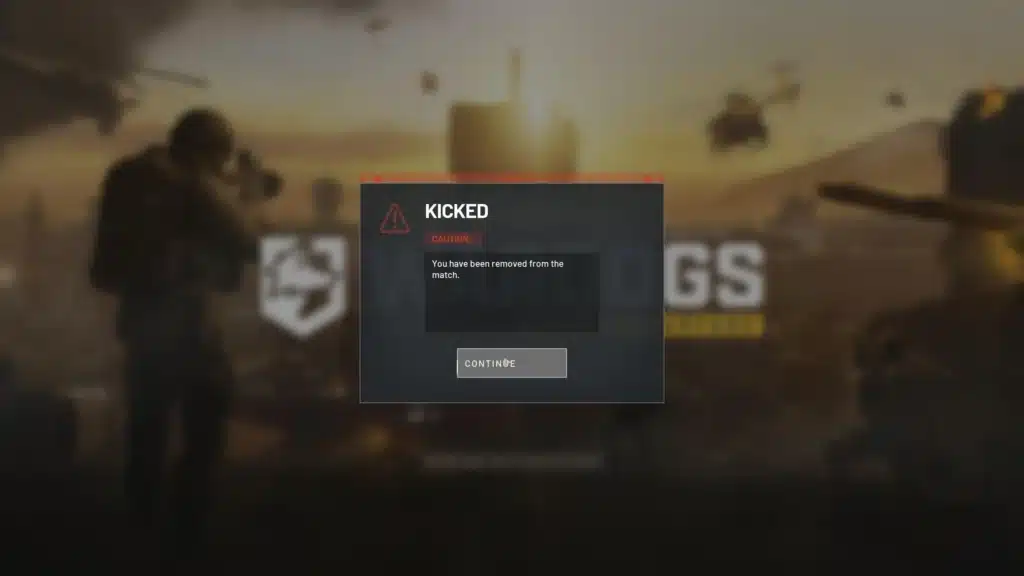
Why You Get Wardogs Kicked From Match
Wardogs is a 100-player tactical shooter where three teams fight over a moving control zone across a huge map. That scale puts real strain on both the game servers and your own connection, which is exactly where most Wardogs Kicked From Match cases start.
Furthermore, because matches can run for a long time, small connection hiccups that would barely matter in a short round become much more noticeable here. A brief packet loss spike can be read by the client as a lost connection.
Anti-Cheat Connection Lost Kicks
Notably, one of the most reported causes of Wardogs Anti-Cheat Kick messages is the anti-cheat system flagging a lost connection. Players describe getting this even with a stable internet connection and no other network problems on their end.
This typically happens when packets between your client and the anti-cheat service get delayed or dropped, even briefly. The system is built to be strict, so it can misread a short lag spike as a disconnect.
Common triggers for Wardogs Kicked From Match include:
- Sudden latency spikes caused by background downloads or streaming
- Packet loss on your local network or your internet provider’s route
- Overloaded game servers struggling to keep every client in sync
- Outdated network drivers that mishandle high player-count traffic
Server Crashes And Network Call Errors
Indeed, some Wardogs Server Disconnect issues are not caused by your setup at all. Bulkhead has acknowledged and patched several crash paths tied to network call scheduling, which could pull players out of an active match without warning.
As a result, if an entire server drops players at once, it is almost certainly a server-side issue rather than something wrong with your PC or router. This is one of the clearest signs that Wardogs Kicked From Match was not your fault.
Wardogs Kicked From Server: What Causes It
Specifically, Wardogs Kicked From Server is a slightly different problem than being kicked from a single match. This usually happens before or right after you load into a session, and it often points to server capacity rather than your connection quality.
Since launch, Wardogs has dealt with heavy demand, and regional servers can fill up fast during peak hours. When that happens, some players get bumped even after successfully connecting.
Server Overload And Regional Queues
During busy periods, official servers can hit capacity limits that force disconnects to protect server stability. This is most common on populated regional servers during evenings and weekends.
Typical signs of a capacity-related kick include:
- Being removed shortly after joining with no error code shown
- The server you were on no longer appearing in your recent servers list
- Other players in the same session reporting the exact same kick at once
- Queue times spiking right before or after the disconnect
Inactivity Timers During Long Matches
Additionally, Wardogs enforces a Wardogs Inactivity Kick to stop players from sitting idle for long stretches. Since matches can run for well over an hour, this system is meant to free up slots for active players.
However, the timer can trigger faster than expected, sometimes after only a few minutes away from your keyboard. If you step away mid-match, you risk losing your spot even though your gear and progress are saved for when you rejoin.
How To Fix Wardogs Kicked From Match Errors
Overall, most Wardogs Connection Issues respond well to a structured troubleshooting pass. Start with the simple fixes below before moving into deeper network changes, since the easiest solution is often the right one.
Therefore, work through these steps in order rather than jumping straight to advanced fixes. This saves time and helps you identify exactly what is causing your Wardogs Kicked From Match disconnects.
Quick Fixes To Try First
- Restart the game client fully, including any background launcher processes.
- Verify your game files through your platform’s library settings to catch corrupted data.
- Close bandwidth-heavy background apps like downloads, streaming, or cloud backups.
- Switch from Wi-Fi to a wired ethernet connection whenever possible.
- Confirm you are running the latest patch, since older builds can trigger avoidable errors.
Deeper Network And System Fixes
- Restart your router and modem to clear a stale connection and refresh your assigned IP.
- Update your network adapter drivers, since outdated drivers struggle with high player-count traffic.
- Check your firewall and antivirus settings to make sure Wardogs and its anti-cheat are not being blocked.
- Forward or open the required ports on your router if your firewall is unusually strict.
- Test your connection stability with a ping or packet loss tool during a normal browsing session.
Why Does Wardogs Kick You For Inactivity?
Essentially, this is one of the most common questions from players dealing with Wardogs Kicked From Match after a short break. The system exists to keep matches fair, not to punish normal gameplay pauses.
How The Inactivity Timer Works
Typically, the inactivity system watches for a lack of player input over a short window, generally just a few minutes. Once that threshold passes, the server removes you to open the slot for someone actively playing.
Notably, this is separate from an anti-cheat kick or a ban, since your account is not flagged in any way. You simply lose your place in that specific match.
How To Avoid Inactivity Kicks Fairly
- Take breaks between matches rather than in the middle of one, when possible
- Reposition your character to a safer spot before stepping away briefly
- Keep an eye on match length before committing to a long session
- Rejoin the same server quickly if you do get removed, since your gear is usually saved
Is Wardogs Kicked From Server Always A Ban?
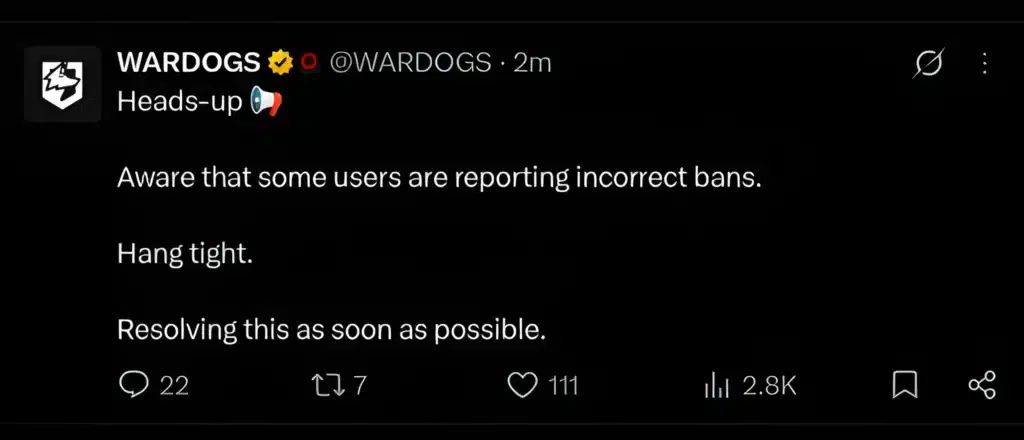
No, and in fact this distinction matters a lot. A Wardogs Kicked From Server message can come from several unrelated systems, and only one of them involves an actual penalty on your account.
How To Tell A Ban From A Disconnect
A recent patch changed how Wardogs Kicked From Match messages are shown, so a ban-style message now only appears if an actual ban occurred. Previously, players could see confusing wording after a normal disconnect, which caused unnecessary panic.
If you were not shown a ban notice, your account almost certainly was not penalized. On the other hand, a repeated pattern of kicks alongside a warning message is worth taking seriously.
What To Do If You Think You Were Banned By Mistake
In that case, the right move is to reach out through official support channels rather than guessing at the cause. Keep notes on when it happened.
| Kick Type | Likely Cause | Best First Fix |
|---|---|---|
| Anti-cheat connection lost | Latency spike or packet loss during play | Wired connection, close background apps |
| Server overload kick | Regional server at capacity | Try a different regional server, avoid peak hours |
| Inactivity kick | No input for several minutes | Move periodically or rejoin promptly |
| Crash-related kick | Server-side network scheduling error | Wait for the next patch, report the bug |
| Confirmed ban | Anti-cheat flagged a genuine violation | Contact official support with match details |
Tips And Mistakes To Avoid With Wardogs Kicked From Match
Beyond the basic fixes, a few habits make a real difference for players who keep running into Wardogs Kicked From Server problems during long sessions.
Consequently, treating connection stability as part of your regular routine, not just a reaction to Wardogs Kicked From Match, keeps disconnects rare instead of routine.
Pro Tips: Staying Connected In Wardogs
- Play on a wired connection: Ethernet removes the wireless interference that often causes the small latency spikes anti-cheat systems misread as a disconnect.
- Avoid peak-hour queues when you can: Jumping in during quieter hours reduces the odds of a capacity-related kick on popular regional servers.
- Keep drivers and the game client updated: Outdated network drivers and old builds are common, avoidable sources of connection errors.
- Monitor background bandwidth use: Downloads, cloud sync, and streaming apps can eat enough bandwidth to cause packet loss during a match.
Common Mistakes Wardogs Players Make
- Ignoring small lag spikes: Players often shrug off brief stutters, not realizing they can trigger Wardogs Kicked From Match. Fix: address latency issues before they escalate into repeated disconnects.
- Stepping away mid-match without moving: Standing completely still for too long risks an inactivity kick. Fix: reposition briefly or wait for a natural break in the action.
- Assuming every kick is a ban: Panicking over a normal disconnect wastes time and causes unnecessary stress. Fix: check for an actual ban notice before assuming the worst.
Improve Your Wardogs Connection With ExitLag
Consistent routing matters even more in a 100-player match where every packet has to reach a busy server on time. This is exactly the kind of scenario that leads to Wardogs Kicked From Match, and it is what ExitLag was built to help with.
Notably, ExitLag is not a VPN. Instead, it is a game connection optimizer that analyzes multiple network paths in real time and routes your traffic along the fastest, most stable option available.
It currently supports over 4,000 titles across PC and mobile, with more than 1,500 servers spread across 190+ countries. Millions of players rely on it every week for smoother, more stable connections.
How ExitLag Reduces Wardogs Disconnects
For large-scale shooters like Wardogs, a more stable route can mean fewer of the latency spikes that anti-cheat systems flag as connection loss. Consequently, players often see smoother, more consistent play during long control zone fights.
- Multipath Technology: Sends your traffic through multiple routes at once, so a single failing path does not disconnect you.
- Multi-Internet support: Lets you combine up to four connections, so one dropping does not end your match.
- Real-time optimization: Reduces delay and packet loss, which directly lowers the chance of a connection-lost style kick.
- Traffic Shaper: Prioritizes your game traffic over background downloads that could otherwise cause spikes.
Getting Started With ExitLag
Importantly, ExitLag does not modify game files, inject code, or interact with anti-cheat systems in any way, so it is safe to run alongside Wardogs and other supported titles. However, avoid running it at the same time as a VPN, since that reduces its effectiveness.
You can grab the ExitLag Download to start optimizing your route before your next long session in the control zone.
Final Thoughts On Wardogs Kicked From Match Issues
Ultimately, getting Wardogs Kicked From Match is rarely about one single cause, which is why a step-by-step approach works best. Between anti-cheat sensitivity, server load, and inactivity timers, most players can trace their specific issue with a little patience.
Recap Checklist Before Your Next Match
- Restart your client and verify your game files.
- Switch to a wired connection and close background apps.
- Update your network drivers and confirm your firewall allows Wardogs traffic.
- Avoid peak-hour queues on crowded regional servers when possible.
- Use a route optimizer like ExitLag if latency spikes keep triggering kicks.
When To Contact Wardogs Support
If you have tried every fix above and still see repeated Wardogs Kicked From Match errors, especially alongside an actual ban notice, it is time to reach out to official support. Bring match times and any error details with you.
With the right setup, Wardogs Kicked From Match becomes rare rather than routine, letting you focus on holding the control zone instead of watching a loading screen.
All game images used in this blog post belong to Bulkhead and Team17. They are used for informational and educational purposes only and do not imply endorsement or affiliation with the rights holders.
Got questions or want to connect with other players? Join the conversation at the ExitLag Forum!