Every year, football fans wonder if the new game is worth buying before they spend money. This season, EA gives you a way to find out without paying anything, and that is exactly why many players keep asking What Is EA FC 27 Lite.
If you are curious too, this guide explains the free version in plain words. Besides that, EA FC 27 Lite is easy to explain once you see the modes, limits and connection needs. Understanding What Is EA FC 27 Lite takes only a few minutes.
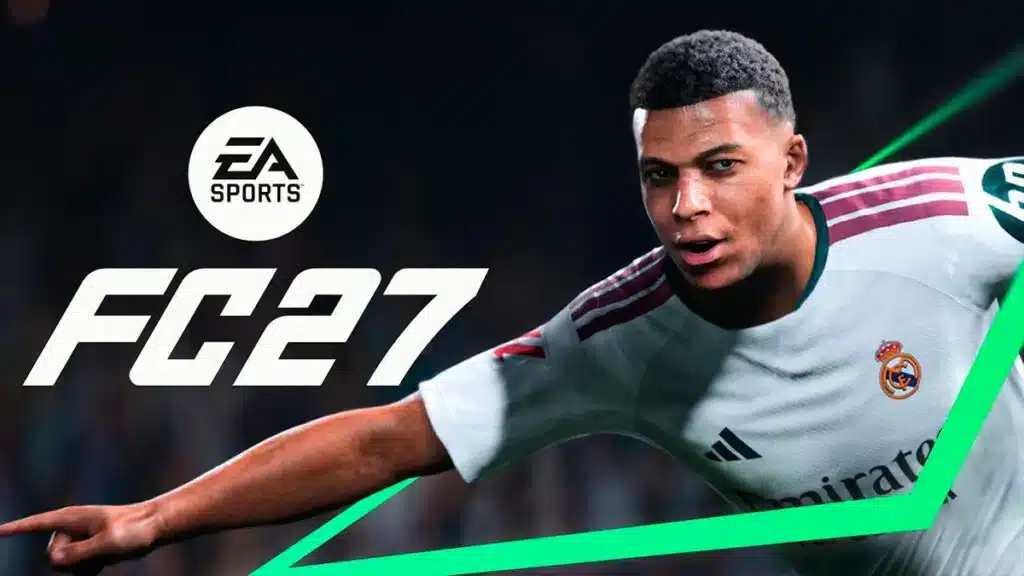
In short, EA FC 27 Lite is a free-to-download, streamlined version of EA Sports FC 27 with a curated selection of modes from the full game. It launched on September 25, 2026 alongside the paid release. You can play it without a time limit, but some of the biggest modes stay locked.

Community coverage says Ultimate Team, Manager Career and The Grounds stay behind the paywall. Consequently, if you mostly play card packs or long career saves, the free version will feel tight.
What Is EA FC 27 Lite And Who Is It For?
EA Sports FC 27 Lite works like an open door to the new season. You download it, sign in with your EA account, and jump straight into matches. There is no card to enter and no countdown clock. It suits several types of players. In other words, EAFC 27 Lite is a low-risk trial for almost everyone.What Is EA Sports FC 27 Lite In Simple Terms?
Think of it as a limited slice of the full game, and that is the simplest answer to What Is EA FC 27 Lite. Instead of a timed demo, the restriction is based on content rather than hours played. You can stay in the Lite version as long as you like. Here is who benefits most from it:- Curious newcomers: Players who have never touched a football game can learn the controls for free.
- Returning fans: Anyone who skipped last year can test the new feel before buying.
- Friends groups: One buyer can play with friends who only have the free version in online friendlies.
- Low budget players: You still get real online matches without paying upfront.
Which Platforms Support EA FC 27 Lite?
When people ask What Is EA FC 27 Lite on console, the answer is the same. According to the official EA announcement for the launch, the free version is available on PlayStation 4, PlayStation 5, Xbox One, Xbox Series X|S, the EA app, Steam and the Epic Games Store. Nintendo Switch is not part of the list, according to community coverage. Therefore, Switch owners need to look at the full game instead.Which Modes Can You Play In EA FC 27 Lite?
At launch, the free version offers four modes. That may sound small, yet it covers the basics of what makes the game fun. Moreover, two of the modes are fully online, which matters for your connection later.The Four Available Modes
- Kick-Off: A quick match mode with a limited team selection, great for practice.
- Learn To Play: A guided mode that teaches passing, shooting and defending.
- Online Friendlies: Matches against friends over the internet.
- Online Seasons: A structured online ladder where your results move you up the divisions.
Which Teams Are Available?
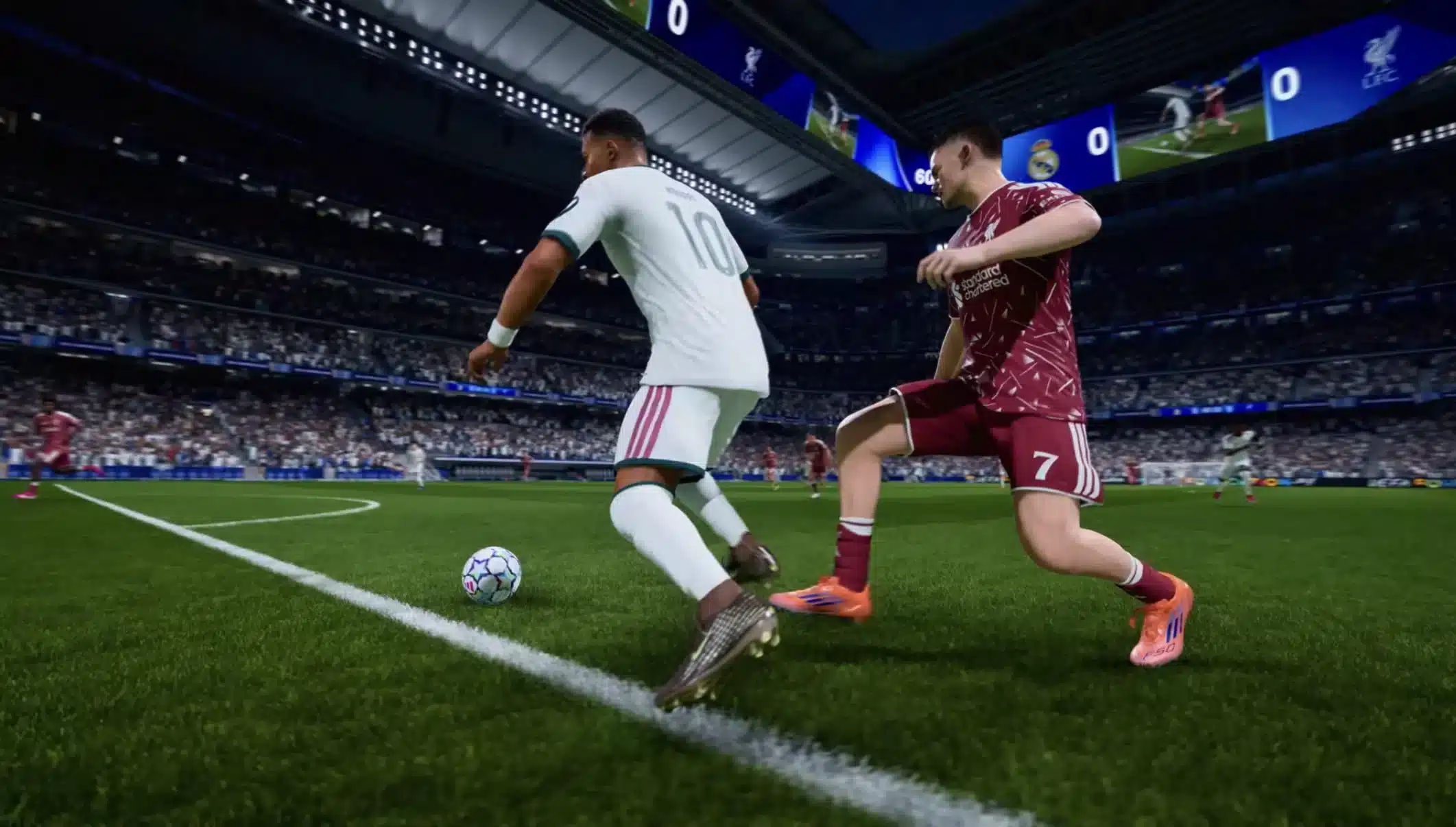
Community reports say that only four teams are available at launch: Real Madrid (Men's), Bayern Munich (Men's), Chelsea (Women's) and OL Lyonnes (Women's). The selection is said to rotate over time, so check in game for the current list. EA does not list the teams in its press release, so treat this as a community detail that may change.What Is Locked In EA FC 27 Lite?
Free always comes with trade-offs. Knowing them in advance helps you decide if the upgrade is worth it. Fortunately, the gap is easy to see in a quick comparison.Lite Versus The Full Game
| Feature | EA FC 27 Lite | Full EA FC 27 |
|---|---|---|
| Price | Free to download | Paid (Standard, Ultimate editions) |
| Kick-Off | Yes, limited teams | Yes, full roster |
| Online Seasons | Yes | Yes |
| Ultimate Team | No | Yes |
| Manager Career | No | Yes |
| The Grounds | No | Yes |
| Time limit | None | None |
Can You Keep Your Progress When You Upgrade?
Yes. EA states that progression carries over when you upgrade to the full game, so the season you started keeps going. Community guides add that you need the same EA account and the same platform. PC players may also need to restart the game after upgrading. This detail comes from community sources, so confirm it in the store before you buy.Is EA Sports FC 27 Lite Worth Downloading?
For most players, the answer is yes, since EA Sport FC 27 Lite costs nothing but storage space. However, you should know what to expect before you install it. Here are the main points to weigh:- Pro: No payment and no time limit, so you can learn at your own pace.
- Pro: Real online matches, not just a bot scrimmage.
- Con: Only four modes and a small team list.
- Con: A persistent internet connection is required for all modes, even Kick-Off.
How Do You Download EA FC 27 Lite? (Step By Step)
The process is straightforward on every supported platform:- Open your store: the EA app, Steam, Epic Games Store, PlayStation Store or Xbox Store.
- Search for EA Sports FC 27 Lite and make sure it says Lite in the title.
- Press download or install, and wait for the files to finish.
- Sign in with your EA account so progress can be saved.
- Start with Learn To Play, then move to Online Seasons.
Pro Tips: Getting The Most Out Of The Free Version
- Start with Learn To Play: It teaches the controls without pressure, so your first online matches feel less chaotic.
- Use the same EA account everywhere: Progress carries over only when the account matches, so you will not lose a season if you upgrade.
- Play Online Friendlies with a buddy: Practicing against the same person helps you spot your own weak points faster.
- Check your connection first: Every mode needs the internet, so a quick ping test saves you from losing matches to lag.
Why Does Lag Matter In EA Sports FC 27 Lite?
Because EA FC 27 Lite depends on a stable connection, lag shows up quickly. A delayed pass or a late tackle can cost a goal, and no setting inside the game can fix a bad route to the server. If you want to understand the problem better, read this guide on jitter in the previous EA Sports FC game, because the same network behavior applies today. Similarly, FPS drops in EA Sports FC can ruin timing even when your ping is fine.Signs Your Connection Is The Problem
Watch for these symptoms during matches:- Your player reacts a moment after you press the button.
- The ball seems to jump or teleport on screen.
- The opponent looks smooth, but your controls feel heavy.
- Matches freeze for a second and then catch up.
Common Mistakes EA FC 27 Lite Players Make
- Judging the whole game by the free version: Many players think Lite shows everything. Fix: remember that Ultimate Team and Manager Career are not included, so judge only the gameplay feel.
- Ignoring the internet requirement: Some assume Kick-Off works offline. Fix: keep a stable connection ready even for solo matches.
- Playing on weak Wi-Fi: Wireless signals drop and spike often. Fix: use a cable when you can, or at least sit close to the router.
- Using a different account after upgrading: This can break the progress transfer. Fix: always log in with the same EA account and platform.
- Leaving background downloads running: Updates eat bandwidth during matches. Fix: pause downloads before kickoff.
How Can ExitLag Improve Your EA FC 27 Lite Matches?
Why Does A Route Optimizer Help?
Since every mode in the free version needs the internet, route quality matters from your very first match. ExitLag is not a VPN. It is a game connection optimizer that checks several network paths in real time and picks the fastest, most stable route to the game's servers. It supports 4,000+ titles for PC and mobile, with 1,500+ servers in 190+ countries. More than 30 million players use it, so the technology is well tested. For a football game like this one, these features help the most:- Real-time Optimization: Reduces delay and packet loss, so passes and shots register when you press the button.
- Multipath Technology: Sends packets through several routes at once, so if one path fails, another keeps you connected.
- Multi-Internet: Supports up to 4 connections at the same time, which is useful if your Wi-Fi drops mid-match.
- Traffic Shaper: Prioritizes game traffic over other apps on your network.
How To Set It Up In Four Steps
- Install ExitLag and create your account.
- Search for EA Sports FC 27 in the game list.
- Pick your region and let the AI choose the best route.
- Launch the game and start your Online Seasons match.
Final Thoughts On What Is EA FC 27 Lite
So, What Is The Verdict?
Now you know the answer. What Is EA FC 27 Lite comes down to a free, no-time-limit way to taste the new season, with four modes, a small team list and an upgrade path that keeps your progress. It is also an online-only experience, which EA FC 27 Lite makes clear from the first match, so a steady connection decides how good it feels. Therefore, test your network, fix weak spots, and use ExitLag to protect every pass and shot.Quick Recap
- It is free and available on PlayStation, Xbox and PC.
- It includes Kick-Off, Learn To Play, Online Friendlies and Online Seasons.
- Ultimate Team, Manager Career and The Grounds are locked.
- Progress carries over when you upgrade.