Every new Apex update creates the same questions: when does it go live, what changes are coming, and will the patch actually improve the game or shake up the meta again? If you play Apex regularly, staying ready for each Apex update helps you adapt faster, avoid patch-day confusion, and get into matches with better performance.
A big Apex update usually affects much more than one weapon or one bug. It can bring a full season update, map changes, mode rotations, and important Legend updates that completely change team compositions. That is why players keep watching for the next patch release, especially around season transitions.
This guide explains how to track the next Apex update, what usually comes in an Apex Legends update, how to read Apex patch notes efficiently, and how to prepare your setup before patch day. As of EA Help’s latest season overview, Apex Legends: Breach launched on February 10, 2026, and the page specifically points players to patch notes for the latest details.
What is an Apex update and why does it matter?
An Apex update is any patch released for Apex Legends, including large seasonal launches, mid-season balance patches, hotfixes, and backend fixes. Some patches are mostly technical. Others change how the game feels overnight.
In practical terms, an Apex Legends update can include:
- balance changes,
- map adjustments,
- bug fixes,
- ranked tuning,
- event content,
- and quality-of-life updates.
According to EA Help’s Apex seasons overview, each season is a period of new content that typically includes Battle Passes, game-balance changes, cosmetics, and sometimes new features, maps, weapons, or Legends.
Why each patch release affects your matches immediately
A new patch release can change:
- weapon viability,
- preferred team comps,
- ranked strategies,
- loot priorities,
- and map rotations.
Even if you are not a ranked grinder, a patch can still affect your aim feel, fight pacing, and survivability.
Why players should always check Apex patch notes
Many players jump in blind after an Apex update and assume nothing major changed. Then they lose fights because a favorite weapon got adjusted or a Legend ability behaves differently.
Reading Apex patch notes first helps you:
- avoid outdated habits,
- test the right loadouts,
- and adapt faster than most players in your lobby.
When is the next Apex update release time?
This is the most common SERP-style question, and the real answer is: it depends on the patch type. A major season update usually follows a clearer promotional schedule, while smaller patches and hotfixes can appear with less notice.
EA Help confirms that Breach (the newest season listed there) launched on February 10, 2026 and tells players to read the patch notes for current details. However, exact patch release timing can still vary by platform rollout and region.
Before we get into expectations, the safest habit is this: check official channels on patch day instead of relying only on leaks or reposts.
How to track Apex update timing reliably
Use this order before every Apex update:
- EA Help Apex seasons page (for season status and current season references)
- Official EA / Apex patch notes pages (when available)
- Respawn / Apex official social channels for release-hour confirmations
- EA forums for follow-up developer updates (especially ranked/system tweaks)
This routine is much more reliable than rumor accounts.
Why update timing can feel inconsistent
Patch timing feels inconsistent because:
- platforms roll out updates differently,
- some updates are staged,
- server-side changes can happen after the download,
- and hotfixes may arrive separately from the main patch.
So even when a patch release date is known, the exact experience can vary player to player.
What is in the latest Apex Legends update?
The content inside an Apex Legends update depends on whether it is a season launch, split reset patch, event patch, or hotfix. Seasonal updates are usually the biggest and can include mechanics, map changes, and broad Legend updates.
EA Help’s “What’s new in Apex Legends: Breach?” section highlights several season-level changes, including:
- a new Hardlight mechanic (destructible/rebuildable windows),
- upgrades to Fuse, Catalyst, and Bloodhound,
- and Bot Royale Evolved.
That gives a good example of what a larger Apex update can look like: mechanical changes + Legend updates + mode changes.
Typical content categories in an Apex patch
Most Apex patch notes include some combination of:
- Legend updates (buffs, nerfs, ability changes)
- weapon tuning
- map or POI changes
- ranked adjustments
- bug fixes
- performance/stability improvements
- event or mode rotations
This is why one Apex update can affect both casual and competitive players at the same time.
Why season updates matter more than hotfixes
A season update usually changes the broad meta:
- new mechanics,
- major system changes,
- ranked resets,
- and more visible content changes.
Hotfixes matter too, but they are often narrower and aimed at quick corrections after a patch release.
What should you expect from Legend updates in a new Apex update?
Legend updates are often the most important part of an Apex update, because they change team synergy and fight flow. A single tactical cooldown adjustment, scan duration change, or ult rework can shift which comps dominate ranked and pubs.
EA Help’s current season overview (Breach) specifically lists changes for Fuse, Catalyst, and Bloodhound, showing how even one update can affect multiple Legends at once.
Before the tactical tips, here is the key mindset: do not judge Legend updates only by patch-note headlines. Sometimes the “small” changes have the biggest impact in real matches.
How to evaluate Legend updates after patch notes drop
When reading Apex patch notes, check:
- cooldown changes,
- cast/activation time changes,
- damage/range adjustments,
- interaction changes (doors, scans, walls, etc.),
- and perk/upgrade changes.
These details matter more than generic “buffed” or “nerfed” labels.
How to adapt your squad after an Apex update
After a major Apex update, do this:
- test 2–3 team comps in pubs first,
- avoid committing to ranked immediately,
- watch how fights change in close quarters vs open areas,
- and note if your old comp still has the same strengths.
This helps you respond to Legend updates without overreacting.
How to read Apex patch notes quickly and actually use them
Most players open Apex patch notes, skim one section, then queue up. That is better than nothing, but not enough if you want a real edge after an Apex update.
The goal is not to memorize every line. The goal is to find the changes that affect your gameplay first.
The fastest way to scan Apex patch notes
Read in this order:
- Known issues / major warnings
- Legend updates
- Weapon balance changes
- Ranked changes
- Map and mode changes
- Bug fixes and QoL
This way, you get the most important match-impacting changes first.
What most players miss in patch notes
Players often miss:
- animation timing changes,
- cooldown tweaks,
- interaction behavior changes,
- and “minor” bug fixes that alter consistency.
Those details can change your fights more than headline features in an Apex Legends update.
How to prepare for an Apex update before patch day
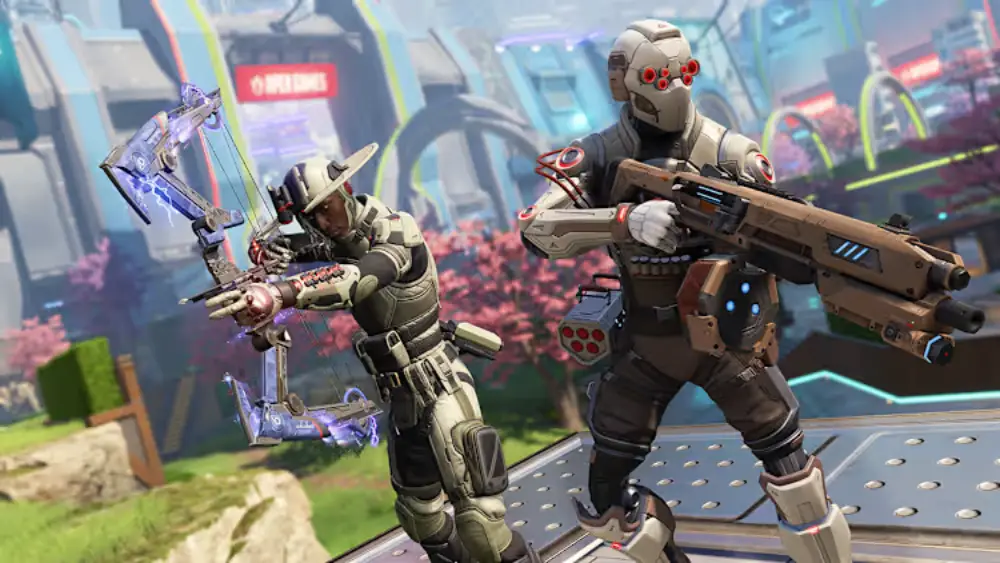
Patch-day problems are common in every live-service game. Even if the Apex update is great, your experience can still be ruined by slow downloads, crashes, server pressure, or a messy setup.
The best way to handle any patch release is to prepare before it goes live.
Patch-day prep checklist (PC and console)
Use this before a major season update:
- Free up storage space
- Restart your system
- Update your GPU drivers (PC)
- Close background downloads/apps
- Use a stable wired connection if possible
- Check official channels for timing and known issues
This reduces patch friction and helps you play sooner.
What to do right after the update installs
After the Apex update finishes:
- launch the game once,
- let shaders/assets finish compiling if applicable,
- test firing range or a low-stakes mode,
- check settings (some patches reset options),
- then move into ranked later.
This is much safer than jumping directly into ranked after a fresh patch release.
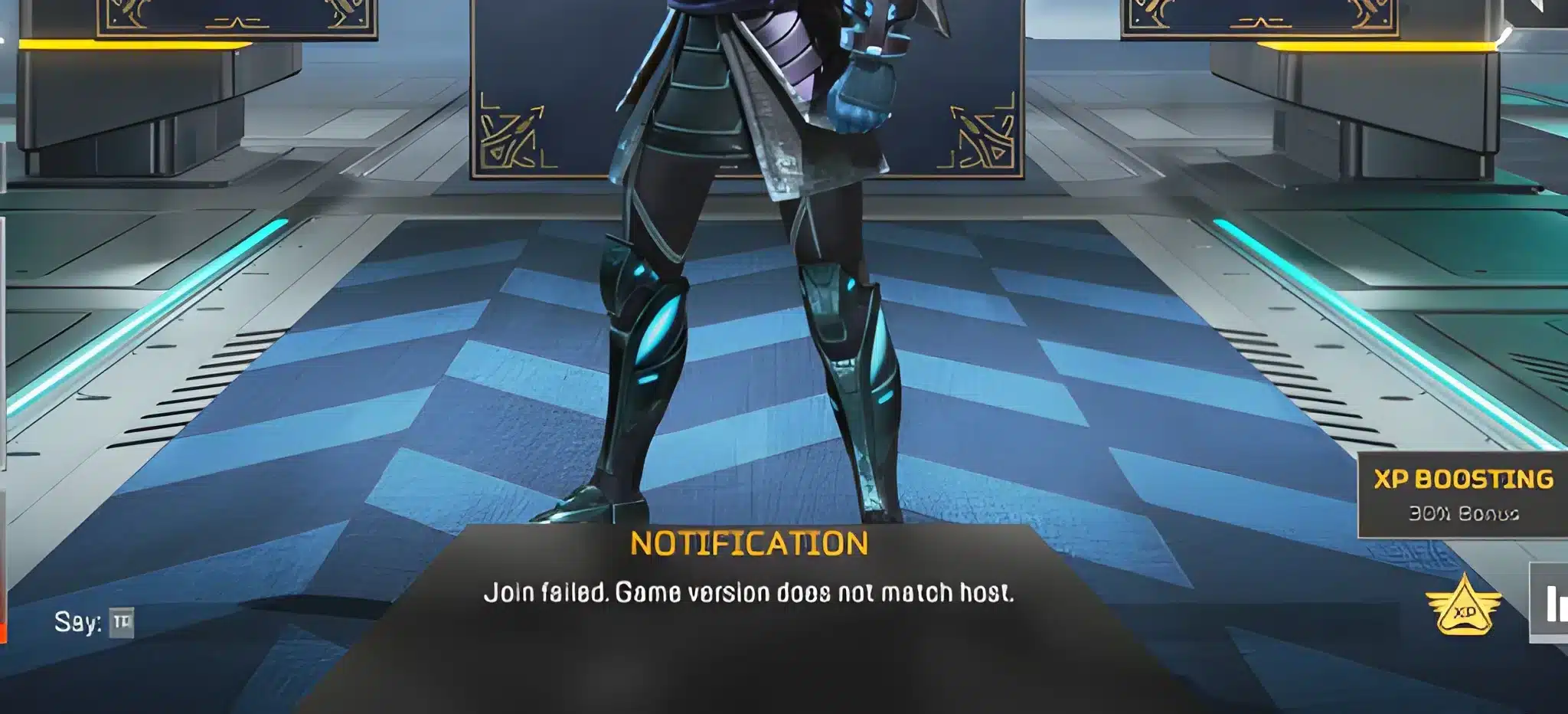
Why your game may feel worse after an Apex update (and how to fix it)
A lot of players assume every performance issue after an Apex update is the game’s fault. Sometimes it is. But often, the issue is local setup, temporary server stress, or routing instability.
Common post-patch problems include:
- stutter,
- packet loss,
- input delay,
- frame instability,
- login issues,
- and inconsistent matchmaking.
Fast fixes for post-update lag or stutter
Try these first:
- Restart the game and device
- Verify files (PC platform launcher)
- Lower settings that may have reset
- Disable overlays
- Close background apps
- Reboot router/modem
These quick steps solve a surprising number of “bad after patch” complaints.
How to tell if it is a server issue vs your setup
It is likely server-side if:
- many players report the same issue at once,
- the problem started exactly at the patch release,
- menus/loads are unstable across all modes,
- and your local internet is stable in other apps.
It is more likely local if:
- only your system is affected,
- performance is bad only in certain settings,
- or file verification finds issues after the Apex Legends update.
ExitLag and Apex update stability
A major Apex update often brings player surges, heavier server traffic, and more routing instability. Even if your raw internet speed is good, your path to the server can still be inconsistent.
That is where ExitLag helps. ExitLag improves connection stability by optimizing routes, which can reduce spikes, packet loss, and inconsistent responsiveness during and after an Apex update.
When ExitLag helps most after a patch release
ExitLag is especially useful when:
- ping spikes happen only in matches,
- the game feels unstable after a season update,
- packet loss appears during peak hours,
- or fights feel delayed despite normal download speed.
This matters a lot in Apex, where timing and movement precision are everything.
Patch-day ExitLag routine for Apex players
Use this process:
- Install the Apex update
- Restart the game/client
- Launch ExitLag and apply the Apex profile
- Close background downloads/streams
- Test one or two matches before ranked
This gives you a cleaner baseline and helps isolate whether the issue is routing, server load, or local settings.
Future Apex update expectations and what players should watch
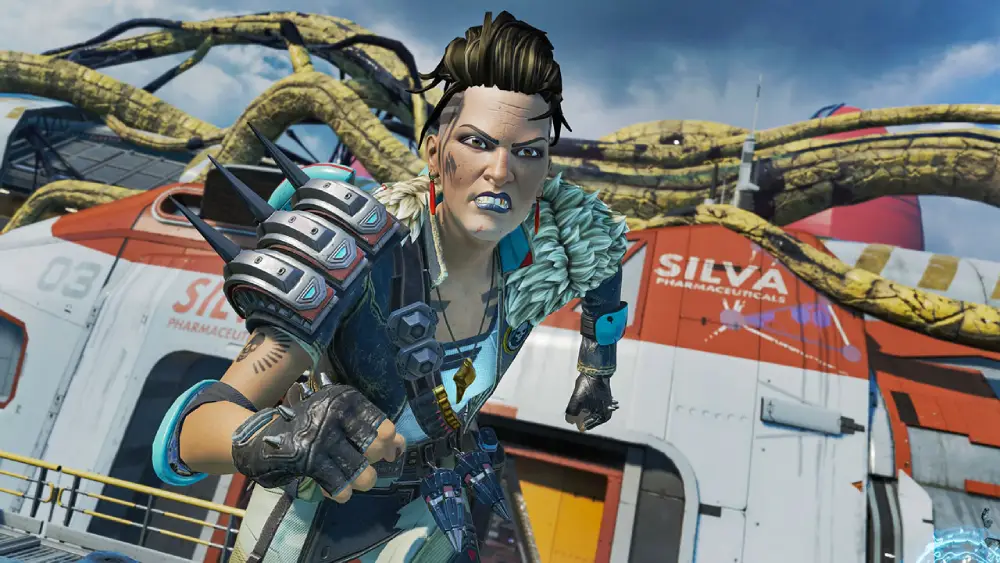
If you are trying to predict the next Apex update, focus on patterns:
- season transitions,
- split changes,
- event windows,
- and follow-up fixes after major patch release dates.
EA Help notes that an Apex season is about three months long and tied to ranked play, which helps set expectations for when bigger shifts usually happen.
What usually happens after a major season update
After a big season update, it is common to see:
- community feedback spikes,
- ranked tuning discussions,
- balance hotfixes,
- and dev communication about system adjustments.
For example, EA Forums has hosted Apex developer updates around ranked changes, which shows that follow-up communication can continue after a patch goes live.
How to stay ahead of the next Apex update
To stay ready:
- bookmark official sources,
- read Apex patch notes before playing,
- test changes in low-stakes modes,
- and adjust your comp/loadout gradually.
That approach is better than chasing every early hot take online.
Apex update quick reference checklist
Here is a practical summary you can reuse before every Apex update:
Before the update
- Check official timing sources
- Free storage space
- Update drivers (PC)
- Use a stable connection
- Close background apps
After the update
- Read Apex patch notes
- Test settings and performance
- Review Legend updates
- Try a few matches before ranked
- Use ExitLag if routing feels unstable
This routine helps you adapt faster after every Apex Legends update and get more value out of each patch release.
FAQ
When is the next Apex update?
The exact time depends on the type of patch (season launch, event patch, or hotfix). For current season context, EA Help lists Breach as launching on February 10, 2026, and directs players to patch notes for the latest details.
How do I know the exact patch release time?
Check official Apex/EA channels and patch-note posts on patch day. Timing can vary by platform and region.
Are all updates season updates?
No. Some are hotfixes, event patches, or balance patches. A season update is usually the largest type.
What do Apex patch notes usually include?
Apex patch notes usually include Legend updates, weapon balancing, mode changes, ranked adjustments, bug fixes, and performance improvements. Larger updates may also introduce new mechanics or map changes.
What should I read first in patch notes?
Start with known issues, Legend updates, and ranked changes, then move to weapons and bug fixes.
Do patch notes always show every backend change?
Not always. Some server-side or technical changes may not be fully detailed in public notes.
Why does Apex feel laggy after an update?
It can happen due to server load, patch-day congestion, routing instability, local file issues, or settings resets. A major Apex update often increases traffic and can cause temporary instability.
Can ExitLag help after an Apex update?
Yes. ExitLag can improve route stability and reduce spikes or packet loss, especially during heavy patch-day traffic.
Should I jump into ranked right after patch release?
It is better to test the game in a lower-stakes mode first, review Apex patch notes, and verify your performance/settings. A new Apex update is always a mix of opportunity and chaos. If you track the patch release properly, read the Apex patch notes with intention, and prepare your setup before the servers get crowded, you will adapt faster than most players. And if patch-day routing or lag gets in the way, ExitLag can help keep your matches stable so you can actually feel the benefits of the latest Apex update.