
You press jump, your Legend jumps a beat later, and the edgeguard you planned turns into a free stock for the other player. If you keep asking "Why Is My Controller So Delayed On Brawlhalla PC?", you're in good company.
The annoying part is that Why Is My Controller So Delayed On Brawlhalla PC has more than one answer. Some of the delay lives on your desk, some in your settings, and some between your router and the Brawlhalla server.
So, why is my controller so delayed on Brawlhalla PC in most cases? Usually it's a stack of small things: Steam Input or a driver wrapper reading the pad twice, Bluetooth, the default 60 FPS target with V-Sync forced on, a TV outside Game Mode, or high ping. Fix the local causes first, then check your connection.
Why Is My Controller So Delayed On Brawlhalla PC? Start Here
Local input delay happens on your PC. Network delay happens online. They feel alike mid-match, but the fixes have nothing in common.
Local Input Delay vs Network Delay
How to tell them apart by feel:
- Local delay is constant. Every input feels late by the same amount, even in menus.
- Network delay comes and goes. It spikes in some matches and vanishes in others.
- Local delay shows up in Training Room. Bot matches offline feel just as sluggish.
- Network delay never shows up offline. If Training Room feels sharp, your pad is fine.
A Quick Test To Find The Source
Run this once:
- Open Training Room with your controller and do some short hops and dash cancels.
- Repeat the same inputs on the keyboard.
- Both feel slow: the problem is frames or display.
- Only the controller feels slow: look at Steam Input, drivers or the connection type.
- Everything's fine offline but late online: it's ping or packet loss.
We'd run this test before touching a single setting.
Brawlhalla Controller Input Lag From Steam Input And Drivers
The most common source of Brawlhalla Controller Input Lag on PC is software sitting between the pad and the game. PlayStation pads run into it most often.
Should You Turn Off Steam Input For Brawlhalla?
Steam Input translates your controller into a layout the game understands. Brawlhalla already reads common Xbox and PlayStation pads on its own, so two systems end up reading one pad, and you get doubled inputs, odd stick drift or delay.
- In your Steam Library, right-click Brawlhalla and open Properties.
- Go to the Controller tab and set the Brawlhalla override to disable Steam Input.
- Restart the game and redo the Training Room test.
That said, some third-party pads only work through Steam Input. If yours stops responding, turn it back on and check the other causes.
DS4Windows, x360ce And Other Wrappers
Brawlhalla's support page still lists DS4Windows and x360ce for pads that don't work out of the box. They do work, but each one is another layer:
- DS4Windows plus Steam Input means two virtual controllers. One physical pad, two sets of inputs.
- Old installs can leave virtual devices behind. The game may read the wrong one.
- Unplug every controller you aren't using. Fight sticks and racing wheels count too.
Pick one layer: native support first, Steam Input second, a wrapper only when nothing else works.
Wired, Bluetooth And Polling Rate
Clean software still leaves the link between pad and PC, and it's a common source of Brawlhalla Controller Input Lag.
Why Bluetooth Feels Slower
Bluetooth shares the 2.4 GHz band with Wi-Fi routers, wireless headsets and mice. Interference means retries, and retries mean late or dropped inputs.
- A USB cable takes interference out of the chain. It's the default we'd use for ranked.
- An official dongle like the Xbox Wireless Adapter is usually steadier than generic Bluetooth. Cheap adapters vary.
- Front-panel USB ports on some cases are flaky. Use a port on the back of the motherboard.
What Polling Rate Actually Changes
Polling rate is how often the PC asks the controller for its state. At 125 Hz that's a new reading every 8 ms, at 250 Hz every 4 ms, and at 1000 Hz every 1 ms.
A higher rate won't fix Brawlhalla Input Delay caused by a 60 ms ping. It only trims the local side, and some pads reach their higher rates only over a cable.
| Connection | Typical Behavior | Interference Risk | Our Take For Brawlhalla |
|---|---|---|---|
| USB cable | Lowest, most consistent delay | None | Best choice for ranked |
| Official wireless dongle | Close to wired on most pads | Low to medium | Fine if you hate cables |
| Generic Bluetooth | Varies by adapter and pad | Medium to high | Casual play only |
| Bluetooth plus Steam Input plus wrapper | Most layers, most room for delay | High | Avoid this combo |
Brawlhalla Input Delay From Frame And Display Settings
If keyboard and controller both feel slow, your Brawlhalla Input Delay comes from frames or the screen. Most PC players leave the easiest fix right here.
The 60 FPS Target And Launch Options
Brawlhalla targets 60 FPS by default. On a 144 Hz or 240 Hz monitor, each frame sits on screen longer than it has to. You add launch options in Steam under Properties, then General, then Launch Options:
- -unlockfps raises the target from 60 to 1000. It's meant for players who feel input lag.
- -setfps plus a number (say, -setfps 144) sets a custom target from 25 to 1000. Your monitor's refresh rate still caps it.
- -framefix is experimental and aims at smoother animation and input response. It's listed as working only on the tech-test beta branch.
Honestly, -setfps matched to your refresh rate is where we'd start. It's stable and needs no beta branch.
V-Sync, Display Mode And Your Monitor
Brawlhalla's settings give you Display Mode (Fullscreen, Maximized or Windowed) but no separate V-Sync toggle. If V-Sync is on, something outside the game is usually forcing it.
- Open the NVIDIA Control Panel or AMD Software and turn off forced V-Sync for Brawlhalla.
- Try Fullscreen if Windowed feels slower on your setup.
- Enable G-Sync or FreeSync if your monitor has it, so you avoid tearing without the V-Sync queue.
TV Game Mode If You Play On A Television
Most TVs run motion smoothing and picture processing by default, and that adds a lot of display delay.
Switch that HDMI input to Game Mode (some brands call it Game Optimizer or auto low latency mode). Then repeat the Training Room hops.
Is It Your Ping? Network Delay In Brawlhalla
If Training Room feels fine and online feels sluggish, the controller isn't the problem. Your inputs travel to a Brawlhalla server before the result comes back.
What High Ping Does To Your Inputs
When ping climbs, the netcode covers the gap with some mix of input delay and rollback. Community testing says even short spikes cause visible rollback, and a couple of dropped packets can make a Legend walk off stage.
- Moves land late, but only online. Training Room is crisp.
- Opponents teleport or snap back after a hit. That's rollback, not your pad.
- One region feels fine while another feels heavy. Distance to the server is the culprit.
- Evenings are worse. The household and your ISP are busiest then.
Our guide on why your ping is so high covers routing, Wi-Fi and ISP congestion. Packet loss is a separate problem, and this explainer on what packet loss is and how to fix it shows how to test for it.
Region Settings And Wi-Fi
You pick your queue region from Brawlhalla's main menu, and the Add Servers button turns on fallback regions for shorter queues. A fallback region far away means higher ping.
- Set your region to the closest server (US-East, US-West, Europe, Brazil, Southeast Asia and so on).
- Turn off fallback regions if ping matters more to you than queue time.
- Plug the PC into the router with Ethernet, which Brawlhalla's own support page also recommends.
- Pause big downloads on other devices during ranked.
There's a trade-off: on a low-population region, no fallbacks can mean long queues at off hours. We'd still take the wait in ranked.
Pro Tips And Common Mistakes
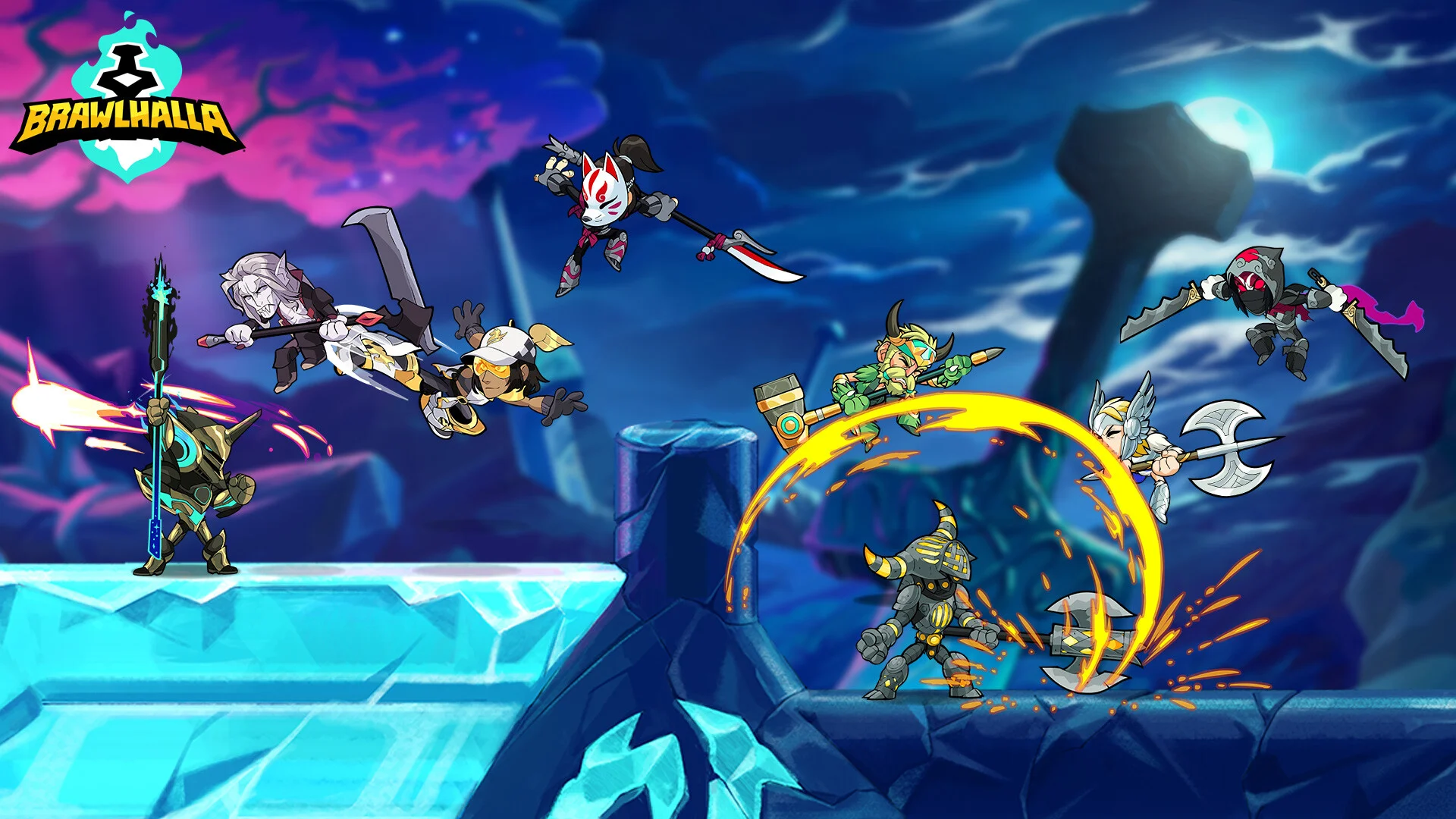
If you're also picking a main, the Brawlhalla tier list shows which Legends reward tight timing.
Pro Tips: Cutting Controller Delay In Brawlhalla
- Test offline first: Training Room takes the network out of the equation. You know in seconds whether the delay is local.
- Match FPS to refresh rate: -setfps 144 on a 144 Hz screen gives more than double the default 60 frames. Fewer stale frames, faster visual feedback.
- Keep one input layer: Native support, Steam Input or a wrapper. Two layers on one pad is where doubled and late inputs come from.
- Watch the whole PC: Background apps eating CPU raise frame times. Our guide on computer latency covers power plans and background processes.
Common Mistakes Brawlhalla Players Make
- Blaming the controller for ping: A new pad won't fix a 120 ms route. Fix: run the offline test before spending money.
- Stacking Steam Input and DS4Windows: Two virtual pads read the same buttons. Fix: disable Steam Input for Brawlhalla or close the wrapper.
- Leaving the TV in Movie or Standard mode: Picture processing delays every frame. Fix: switch that HDMI input to Game Mode.
- Forgetting fallback regions are on: You end up on a server across an ocean. Fix: check region settings before ranked sessions.
How ExitLag Helps With Brawlhalla Ping
If your offline test was clean and online still feels late, the issue is the route to the Brawlhalla server, and that's the part ExitLag works on.
What ExitLag Does For Brawlhalla
ExitLag isn't a VPN. It's a connection optimizer that checks multiple network paths in real time and sends game traffic through the fastest, most stable one. In a game where short spikes turn into rollback, a steadier route is the goal.
- Real-time Optimization cuts delay and packet loss. Your inputs reach the server sooner.
- Multipath Technology sends packets over more than one route at once. If one path drops packets, the others keep the match going.
- Multi-Internet runs up to 4 connections together. A Wi-Fi hiccup won't cost you a stock.
- Traffic Shaper puts game traffic first. Someone else's download stops eating your bandwidth.
It doesn't modify game files, inject code or touch anti-cheat. ExitLag supports 4,000+ titles with 1,500+ servers in 190+ countries, and you shouldn't run it alongside a VPN, since that cuts its effect.
What It Won't Fix
It works on network delay only. Steam Input conflicts, a TV outside Game Mode and the 60 FPS cap are local, which is why we put them first.
If your Training Room test passed and online play is still sluggish, grab the ExitLag Download and compare some ranked matches with and without it.
Why Is My Controller So Delayed On Brawlhalla PC: Final Checklist
Remember the Training Room test from the start? It's still step one, because the answer to "why is my controller so delayed on Brawlhalla PC" depends on whether that test feels sharp or slow.
The Order We'd Follow
- Run the offline test with controller and keyboard.
- Disable Steam Input for Brawlhalla, or close any wrapper.
- Switch to a USB cable on a back port.
- Add -setfps matched to your monitor and turn off forced V-Sync.
- Put the TV in Game Mode if you play on one.
- Pick the closest region, use Ethernet and fix ping last.
When To Contact Brawlhalla Support
If your pad still misbehaves after all that, the official Brawlhalla support page has controller troubleshooting, a dedicated gamepad contact and the lag report process.
Most players who ask Why Is My Controller So Delayed On Brawlhalla PC fix it at step 2 or step 4. Work down the list in order and you'll find which layer is costing you those late jumps.
All game images used in this blog post belong to Blue Mammoth Games and Ubisoft. They are used for informational and educational purposes only and do not imply endorsement or affiliation with the rights holders.