If your AION 2 chat is not working, you might still be able to play normally while your messages refuse to send. When you press Enter, the message “Please try again later” appears, and your text remains in the chat box.
NC has acknowledged this issue in its official Known Issues list. According to the company, the error can also prevent incoming messages from appearing, leaving players unable to communicate during their session.
If you’re dealing with the AION 2 chat not working issue, NC recommends switching characters, going through a loading screen, or logging back in. These are workarounds, not guarantees that the bug won’t return.
For recurring issues, ExitLag’s Redirect Login is another option worth testing. The company reported a case where the feature restored chat functionality, but there is no confirmation that it works for every player.
How to Fix AION 2 Chat: Three Official Workarounds
Before reinstalling the game or changing multiple settings, try the solutions recommended by NC. These simple actions may restore your ability to send and receive messages.
- Switch characters: Return to the character selection screen and enter the game again.
- Go through a loading screen: Use a teleport or enter an area that requires a new loading screen.
- Log out and back in: End your current session and log back in if the other methods don’t work.
After each attempt, send a short message and ask a friend to reply. This helps confirm whether both outgoing and incoming messages work, rather than relying only on how the chat interface looks.
NC presents these actions as ways to work around the problem. None of them confirms that the underlying bug has been permanently fixed.
What Is the AION 2 Text Chat Bug?
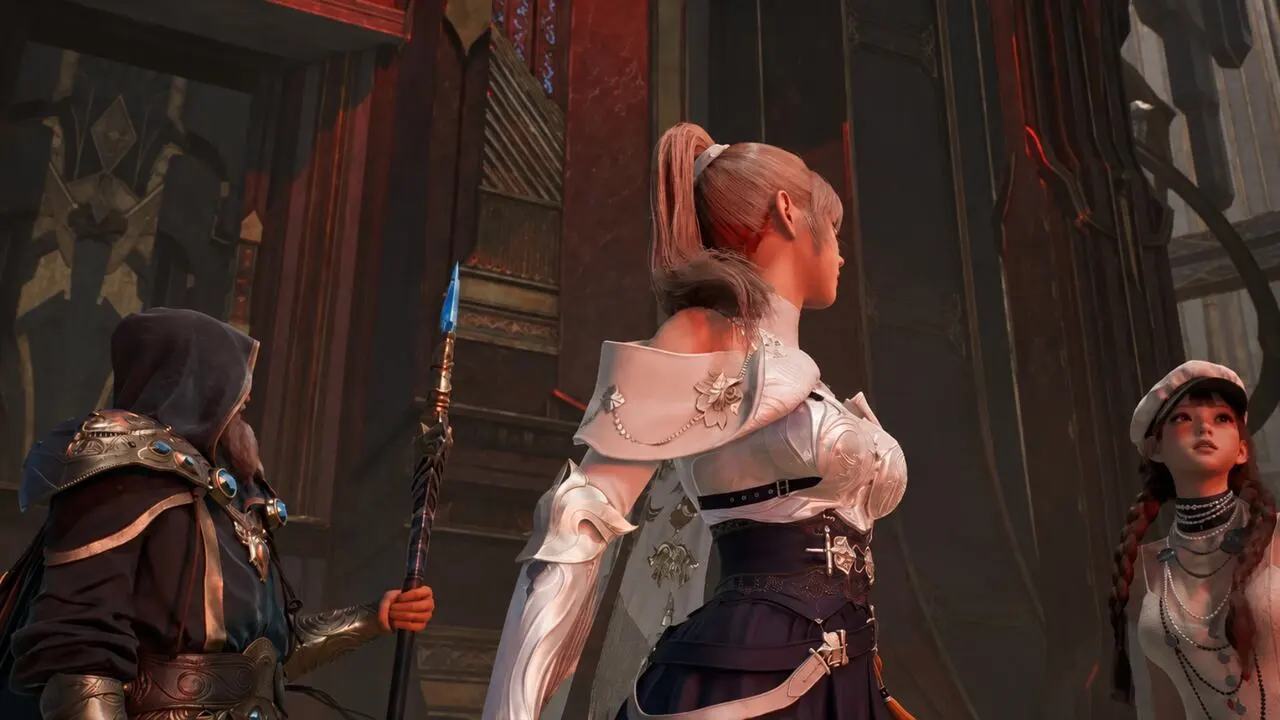
The issue described by NC occurs occasionally when players attempt to send messages. The “Please try again later” error may appear, while outgoing and incoming messages stop showing up.
According to community reports, several channels can stop working simultaneously. These include Region, Faction, Party, and Legion chat.
Players have also reported whisper failures. In some cases, anyone attempting to contact the affected character receives the message “Unable to send whisper to the target”.
These symptoms can help identify the AION 2 text chat bug, but they do not establish its technical cause.
Even if movement, combat, and abilities continue working normally, that doesn’t prove whether the issue originates from your internet connection, your PC, or NC’s servers.
Is It a Chat Bug, Account Restriction, or Connection Issue?
Different problems can produce similar symptoms. Before troubleshooting, check what happens when you attempt to communicate.
| What You’re Experiencing | What to Check First |
| “Please try again later” appears when sending messages, but everything else works | Try NC’s three official workarounds |
| Incoming messages stop appearing and chat channels seem inactive | Ask a friend to test sending and receiving messages; check official announcements |
| Chat stops working alongside lag, freezes, or disconnections | Investigate your connection and check for service instability |
| An explicit chat mute or account restriction notice appears | Review the displayed message and contact official support if necessary |
The 40309:500 error, mentioned in reports involving account security settings, is a separate issue. It should not automatically be confused with the in-game chat bug.
ExitLag Redirect Login: When Should You Try It?
If the error keeps returning after trying NC’s recommendations, there is another connection-related option.
Redirect Login extends ExitLag’s route optimization to connections used by services such as login, chat, and voice.
In a test published by ExitLag on October 13, activating this option restored the ability to send and receive chat messages.
However, this was a specific result reported by ExitLag. It is not an official fix announced by NC, nor does it guarantee the same outcome for other players or connections.
How to Enable Redirect Login in AION 2
Follow these steps to test the feature:
- Open ExitLag and sign in to your account.
- Search for AION 2 in the game list and select its profile.
- Check your server region and enable Redirect Login.
- Apply the optimized routes and check whether the chat starts working.
- If the problem persists, close AION 2, keep Redirect Login enabled, and launch the game again.
According to ExitLag’s documentation, you don’t need to close the game before enabling Redirect Login. The feature can be activated while you’re already playing.
Restarting the game client is a second troubleshooting step if the initial attempt doesn’t work.
After applying the setting, test both sending and receiving messages with another player. If nothing changes, there is no basis to conclude that Redirect Login addresses the cause of the error in your session.
ExitLag cannot remove account restrictions or control the availability of NC’s services.
To learn more about the feature, check ExitLag’s dedicated AION 2 chat troubleshooting guide. You can also visit the official ExitLag download page to try the application.
What If AION 2 Chat Still Doesn’t Work?
If switching characters, going through a loading screen, logging back in, and testing the connection-related alternative don’t help, check NC’s official announcements before changing additional settings.
It’s also worth recording a few details about the issue:
- Your server region.
- The time the problem occurred.
- The exact error message displayed.
- Whether the issue affects outgoing messages, incoming messages, or both.
This information may help when contacting NC Customer Support.
While the in-game chat is unavailable, an external voice or messaging service can help you stay connected with friends and Legion members.
This can be particularly useful during dungeons and other group activities where communication matters.
Has the AION 2 Chat Bug Been Fixed?
As of the official announcements reviewed on October 13, 2026, no confirmation of a permanent fix for the “Please try again later” error had been identified.
The October 7 patch notes mentioned fixes for certain chat emote commands. However, they did not confirm that this specific message-sending issue had been resolved.
The absence of confirmation does not mean every player is still affected.
For the latest status, players should follow NC’s Known Issues list and official announcements.
AION 2 Chat Not Working: What Should You Do Now?
The safest starting point is NC’s official troubleshooting advice: switch characters, go through a loading screen, or log back in.
Afterward, check whether you can send and receive messages normally.
If the issue returns, Redirect Login is another option to test, without any guarantee of success.
By following these steps, players dealing with the AION 2 chat not working error can investigate the problem without confusing a recognized chat bug with account restrictions or unrelated connection issues.