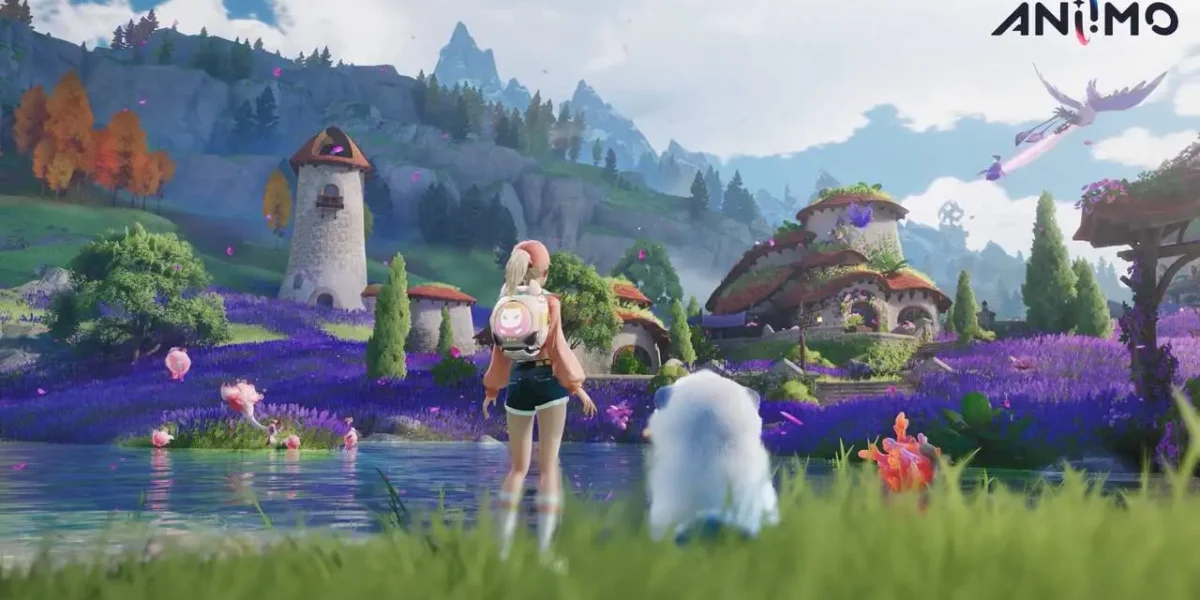
Before downloading a 40 GB open world, it’s worth checking the Aniimo System Requirements. After all, nobody wants to wait hours for a download only to find the game stuttering in the very first area.
In this guide, we’ve gathered the Aniimo System Requirements for PC and mobile, including minimum and recommended specs. We also explain what’s official, what may still change, and how to tweak the game so it runs better.
In short, the Aniimo System Requirements on PC call for at least an Intel Core i7-4770 or Ryzen 7 2700, 8 GB of RAM, and a GTX 970. For a comfortable experience, the recommended setup is an i7-10700 or Ryzen 5 5600, 16 GB of RAM, and an RTX 3060, always with 40 GB of free space.
Aniimo System Requirements On PC: Minimum And Recommended

The Aniimo System Requirements for PC are official and listed on the game’s Steam page. Therefore, you can use them as a reliable reference when deciding whether to download.
Notably, Pawprint Studio lowered the specs shortly before launch. In other words, if you saw higher numbers from older tests, they no longer apply.
Full PC Requirements Table
| Component | Minimum Requirements | Recommended Requirements |
| OS | Windows 10 (64-bit) | Windows 10 or newer (64-bit) |
| Processor | Intel Core i7-4770 / AMD Ryzen 7 2700 | Intel Core i7-10700 / AMD Ryzen 5 5600 |
| Memory | 8 GB RAM | 16 GB RAM |
| Graphics | NVIDIA GTX 970 / AMD RX 5600 | NVIDIA RTX 3060 / AMD RX 6700 |
| DirectX | Version 11 | Version 11 |
| Storage | 40 GB available | 40 GB available |
| Network | Broadband | Broadband |
What Do These Numbers Mean In Practice?
The Minimum Requirements are enough to launch the game and play on low settings, usually at 1080p with a few tweaks. Meanwhile, the Recommended Requirements target a smooth experience on medium or high settings.
In practice, you can expect something like this:
- Minimum setup: low settings at 1080p, aiming for a stable frame rate somewhere between 30 and 60 FPS.
- Recommended setup: medium or high settings at 1080p, with solid stability in combat and open areas.
- Above recommended: 1440p on high settings, with room for extras like frame generation on compatible cards.
What About Mac, Linux, And Consoles?
Officially, the PC version only supports Windows. There’s no native macOS or Linux build, although some players run it through Proton with tweaks.
On the other hand, consoles have no specs to check. Even so, keep a few details in mind:
- On PS5, the game needs around 30 to 35 GB and runs only from the internal SSD.
- On Xbox Series X|S, the required space falls in the same range.
- PS4 and Xbox One are not supported.
Aniimo Mobile Requirements: Android And iOS
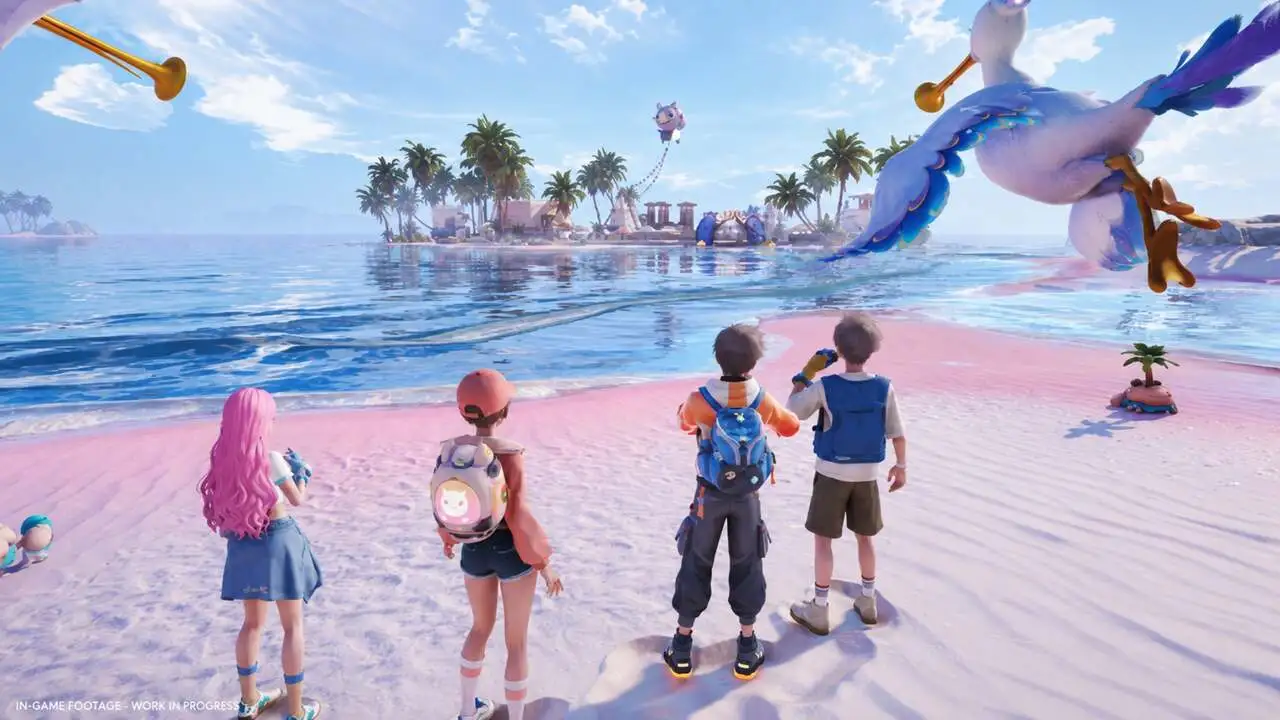
On mobile, the situation with the Aniimo System Requirements is a bit different. The Mobile Requirements were shared by Pawprint Studio in its pre-download announcement, a few days before the PC launch.
However, the mobile version only arrives on September 23. For that reason, the final store listings may still bring small changes, especially to required storage.
Android Requirements
| Item | Minimum | Recommended |
| OS | Android 10 | Android 10 or newer |
| Chipset | Snapdragon 855 / Dimensity 1000 | Snapdragon 8 Gen 2 / Dimensity 9200 |
| RAM | 6 GB | 8 GB |
| Storage | 18 GB available | 18 GB available |
iPhone Requirements
| Item | Minimum | Recommended |
| Device | iPhone 11 | iPhone 14 Pro or newer |
| OS | iOS 16 | iOS 16 or newer |
| RAM | 4 GB | 6 GB |
| Storage | 18 GB available | 18 GB available |
Our Recommendation Until The Final Version Is Out
Since the numbers may still be adjusted on the stores, it’s smart to plan with some headroom. After all, open-world games tend to grow significantly with updates.
That’s why we suggest:
- Keep at least 25 GB free, not just the listed 18 GB.
- On Android, aim for a Snapdragon 8 Gen 1 or better to play without struggling.
- On iPhone, treat the iPhone 13 as a realistic floor for long sessions.
- Check the store page on September 23, since it will have the definitive information.
Keep in mind that the earlier notice, from the testing phase, asked for much more powerful devices. So, if you saw higher specs on older sites, they refer to the closed tests.
How To Configure Aniimo For Better Performance

Even if you meet the recommended Aniimo System Requirements, a few tweaks make a big difference. Knowing How To Configure Aniimo helps you avoid FPS drops and hitches while exploring.
First, the game uses modern graphics technology, with demanding lighting and reflections. Consequently, some options cost far more performance than others.
Recommended PC Graphics Settings
| Setting | Minimum PC | Recommended PC |
| Overall quality | Low | Medium or High |
| Resolution | 1080p | 1080p or 1440p |
| Global illumination | Low | Medium |
| Shadow quality | Performance | Medium |
| Reflection quality | Low | Medium |
| Ambient occlusion | Low | Medium |
| Frame rate cap | 60 | 60 or 120 |
| VSync | Off | Off |
Step-By-Step Optimization Guide
- Update your graphics card drivers before launching the game.
- Install the game on an SSD, not a mechanical hard drive.
- Start with the Medium preset and adjust one option at a time.
- Lower global illumination, shadows, and reflections first.
- Enable DLSS on Quality mode if you have an RTX card.
- Test both DirectX 11 and DirectX 12, since performance varies between machines.
Additionally, frame generation requires DirectX 12 mode. If you don’t use that feature, it’s worth comparing both modes on your PC.
How To Configure It On Mobile
On mobile, the logic is similar, but the focus shifts to heat and battery. After all, a hot phone throttles its own performance after a few minutes.
- Start with the graphics preset the game suggests, then raise it gradually.
- Cap the frame rate at 30 if your phone heats up quickly.
- Close background apps before playing.
- Avoid playing while charging, since the extra heat hurts performance.
What Is The Biggest Bottleneck In Aniimo?
This is a common question among players close to the minimum Aniimo System Requirements. In most cases, the Biggest Bottleneck In Aniimo is the graphics card, because of its lighting and shadow effects.
Nevertheless, it’s not the only thing to watch. Depending on your PC, other components can also hold performance back.
The Most Common Bottlenecks
- Graphics card: struggles with global illumination, reflections, and resolutions above 1080p, making it the main limit on mid-range PCs.
- Storage: mechanical hard drives cause hitches when loading new areas of the open world.
- Processor: matters most in hubs packed with players and in effect-heavy battles.
- Memory: with 8 GB, your system sits at the limit, especially with a browser and Discord open.
- Connection: since it’s an online game, high ping and packet loss also cause delays and disconnects.
How To Identify Your Bottleneck
A simple approach is to monitor component usage while you play. Tools like the NVIDIA overlay, AMD Adrenalin, or MSI Afterburner show this in real time.
In practice, the general rule works like this:
- GPU usage near 100% points to a graphics bottleneck. Lower your graphics settings.
- High CPU usage with GPU headroom points to a CPU bottleneck. Cap your FPS and close programs.
- Stutters only when entering new areas point to a storage issue. Move the game to an SSD.
Pro Tips: Getting The Most Out Of Your Hardware
- Prioritize an SSD before upgrading your GPU: in an open world, area loading is one of the biggest sources of stutter, and even an affordable SSD fixes much of it.
- Cap your FPS at 60: the game isn’t a competitive shooter, so stability matters more than high peaks followed by sharp drops.
- Use DLSS before lowering resolution: upscaling keeps the image sharp and frees up performance far more efficiently.
- Give shader compilation time to finish: stutters in the first few minutes usually ease once the game prepares its visual effects.
Common Mistakes Aniimo Players Make
- Installing on a mechanical hard drive: this causes constant hitches while exploring. Fix: move the game to an SSD, even a basic model.
- Maxing everything to Ultra right away: lighting effects tank FPS on almost any PC. Fix: start on Medium and raise settings gradually.
- Ignoring extra storage on mobile: downloading with storage nearly full leads to failed installs and updates. Fix: leave a healthy buffer beyond the 18 GB.
- Blaming hardware for online lag: delays in co-op and Egg Heist often come from your connection, not your PC. Fix: check ping and packet loss before touching graphics.
Play Aniimo Without Lag Using ExitLag
Even with a device that meets the Aniimo System Requirements, your connection is still part of performance. In an online game with real-time co-op, unstable ping feels like stuttering, even at high FPS.
Furthermore, the path between your home and the game server isn’t always efficient. Any instability along that route shows up as delayed attacks and missed catches.
How ExitLag Helps Performance
ExitLag is not a VPN. Instead, it’s a connection optimizer that analyzes multiple routes in real time and picks the fastest, most stable path to the game server.
For players who want to get the most out of the game, the most useful features are:
- PC Boost: frees up RAM and cuts background processes, which is valuable if you’re running 8 GB.
- Multipath: sends packets through several routes at once, keeping you connected if one fails.
- Multi-Internet: uses up to 4 connections simultaneously, great for phones on Wi-Fi and mobile data.
- Traffic Shaper: prioritizes game traffic and limits bandwidth used by other apps.
Safe To Use From Day One
ExitLag supports more than 4,000 games on PC and mobile, with more than 1,500 servers in over 190 countries. Plus, it doesn’t modify game files or interact with anti-cheat systems.
Just avoid running it alongside a VPN, since that reduces its effectiveness. If you play on your computer, download ExitLag for PC and turn on optimization before launching the game.
For the mobile launch, get everything ready with ExitLag for Android or ExitLag for iOS.
Aniimo System Requirements: Is Your Device Ready?
After going through all the Aniimo System Requirements, the decision gets simpler. Overall, the game is accessible for anyone with a recent mid-range PC or phone.
Quick Checklist Before Downloading
- Does your PC have at least 8 GB of RAM and a GTX 970 or equivalent?
- Do you have 40 GB free, ideally on an SSD?
- Does your phone have a Snapdragon 855, Dimensity 1000, or iPhone 11 or better?
- Is there spare storage beyond the 18 GB on your device?
Our Verdict
If you answered yes for your platform, you can download with confidence. If you’re right at the limit, the tweaks in this guide should still deliver a playable experience.
Now that you know the Aniimo System Requirements, check your hardware, clear some storage space, and start your journey through Idyll with the best performance possible.
All game images used in this blog post belong to Pawprint Studio. They are used for informational and educational purposes only and do not imply endorsement or affiliation with the rights holders.