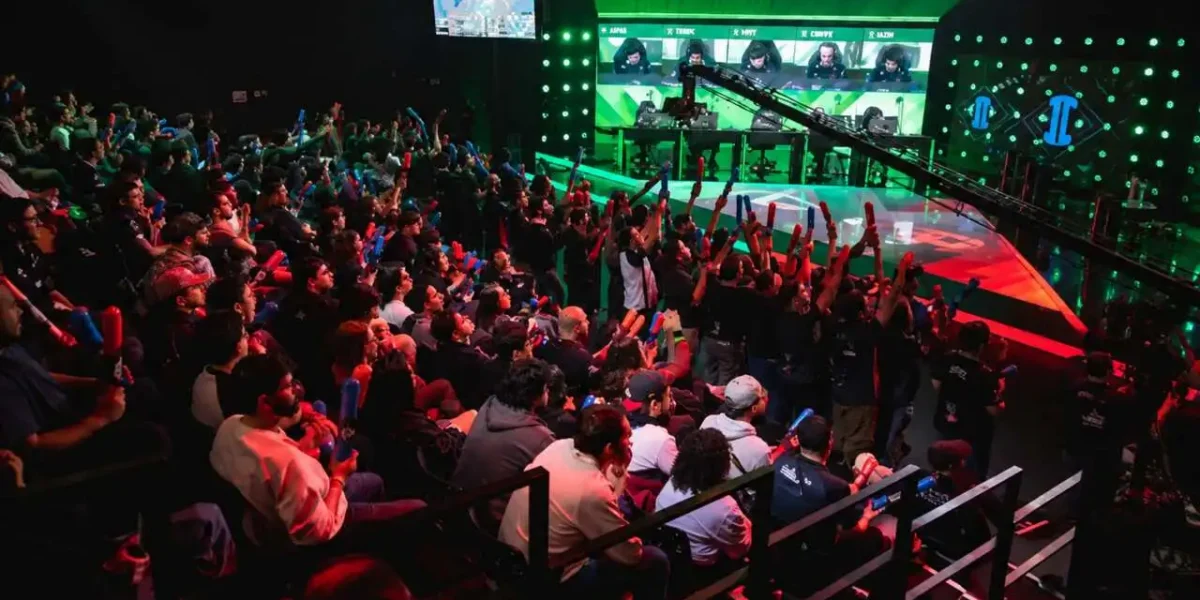
There is a point in the endgame where your connection stops being a technical detail and becomes part of your group’s performance.
Raid Stability In Aion 2 is exactly that: the difference between clearing your weekly content and burning the entry for nothing.
The main raid brings 10 players together on the global service and runs on a weekly lockout. Therefore, Raid Stability In Aion 2 is never only about you. One person dropping can compromise the attempt for nine others.
The short answer: raids fall apart for three network reasons, not because of bad luck. High latency delays your reaction to mechanics, while packet loss desyncs your client from the server.
The third reason is the harshest: an unstable route drops the session in the middle of the fight, with no warning at all.
In addition, the game is server-authoritative. Your client has to stay in constant contact, and an interruption of a few seconds is enough to end the session outright.
This guide covers what to do before, during, and after the run. The goal is to turn Raid Stability In Aion 2 into a routine, the same way you already prepare food, potions, and gear.
Why Raid Stability In Aion 2 Works Differently
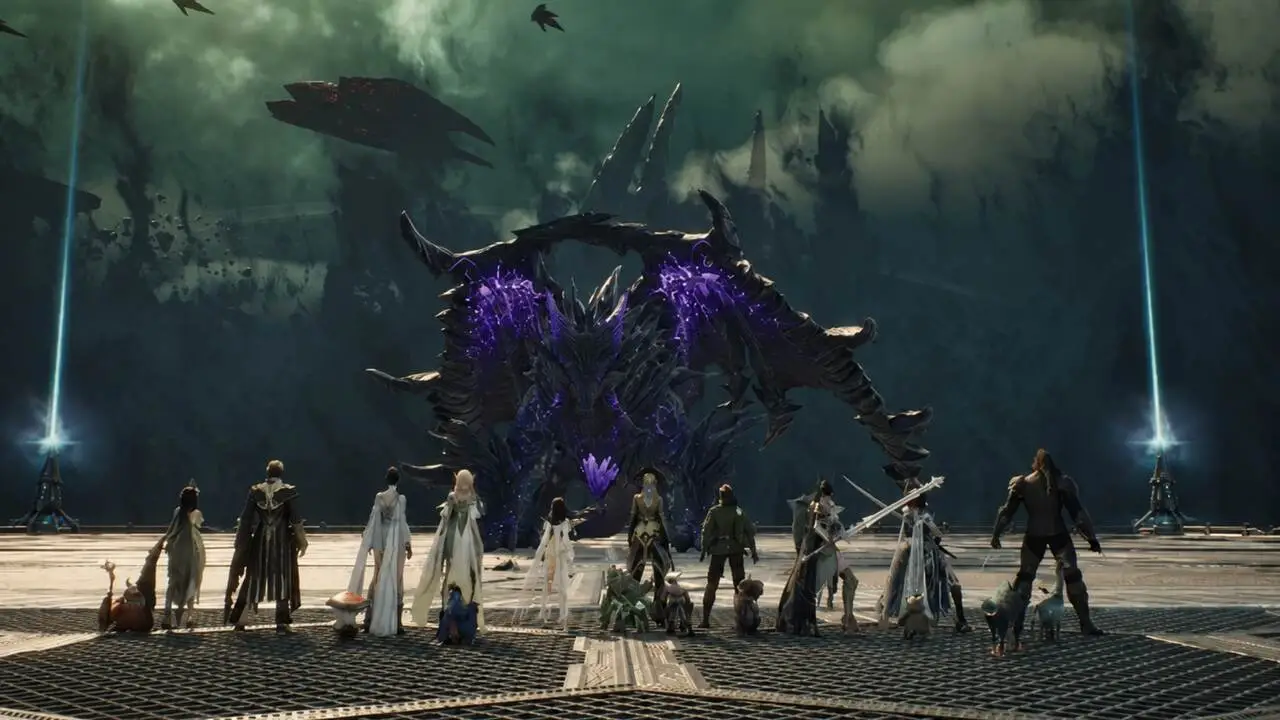
Open world content forgives delay. Raids do not. That gap in the cost of failing once is why Raid Stability In Aion 2 deserves its own preparation.
Mechanics That Punish Every Millisecond
The main raid encounters are built around short reaction windows, and that is exactly where your connection shows up:
- Ground areas that form in seconds: the visual warning is brief, so any input delay turns a dodge into a death.
- Split raid duties: each half handles its own boss, which demands timing between teams that cannot always see each other.
- Group-wipe mechanics: interacting with the wrong object can end the run for everyone, not only for the player who missed it.
- Fight timers: when damage has to land inside a window, every skill lost to delay shrinks your margin.
What Server-Authoritative Really Means
Aion 2 validates everything on the server. Your screen shows a prediction, and the final word always comes from the response travelling back through the network.
Because of that, when the path gets unstable, the client would rather end the session than leave you steering a character the server no longer recognizes. That is the silent close with no error message that many players mistake for a hardware fault.
Similarly, a dodge that looked perfectly timed on your screen may never have existed on the server side. It records what arrived, not what you saw.
Lag, Packet Loss, And Connection Loss: The Three Enemies
These three problems produce similar symptoms yet demand different fixes. Telling them apart is the first step of any serious diagnosis around Raid Stability In Aion 2.
How To Identify Each One
Lag is the delay between your input and the server’s response. Packet Loss is data disappearing along the way, while Connection Loss is what happens once the instability crosses the tolerated limit.
Use this table as a quick reference during the run:
| What You See | Likely Cause | First Action |
| Skill goes on cooldown with no effect | Packet loss | Swap Wi-Fi for cable and retest |
| Character slides back a few steps | High jitter | Close apps consuming bandwidth |
| Constant delay on every input | Latency from route or distance | Confirm your regional server and optimize the route |
| Game closes right after a spike | Session dropped for instability | Check the route to the server and the router |
| Endless loading screen on zone change | Communication failure during transition | Clear the launcher cache and restart |
Symptoms That Only Appear Inside The Instance
Here is a curious detail: plenty of players go through a whole day without trouble and only drop during the raid. That is not a coincidence.
Group instances move far more data per second than ordinary exploration. Ten players, dozens of enemies, and stacked effects all need syncing at once.
Consequently, a connection that looks healthy during quests can reveal its weakness exactly at the heaviest traffic moment of your week.
Aion 2 Disconnects: What You Lose When You Drop
This is the part that stings. Aion 2 Disconnects cost far more than the reconnection time, especially in content with a lockout.
The Real Price Of A Weekly Lockout
The weekly raid entry is the scarcest resource in your schedule. Unlike a regular dungeon, there is no second attempt until the reset arrives.
In practice, dropping mid-fight can mean:
- Losing the reward from the most valuable activity in the cycle.
- Leaving your group with nine players in an encounter designed for ten.
- Forcing everyone to hunt for a replacement, spending the time left in the session.
- Falling behind your Legion on gear progression for that week.
The Most Common Causes Of A Drop
Not every disconnect comes from bad internet. The usual sources are:
- Your provider switching routes mid-session, which breaks the state of the open connection.
- Constant packet loss, which makes the server classify your session as unstable and close it.
- A saturated router, quietly dropping data while several devices stay active.
- Firewall or antivirus blocking ports used for continuous communication with the server.
- Stale launcher cache, which causes authentication failures and hangs during zone transitions.
Farming Impact: The Loss That Piles Up
The raid is the most visible case, yet the Farming Impact is the more damaging one over time. It never arrives all at once, it arrives diluted across the week.
Where The Time Actually Goes
Expedition dungeons run with 5 players and sit at the center of the daily and weekly gear cycle. Any small delay per run multiplies across dozens of entries.
Add avoidable deaths, repeated attempts, and groups that fall apart because one member keeps dropping. The result is a real progression gap between players of identical skill.
The Resource You Cannot Get Back
An energy resource controls how many rewards your activities actually pay out. In other words, grinding for longer does not recover what instability already cost you.
Therefore, an unstable connection does not only waste minutes. It wastes entries that never return inside the cycle, and the deficit compounds week after week.
How Should You Prepare Your Connection Before A Raid?
This is the question that separates an organized group from one that improvises. Preparing for Raid Stability In Aion 2 takes under ten minutes and prevents most of the problems.
The Ten-Minute Checklist
Run this sequence before every reset, always in the same order:
- Plug in the ethernet cable and disable Wi-Fi on the machine.
- Confirm you are on the regional server closest to your location.
- Close automatic updates, cloud services, and any streams running in the house.
- Restart the router well in advance, never minutes before the invite.
- Watch your latency for a few minutes and study the variation, not just the average.
- Tell the group if you notice instability before the pull, not after it.
Agreements That Help The Whole Roster
Stability is not purely individual. A few group habits cut the risk of the session dramatically:
- Line up a substitute before the pull: with ten seats, having someone on standby prevents one drop from ending the attempt.
- Schedule outside your region’s peak hours: network congestion is predictable and therefore avoidable.
- Use lightweight voice software: heavy tools compete for bandwidth with the game itself.
- Standardize a check before the first boss: thirty seconds of confirmation beats an hour spent redoing the run.
Tips And Mistakes Around Raid Stability In Aion 2
The recommendations below serve raid leaders and casual members alike, because one unstable connection affects the whole roster.
Pro Tips: Keeping The Session Alive
- Watch latency variation, not the average: a steady 60 ms beats an average of 35 ms with constant spikes. Oscillation is what breaks the game’s prediction.
- Cap your frame rate before blaming the network: FPS drops and server delay create nearly identical symptoms. With a fixed limit, the diagnosis gets much clearer.
- Test under load, not in open fields: weakness only surfaces during heavy traffic. An expedition works well as a rehearsal before the raid.
- Stay on your regional server even when friends are far away: joining a distant region to follow the group simply moves the problem onto you.
- Keep a backup connection ready: a second internet source available prevents one provider hiccup from ending the night.
Common Mistakes That Cost You The Week
- Entering the raid without testing anything: most drops were predictable. Fix: run the checklist before every reset.
- Ignoring the small warnings: a single teleport is usually the first sign of packet loss. Fix: deal with the symptom before the boss, not during it.
- Using a regular VPN to chase lower ping: encryption adds steps and usually lengthens the path. Fix: use a tool built for game route optimization.
- Blaming the PC for every stutter: when audio cuts along with movement, the cause is almost always the network. Fix: separate the diagnosis before replacing parts.
How To Secure Raid Stability In Aion 2 With ExitLag
Once everything inside your home is sorted, what remains is the part you do not control: the path between your provider and the game server. That is precisely where most drops begin.
What Changes In Practice
ExitLag is not a VPN. It is a game connection optimizer that analyzes multiple routes in real time and picks the fastest, most stable path to the server.
The features that matter most in group content are:
- Multipath: sends packets through several routes at once, so if one fails the others hold the session.
- Multi-Internet: supports up to four simultaneous connections, which sharply reduces the risk of dropping mid-fight.
- Traffic Shaper: prioritizes game traffic and limits how much bandwidth other apps consume.
- PC Boost: frees memory and reduces background processes to stabilize performance.
In practice, that means less desync during mechanics, fewer lost inputs, and a far smaller chance of wasting your weekly entry.
Is ExitLag Safe To Use With Aion 2?
Yes. The tool does not modify game files, does not inject code, and does not interact with anti-cheat systems. It simply improves the path your data takes to the server.
More than 4,000 titles are supported, with over 1,500 servers across more than 190 countries. One important note: do not run ExitLag alongside a VPN, since that reduces how effective the optimization can be.
If your goal is to secure Raid Stability In Aion 2 by the next reset, download ExitLag for PC and compare your latency before and after optimizing the route.
In the end, Raid Stability In Aion 2 is preparation rather than luck. Cable plugged in, correct server, optimized route, and a group that knows the plan: after that, the only opponent left is the boss.
All game images used in this blog post belong to NC. They are used for informational and educational purposes only and do not imply endorsement or affiliation with the rights holders.