When you launch Wardogs for the first time, the game drops you straight into a mandatory training match. That is why so many players want to skip the Wardogs tutorial, especially those who played the betas and already know the basics.
The game has no traditional “skip” button. However, you can Skip The Wardogs Tutorial using the pause menu itself, without completing the objectives and without relying on risky tricks.
In short, to skip the Wardogs tutorial, load into the training match, wait about 15 seconds, press Esc, and choose LEAVE MATCH. Then confirm with YES. Once you return to the title screen, the Deploy Option will be unlocked on the main menu.
How To Skip The Wardogs Tutorial Step By Step
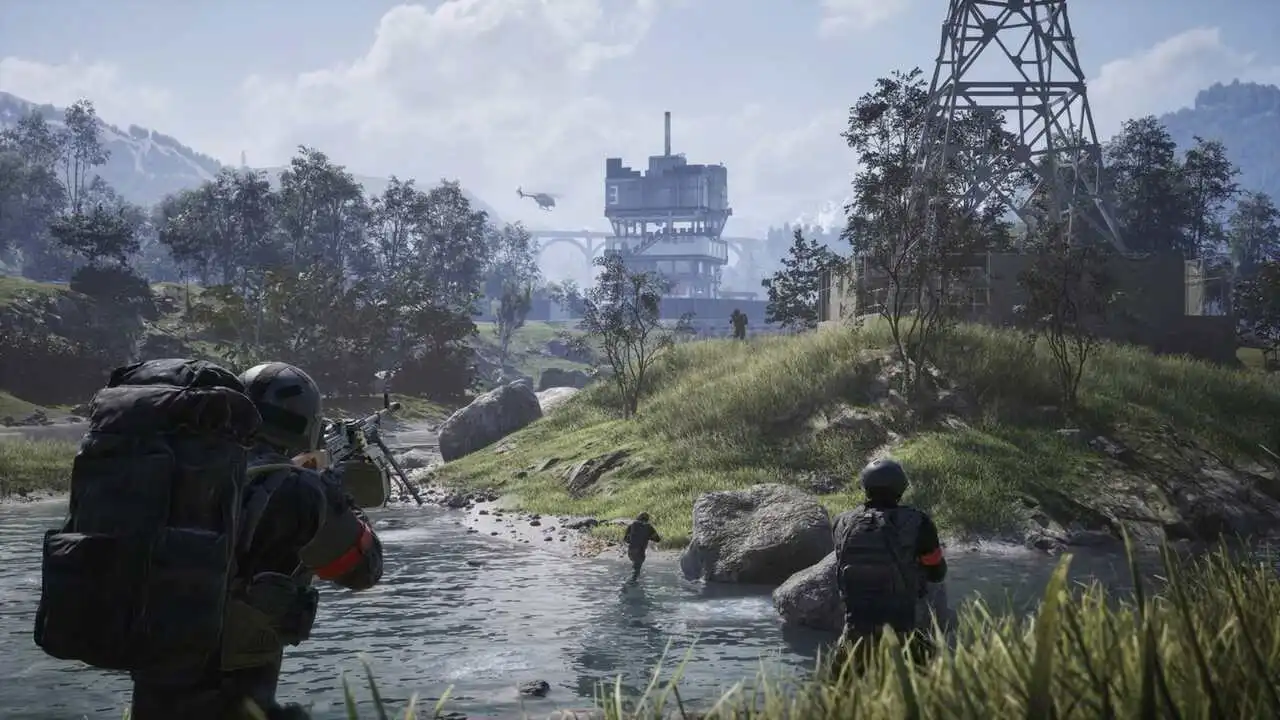
The trick comes down to one detail: the game treats the tutorial as a live match. Consequently, just like any other match, you can leave it through the pause menu.
Before you start, make sure the game is fully updated on Steam. Also, keep in mind that this method applies to your first launch, when the menu still forces you into training.
The 4-Step Method
- Load into the tutorial: launch the game normally and let the training match load completely.
- Wait about 15 seconds: right after loading, the option to leave is locked for a short period.
- Open the menu and leave the match: press Esc, select LEAVE MATCH, and confirm with YES.
- Check the main menu: back on the title screen, confirm that the DEPLOY option is now unlocked.
What To Expect After Leaving
If everything worked, the main menu now shows three options side by side. Here is what each one does:
- DEPLOY: opens the server browser so you can join multiplayer matches
- FIRING RANGE: takes you to the shooting range, where you can practice with no pressure
- LEARN TO PLAY: gives you access to learning content if you want to review the mechanics
In other words, the skip is confirmed by the menu itself. If Deploy is there, you are good to go.
Game Introduction: What The Tutorial Teaches
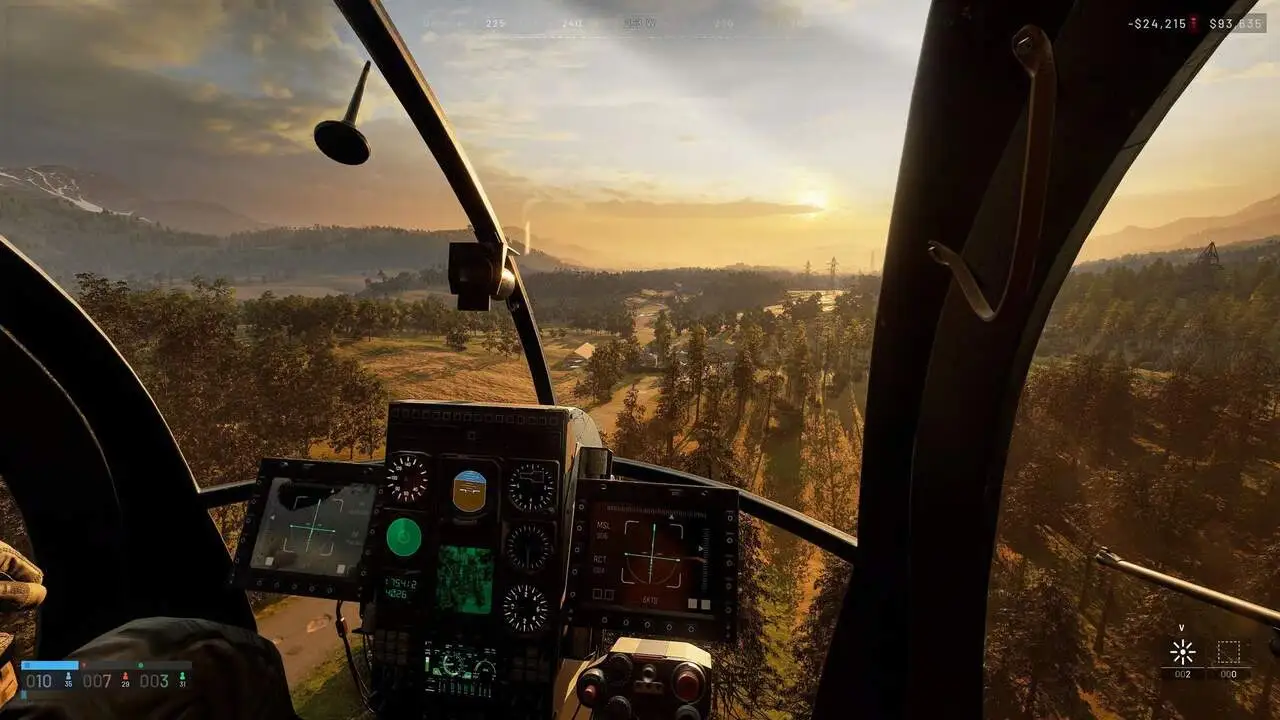
Before you skip, it is worth knowing what you will miss. The Game Introduction takes place in a training warehouse with a linear route and lasts around 10 to 15 minutes.
Each step only advances once you complete the objective shown on screen. For that reason, players who already know the game often find the pace slow.
What Each Section Covers
| Tutorial Section | What You Learn |
| Projector room | Interaction prompts and the developer welcome message |
| Firing range | Vendor purchases, direct fire, bullet penetration through wood, and ricochet off metal |
| Equipment | Backpack, grenades, helmet, armor, and inventory weight |
| Medical area | Bare-hand revives, dragging downed allies, and using the Field Resuscitator |
| Zone room | Control Zone and Hot Zone scoring, downed state, and healing |
| Construction | Building hammers, build supplies, forward operating base (FOB), and Hesco blocks |
Should You Skip It Or Play It?
The answer depends on your experience with the game. Generally, it breaks down like this:
- Skip it if: you played the betas, already understand the economy, and know how to revive and build
- Skip it if: you are playing with experienced friends who can explain the basics mid-match
- Play it if: this is your first time with the game and you do not know the buying system
- Play it if: you want to understand bullet penetration, construction, and zone scoring before spending cash
After all, in Wardogs every death costs the gear you bought. Therefore, getting the basics wrong in your first matches can be expensive for your progression.
Leave Match Locked: How To Fix It
The most common problem when trying to skip training is finding the leave button disabled. Fortunately, in most cases, a Leave Match Locked issue has a simple explanation.
Why The Leave Option Is Greyed Out
At the very start of the tutorial, there is a forced period before the menu lets you abandon the match. Thus, pressing Esc immediately after loading shows the option as unavailable.
In this case, do not restart the game. Instead, follow these steps:
- Wait about 15 seconds after spawning on the map
- Watch for any countdown in the menu before the option unlocks
- Open the pause menu again once the time has passed
- Choose LEAVE MATCH, not the option to exit to desktop
When The Menu Keeps Sending You Back To Training
Sometimes players leave the match, but the menu still sends them back to the warehouse. This usually means the exit was not registered correctly.
Follow this sequence to fix it:
- Load into the tutorial again.
- Wait for the lockout period to pass completely.
- Select LEAVE MATCH and confirm with YES, without canceling the prompt.
- Return to the main menu and check whether the Deploy Option has appeared.
- If the problem persists, restart the game normally and verify the integrity of the game files on Steam.
Deploy Option And Training Mode After The Tutorial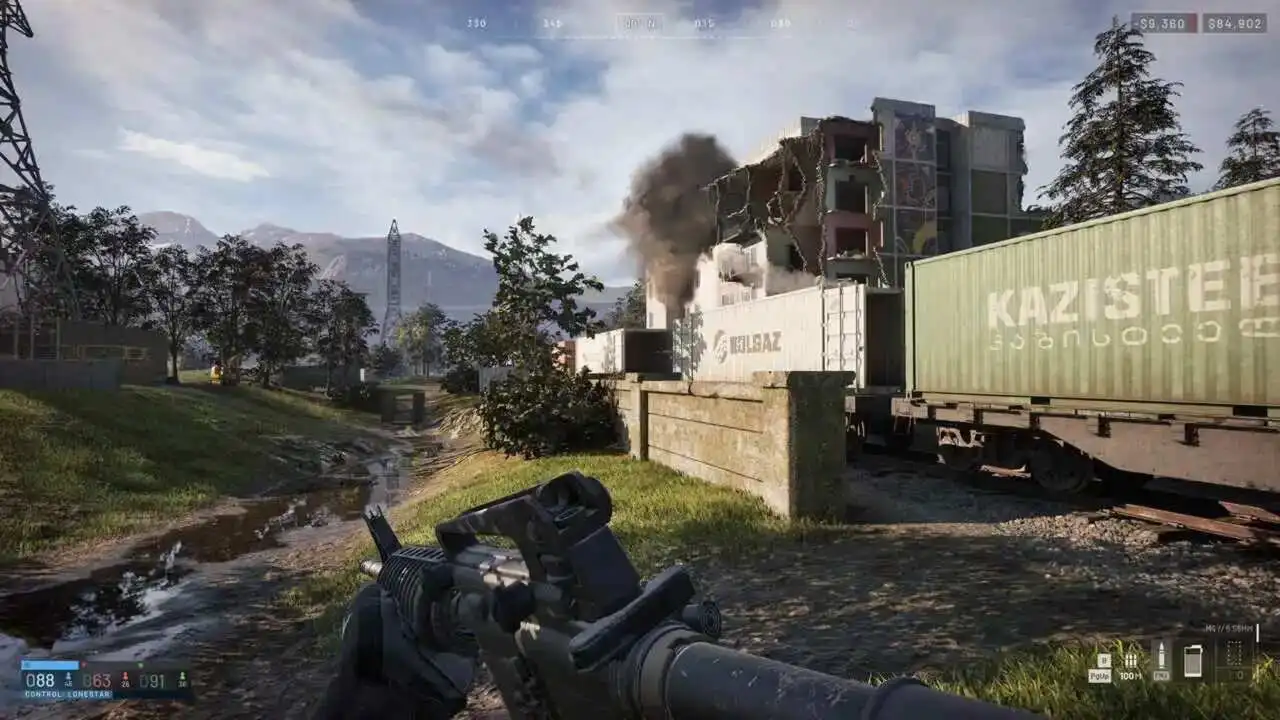
With the tutorial out of the way, the Deploy Option becomes your gateway to matches. At the same time, the game keeps tools available so you can practice whenever you want.
Using The Deploy Option For The First Time
Clicking Deploy opens the server browser. Since Update 0.11, it is split into two tabs:
- Official: servers maintained by Bulkhead, with no game mode filters
- Community: player-hosted servers with text search and filters
- Persistent IDs: community servers keep the same ID after restarts, making it easy to return to the same group
- Show Empty/Full: a quick toggle to hide packed or empty lobbies
Training Mode: Firing Range And Review
Skipping the tutorial does not leave you without practice. In fact, a Training Mode remains available from the main menu through the Firing Range.
There, you can test weapons, practice your aim, and get familiar with vehicle controls without losing cash. Additionally, the Learn To Play option lets you revisit the learning content at any time.
Pro Tips: After You Skip The Tutorial
- Spend five minutes in the Firing Range: testing the recoil of cheaper weapons before your first match prevents wasting cash on the wrong purchases.
- Start with a budget loadout: cheap gear still counts as a full player in the zone, and losing little cash per death speeds up your learning curve.
- Prioritize the Hot Zone: it pays double cash, so staying alive inside it earns more than chasing kills far from the objective.
- Learn revives in practice: since the tutorial teaches revives and you skipped that part, watch experienced teammates and ask for help over voice chat.
- Carry loose ammo instead of extra magazines: it takes up less backpack space and keeps you supplied for longer.
Common Mistakes When Skipping The Tutorial
- Pressing Esc too early: the leave option is still locked. Fix: wait about 15 seconds before opening the menu.
- Choosing exit to desktop: the game closes, but leaving the match may not register. Fix: always use LEAVE MATCH.
- Force-closing or crashing the game: some players have tried this, but the method is unstable and can cause problems. Fix: use only the pause menu.
- Canceling the confirmation prompt: without confirming with YES, the menu keeps sending you to training. Fix: confirm the exit all the way through.
- Jumping into matches without understanding the economy: spending all your cash on your first life slows your progression. Fix: study vendor prices before buying expensive gear.
Skip The Wardogs Tutorial And Jump Into Matches Without Lag
After skipping training, the next step is making sure your first matches run smoothly. After all, with 100 players per server, an unstable connection turns every gunfight into a loss.
Why Your Connection Matters From Your First Match
ExitLag is not a VPN. Instead, it is a game connection optimizer that analyzes multiple routes in real time and picks the fastest, most stable path to the game server.
With support for 4,000+ games and 1,500+ servers in 190+ countries, it helps with key points for anyone just getting started:
- Real-time Optimization: reduces delay and packet loss, making your inputs more precise
- Multipath Technology: sends packets through multiple routes at once and prevents rubber-banding
- Traffic Shaper: prioritizes game traffic and limits bandwidth used by other apps
- PC Boost: frees up RAM and trims background processes for more stable performance
How To Set It Up In Minutes
Furthermore, ExitLag does not modify game files and does not interact with anti-cheat systems. To get started:
- Download ExitLag for PC (Windows) and create your account.
- Turn off any VPN, since running both tools together reduces effectiveness.
- Select Wardogs from the game list and let the AI pick the best route.
- Launch the game, click Deploy, and jump into your first match.
Now that you know how to Skip The Wardogs Tutorial, all you need is the right menu path and a stable connection to enjoy the game from the very first minute.
All game images used in this blog post belong to Bulkhead and Team17. They are used for informational and educational purposes only and do not imply endorsement or affiliation with the rights holders.