
AION 2 dungeon lag can interfere with skill execution, dodging, and other essential combat mechanics. Some players report exploring the open world without issues, only to experience latency spikes as soon as they enter an expedition.
Although the symptoms may look similar, character freezes aren't always related to internet speed. Graphics performance issues, network instability, and server processing problems can also affect gameplay.
To understand what's causing AION 2 dungeon lag, pay attention to when it occurs and how it affects other party members. This guide explains how to recognize the symptoms, troubleshoot your connection, and identify potential fixes.
Why Does AION 2 Lag During Dungeons and Expeditions?
An instance is a separate game environment used for specific activities. Inside dungeons, participants take on challenges without sharing the same space with everyone exploring the open world.
During an expedition or raid, the game must keep party members' actions synchronized. Movement, attacks, healing skills, and boss mechanics rely on communication between the game client on your device and the server.
When that communication is delayed, a dodge may register later than intended. Similarly, a healing skill may take longer to have an effect, putting the party's survival at risk.
Combat can also place greater demands on your computer's graphics and processing resources. That's why AION 2 expedition lag can have different causes, even when it consistently occurs during combat.
Players Report AION 2 Dungeon Connection Issues
In November 2026, AION 2 players from different regions shared their experiences with connection instability on the MMORPG's Reddit community. These reports illustrate how lag can affect group activities.
Latency Spikes During Expeditions
In a discussion about expeditions, one player reported experiencing latency as high as 2,000 ms in some runs. Their connection returned to normal levels after leaving the instance.
In this case, the instability occurred during expeditions rather than in the open world.
However, this was an individual experience. The report doesn't establish what caused the problem or how many players encountered the same issue.
Connection Issues After the Ludra Update
Other members of the European community associated the onset of ping spikes with the Ludra update. North American players also reported character freezes and sudden position corrections during dungeons.
One player expressed concern about being unable to complete Ludra that week. In a separate discussion, another report described difficulties dodging attacks during combat.
These examples illustrate how instability can interfere with group combat mechanics. However, the timing of the reports doesn't prove that the patch caused the connection issues.
How to Identify What's Causing AION 2 Dungeon Lag
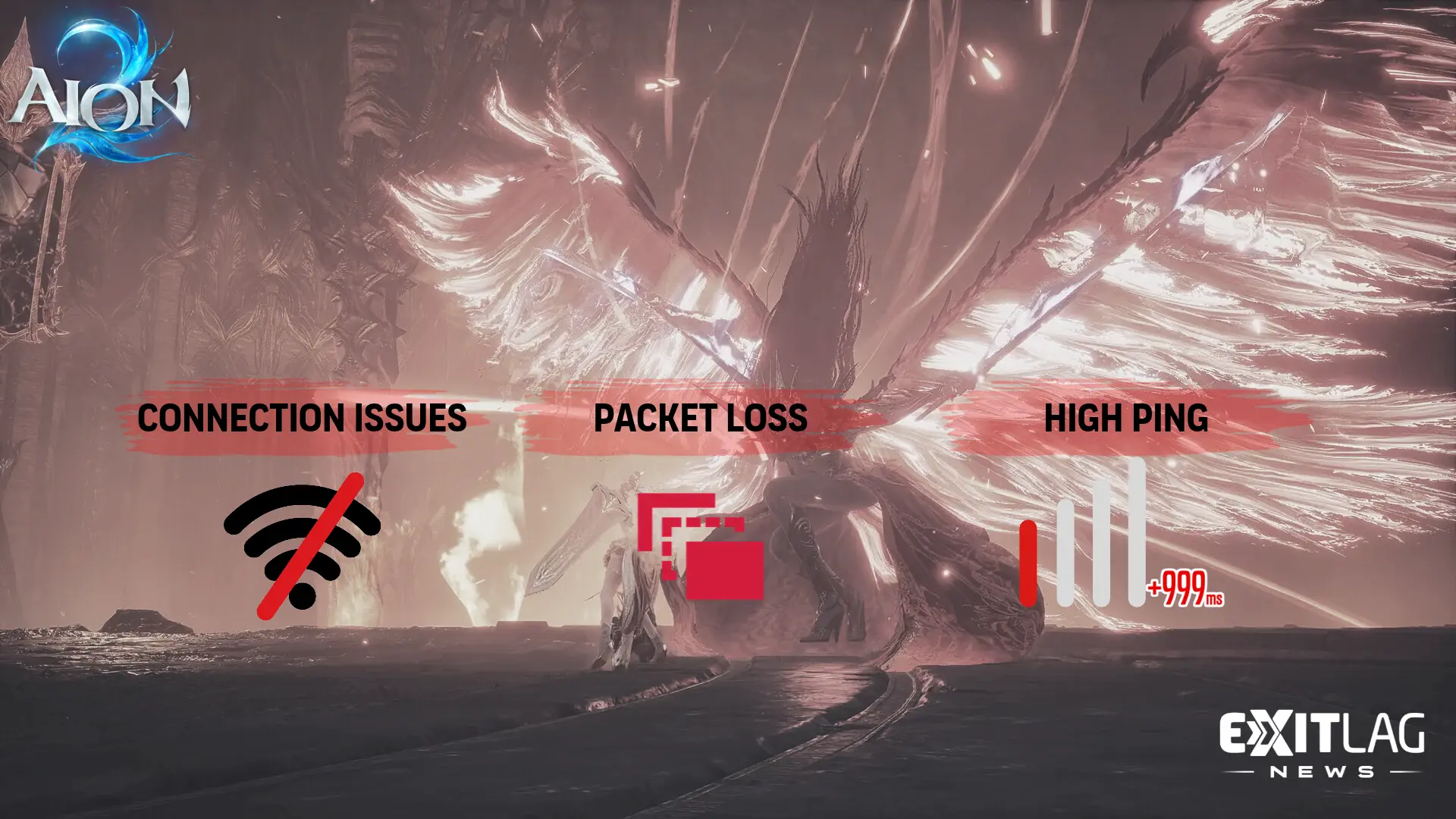
Before changing your network or game settings, pay attention to exactly what happens when the game starts lagging. Identifying the symptoms helps you avoid troubleshooting steps that don't address the underlying issue.
Connection Lag vs. FPS Drops
Frames per second, or FPS, measures how many images your device renders each second. A drop in FPS can make movement look choppy, especially during battles with multiple visual effects on screen.
Latency, on the other hand, refers to the delay in communication between the player and the server. Ping, typically measured in milliseconds, indicates the round-trip time of that communication.
You can have stable FPS and still experience delays when using skills. Likewise, you can have low ping while your computer struggles to render combat smoothly.
Understanding Jitter, Packet Loss, Rubberbanding, and Desync
Beyond latency, several technical terms are worth understanding when troubleshooting AION 2 dungeon lag:
- Jitter: fluctuations in latency over time that can make the game's response inconsistent.
- Packet loss: the loss of data packets during network transmission.
- Rubberbanding: sudden corrections to your character's position that may appear to pull you back to a previous location.
- Desync: a mismatch between the information displayed by the game client and the actual game state on the server.
- Server-side lag: instability associated with server processing or infrastructure.
- Routing issue: a problem along the network path that data takes between the player and the game service.
The table below highlights common symptoms and what to investigate first:
| Dungeon lag symptom | What to investigate |
| FPS drops during combat | Graphics performance or local processing |
| Character freezes, but the interface remains responsive | Communication with the server |
| Character snaps back to a previous position | Rubberbanding or desync |
| Skills take longer than expected to take effect | Latency or server processing |
| Ping spikes intermittently | Jitter, congestion, or routing instability |
| The entire party experiences lag at the same time | Shared infrastructure or an instance-related issue |
| Only one party member experiences lag | Local network, internet provider, or individual connection route |
None of these symptoms alone can establish the root cause of the problem.
Why Does Your Internet Work Normally Outside Dungeons?
A fast connection for browsing, streaming videos, or playing other games doesn't guarantee stability across every MMORPG activity. Connection quality also depends on the destination and the network path your data takes.
Potential Differences in Network Routes and Destinations
Depending on how an online game is designed, instanced environments may rely on different infrastructure resources or connection endpoints than the open world.
For AION 2, however, publicly available information doesn't establish how these differences apply to individual expeditions. High ping inside a dungeon doesn't prove that the instance is hosted in another country.
A speed test doesn't necessarily measure the same network path your game uses, either. That's why good speed test results can't rule out a routing issue.
Network Congestion and Server Processing Issues
In a statement published on November 19, 2026, NCSOFT identified a routing issue between infrastructure providers supporting its European servers. The company later updated the announcement to indicate that the incident had been resolved.
This incident illustrates how connection problems can originate outside your home network. However, it doesn't necessarily explain every case of AION 2 dungeon lag.
Another possibility is that the server itself is struggling to process in-game actions. In that situation, changing your connection route may not resolve the delays.
How to Troubleshoot AION 2 Dungeon Connection Issues
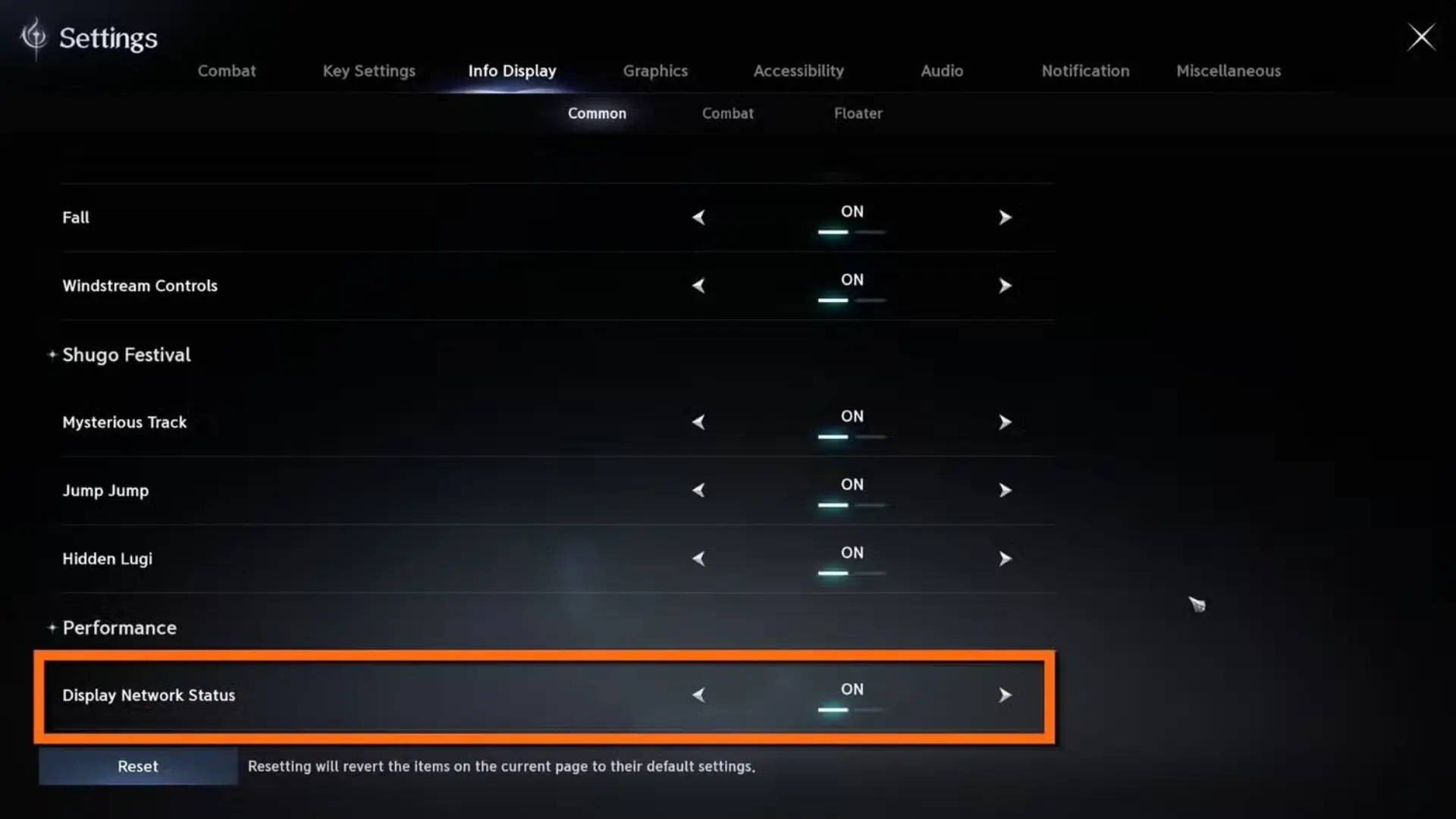
Try to reproduce the instability under similar conditions and document any differences you notice. The more consistent the pattern, the more information you'll have to work with when investigating the issue.
Compare Performance Inside and Outside Instances
Follow these steps before tackling an important group activity:
- Record your ping and FPS while exploring the open world.
- Enter an expedition and monitor the same performance metrics.
- Check whether spikes coincide with combat, transitions, or specific mechanics.
- Ask other party members if they experienced delays at the same time.
- After leaving the instance, check whether your ping and FPS return to their previous levels.
- Repeat the comparison at a different time of day or in another dungeon.
If possible, record gameplay during periods of instability. This can help distinguish graphics performance issues from interruptions in communication with the server.
Run Connection Tests When Lag Occurs
Compare your connection at different times of day and check for packet loss. Ping tests can help with this investigation, but the results depend on the destination you're testing.
If the problem persists, document your server region, activity, time of occurrence, and symptoms. This information can be useful when contacting your internet service provider (ISP) or the game's support team.
How to Reduce AION 2 Dungeon and Raid Lag
Once you've identified the symptoms, start with the factors you can control. Make one change at a time so you can assess its effect on gameplay.
Basic Local Network Adjustments
Use a wired Ethernet connection whenever possible. Pause downloads, file syncing, and streaming activities that compete for bandwidth while you're playing.
If FPS drops are your main concern, try lowering demanding graphics settings. This may improve visual smoothness, but it won't necessarily fix network delays.
When to Use a Route Optimization Tool
If your tests point to instability along the network path to the game servers, ExitLag is an option for testing alternative connection routes. Compare your latency and the frequency of spikes with and without the tool under similar conditions.
The potential benefit depends on what's causing the instability. Route optimization cannot replace fixes to NCSOFT's infrastructure or address your computer's hardware limitations.
Prepare Your Connection for Upcoming AION 2 Challenges
Understanding AION 2 dungeon lag is part of preparing for more demanding content. Identifying the source of delays helps you find suitable solutions and reduces the risk of disrupting your party's progression.
Want to get your connection ready for upcoming raids? Check out our AION 2 Season 2 connection optimization guide and find out when ExitLag can help improve your gaming experience.