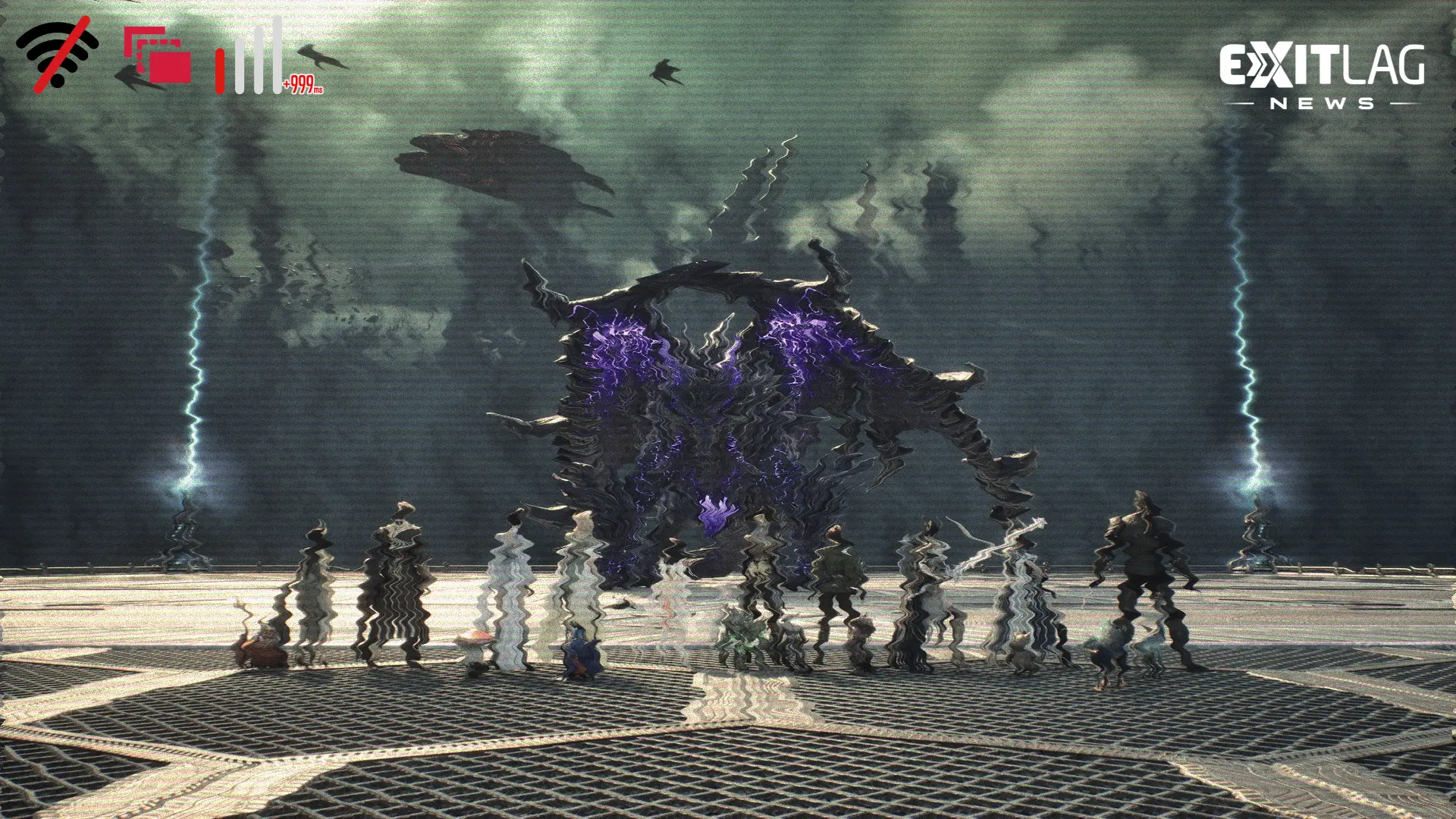

Our AION 2 Season 2 connection guide will help you prepare your network for the MMORPG's upcoming challenges. The second season of the Global version is scheduled to begin on December 16, 2026.
With the arrival of the Brawler class, players will have more ways to explore the game's combat system. However, gearing up and learning new abilities are not the only things worth doing before the update. Your network deserves some attention, too.
In this AION 2 Season 2 connection guide, you'll learn how to optimize your network with ExitLag. We'll also cover how to identify routing issues, configure the app, and compare your connection performance before the update arrives.
What to expect from AION 2 Season 2
On November 23, the developer unveiled its content roadmap for the second season of AION 2 Global. One of the highlights was the announcement of the Brawler, a melee class that fights with gauntlets.
Another upcoming feature is the Housing system, scheduled for January 2027. According to the developer, the release dates and order of the planned content are subject to change.
If you're planning to try the new class, a stable connection can help you assess how quickly its abilities respond to your inputs.
There is no indication that the new season will necessarily introduce connectivity issues. Preparing your network ahead of time allows you to understand how your connection performs and identify potential improvements without waiting for an incident to occur.
What have we learned from AION 2 connection issues?
The difficulties experienced by some players in November highlight why identifying the source of lag matters before attempting to fix it.
A history of routing issues in Europe
On November 18, NC America acknowledged connectivity issues affecting European servers. Its investigation identified a fault along one of the network paths between the service's infrastructure providers.
After monitoring the situation, the developer announced that the incident had been resolved on November 23. The case shows that connectivity problems can originate outside your home network, even when you have a fast internet connection.
Players on Reddit also reported difficulties during expeditions and other instanced activities. However, these reports do not establish that every incident had the same underlying cause.
How connection instability affects dungeons, raids, and PvP
During a raid, the delay between an input and the game's response can interfere with the timing of a defensive ability. The same applies to PvP, where dodging an attack at the right moment can be crucial.
However, not every stutter is caused by your internet connection. FPS drops may be related to your computer's performance, while widespread delays can originate within the game's infrastructure.
How to prepare your connection for AION 2 Season 2
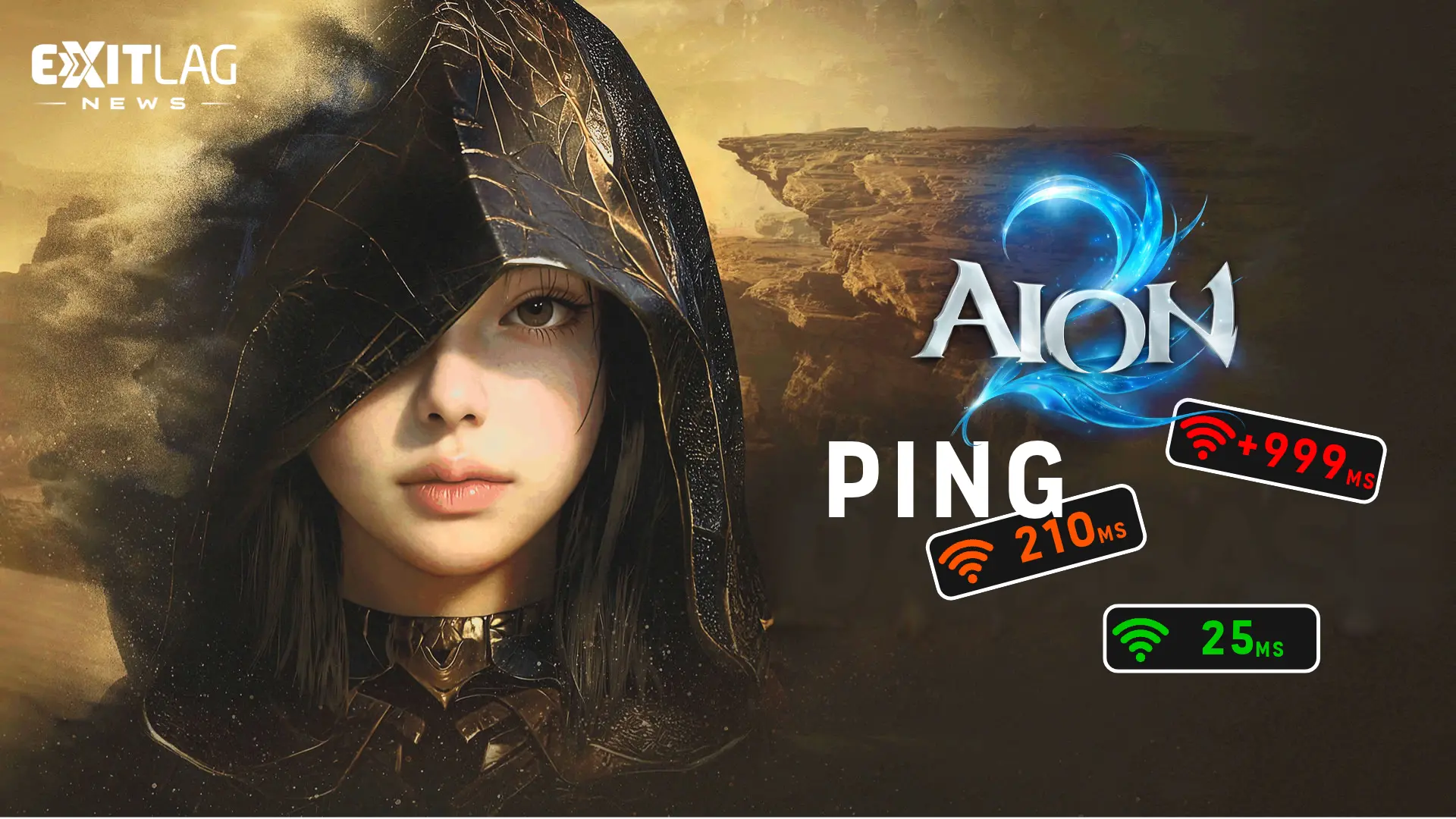
Before changing advanced settings, establish a performance baseline. Run your initial tests under your usual gaming conditions and record the results.
Check your latency, jitter, and packet loss
Ping measures the round-trip communication time between two points on a network. However, this metric alone is not enough to determine whether your connection is stable.
As part of this AION 2 Season 2 connection guide, here are the key metrics you should monitor:
| Metric | What it measures | What to look for |
| Median latency | The middle value of your ping measurements | Typical response time |
| P95 latency | The value at or below which approximately 95% of measurements fall | Delays at the higher end of your measurements |
| Jitter | Variation in network delay | Fluctuations in connection performance |
| Packet loss | Data packets that fail to reach their destination | Disruptions in communication |
| Disconnections | Connection drops during a session | Frequency of interruptions |
Use any available in-game indicators or diagnostic tools that support the destination you're testing. A standard internet speed test does not necessarily follow the same network path as your connection to the AION 2 servers.
Optimize your home network and choose the right region
A few simple adjustments can help minimize interference when testing your connection ahead of AION 2 Season 2:
- Connect your PC to your router using an Ethernet cable whenever possible.
- Pause background downloads, updates, and file syncing.
- Avoid activities that put excessive demand on your home network.
- Keep your network adapter drivers up to date.
- Choose a server region appropriate for your location whenever possible.
If you play with friends in another region, account for your distance from the server when interpreting your results. Routing optimization cannot eliminate the physical limitations of network communication.
How can ExitLag improve your AION 2 connection?
Once you've checked your local network, the next step is to evaluate the path your data takes between your computer and the game server. This is where ExitLag can help.
Intelligent routing optimization
The route your internet service provider (ISP) uses does not always offer the best conditions for gaming. Network congestion and inefficient paths can increase latency, even when your internet plan's speed remains unchanged.
ExitLag analyzes network routes and looks for more efficient alternatives to reach your selected destination. Its technology monitors network conditions and adjusts those paths when needed.
By optimizing routing, the app can help reduce delays and fluctuations associated with the network path. Results depend on the conditions of each connection and server.
Multipath technology and connection stability during competitive gameplay
ExitLag's Multipath technology uses multiple network routes. Its purpose is to provide alternative paths for game traffic when the current route becomes unstable.
This feature can be particularly useful during raids and PvP encounters, where consistent communication matters just as much as low ping.
Keep in mind that ExitLag optimizes network routing. It cannot fix internal game bugs, server-side processing issues, or physical problems with your home network.
How to set up ExitLag for AION 2 Season 2
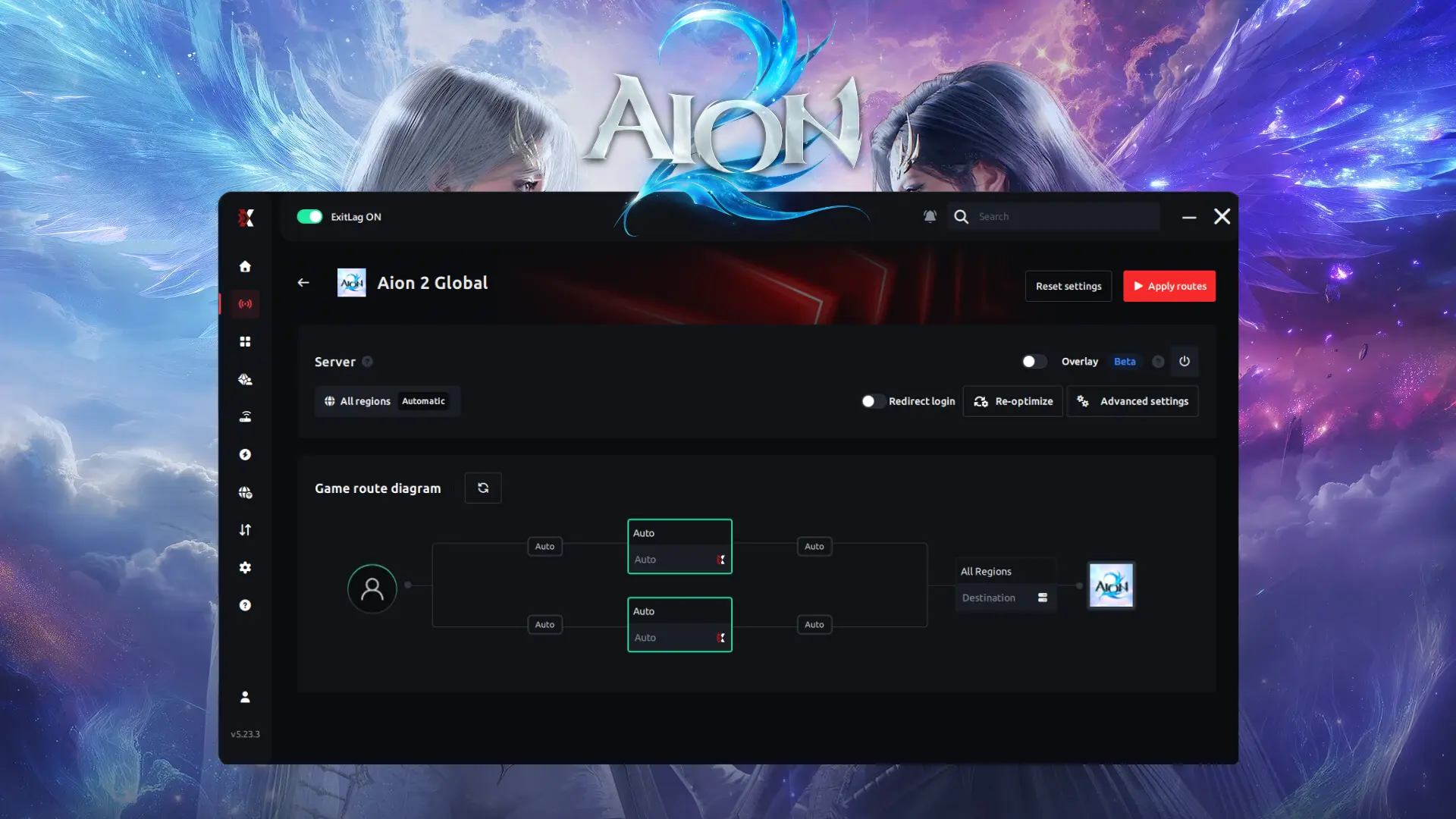
You can test routing optimization in the current Global version of AION 2 before the new season launches.
Select the correct AION 2 Global profile
An important step in this AION 2 Season 2 connection guide is selecting the option for the Global edition rather than the Korean or Taiwanese versions of the game.
Configure your connection and check performance
Follow these basic steps to set up ExitLag:
- Download and install the official ExitLag app, then sign in to your account.
- Search for AION 2 in the app's game library.
- Identify the option for the Global version by checking the available profile information.
- Select the region where your game server is hosted. Use automatic route selection if it is available for your profile.
- Apply the routes using the corresponding button in the app.
- Launch AION 2 and check whether your game connection is shown as active in ExitLag.
- Monitor your performance during a session and compare the results with your earlier measurements.
Start with the app's recommended settings. If your latency increases or your connection becomes unstable, double-check your selected region. Contact ExitLag support if the issue persists.
AION 2 with and without ExitLag: How to compare your connection
To evaluate the impact of routing optimization, compare gaming sessions under similar conditions. Don't base your assessment solely on the lowest ping displayed.
Test connection stability in the open world
Launch the game without ExitLag and follow a familiar route for a few minutes. Record the available metrics and note any delays between your inputs and the game's responses.
End your session, configure ExitLag, and repeat the same route with optimization enabled. Use the same character, server, graphics settings, and network conditions. Repeat the comparison around the same time of day, keeping the observation periods consistent.
Run tests during dungeons, expeditions, and raids
Repeat the process in the instanced activities you regularly play. Whenever possible, compare the same dungeon, difficulty level, and party composition.
Record the results of each activity separately. A stable open-world connection does not guarantee the same performance during an expedition. Compare median latency, latency spikes, jitter, packet loss, and disconnections whenever those metrics are available.
If a particular metric cannot be measured, leave it out of your comparison. If both tests reveal similar difficulties, investigate your local network and check the developer's official announcements as well.
Start AION 2 Season 2 with an optimized connection
Before you begin your adventures as a Brawler or gather your party for a raid, go through this checklist:
- Check the latest seasonal updates and official announcements.
- Prepare your local network and record your typical performance.
- Configure ExitLag for the correct game version and server region.
- Compare your connection with and without routing optimization.
- Review your results after the game update.
Following this AION 2 Season 2 connection guide ahead of launch can help you focus on the MMORPG's new content while identifying the settings that work best for your network.
Get your connection ready for AION 2 Season 2. Optimize your routes with ExitLag before your next raid.