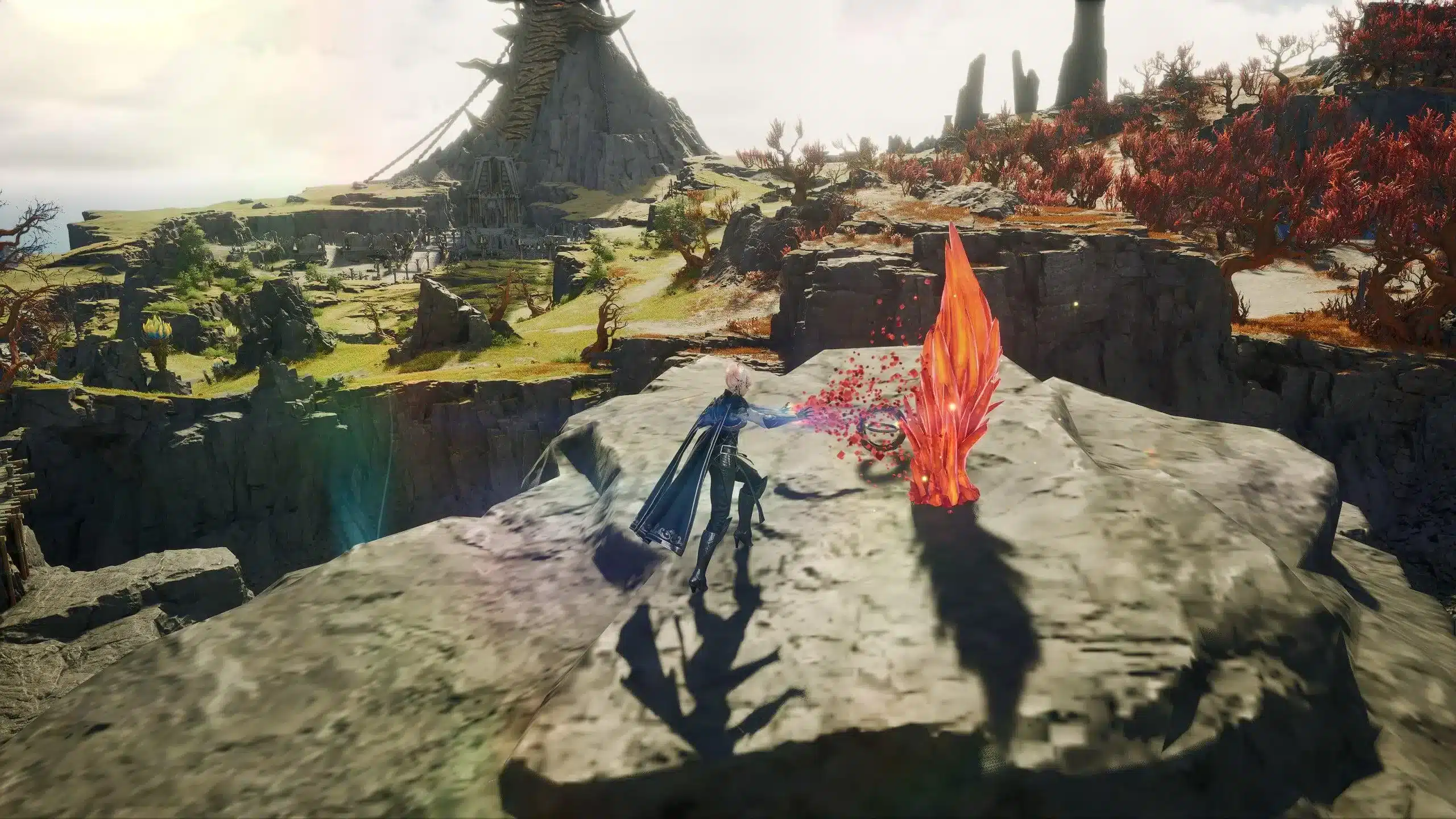
The Aion 2 open world is 36 times larger than the original game, and navigating it without a community interactive map is one of the most common early mistakes new players make. Hidden Cubes are scattered across hundreds of locations across both faction zones and the Abyss. Empyrean Traces are spread throughout every region. World boss and Rift spawn timers are reset daily. Resource nodes follow distribution patterns that are not obvious from the in-game map alone.
The community has built several excellent interactive map tools that cover the game's world comprehensively. This guide explains what each major tool offers, which one to use for each task, and how to integrate map tools into your daily routine to save hours of aimless wandering.
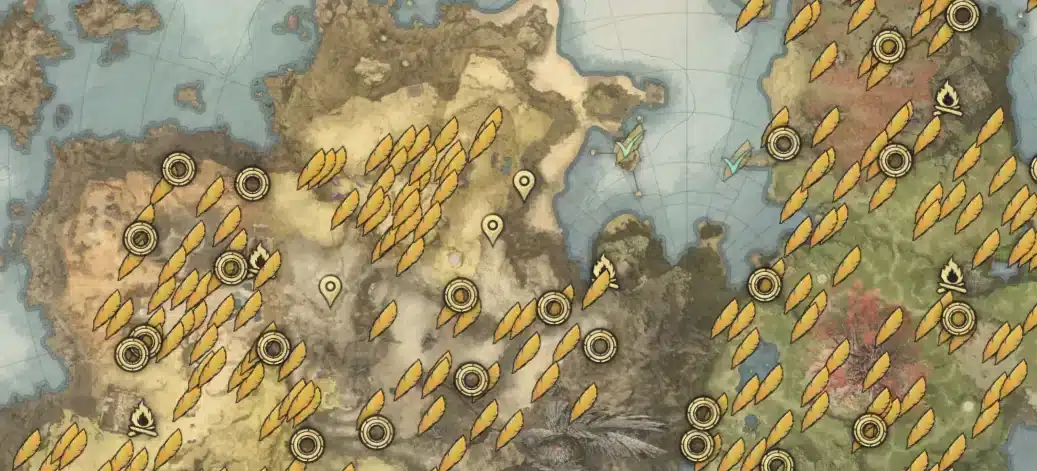
Why You Need an Interactive Map in Aion 2
AION 2 is a gorgeous high fantasy world 36 times larger than the original game, with true freedom of movement.
A world that size cannot be memorized. The in-game map shows zones, quest markers, and major landmarks. It does not show:
- The exact location of every Hidden Cube in each zone
- Empyrean Trace positions for Monolith materials
- World boss spawn points and their estimated respawn windows
- Gathering node density maps for resource farming efficiency
- Sealed Dungeon entrances in zones you have already cleared
- Rift timer status in the Abyss in real time
Community interactive maps fill all of these gaps. Players who use them progress faster, collect more, and farm more efficiently than players who rely exclusively on the in-game map.
The Major Aion 2 Interactive Map Tools
aion2hub.com/maps — The Most Comprehensive Option
Interactive AION 2 world maps for Elyos, Asmodian, and the Abyss. Find hidden cubes, monolith materials, teleports, seals, and gathering nodes — filter by type, search by name, and track what you've collected.
Aion2Hub is the most feature-complete interactive map available for AION 2. It covers:
- Hidden Cubes: All 172 hidden cubes across AION 2 by zone, on an interactive map. Across AION 2, hidden cubes can reward 475 different items, mostly consumables and crafting materials, with rarer finds including Epic Theostones mixed in.
- Teleport locations for navigation planning
- Monolith material positions for Amulet upgrade farming
- Gathering nodes for all resource types
- Seals and instanced content markers
The tracking system lets you check off collected items, maintaining a per-zone completion bar saved in your browser. This makes systematic zone completion possible without keeping external notes.
aion2.online/database — Maps Integrated with the Full Database
Plan your whole character with the AION 2 build planner, crafting calculator, and Gear Forge simulating enchanting. The interactive map lets you search any location, filter by category, and check off what you've already collected, so you never farm the same spot twice.
Aion2.Online's strength is the integration between its interactive map and its full item database. When you find a Hidden Cube on the map, you can click through to see exactly what it can contain. When you identify a crafting recipe in the database, the map shows where to find the required gathering nodes.
The Hidden Cube tracker here tracks 275 cubes total across all zones, a larger count than some other tools because it includes Chapter 1 content zones added after the KR/TW launch.
The real-time Rift timer on aion2.online is one of the most practically useful features for Abyss players. Rift timers track when Spatial Rifts in Reshanta will open, synced to your local timezone, allowing you to plan Abyss sessions around rift event windows rather than discovering them after they have already begun.
aion2atlas.com/interactive-map — Clean Interface for Strongholds and Dungeons
This interactive map for AION 2 helps players quickly locate all known Empyrean Traces, Strongholds, and Sealed Dungeons across both Elyos and Asmodian regions. Empyrean Traces are also added for the Lower Abyss Reshanta map. Switch between different regions to view their unique points of interest. Mark Empyrean Traces and Strongholds as "seen" to keep track of your exploration journey.
Aion2Atlas is particularly useful for leveling and daily content routing. Its clean visual presentation makes it easy to plan Stronghold and Sealed Dungeon circuits for enhancement stone farming without the information density of more comprehensive tools feeling overwhelming.
The personal pin feature is worth using: double-click any location on the map to place a personal marker visible only to you, ideal for marking farming spots, rare spawn locations, and quest objectives that the default markers do not include.
interactivemap.app/aion2 — The Broadest Marker Coverage
Find every settlement, dungeon, boss, resource node and quest in Aion 2. Interactive map with 40,000+ markers across Verteron, Altgard, Elthen, Morheim and Reshanta. Free, mobile-friendly, multi-language.
The interactivemap.app tool has the largest raw marker count of any community tool: 40,000+ data points across all five major zones. It also offers real-time tracking for world bosses and Rift timers in Reshanta, synced to your timezone.
The multi-language support makes this the most accessible option for non-English-speaking players and communities.
questlog.gg/aion-2/en/map — Progress Tracking Focus
Explore the Aion 2 interactive world map with live markers for Empyrean Traces, strongholds, hidden cubes, bosses, dungeons, resources, and quest POIs. Track your progress and filter by region to plan routes and reach 100% exploration.
Questlog's map distinguishes itself with its exploration progress tracking focus. If your goal is 100% zone completion for achievement purposes or maximum item collection, Questlog's progress-first design is optimized for that goal.
Fextralife Aion 2 Wiki Interactive Map
Interactive Maps for Aion 2's Verteron, Altgard, and Abyss regions. All Emperean Traces, Hidden Cubes, and more. Players begin in one of two starter zones based on their chosen faction. Elyos live in Verteron. Asmodians are in Altgard.
The Fextralife interactive map is well-integrated with the Fextralife wiki's broader game data. For players who already use the Fextralife wiki for item and enemy information, the map tool provides an integrated experience without switching between sites.
What Each Map Marker Type Means
| Marker Type | What It Marks | Why It Matters |
|---|---|---|
| Empyrean Traces | Collectible stone tablets with lore | Source of Amulet Enhancement Scrolls |
| Hidden Cubes | Secret chests throughout zones | Free consumables, crafting mats, Epic items |
| Sealed Dungeons (?) | Instanced combat zones | Enhancement stones, gear upgrades |
| Strongholds | Fortified enemy bases | Materials, XP, faction activity rewards |
| World Bosses | Rare powerful enemies | Rare drops, Kinah, Legion competition |
| Gathering Nodes | Resource extraction points | Crafting materials for all professions |
| Teleport Portals | Fast travel points | Navigation efficiency across large zones |
| Spatial Rifts | Cross-faction invasion points | Abyss PvP outside the main Abyss zone |
How to Use the Interactive Map in Your Daily Routine
For leveling (1 to 45):
- Before starting a session, open the map tool for your current zone
- Mark the Sealed Dungeon locations in that zone for completion
- Note the Empyrean Trace locations along your quest route
- Collect traces and enter Sealed Dungeons as you encounter them naturally during questing
For daily endgame content:
- Check the Rift timer on aion2.online before logging in
- Plan your Abyss session around Rift event windows
- Use the world boss location markers to find boss spawn points before your Legion organizes the hunt
- Run Hidden Cube collection circuits in zones where your completion tracker shows uncollected cubes
For crafting and gathering:
- Identify the materials your professions need from the database
- Use the gathering node map to plan an efficient farming circuit
- Mark personal pins on your farming map for any node locations not covered by public markers
Hidden Cubes: Why They Are Worth Collecting
Hidden Cubes are small collectible chests hidden throughout every zone in AION 2. They do not appear on the in-game minimap without specific gathering skill upgrades, and their locations are not marked on the default game map at all.
Hidden cubes reward you just for finding them. Clearing a zone's cubes is one of the most efficient things you can do while leveling or chasing completion. There are 275 hidden cubes across all zones.
The rewards from Hidden Cubes range from standard consumables to Epic-rarity Theostones that sell well on the broker. The time investment per cube is low once you have a map showing its exact position. Running a zone's Hidden Cube circuit is typically 20 to 30 minutes of walking and collecting that generates materials worth more than a comparable time investment in standard grinding.
Completing a zone's cube collection:
- Open the Hidden Cube section of your preferred map tool
- Filter to show only uncollected cubes in your current zone
- Plan a route that hits cubes in geographic clusters rather than individual cube locations
- Check off each cube after collection so your tracker stays accurate
Real-Time Timers: Rifts and World Bosses
The most time-sensitive map features are the live timers for Rift events and world boss spawns.
Rift timers: Spatial Rifts in the Abyss open on a schedule. When a Rift is active, players can cross into enemy faction territory outside the main Abyss zone for open-world PvP. The aion2.online and interactivemap.app tools show real-time Rift status and next opening timers synced to your local timezone.
World boss timers: World bosses respawn on a schedule after being killed. Legions that track respawn timers arrive at the spawn point before the boss appears, securing the first engagement opportunity and the associated loot competition advantage.
Play Aion 2 with ExitLag While Using Community Map Resources
Interactive maps are browser tools: they run in your browser while AION 2 runs on your system. The browser does not compete meaningfully with the game for network resources. However, your connection to AION 2's servers is what determines whether the materials you farm and the dungeons you locate translate into smooth, low-lag gameplay.
ExitLag is a connection optimizer used by over 30 million players across 4,000+ game titles including AION 2. It keeps your connection to NC's servers stable and low-latency throughout every gathering run, Rift event, and world boss encounter that your map tools help you find.
Download ExitLag and explore Atreia with a stable connection.
Pro Tips: Using Aion 2 Interactive Maps
- Check off items as you collect them in real time: The tracking systems on aion2hub and aion2.online save to your browser. Checking off each Hidden Cube or Empyrean Trace immediately after collection prevents duplicate routes on your next session.
- Use the Rift timer before planning long Abyss sessions: A 2-hour Abyss session that starts 10 minutes before a Rift event opens generates significantly different content than one that starts in the middle of a Rift event window. Check the timer first.
- Plan gathering circuits by profession, not by zone: Gathering efficiency comes from minimizing backtracking. Use the node location map to design a circuit that hits the specific resource types your crafting profession needs in a single efficient path through a zone.
- Share map links with your Legion: Most interactive map tools support shareable links. Sharing the Hidden Cube progress tracker with Legion members allows coordinated collection across the zone rather than duplicating efforts.
Common Mistakes When Using Aion 2 Maps
- Using only the in-game map and missing Hidden Cubes entirely: The in-game map does not show Hidden Cube locations at all without gathering skill upgrades that partially reveal them. Players who never check a community map miss hundreds of free crafting materials and consumables. Fix: open the community interactive map before your first gathering session in any new zone.
- Not tracking which cubes and traces you have already collected: Without the tracking feature enabled, you will revisit locations you already cleared and collect nothing. Fix: use the check-off system on whichever community map you use and confirm it is saving progress before you start your circuit.
- Ignoring Rift timers for Abyss sessions: Arriving in the Abyss with no knowledge of Rift timing means you either wait for Rift events or miss them entirely. Both outcomes are suboptimal compared to planning around the timer. Fix: make checking the Rift timer at aion2.online the first step of any session that includes Abyss content.
Explore every corner of Atreia with ExitLag keeping your connection stable.
AION 2 and related marks are trademarks of NC. Used for informational and educational purposes only.