Aura Craft is a term that surfaces across gaming platforms, modding forums, and mobile app stores. But what exactly does it refer to—a standalone game, a Minecraft mod, or a mobile APK clone? The confusion is common, as the term is used interchangeably across communities.
If you’re still discovering the world of sandbox games, understanding the core mechanics of Minecraft can offer important context. Here’s a comprehensive guide on how to play Minecraft that helps explain how Aura Craft draws inspiration from it.
In this in-depth guide, we’ll clarify what Aura Craft is, how it works across different platforms, and why so many players are searching for it. Whether you’re looking for the Aura Craft game, a way to download the APK, or wondering how to play Aura Craft as a mod, this article covers it all.
What Is Aura Craft?
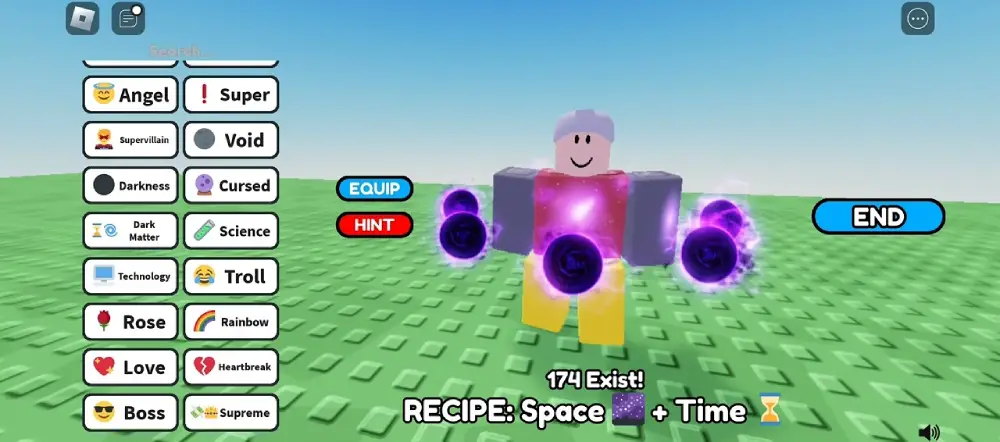
Aura Craft is not a single definitive product but a concept explored across different formats:
- A standalone indie game inspired by open-world adventure and aura-based progression.
- A mod for Minecraft, introducing aura abilities and magical crafting mechanics.
- An APK or mobile port, often made by fans, replicating the aura system in simplified sandbox environments.
What Is Aura Craft – Origins?
Aura Craft likely originated as a mod concept, building on the popularity of elemental powers and aura systems in fantasy RPGs. Over time, developers and modders created separate interpretations of what Aura Craft could be—some turning it into a downloadable PC game, others packaging it into mobile APKs for Android users.
Although there’s no central authority behind the name, each version shares a common theme: harnessing aura energy to explore, craft, battle, and survive.
Is There an Official Version?
No, there is no universally recognized official version of Aura Craft. Several versions exist across different platforms and developer communities:
- Some are downloadable PC games hosted on GitHub or Itch.io.
- Others are Minecraft mods listed under titles like “Aura Craft Mod” on CurseForge.
- Mobile users often find Aura Craft APK files on third-party app repositories.
It’s essential to vet any version you download—especially APKs—to avoid malware or unofficial clones with poor performance.
How to Download and Install Aura Craft
Installation depends on which version of Aura Craft you’re after. This section breaks down the best ways to safely access it, whether you’re on PC, Android, or Minecraft.
Safe Platforms and Download Sources
| Platform | Version | Trusted Source | System Requirements |
| PC (Standalone) | Open-world RPG | Itch.io, GitHub (verified) | Windows 10+, 8GB RAM, GPU |
| Android (Mobile) | APK (sandbox RPG) | APKMirror, GitHub, dev websites | Android 8+, 3GB RAM |
| Minecraft | Mod (Aura Craft) | CurseForge, Modrinth | Minecraft 1.16–1.18, Java 8+ |
Download Tips
- Avoid random .zip or .exe files. Always verify file sources.
- For Android, look for Aura Craft APK hosted on GitHub or APKMirror, not ad-riddled clone sites.
- For Minecraft mods, check if the mod is compatible with Forge or Fabric.
Installation:
- PC Game:
- Download from verified developer pages.
- Extract or install using included setup files.
- Run .exe and configure settings in launcher.
- Aura Craft APK:
- Enable “Install Unknown Apps” on your device.
- Download and install APK from a safe source.
- Open the app and accept permissions carefully.
- Minecraft Mod:
- Install Forge or Fabric.
- Place the downloaded .jar into /mods folder.
- Launch Minecraft via the modded profile.
Each version offers a slightly different take on gameplay. Choose based on your platform and style preference.
How to Play Aura Craft and What to Expect
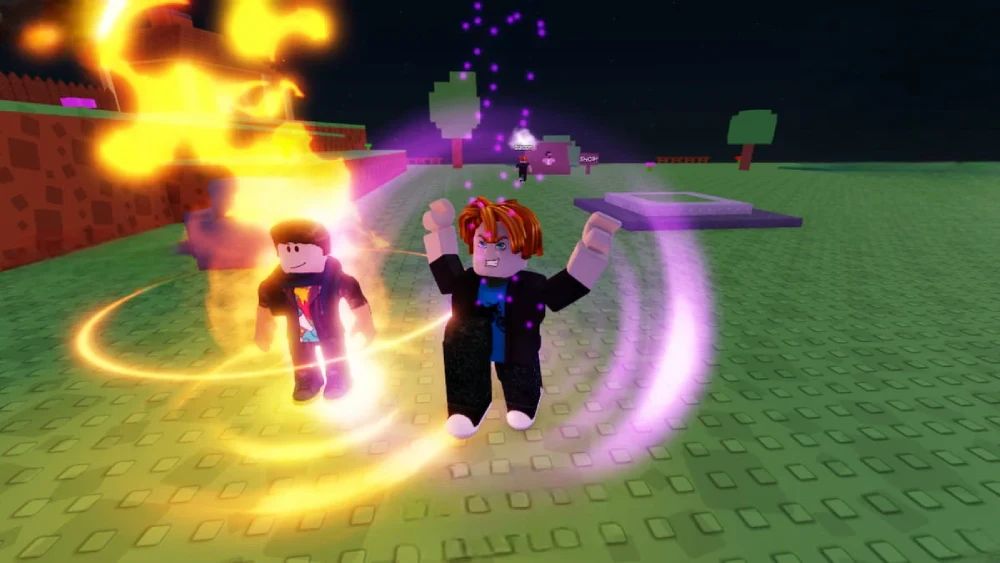
The core appeal of Aura Craft gameplay lies in its aura energy system. Whether you’re battling enemies, exploring biomes, or crafting survival tools, your aura defines your strategy.
Gameplay Style: What Makes Aura Craft Unique?
Most Aura Craft variants share these mechanics:
- Open-World Exploration: You’re dropped into a procedurally generated world filled with biomes, ruins, and elemental zones.
- Aura Types: Players unlock various aura types—such as fire, shadow, healing, or wind—that enhance their abilities.
- Skill Trees: Upgrade your aura through a progression system. Spend essence or materials to evolve powers.
- Crafting and Survival: Gather items to build structures, potions, gear, and aura enhancers.
- Combat: Aura-based spells and combos allow you to target enemies with precise elemental effects.
Even the Aura Craft mod for Minecraft keeps these mechanics. For example, a Fire Aura may allow explosive attacks or lava immunity, while a Healing Aura regenerates health over time.
Mastering Aura Progression
Strategic progression is key. Players are encouraged to:
- Collect resources linked to aura types (e.g., crystals, essence shards)
- Defeat minibosses or aura guardians to unlock skill nodes
- Upgrade gear at aura forges or shrines
- Combine aura types for hybrid builds (e.g., Fire + Shadow for area damage and stealth)
Over time, players move from basic crafting to high-tier aura combos that allow them to manipulate weather, teleport short distances, or resist elemental attacks.
For players looking to expand their world with more immersive experiences, experimenting with Minecraft modpacks to enhance your game can be a great gateway to understanding how Aura Craft evolved into a magic-driven survival system.
Is Aura Craft a Mod for Minecraft?
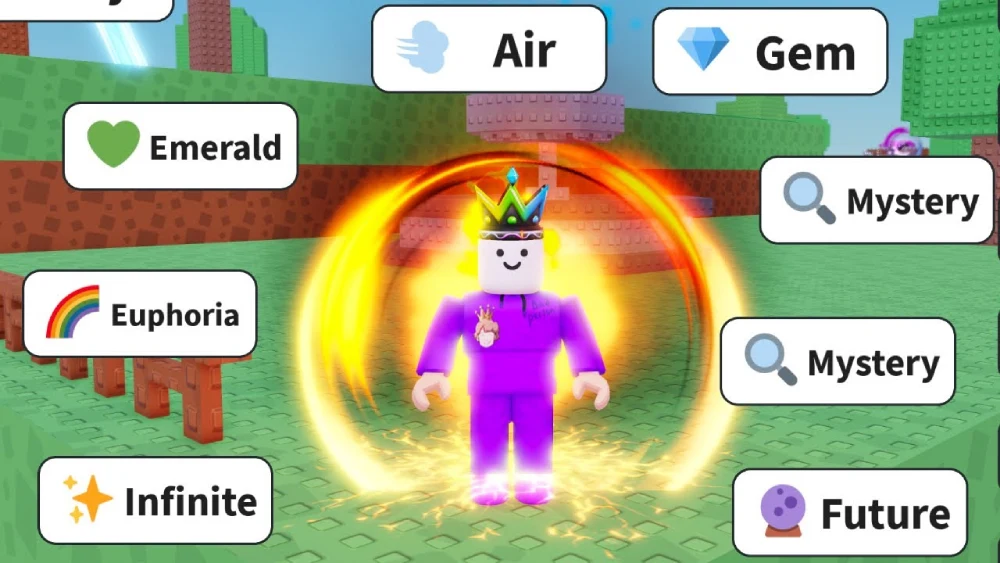
One of the most common questions online is whether Aura Craft is a Minecraft mod or a standalone title. The answer is nuanced—it can be both, depending on the context.
Many players first encounter Aura Craft as a modpack or individual mod that adds aura-based mechanics to Minecraft. These mods enhance gameplay with magic systems, energy crafting, and aura-based combat not found in vanilla Minecraft.
Compatible with Which Versions?
Aura Craft mods are typically compatible with:
- Minecraft 1.12.2 to 1.18.2
- Mod loaders like Forge or Fabric
- Java Edition only (not Bedrock)
You can find variations of the mod under names like:
- “AuraCraft Magic Mod”
- “Elemental Aura Expansion”
- “Mystic Auras for Forge”
Always check the specific mod page for compatibility details.
How to Install via Forge or CurseForge
Follow these steps to install Aura Craft mod using Forge:
- Download Minecraft Forge:
- Visit https://files.minecraftforge.net and choose the correct version.
- Run the installer to create a Forge profile.
- Download the Mod File:
- Go to CurseForge, Modrinth, or the developer’s GitHub.
- Look for .jar files and ensure they match your game version.
- Add to Mods Folder:
- Navigate to /.minecraft/mods on your PC.
- Drop the mod .jar file inside.
- Launch with Forge:
- Open the Minecraft Launcher.
- Select the Forge profile and start the game.
- Look for “Aura Craft” in the Mods menu.
If you’re using CurseForge App, simply search for “Aura Craft” and click install.
Mobile and VR gaming continue to reshape how players experience sandbox environments. For those exploring Aura Craft on emulators or Android platforms, there’s also a growing interest in playing Minecraft in virtual reality, which brings a new layer of immersion and reactivity to aura-based gameplay.
FAQ — Frequently Asked Questions
Aura Craft is a fantasy-themed experience that exists in multiple formats, including:
An independent open-world game focused on auras and elemental magic.
A Minecraft mod that adds aura abilities, combat spells, and magical crafting systems.
An APK game for Android offering sandbox RPG mechanics.
Each version centers on aura-based progression, crafting, and magical exploration.
Yes, Aura Craft APKs are available for Android, often published by independent developers or fans. These mobile versions offer simplified gameplay:
Resource mining
Aura unlocking
Basic spellcasting
Enemy combat
While not affiliated with Mojang or the PC mod, these games bring similar elements to touch devices.
⚠️ Download only from trusted sources like GitHub, APKMirror, or verified developer websites. Avoid unknown third-party links that may pose security risks.
Safe download practices include:
PC Game: Use developer sites or GitHub. Never download from mediafire or random .zip links.
Android APK: Stick with APKMirror or GitHub-hosted apps. Always check permissions before installing.
Mod Version: Use CurseForge, Modrinth, or the CurseForge App for the Minecraft version.
Bonus Tip: Search for developer forums or Discord channels to verify legitimacy.
Yes, one of the most popular formats of Aura Craft is a Minecraft mod. These mods often introduce:
Magical skill trees
Craftable aura weapons
Aura-powered armor sets
Elemental zones (e.g., Fire Shrine, Shadow Grove)
You’ll need Forge or Fabric and the correct Java Minecraft version to use it.
The gameplay of Aura Craft focuses on:
Collecting aura essence through quests, shrines, or enemies.
Upgrading your character with aura paths (Strength, Healing, Shadow, etc.).
Combining aura effects to create powerful hybrid builds.
Exploring large maps filled with biomes, ruins, bosses, and crafting stations.
This system allows for diverse builds:
Tank builds using Defense + Healing aura
Mage builds using Shadow + Lightning aura
Speed builds using Wind + Fire aura
Players can also customize loadouts, gear, and aura appearance.
Conclusion: Why Aura Craft Is Worth Trying
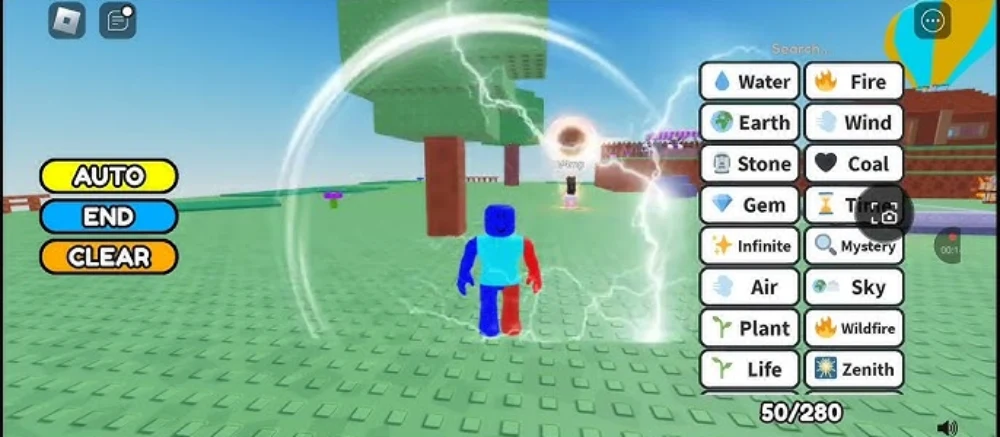
Aura Craft may be a lesser-known name, but its community-driven content, aura-based mechanics, and cross-platform presence make it worth exploring. Whether you want an RPG game with elemental powers, a magic-heavy Minecraft experience, or a mobile sandbox app, Aura Craft delivers.
The mix of exploration, progression, and combat keeps gameplay fresh. Add in regular mod updates or APK variations, and you’ve got a growing universe of aura magic ready to discover.
Aura Craft continues to evolve thanks to indie developers, modders, and sandbox fans worldwide. If you’re ready to dive into an energy-powered world of survival and magic, it’s time to install your version of Aura Craft—and begin your journey through the elements.
Optimize Aura Craft with ExitLag
If you’re playing Aura Craft on PC—especially modded Minecraft or APK emulators—network stability is key. Lag, disconnects, and server spikes can ruin immersion. That’s where ExitLag comes in:
- Multi-path routing for faster, stable game connections.
- Reduces ping, jitter, and packet loss across platforms.
- Works with modded Minecraft servers, emulators, and more.
Download ExitLag today and make your Aura Craft experience smoother, faster, and more responsive.
Got questions or want to connect with other players? Join the conversation at the ExitLag Forum!