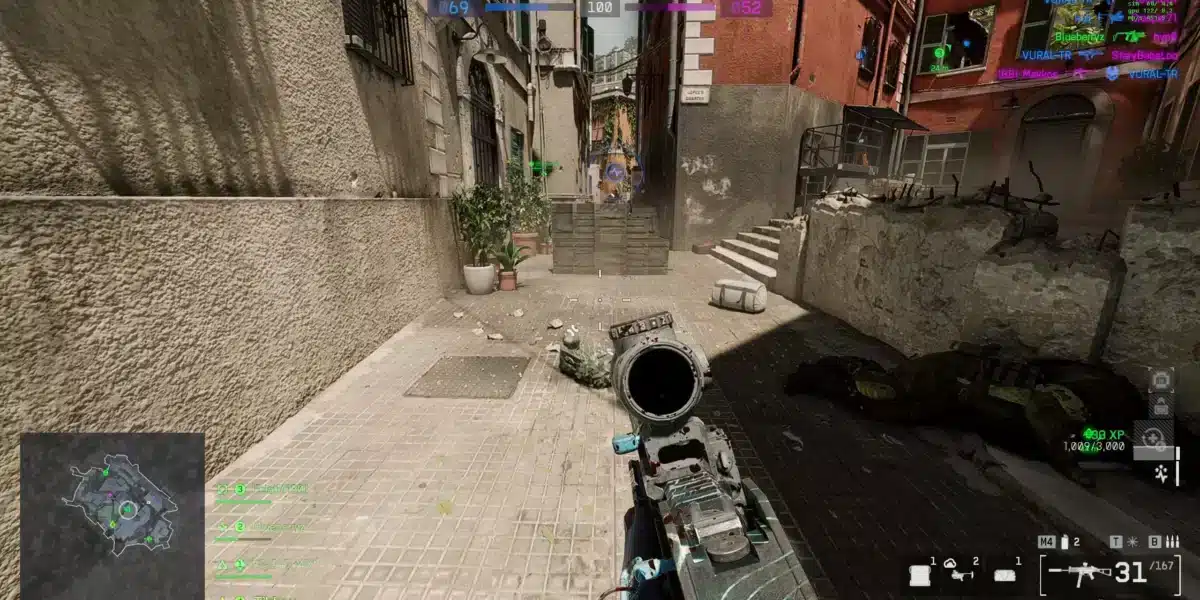
The Battlefield 6 crossplay system is one of the most talked-about features in the franchise’s modern evolution. With the goal of uniting players across PC, PlayStation, and Xbox platforms, DICE has implemented cross-platform matchmaking by default. While this opens the doors to a larger player pool and faster matches, not everyone is thrilled. Many competitive console players find themselves at a disadvantage when facing PC players with mouse and keyboard precision.
While Battlefield 6 gives players some ability to manage crossplay, current reports indicate that opting out of PC crossplay on consoles (PS5/Xbox Series) may also disable cross-console matchmaking. In other words, turning off crossplay could prevent PlayStation and Xbox users from matching together. (Source: TechRadar)

Is Battlefield 6 Crossplay?
Yes, Battlefield 6 supports full crossplay, meaning players from different platforms can connect and compete in the same lobbies. Crossplay is automatically enabled for:
- PC ↔ Xbox Series X/S
- PC ↔ PlayStation 5
- PlayStation ↔ Xbox
However, while past Battlefield titles (like 2042) did not allow crossplay between previous-gen consoles (PS4, Xbox One) and newer platforms or PC, this setup in Battlefield 6 has not yet been officially confirmed. Any assumptions should be considered speculative unless DICE provides final confirmation.
This structure is likely intended to ensure matchmaking remains as fair as possible while still benefiting from larger population pools.
What Modes Use Crossplay?
Crossplay is generally active in all standard multiplayer modes, including:
- Conquest
- Breakthrough
- Hazard Zone
- Team Deathmatch
- Custom Portal Servers (depending on host settings)
Note: Certain specialty events or private servers may have crossplay disabled or limited depending on settings selected by the host.
How to Turn Off Crossplay in Battlefield 6
Step-by-Step to Disable Crossplay In-Game
- Launch Battlefield 6 from your platform
- From the main menu, go to Settings
- Open the General tab
- Locate the Crossplay toggle
- Set it to Off
- Restart your game (if prompted)
This setting attempts to limit matchmaking to players on the same platform.
Important: Disabling crossplay may increase matchmaking time depending on your platform, region, or selected game mode.
Console-Specific Instructions
Xbox (Series X/S and One)
On Xbox, you have two ways to disable crossplay:
Option A: In-Game Settings
- Follow the general steps listed above from within Battlefield 6.
Option B: System Settings (applies to all crossplay games)
- Open Settings from the Xbox dashboard
- Go to General > Online Safety & Family
- Select Privacy & Online Safety > Xbox Live Privacy
- Choose View Details & Customize > Communication & Multiplayer
- Set You can join cross-network play to Block
This blocks crossplay across all games, including Battlefield 6.
PlayStation (PS5 and PS4)
On PlayStation, crossplay is controlled directly within the game:
- Access Settings > General in BF6
- Toggle crossplay Off
There is no system-wide block for crossplay on PlayStation consoles at this time.
PC (Steam, EA App, Epic Games)
PC users can only disable crossplay with consoles. According to EA forum discussions, there is currently no native way to restrict matchmaking to PC-only lobbies. This limitation remains unconfirmed officially but reflects the general community experience.
How to Attempt Console-Only Crossplay Simulation (Unofficial)
Some players want to disable crossplay with PC but still match with other console users (e.g., PS5 vs Xbox Series X). While Battlefield 6 does not offer a direct “console-only crossplay” option, you can attempt to simulate this by disabling crossplay from the in-game menu.
This removes PC players from your matchmaking pool. However, cross-console matchmaking (PlayStation and Xbox) may also be affected depending on platform policies-especially on Xbox, where system-level settings take precedence.
Why Console Players Disable Crossplay
- Reduce encounters with mouse-and-keyboard users
- Avoid higher frame-rate and FOV advantages on PC
- Keep gameplay within the console input ecosystem
Pros and Cons of Battlefield 6 Crossplay
Crossplay Advantages
- Faster Matchmaking: Larger pool of players reduces queue time
- Improved Server Stability: Balanced load distribution across platforms
- Better Squad Flexibility: Play with friends regardless of platform
- Unified Progression: Some modes allow synced account progression
Crossplay Disadvantages
- Input Imbalance: Mouse and keyboard outperform controllers in precision aiming
- Hackers & Exploits: PC players are more exposed to third-party cheats
- Unfair Matchups: PC hardware often offers smoother framerates and wider field-of-view
- Competitive Integrity: Ranked matches may feel unbalanced across input types
Should You Disable Crossplay in BF6?
Disabling crossplay in Battlefield 6 is a strategic choice that depends on your playstyle and priorities. Consider turning it off if:
- You’re playing on console and prefer controller-only environments
- You consistently run into squads using PC-exclusive advantages
- You want a more “level playing field” in ranked or high-stakes modes
However, you might want to keep it enabled if:
- You play during off-peak hours and want faster matchmaking
- You often squad up with friends on different platforms
- You enjoy larger pool diversity in modes like Portal or Hazard Zone
Does Disabling Crossplay Affect Your Experience?
Yes. When you disable crossplay:
- You may wait longer in queues
- Your lobbies may become more regionally restricted
- You reduce exposure to higher-end hardware exploits
For many players, especially those on console, the trade-off is worth it.
ExitLag Benefits for BF6 Players
- Optimizes routing to reduce latency in cross-region lobbies
- Minimizes ping spikes and jitter during intense firefights
- Prevents packet loss even when switching servers or game modes
- Enhances matchmaking reliability across platforms
How to Use ExitLag with Battlefield 6
- Create your ExitLag account
- Download and install the ExitLag client
- Search for Battlefield 6 in the game list
- Apply the optimized routes
- Launch your game and play with ExitLag ON
ExitLag ends lag, ping spikes, packet loss, and jitter-even in the most competitive cross-platform matches.
Crossplay and Latency: Platform vs Platform Breakdown
One of the most important technical aspects of crossplay is latency. Since Battlefield 6 is a fast-paced shooter, even minor ping differences can heavily affect the outcome of gunfights. Here’s what you need to know:
Average Latency Ranges by Platform
Note: These latency figures are community-reported estimates and should not be taken as official data from DICE or EA. Actual values will vary based on region, ISP, and hardware setup.
| Platform | Average Ping | Notes |
| PC | 20–50ms | Community reports; depends on rig and connection |
| Xbox Series X/S | 30–70ms | Xbox Live routing can affect crossplay sessions |
| PlayStation 5 | 25–60ms | Similar latency to Xbox, depends on server region |
| PS4 / Xbox One | 50–100ms | Older consoles may have higher latency; crossplay inclusion unconfirmed |
Note: These are general estimates and will vary by server region, time of day, and network quality.
Common Community-Cited Causes of Latency Spikes in Crossplay
- Mixed-platform server routing (e.g., PC host, console clients)
- ISP throttling on console platforms
- Cross-region matchmaking when population is low
- Party-based sessions with friends on distant servers
Does Battlefield 6 Use Input-Based Matchmaking?
Currently, input-based matchmaking is not officially confirmed for Battlefield 6. The developer has mentioned a “preferred input” system that prioritizes matchmaking between players on the same platform and input type, but may include others when necessary.
Input Type vs Platform
- Using a controller on PC does not guarantee controller-only lobbies
- Console players using mouse-and-keyboard may still match with controller users
This can lead to inconsistencies in fairness, particularly in competitive modes. Until more concrete confirmation, it’s safest to assume that mixed-input lobbies remain common.
Crossplay Party Management Tips
Playing with friends across platforms? Here’s how to manage crossplay party dynamics efficiently:
Best Practices for Mixed-Platform Squads
- Choose a host with the most stable ping – ideally central to all players.
- Use consistent voice chat – Discord or third-party apps may outperform native tools.
- Standardize gear loadouts to accommodate visibility/FOV differences.
- Run drills or custom games to balance input-type expectations.
ExitLag for Crossplay Party Optimization
ExitLag helps stabilize performance even when your squad is split across platforms or regions:
- Prevents host-client desyncs
- Routes your traffic through optimized nodes
- Ensures reduced packet loss during squad-based crossplay
Mythbusting Crossplay Rumors in Battlefield 6
“Turning off crossplay improves frame rate” – ❌ False
Crossplay has no impact on your local FPS. Framerate is determined by your hardware, not the matchmaking system.
“Console players have auto-aim advantage” – ✅ Partially True
Aim assist exists for controller players, especially on console platforms. However, PC players often retain advantages in turn speed, framerate, and latency-especially in long-range duels.
“You can match only with same input players” – ❌ Unconfirmed
Unless officially stated, Battlefield 6 does not enforce input-based pools. Assume mixed-input lobbies are active unless proven otherwise.
Crossplay and Ranked Play: Should It Be Enabled?
If a ranked or skill-based matchmaking system is introduced in Battlefield 6, players may want crossplay disabled for the following reasons:
- Reduces input-type imbalances
- Prevents platform-based hardware advantages
- Promotes fairer squad-based performance
Note: As of now, a ranked mode for Battlefield 6 has not been officially confirmed.
For casual modes, however, crossplay can provide better match diversity and engagement.
Final Verdict: Smart Crossplay Means Strategic Setup
Battlefield 6 crossplay is a powerful tool-but only if you understand its trade-offs. Whether you leave it enabled or disable it for better fairness, optimizing your platform, squad, and connection is key.
And to make sure your crossplay setup doesn’t falter at the wrong time, use ExitLag:
- Real-time optimization for cross-region squads
- Packet prioritization for smoother gameplay
- Enhanced stability even in mixed-lobby firefights
ExitLag keeps your squad united-no matter the platform.
All game images used in this blog belong to DICE. They are used for informational/educational purposes only and do not imply endorsement or affiliation with the rights holders.
Got questions or want to connect with other players? Join the conversation at the ExitLag Forum!