A gaming setup is more than a cool desk photo, because the right layout can make every session smoother, calmer, and easier to enjoy.
If you want the best gaming setup without wasting money, start by fixing the basics first, because gaming setup upgrades stack when your foundation is solid and your space is planned.
So, what is a gaming setup in simple terms? It is the full space you play in, including your desk, chair, PC or console, screen, audio, lighting, and the small choices that reduce friction while you game.
This guide keeps it practical, so your gaming setup feels better fast, whether you are building a PC gaming setup, improving a gaming desk setup, or turning a corner into a clean gaming room.
Gaming setup planning: start with goals and space
Before you buy anything, decide what you want your space to do. That single decision makes the rest of your upgrades cheaper and cleaner.
Define your “main use” first
A gaming setup looks different depending on your priority. For example, a competitive FPS player needs clarity and consistency, while a cozy single-player fan might want comfort and atmosphere.
Pick one main use:
- Competitive: fast reactions, stable FPS, minimal distractions;
- Casual: comfort, ease, flexible seating;
- Streaming: camera angle, mic placement, tidy background.
Once you pick, you can avoid random purchases that do not support your goal.
Measure the space you actually have
A great gaming setup is built around real measurements, not wishful thinking. So, check desk width, legroom, chair clearance, and where cables can run.
Here is a quick “space check” list:
- Desk width and depth for your monitor distance;
- Wall outlets and cable routes;
- Room for a chair to slide back;
- Where light sources hit your screen.
This is the difference between a setup that looks good and a setup that feels good.
Gaming desk setup essentials: desk, chair, and positioning
Your desk and chair are the foundation. If these are wrong, everything else feels slightly annoying all the time.
Choose a desk that matches your playstyle
A gaming desk setup works best when your desk is deep enough for correct monitor distance and wide enough for your mouse movement.
Look for:
- Enough depth so your monitor is not too close;
- Stable legs that do not wobble during intense play;
- Space for a mouse pad and keyboard without crowding.
If you are going minimalist, a clean surface often improves focus more than extra accessories.
Build comfort with an ergonomic chair
An ergonomic gaming chair is not about luxury, it is about repeatable comfort. If you play for hours, posture matters.
Focus on:
- Seat height so your feet rest flat;
- Back support that matches your spine;
- Armrests that do not force your shoulders up.
A good chair upgrade often makes your gaming setup feel upgraded even before you change any tech.
PC gaming setup core: performance, cooling, and upgrades
If you are on PC, the best upgrades are the ones you feel every day, not the ones you only notice in benchmarks.
Pick upgrade priorities that actually matter
For a PC gaming setup, performance comes from consistency. Smooth frame pacing and stable temperatures often feel better than chasing a slightly higher max FPS.
High impact upgrade areas:
- More RAM if you multitask or stream;
- Faster storage for loading times;
- Better cooling for quieter sessions;
- A stable power setup to avoid random issues.
If your PC runs cool and steady, the whole gaming setup feels calmer.
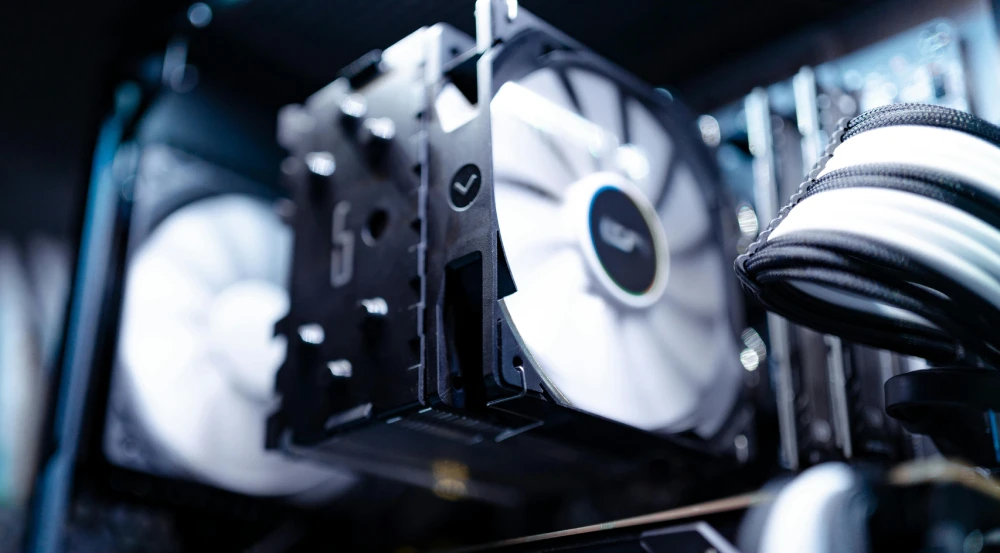
Keep airflow simple and effective
Cooling is part of comfort. Loud fans and heat buildup can ruin focus, especially in long sessions.
Basic airflow rules:
- Give your PC space to breathe;
- Keep intake filters clean;
- Avoid blocking vents with walls or fabric.
A cooler machine is often a quieter machine, and that improves every match.
Monitor and audio upgrades that change everything
Screens and sound shape how “responsive” a game feels, even when your input is the same.
Monitor setup: clarity, size, and positioning
A clean monitor setup makes aiming and tracking easier, and it reduces eye strain.
Practical improvements:
- Set the top of the screen near eye level;
- Use a monitor arm if your desk feels cramped;
- Consider a dual monitor setup if you multitask.
Even one small adjustment can make your gaming setup feel more professional.
Audio setup: hear more without fatigue
A solid gaming headset helps with awareness and immersion, but comfort matters too. If your headset clamps too hard, you will feel it.
Useful audio accessories:
- A simple headset stand to reduce desk clutter;
- A desk mic if you stream or play ranked often;
- Balanced volume so your ears do not get tired.
Sound should help you play better, not drain you.
Cable management and organization for a cleaner gaming room
A messy space adds friction. The goal is not perfection, it is reducing daily annoyance.
Cable management that stays neat
Cable management is the fastest way to make a gaming setup look intentional. It also makes cleaning and upgrades easier.
Start with:
- One power strip mounted or tucked safely;
- Velcro ties for grouping cables;
- A cable tray under the desk if possible.
Once cables are controlled, everything looks cleaner instantly.
Storage and “grab zones”
Create small zones so items stop spreading across your desk.
Helpful zones for a gaming room:
- One tray for controllers, batteries, and small gear;
- One drawer for spare cables and tools;
- One hook or stand for headphones.
Small structure beats big cleanup sessions.
Lighting and vibe: make the setup look good without glare
Lighting is where style meets function. You want an atmosphere without ruining visibility.
RGB lighting and ambient control
RGB lighting can be fun, but it works best when it is indirect. Direct bright lights behind your monitor can cause glare and eye strain.
Easy lighting wins:
- Soft backlighting behind the monitor;
- Ambient lighting that fills the room evenly;
- Avoid strong bulbs aimed at the screen.
This makes your gaming setup feel premium without being distracting.
Camera-friendly lighting for streaming
If you stream or record, lighting matters as much as your webcam.
A simple approach:
- Light your face from the front or slightly to the side;
- Keep the background clean and consistent;
- Use warm, soft lighting instead of harsh overhead light.
Even a basic light improves how professional your space looks.
Build order: the fastest way to upgrade a gaming setup
If you do upgrades in the wrong order, you waste money. If you do them in the right order, even small changes feel huge.
Here is a simple, reliable sequence to follow:
- Fix chair height, posture, and monitor position;
- Clean the desk surface and add basic storage;
- Improve cable management to reduce clutter;
- Upgrade your monitor or audio for the biggest feel change;
- Improve PC cooling and stability if needed;
- Add lighting and style last.
This order makes a gaming setup feel better quickly, because it targets comfort and clarity first.
Budget priorities that work
Before the table, think of this as a quick “what to buy first” guide. Use it to avoid overspending on looks while your fundamentals still feel bad.
| Budget level | Best first upgrades | Why it helps |
| Low | Desk cleanup, cable ties, large mouse pad | Immediate comfort and control |
| Medium | Better chair support, monitor arm, headset | Better posture and clarity |
| High | Monitor upgrade, cooling, desk expansion | Strong performance and space |
If you follow this order, your gaming setup improves in a way you actually feel during play, not just in photos.
Gaming setup performance: play smoother online with ExitLag
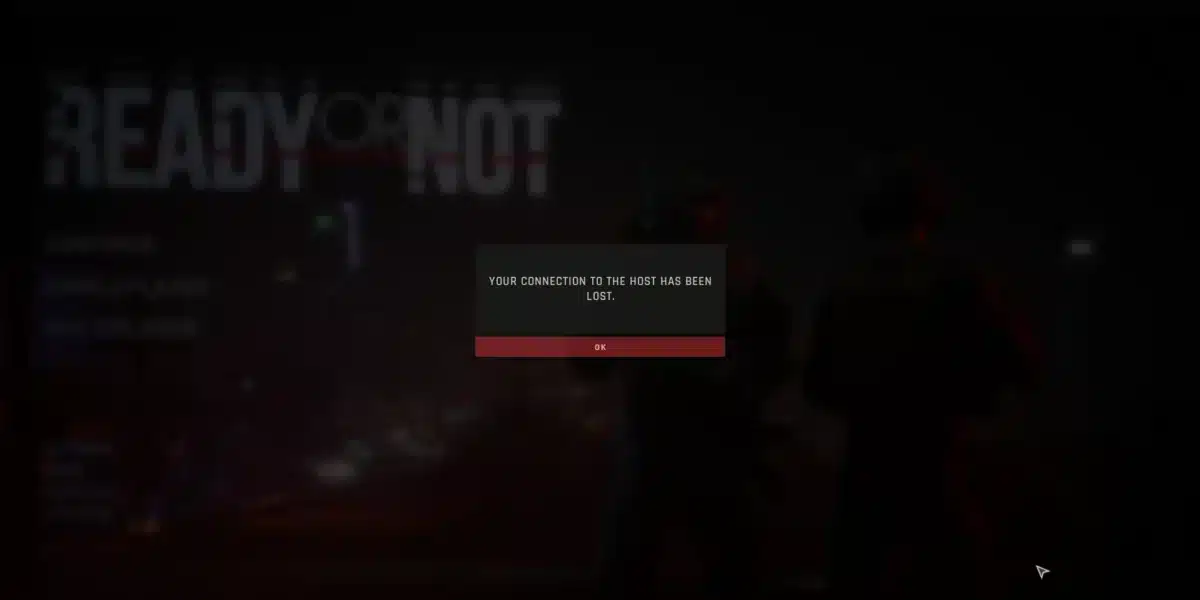
Even a perfect desk can feel bad if your online matches stutter, spike, or desync. That is why network stability is part of a serious gaming setup too.
What connection problems look like during gaming
When your connection is unstable, you may notice:
- Lag spikes that make movement feel delayed;
- Jitter that creates choppy motion;
- Packet loss that causes rubberbanding;
- Random stutters during peak hours.
These issues can make your gameplay feel inconsistent, even when your PC feels fast.
How ExitLag fits into a gaming setup
ExitLag is built to improve route stability for online gaming by testing multiple paths and selecting a more stable route to the game server.
ExitLag is not a VPN. It does not aim to change your location or hide your IP. Its focus is improving connection quality for gaming on PC and supported mobile titles.
If you play competitive games online, a more stable route can make your gaming setup feel more consistent, because your inputs and timing feel closer to what you expect.
FAQ
For a gaming setup, the biggest impact usually comes from comfort and positioning: chair height, monitor distance, and desk layout.
Start your best gaming setup with desk cleanup, cable ties, and a large mouse pad, then upgrade chair support and lighting later.
A solid gaming desk setup needs a stable desk, comfortable chair, good monitor placement, and simple cable management.
A PC gaming setup feels smoother with stable FPS, good cooling, and consistent input settings, not just high max FPS.
For a gaming room, use indirect ambient light and avoid bright bulbs aimed at the screen to reduce glare and eye strain.
Upgrade your gaming setup and play smoother with ExitLag
A great gaming setup is built with smart priorities: comfort first, clarity second, style last, and stability always in the background.
If you want your gaming setup to feel consistent in online matches, focus on reliable posture, clean organization, and stable connection quality so performance is not decided by random spikes.
Got questions or want to connect with other players? Join the conversation at the ExitLag Forum!