Navigating the vast seas of the popular Roblox anime experience requires constant vigilance over in-game inventories. Every single player knows the agonizing feeling of missing a rare purchase because of terrible timing or sudden network delays. Therefore, keeping a close eye on rotation schedules is the ultimate secret to building a powerful inventory.
The Blox Fruits Stock system dictates how players acquire rare abilities using in-game currency or Robux without relying entirely on random drops. Whether you are hunting for a legendary element or a game-changing beast ability, understanding how dealers operate changes your progression speed completely. Furthermore, mastering these rotation timers ensures you never miss out when rare items finally appear.
If you want to secure high-tier powers before they vanish, you must understand how normal and advanced inventories rotate. Let us break down dealer mechanics, reset timers, and optimization strategies so you can dominate your next session.
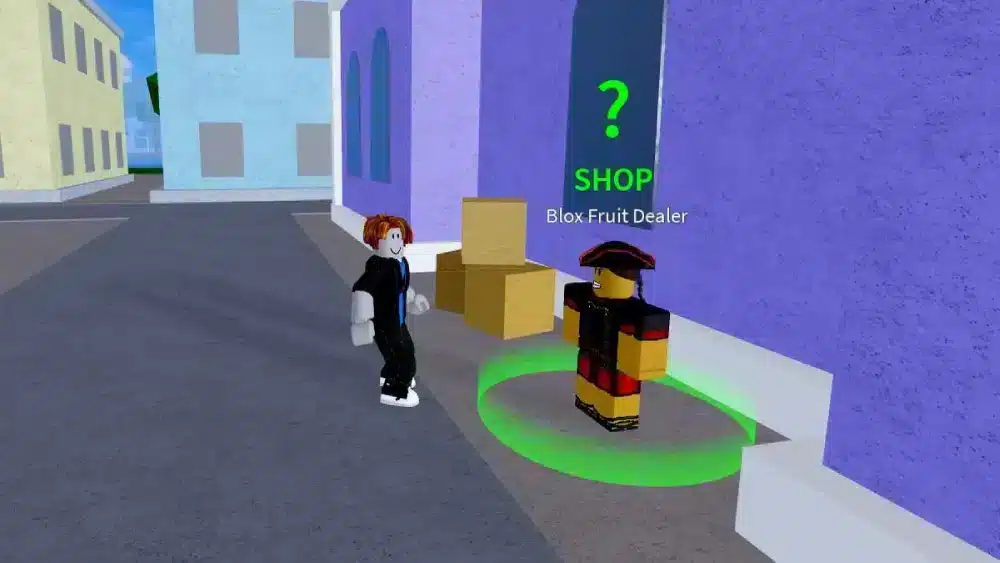
Understanding The Blox Fruits Stock And Dealer Rotations
The game features specialized non-player characters scattered across different islands who sell specific powers directly to players. These dealers update their inventories at strict, predictable intervals throughout the day.
Knowing when these resets happen allows you to plan your gaming sessions around peak inventory drops. Consequently, proactive players always check dealer lists immediately after a timer ticks down.
- Normal stock dealers rotate their inventories every four hours globally.
- Advanced dealers found in later seas update their selections every two hours for higher-tier options.
- Inventories accept both in-game Beli currency and Robux depending on the specific item rarity.
How Normal And Advanced Inventories Work
The standard dealer network provides reliable access to common and uncommon items suitable for early-level progression. As you venture deeper into the oceans, advanced dealers introduce much stronger combat options.
- Early-game islands feature basic natural and elemental options like Flame and Ice for affordable Beli prices.
- Advanced dealers introduce legendary and mythical assets that transform your combat effectiveness instantly.
- Checking both inventories regularly is essential since rare drops appear completely at random.
Why Tracking Blox Fruit Stock Is Essential For Progression
Relying solely on random drops from enemies or random fruit spawns under trees is an inefficient way to build power. Purchasing directly from verified dealers guarantees you get the exact build components you need.
- Buying direct saves dozens of hours otherwise spent farming low-probability enemy drops.
- Securing high-demand options early prepares your character for difficult sea events and raid bosses.
- Smart currency management ensures you always have enough Beli ready when a rare item pops up.
| Dealer Type | Location Access | Refresh Interval | Primary Inventory Focus |
| Normal Dealer | First, Second, and Third Seas | Every 4 Hours | Common and uncommon starter items |
| Advanced Dealer | Second and Third Seas | Every 2 Hours | Legendary and high-tier choices |
| Marketplace Trading | Safe Zones and Cafes | Player Dependent | Permanent fruit exchanges and skins |
How To Master Stock Blox Fruits Timers And Schedules
Timing your login sessions around global server clocks gives you a massive competitive advantage over casual players. Because inventories refresh simultaneously across worldwide servers, being ready right at the reset minute matters.
Global Reset Intervals Explained
Server clocks operate on synchronized schedules that dictate exact inventory refreshes. Missing the window by even a few minutes can mean losing a rare item to another watchful player.
- Normal rotations refresh at fixed intervals throughout the day, aligning with standard UTC milestones.
- Advanced rotations cut that wait time in half, refreshing twice as often to keep high-level gameplay dynamic.
- Setting an external alarm for rotation windows ensures you never miss a rare dealer appearance.
Maximizing Your Beli Reserves For Rare Rotations
Finding your dream item in stock feels terrible if your in-game wallet is completely empty. Maintaining a healthy financial buffer is a core requirement for serious players.
- Farm high-yield sea events and boss raids daily to keep your Beli balance consistently high.
- Avoid spending currency on low-tier items unless you specifically need them for mastery leveling.
- Prioritize saving funds exclusively for legendary or mythical inventory arrivals.
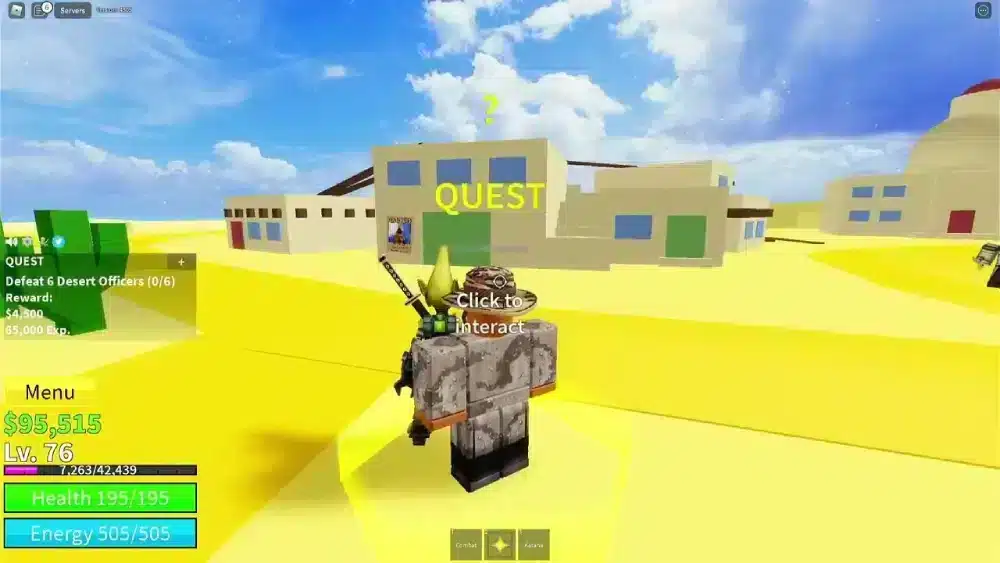
Advanced Strategies For Stock Blox Fruits Management
Optimizing your daily routine in the game involves more than just checking timers. Smart players use structural shortcuts to inspect inventories within seconds of logging in.
Setting Up Spawn Points Near Dealers
Running across an entire island just to check an inventory wastes precious minutes when high-demand items are live. Efficient positioning makes all the difference during busy hours.
- Position your primary spawn point directly next to a major safe zone dealer.
- Log into the game a minute before the global rotation timer hits zero.
- Interact with the inventory instantly upon spawning to secure rare items before servers lag.
Evaluating Utility Versus PvP Potential
Not every expensive item is worth your hard-earned Beli. Understanding meta relevance helps you spend your virtual currency wisely.
- Focus on powers with high area-of-effect damage for fast quest leveling and sea beast hunting.
- Invest in high-mobility options if your primary gameplay loop revolves around player-versus-player combat.
- Consult community discussions to see which items currently dominate the seasonal meta.
Pro Tips: Blox Fruits Stock
- Log in right at reset intervals: Checking the dealer inventory the exact second a timer rolls over gives you first access before high-demand items sell out.
- Keep a backup fortune saved: Never drop below two million Beli so you can instantly purchase unexpected legendary inventory drops without panic farming.
- Utilize private servers for quiet farming: Renting or joining private servers eliminates external interference and lag while you grind Beli for upcoming dealer refreshes.
- Cross-reference community trackers: Monitoring trusted online fan databases helps you spot inventory patterns without needing to stay logged in all day.
Common Mistakes Blox Fruits Stock Players Make
- Spamming purchases on weak common items: Wasting your starting Beli on low-tier inventory leaves you broke when a legendary item finally appears. Fix: Save your currency strictly for high-tier progression staples.
- Ignoring advanced sea dealers: Sticking only to first-sea normal dealers limits your access to the game’s strongest combat abilities. Fix: Advance your level quickly to unlock second and third sea rotating inventories.
- Shopping during peak server congestion hours: Attempting to buy rare items during massive weekend traffic spikes often leads to lag disconnects and lost purchases. Fix: Log in during off-peak morning hours to ensure smooth transaction stability.
Stabilize Your Connection And Eliminate Lag With ExitLag
Roblox multiplayer experiences demand rapid response times and uninterrupted server communication. When your internet service provider routes your data through congested commercial hubs, you suffer from delayed menu interactions and frustrating purchase rollbacks. ExitLag is a dedicated game connection optimizer that analyzes multiple network paths in real time and selects the absolute fastest route for your gaming traffic.
Using advanced Multipath Technology, ExitLag transmits your game data packets simultaneously across several independent routes. If one intermediate network node experiences sudden lag spikes or packet loss, the remaining paths maintain your connection instantly without rubberbanding. Furthermore, the built-in Traffic Shaper prioritizes your gaming data over background applications, ensuring your inputs register the exact millisecond you press them.
- Real-Time Route Optimization: Automatically connects you through the lowest-ping pathway available globally.
- Multi-Internet Support: Combines up to four separate internet connections for ultimate reliability during crucial moments.
- PC Boost Features: Cleans system memory and minimizes background distractions to stabilize your frame rates.
Safe to use with thousands of PC titles, ExitLag operates entirely without modifying game files or triggering server anti-cheat systems. Enjoy seamless trading and inventory management today by getting theExitLag Download for your gaming rig. If you enjoy playing on portable devices, you can also optimize your mobile experience usingExitLag for Android andExitLag for iOS today.
All game images used in this blog post belong to Roblox Corporation. They are used for informational and educational purposes only and do not imply endorsement or affiliation with the rights holders.
Got questions or want to connect with other players? Join the conversation at the ExitLag Forum!