The popularity of Brawl Stars pc continues to grow as more players look for ways to enjoy Supercell’s fast-paced multiplayer game on larger screens. While the game was originally designed for mobile devices, many users prefer playing on a computer for improved controls, enhanced performance, and a more comfortable gaming experience.
Interest in Brawl Stars pc has increased significantly as players search for better ways to compete, manage long gaming sessions, and take advantage of the precision offered by keyboard and mouse setups. For some users, switching from mobile to PC can make gameplay feel smoother and more responsive.
If you are wondering whether Brawl Stars pc is possible and how to set it up correctly, this guide covers everything you need to know. From installation methods to performance optimization and gameplay advantages, you’ll learn how to get the best experience while playing Brawl Stars on a computer.
What is Brawl Stars?
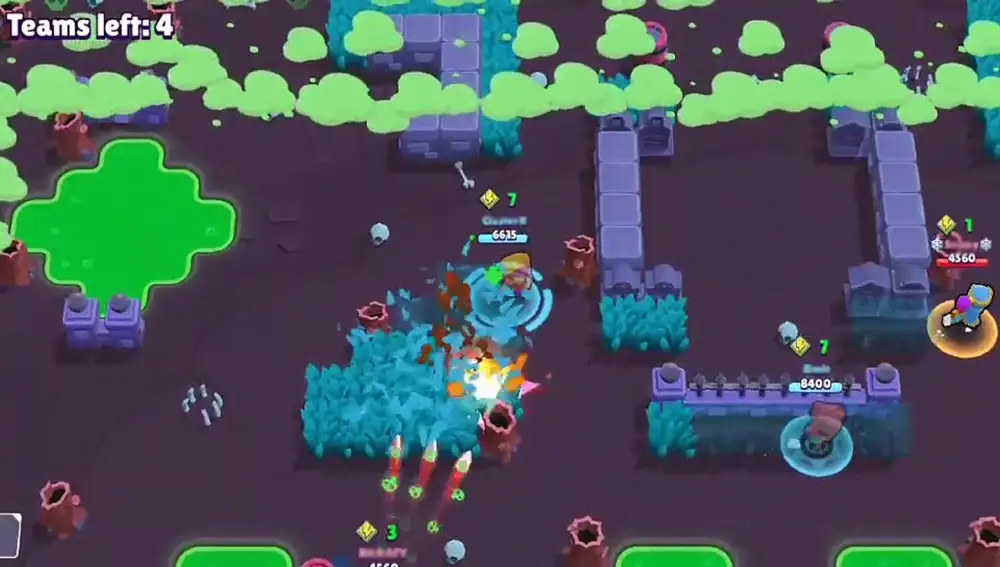
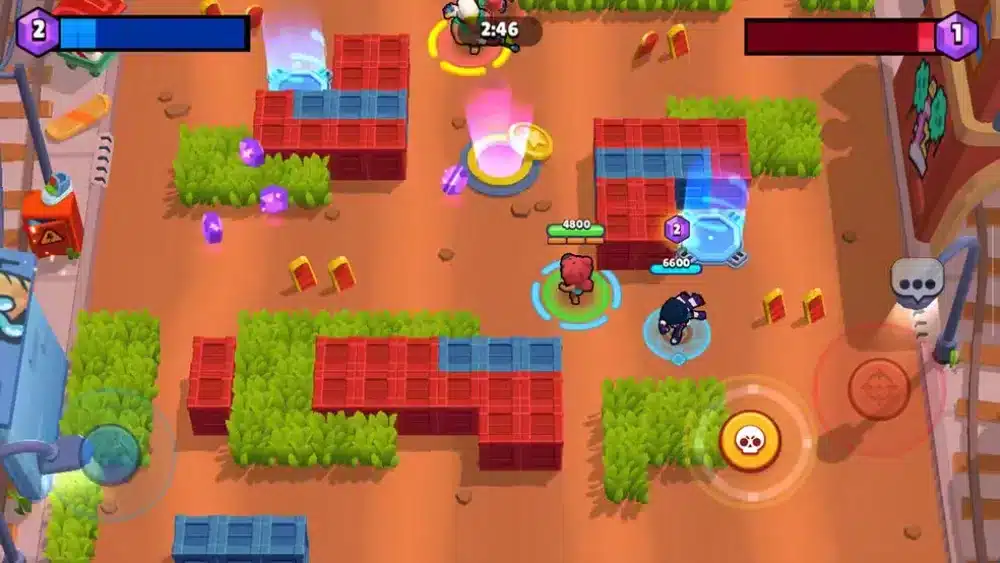
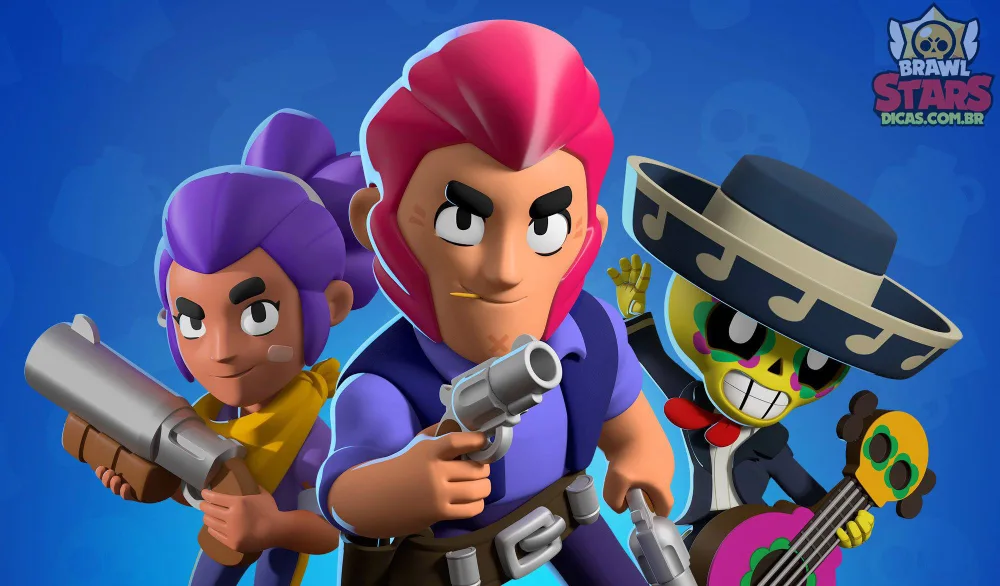
Brawl Stars is a multiplayer action game developed by Supercell. The game features a large roster of unique heroes called Brawlers, each with their own abilities, attacks, and playstyles.
Players compete across various game modes that emphasize teamwork, strategy, and quick decision-making.
Why Brawl Stars became popular
The success of Brawl Stars comes from its accessibility and competitive depth.
Players enjoy:
- Fast matches;
- Diverse game modes;
- Frequent updates;
- Team-based gameplay;
- Unlockable content.
These features help keep the game engaging for both casual and competitive audiences.
Understanding Brawl Stars characters
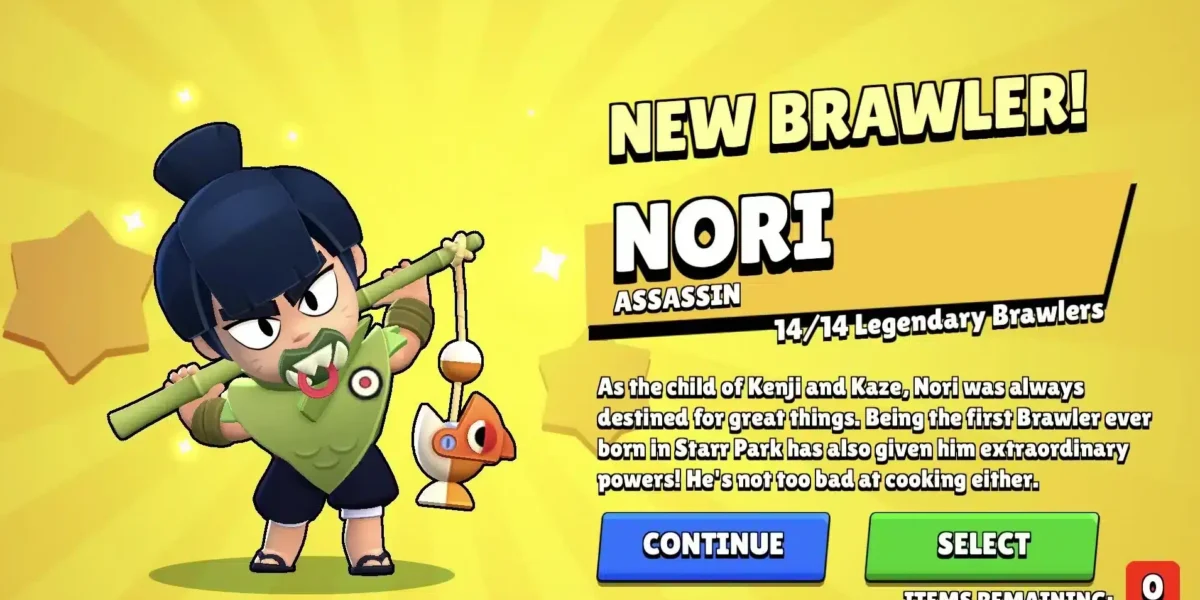
One of the most appealing aspects of the game is its roster of Brawl Stars characters.
Each Brawler offers:
- Unique abilities;
- Different attack styles;
- Distinct roles;
- Strategic advantages.
Learning multiple characters is an important part of improving your overall performance.
Can you play Brawl Stars on PC?
One of the most common questions from players is: can you play Brawl Stars on pc?
The answer is yes. Although there is no dedicated Windows version developed by Supercell, players can access the game on computers through Android emulation software.
Why players choose PC
Many users prefer Brawl Stars pc because computers offer several advantages over mobile devices.
Benefits include:
- Larger displays;
- Improved multitasking;
- Stable performance;
- More comfortable controls.
These advantages can significantly improve the overall gaming experience.
Is Brawl Stars officially available on PC?
Currently, Brawl Stars remains a mobile-first title.
However, Android emulators allow players to run mobile applications on Windows computers, making it possible to enjoy the game on PC.
This is currently the most common method used by players worldwide.
How to play Brawl Stars on PC
Understanding how to play Brawl Stars on pc is relatively straightforward.
Install an Android emulator
The first step is choosing a reliable Android emulator.
Popular options include:
- BlueStacks;
- LDPlayer;
- MEmu;
- NoxPlayer.
These programs create a virtual Android environment on your computer.
Download and install the game
After installing the emulator:
- Sign into your Google account;
- Open Google Play Store;
- Search for Brawl Stars;
- Install the game;
- Launch and begin playing.
This process closely mirrors installing the game on a smartphone.
Setting up controls for Brawl Stars PC
One of the biggest advantages of Brawl Stars pc is the ability to fully customize your controls. Unlike mobile devices, where players are limited to touchscreen inputs, PC setups allow for keyboard and mouse configurations that can be adjusted to match individual preferences and playstyles.
For many players, learning how to play Brawl Stars on pc effectively starts with creating a control scheme that feels natural and responsive. A well-designed layout can improve movement precision, reaction times, and overall comfort during long gaming sessions.
Keyboard and mouse configuration
Most Android emulators provide built-in key mapping tools that allow players to assign game actions to specific keyboard keys and mouse buttons. This flexibility is one of the main reasons why some users prefer Brawl Stars pc over traditional mobile gameplay.
Common control mappings include:
- Movement using WASD keys;
- Primary attacks with the left mouse button;
- Super abilities assigned to keys such as Spacebar or E;
- Gadget activation through keyboard shortcuts;
- Quick menu navigation using hotkeys.
Players who regularly use long-range Brawl Stars characters often appreciate the increased precision that mouse aiming can provide. Sharpshooters and other accuracy-focused Brawlers may feel easier to control when compared to touchscreen inputs.
Another benefit is consistency. Keyboard and mouse controls remain fixed in position, whereas virtual mobile controls can sometimes feel less precise during intense matches.
Optimizing controls for different Brawl Stars characters
Not all Brawl Stars characters play the same way, which means a control setup that works well for one Brawler may not be ideal for another.
For example:
- Sharpshooters benefit from precise aiming controls;
- Tanks prioritize movement and positioning;
- Assassins require quick reactions and mobility;
- Support Brawlers often need fast ability activation.
Players who frequently switch between different character types should consider creating a balanced layout that supports multiple playstyles rather than optimizing exclusively for one role.
This flexibility is one of the reasons why many users ask, can you play Brawl Stars on pc effectively for competitive gameplay. With the right setup, controls can be customized to suit nearly any Brawler in the game.
Finding the right setup
There is no universal “best” control scheme for Brawl Stars pc. Preferences vary based on experience, playstyle, and hardware.
When adjusting your controls, consider factors such as:
- Comfort during long sessions;
- Accuracy while aiming;
- Reaction speed during combat;
- Accessibility of abilities;
- Character selection preferences.
Small adjustments can make a significant difference. Moving an important ability key closer to your movement controls, for example, can improve reaction times during intense fights.
Testing and refining your layout
The best way to improve your Brawl Stars pc experience is through experimentation. Many players spend time testing different layouts before settling on their preferred configuration.
A good approach is to:
- Start with the emulator’s default controls;
- Play several matches;
- Identify actions that feel uncomfortable;
- Adjust key placements;
- Test again and refine gradually.
Players learning how to play Brawl Stars on pc often discover that their preferred layout evolves over time as they gain experience and become more familiar with different game modes and Brawl Stars characters.
By investing time in control customization, you can create a setup that feels natural, improves performance, and makes every match more enjoyable.
Brawl Stars PC performance advantages
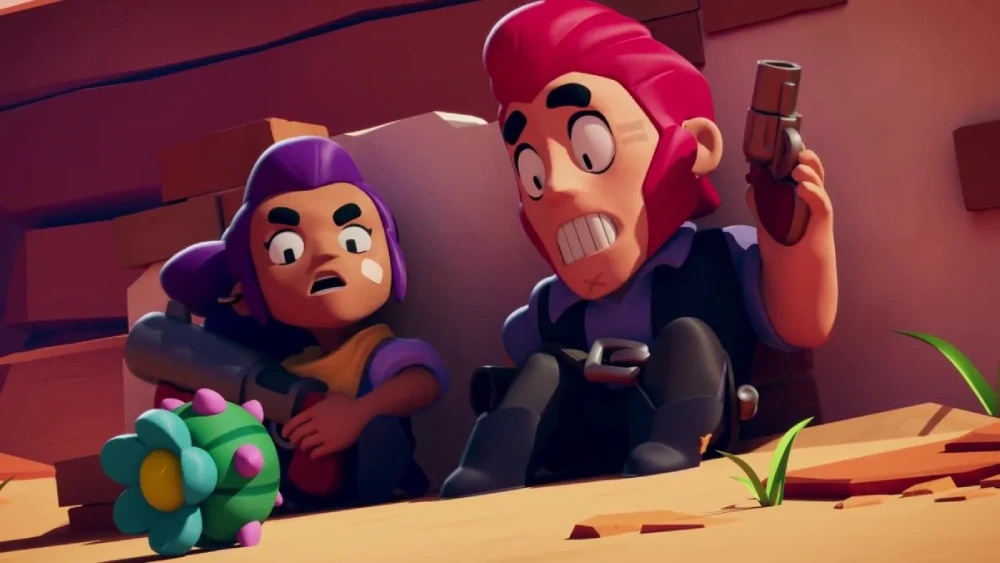
Performance improvements are one of the main reasons players transition to Brawl Stars pc.
Larger screen experience
A larger display makes it easier to:
- Track enemies;
- Monitor objectives;
- Read game information;
- Navigate menus.
This increased visibility can improve situational awareness during matches.
Stable performance and frame rates
Many PCs can deliver more consistent performance than mobile devices.
Advantages may include:
- Smoother gameplay;
- Reduced thermal throttling;
- Longer play sessions;
- Better multitasking capabilities.
These benefits contribute to a more comfortable gaming experience.
Brawl Stars characters and PC gameplay
Understanding Brawl Stars characters becomes even more important when playing on PC.
Precision-focused characters
Certain Brawlers benefit greatly from precise aiming.
These often include:
- Sharpshooters;
- Long-range attackers;
- Skill-shot specialists.
Mouse controls can help improve targeting accuracy for these characters.
Team-based roles
Every team benefits from role diversity.
Common roles include:
- Damage dealers;
- Tanks;
- Support characters;
- Objective controllers.
Learning how different Brawl Stars characters function can improve teamwork and match performance.
Brawl Stars PC comparison table
Before switching platforms, it is useful to compare the typical experience between mobile devices and PC setups. While the core gameplay remains the same, several aspects of the experience can differ significantly.
The table below highlights some key differences.
| Feature | Mobile Version | Brawl Stars PC |
| Screen Size | Small | Large |
| Controls | Touchscreen | Keyboard and mouse |
| Customization | Limited | Extensive |
| Multitasking | Basic | Advanced |
| Session Comfort | Device-dependent | Often higher |
This comparison shows why many players become interested in Brawl Stars pc. While mobile remains the intended platform, PC setups can provide additional flexibility and comfort.
What the table tells us
The biggest difference involves control options and screen size.
Players using PC setups often enjoy:
- Greater visibility;
- Flexible key mapping;
- Enhanced comfort;
- Easier navigation.
These factors can make long gaming sessions more enjoyable.
Does PC provide a competitive advantage?
The answer depends on the player.
Although improved controls may feel more precise, success still depends heavily on:
- Game knowledge;
- Positioning;
- Teamwork;
- Character mastery.
Ultimately, skill remains the most important factor in winning matches.
System requirements for Brawl Stars PC
Most modern computers can run Brawl Stars pc without difficulty.
Minimum requirements
Typical emulator requirements include:
- Modern processor;
- Several gigabytes of RAM;
- Available storage space;
- Updated graphics drivers.
Because the game was designed for mobile devices, hardware demands are generally modest.
Recommended specifications
For smoother gameplay, consider:
- SSD storage;
- Additional memory;
- Multi-core processors;
- Updated operating systems.
These upgrades can improve emulator performance and responsiveness.
Common issues and troubleshooting
Even though how to play Brawl Stars on pc is relatively simple, some players encounter technical problems.
Emulator performance issues
Common symptoms include:
- Lag spikes;
- Slow loading times;
- Stuttering gameplay;
- Input delays.
Updating drivers and allocating additional emulator resources often helps resolve these issues.
Login and synchronization problems
Players occasionally experience account-related issues.
Possible solutions include:
- Verifying credentials;
- Checking internet connections;
- Updating emulator software;
- Restarting the application.
Most synchronization problems are resolved quickly.
Tips for improving your Brawl Stars PC experience
Optimizing your setup can significantly improve gameplay.
Adjust emulator settings
Important settings include:
- Resolution;
- Frame rate limits;
- CPU allocation;
- Memory allocation.
Experimenting with these options helps maximize performance.
Practice control customization
Since PC controls differ from touchscreen controls, spending time refining your setup is highly recommended.
A well-designed control scheme can improve:
- Accuracy;
- Movement;
- Reaction speed;
- Overall comfort.
Small adjustments often make a noticeable difference.
FAQ
Yes. Players can access Brawl Stars pc through Android emulators that run mobile applications on computers.
Install an Android emulator, download the game from Google Play, configure controls, and launch the game.
Yes. Like the mobile version, Brawl Stars is free to download and play.
Most Android emulators allow custom keyboard and mouse mappings for improved control.
Advantages include larger screens, customizable controls, improved comfort, and potentially more stable performance.
Take Your Brawl Stars Experience Further with ExitLag
Playing Brawl Stars pc offers a different way to experience one of the most popular multiplayer mobile games available today. With larger screens, customizable controls, and flexible performance options, many players find PC setups to be an excellent alternative to traditional mobile gameplay.
Whether you are learning how to play Brawl Stars on pc, experimenting with different Brawl Stars characters, or simply looking for a more comfortable gaming setup, a properly configured PC experience can significantly enhance your sessions.
For even better online performance in supported games, ExitLag helps optimize connection routes, reduce instability, and improve responsiveness.
Try ExitLag and enjoy a smoother gaming experience with more consistent network performance!
Got questions or want to connect with other players? Join the conversation at the ExitLag Forum!