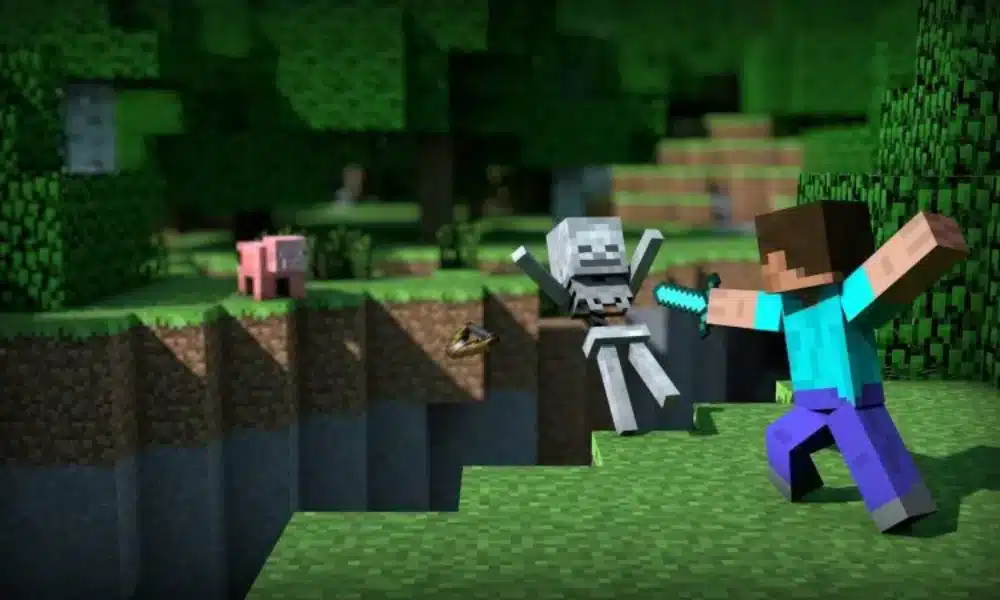
Not every great gaming session needs a download, an install screen, or 40GB of free space. Browser games let you open a tab and start playing in seconds, whether you are on a work break or killing time before a friend logs on.
They range from tiny experiments built by solo developers to fast, competitive multiplayer arenas that rival full client games. Good browser games ask nothing of your hard drive and almost nothing of your patience.
So what actually makes browser games worth your time? The short answer: fast loading, no installation, cross-device access, and gameplay deep enough to keep you coming back. This guide covers the best options across genres, how they work technically, and how to keep them running smoothly.

Why Browser Games Are Still Worth Your Time
Browser games remain relevant because they remove every barrier between you and actually playing. Notably, there is no account wall, no 20-minute patch download, and no worry about whether your laptop meets the system requirements.
That accessibility is exactly why browser games still pull in massive daily audiences on sites like CrazyGames, Poki, and itch.io. Furthermore, many of today’s best titles use the same rendering technology found in commercial engines.
How Browser Games Work Without a Download
Modern browser games run entirely on open web standards: HTML5, JavaScript, and either WebGL or the newer WebGPU for graphics rendering. As a result, nothing needs to be installed because the browser itself acts as the runtime.
According to Mozilla’s official game development documentation, the modern web platform now supports the graphics, audio, and input handling needed for genuinely complex games, not just simple arcade clones.
This matters for players because:
- Games load in seconds instead of minutes
- Updates happen automatically when you refresh the page
- There is no risk of a corrupted install or missing DLL file
- The same save data can often sync across devices through your browser account
Browser Games vs Installed Games: Key Differences
Installed games generally still win on raw graphical fidelity and offline access. However, browser games win decisively on convenience, device compatibility, and how quickly you can jump in.
| Factor | Browser Games | Installed Games |
|---|---|---|
| Setup time | Seconds (just open a tab) | Minutes to hours (download, install, patch) |
| Storage used | Near zero, cached temporarily | Often 10GB to 100GB+ |
| Device flexibility | Works on almost any modern browser | Locked to the platform it was built for |
| Update process | Automatic on page refresh | Manual or client-managed patches |
| Typical graphics ceiling | Improving fast with WebGPU | Still generally higher for AAA titles |
What Are the Best Browser Games Right Now?
The best browser games right now split cleanly into three camps: fast multiplayer arenas, minimalist story or idle experiences, and classic puzzle formats. Consequently, each camp rewards a different kind of session length.
If you have five minutes, a puzzle or idle game fits. If you have thirty, a multiplayer arena or narrative game like A Dark Room makes more sense.
Best Browser Games For Solo Play
These titles do not need a second player to be worth your time. Notably, several have become genre-defining examples of what a good browser game can do with almost nothing.
- A Dark Room: A minimalist text-based survival and exploration game that slowly reveals a much bigger world.
- 2048: A simple number-merging puzzle that is easy to learn and genuinely hard to master.
- Cookie Clicker: The idle game that popularized the entire genre, still actively played today.
- Little Alchemy 2: A relaxed combination puzzle where you mix basic elements to discover new ones.
Best Web Browser Games For Fast Multiplayer Action
Looking for something more competitive? Indeed, the best web browser games in this category focus on quick matches, simple controls, and instant lobbies with strangers or friends.
- Slither.io: A snake-style arena game where you grow by outmaneuvering other players.
- Diep.io: A tank-based shooter with upgrade trees and multiple game modes.
- Shell Shockers: A first-person shooter starring armed eggs, built entirely for the browser.
- Skribbl.io: A drawing and guessing party game perfect for a group call.
Free Browser Based Multiplayer Games To Play With Friends
The most useful free browser based multiplayer games are the ones that let a whole group join instantly with a shared link, no accounts or invites required. As a result, that single feature is what makes them so popular for casual hangouts.
Titles like Skribbl.io, Bonk.io, and Among Us in its browser version all lean on this exact strength: open a link, pick a name, and you are in.
Top Free Browser Based Multiplayer Games By Genre
Different friend groups want different things from a session, so it helps to sort options by genre rather than just popularity.
- Party and social: Skribbl.io, Among Us (browser version), Gartic Phone
- Physics and chaos: Bonk.io, Getaway Shootout
- Battle royale style: Surviv.io, Paper.io 2
- Shooter arenas: Shell Shockers, Krunker.io
If your group enjoys the social deduction format, ExitLag’s guide on how to play Among Us in your browser covers setup, lobby codes, and impostor strategy in detail.
Looking for something built specifically for a group hangout instead of a competitive arena? ExitLag’s list of the best party games rounds up several browser-friendly picks alongside local co-op favorites.
Free Browser Games Worth Bookmarking
In addition to multiplayer picks, plenty of free browser games deserve a permanent spot in your bookmarks bar simply because they respect your time and never demand payment to progress.
Idle and incremental titles are a great example. ExitLag’s roundup of the best idle games breaks down several browser-friendly picks if slow, steady progress is more your speed than fast reflexes.
Roblox also runs directly in a browser tab on many devices without the full client installed. ExitLag’s guide to playing Roblox online for free explains exactly how that browser access works and where it is available.
Why Is A Dark Room One of the Best Browser Games Ever Made?
A Dark Room earned its reputation by starting as almost nothing: a single button, a fire, and a clock. Subsequently, it gradually unfolds from that blank slate into a survival, crafting, and exploration game with real narrative weight.
It remains one of the clearest examples of a dark room browser games fans point to when arguing that minimal graphics do not limit depth.
The Story Behind A Dark Room
A Dark Room was originally released as a free web game and later ported to mobile platforms, according to its entry on Wikipedia. Notably, its text-first design was a deliberate choice by its creators.
The game slowly introduces new systems, from firewood gathering to trading and combat, without ever explaining anything directly. Players are expected to experiment, which is part of what made it stand out among cool browser games of its era.
Cool Browser Games Like A Dark Room
If the slow-burn discovery style appealed to you, several other titles scratch the same itch through minimalist design paired with surprising depth.
- Candy Box 2: Another text-based game that expands into unexpected mechanics over time.
- Universal Paperclips: An idle strategy game about an AI optimizing paperclip production.
- Kittens Game: A resource management game with a deceptively simple opening screen.
Good Browser Games For Every Type of Player
There is no single answer to what makes a good browser game, because the right pick depends entirely on how much time and attention you want to spend. Indeed, matching the game to the moment matters more than chasing whatever is trending.
Consequently, it helps to think in terms of session length rather than genre alone when picking something new to try.
Good Browser Games For Quick Sessions
When you only have a few minutes, look for online browser games with short, self-contained rounds instead of anything that punishes you for stopping early.
- Wordle-style daily word puzzles
- 2048 or similar merge puzzles
- Quick .io shooters with fast respawns
Good Browser Games For Long-Term Progression
If you want something to return to over weeks rather than minutes, idle games, incremental strategy titles, and narrative games like A Dark Room reward patience instead of reflexes.
- Start with a low-commitment idle game to test the genre.
- Move to a deeper incremental title once the basics click.
- Try a narrative browser game for a change of pace.
- Rotate between two or three titles to avoid burnout.
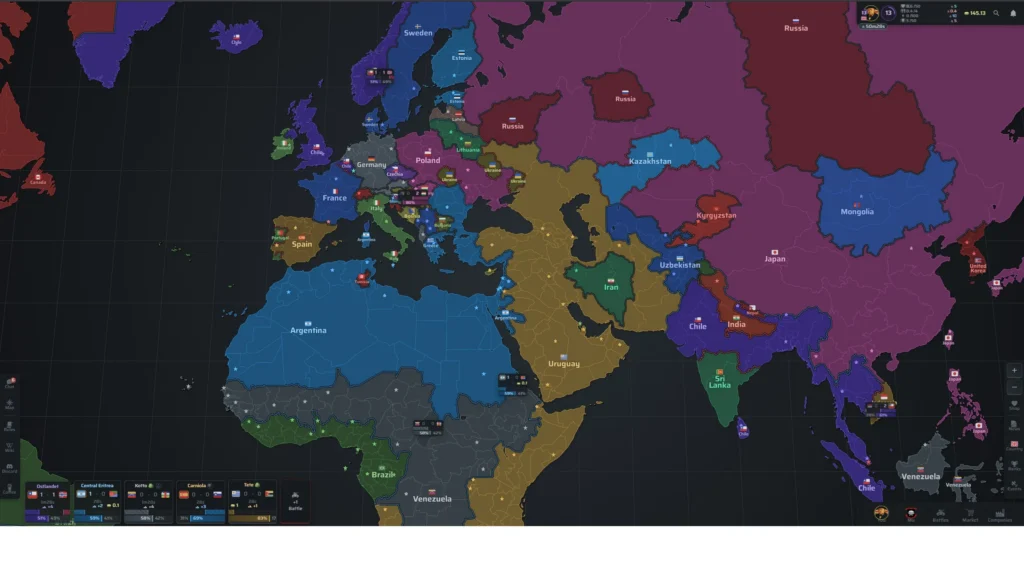
How To Get the Best Experience With Online Browser Games
Getting smooth performance from online browser games is less about your hardware and more about your browser setup and your connection stability, especially in multiplayer titles.
A fast CPU rarely matters here. In fact, what matters is a clean browser environment and a stable route to the game server.
Pro Tips: Online Browser Games
- Close unused tabs: Every open tab shares your browser’s memory and CPU, so idle tabs can quietly cause stutter in graphically heavier titles.
- Use a modern, updated browser: Chrome, Firefox, and Edge all receive regular WebGL and WebGPU performance improvements, so staying updated genuinely helps frame rates.
- Disable heavy extensions while playing: Ad blockers and script managers occasionally interfere with canvas rendering or multiplayer sockets.
- Check your connection before ranked or competitive rounds: Multiplayer .io games are sensitive to packet loss, and a single spike can cost you a match.
Common Mistakes Browser Game Players Make
- Running too many background tabs: This eats into available memory and causes frame drops. Fix: keep gaming tabs isolated in their own browser window.
- Ignoring browser updates: An outdated browser can lack key WebGPU or WebGL optimizations. Fix: enable automatic updates.
- Blaming the game for lag that is actually network related: Many “laggy” browser games are simply suffering from an unstable route to the server. Fix: test your connection stability directly rather than assuming the game is at fault.
Play Browser Games Smoother With ExitLag
If you spend real time in fast multiplayer browser games, connection stability matters just as much as reflexes. ExitLag is a game connection optimizer, not a VPN, built specifically to solve this problem.
Specifically, it works by analyzing multiple network paths in real time and routing your traffic through the fastest, most stable option available for that specific game server.
How ExitLag Optimizes Free Browser Based Multiplayer Games
ExitLag supports over 4,000 titles across PC and mobile, backed by more than 1,500 servers spanning 190+ countries. That scale matters directly for free browser based multiplayer games, where every extra millisecond of delay can mean a missed shot or a late dodge.
Its Multipath technology sends your data through several routes at once, so if one path degrades, another keeps your connection stable. For anyone jumping between titles like Shell Shockers, Krunker.io, or Bonk.io in the same session, that stability is the difference between smooth play and constant rubber-banding.
ExitLag does not modify game files, inject code, or interact with anti-cheat systems in any of its supported titles. Instead, it simply improves the route your data already travels.
Getting Started With ExitLag For Browser Games
Getting set up takes only a few minutes, and the optimization runs quietly in the background while you play.
- Grab ExitLag Download if you are playing on a PC browser.
- On a phone or tablet, use ExitLag for Android or ExitLag for iOS to optimize mobile browser sessions too.
- Avoid running ExitLag alongside a VPN at the same time, since the two can conflict and reduce overall effectiveness.
Whether you are grinding an idle game, exploring a dark room browser games style adventure, or dropping into a fast .io shooter, a stable connection keeps the experience exactly as smooth as it should be.
Browser games have quietly become one of the most flexible corners of gaming: instant, cross-device, and constantly improving as web technology catches up to native engines. There has never been a better moment to bookmark a few new favorites and start playing.
All game images used in this blog post belong to their respective developers and publishers.
They are used for informational and educational purposes only and do not imply endorsement or affiliation with the rights holders.
Got questions or want to connect with other players? Join the conversation at the ExitLag Forum!