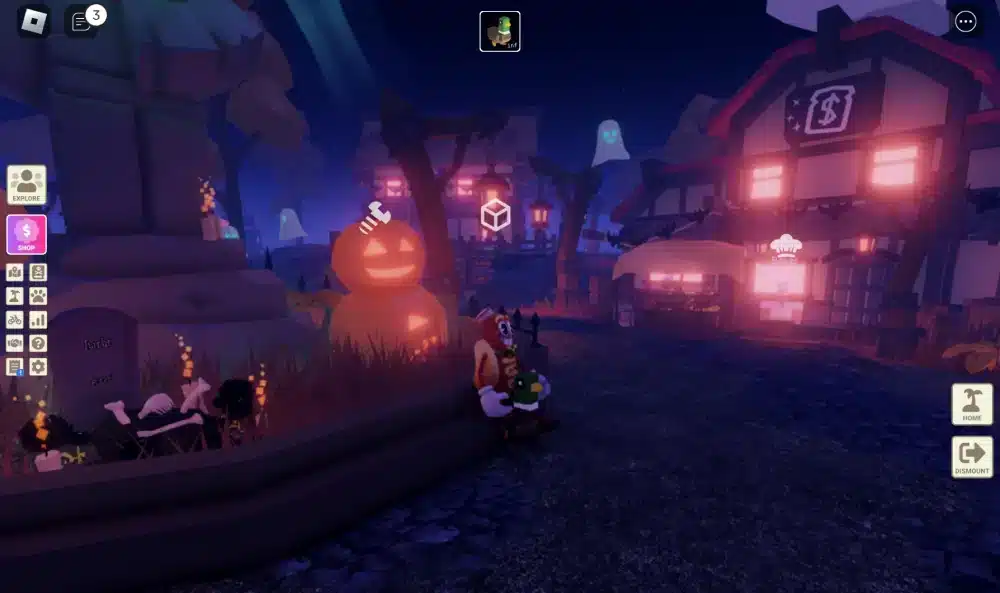
If you want free online Roblox access without filling your device with another installation, there are several ways to approach the platform. Roblox has grown into a massive collection of user-created experiences rather than a single traditional game, so players can move between obstacle courses, role-playing games, simulators, survival experiences, racing games, social worlds, and countless other creations. The appeal is simple: you can discover something different almost every time you log in.
For players looking for free online Roblox, the main question is usually whether it is possible to start playing without installing the standard Roblox application. The answer depends on the device and the method being used. Roblox officially supports dedicated applications, while browser and cloud-based services can provide alternative ways to access selected experiences. The important difference is that these alternatives may not reproduce every feature of the complete Roblox client.
What is free online Roblox?
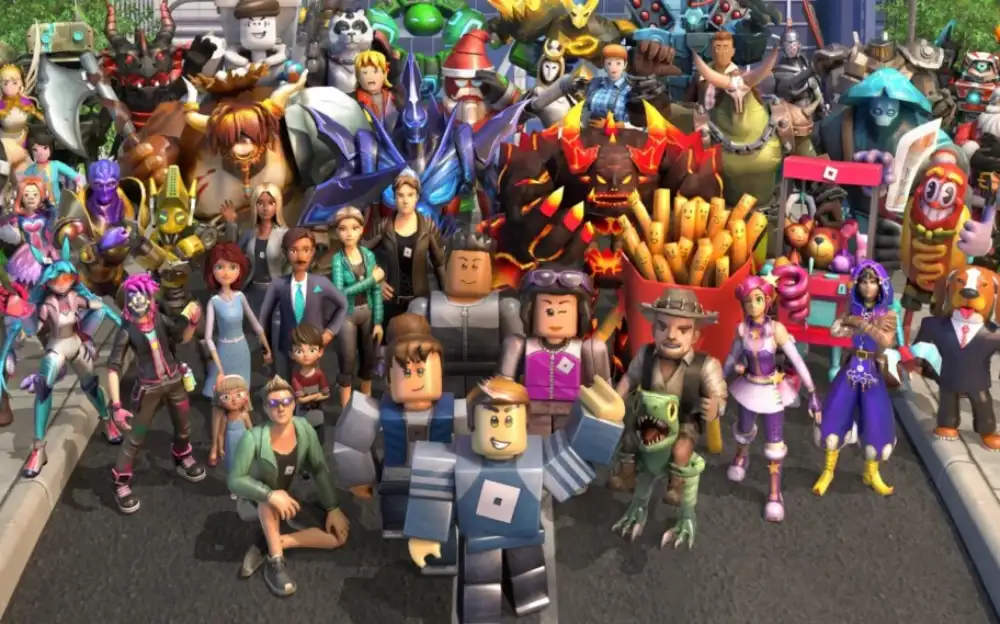
At its core, free online Roblox means accessing Roblox experiences without paying an entry fee for the platform itself. Roblox describes its service as a gaming and creation platform containing millions of experiences created by its community. Joining and playing Roblox is free, although certain experiences, features, avatar items, and upgrades can involve Robux.
For players interested in free online Roblox, the first thing to understand is how access works. Roblox normally uses an application or player installed on a supported device. When you select an experience through the official Roblox website, the Play button can launch the Roblox Player. However, cloud gaming services can change the process by running the game remotely and streaming the result to your device.
Free Online Roblox: Can You Play Without Downloading?
The idea behind free online Roblox without a conventional installation is straightforward. Instead of running the complete game locally, the player accesses an experience through a browser or a cloud gaming service. In a cloud setup, the game is processed on a remote server, while your device receives the video output and sends your controls back to the server.
This approach can be useful when storage space is limited or when a computer cannot easily accommodate another application. It can also make sense when someone wants to test an experience before committing to a complete installation.
However, it is important to distinguish between official Roblox access and third-party cloud services. Roblox itself provides official download and installation options for supported devices. Therefore, a browser-based solution should not automatically be treated as an official replacement for the Roblox application.
What Does Free Online Roblox Actually Mean?
The phrase free online Roblox can describe several different situations.
First, it can refer to the fact that Roblox itself is free to join and play. Roblox confirms that users can play the platform without paying, while optional Robux purchases can provide access to certain virtual items and features.
Second, it can describe browser or cloud access where the player does not install the complete Roblox client locally. This is the interpretation most people have when searching for ways to play without a download.
Third, it can describe situations where players want immediate access from devices with restrictions. A school Chromebook, an older computer, or a device with very little available storage can make conventional installation less convenient.
These meanings should not be confused. Free access does not necessarily mean installation-free access, and browser access does not necessarily provide the same capabilities as the official application.
How Cloud Gaming Changes Access
Cloud gaming works by moving the computational workload away from the player’s device. Instead of rendering the entire experience locally, a remote computer or server runs the game and streams the result to the player.
For free online Roblox, this can be especially useful when the local device is not powerful enough to run Roblox comfortably. The device still needs a reliable internet connection because the game depends on continuous communication with the remote service.
The basic process is usually:
- Open a supported browser or cloud gaming service.
- Find the available Roblox experience.
- Start the session through the service.
- Wait for the remote game to load.
- Control the experience through your keyboard, mouse, touchscreen, or compatible controller.
The exact process varies between services. Some may require an account, while others may offer limited guest functionality. Availability can also change, so players should always check the current conditions of the service they intend to use.
How to Access Free Online Roblox on Different Devices
The best approach to free online Roblox depends heavily on the device. A modern gaming PC has different requirements from a school Chromebook, while mobile devices introduce another set of considerations.
Roblox officially supports multiple platforms, and its official documentation explains how players can install and launch the Roblox Player through a modern browser. That makes the standard installation the most predictable option for players who want the complete experience.
Nevertheless, browser and cloud approaches can still be useful in specific situations.
Playing Roblox on a PC Browser
A PC is generally the most flexible environment for accessing free online Roblox. Players can use a modern browser to visit Roblox, sign into their account, select an experience, and launch the supported player.
If the objective is specifically to avoid installing Roblox locally, cloud gaming may provide another route. The important distinction is that the browser itself does not necessarily turn Roblox into a browser-native game. Instead, a cloud service can stream a remotely running game to the browser.
This distinction matters because performance depends on more than the computer’s hardware. The quality of the experience can also depend on:
- Internet bandwidth
- Connection stability
- Latency
- Distance from the cloud server
- Browser performance
- Cloud service capacity
- Input responsiveness
A powerful PC can still experience problems if the network connection is unstable.
Playing Roblox on Mobile Devices
Mobile players looking for free online Roblox may want to avoid downloading a large application, particularly when storage is limited. Cloud-based access can provide an alternative in situations where a compatible service supports the desired experience and device.
However, touch controls can make some Roblox experiences less comfortable to play through a browser or streaming environment. Games designed around precise mouse movements or keyboard combinations may feel different on a touchscreen.
The official Roblox application remains the most direct option for mobile users who want broad access to Roblox experiences. Players should also be cautious about unofficial applications claiming to provide unlimited Roblox access, free Robux, or special versions of the platform.
Playing on a Chromebook
Chromebooks can be particularly relevant to searches for free online Roblox because some devices have limited application support or are managed by schools and organizations.
Cloud gaming may work in situations where a compatible service is available. Nevertheless, players should never attempt to circumvent school or organizational restrictions without permission. Network restrictions are often implemented for security, productivity, or safeguarding reasons.
If a Chromebook is personally owned and supports Roblox, the appropriate option is to follow the official platform requirements. If it is managed by a school, workplace, or another organization, the administrator’s policies should take priority.
Free Online Roblox and the Roblox Download Question
One of the most common misunderstandings surrounding free online Roblox involves the difference between playing for free and playing without a download.
Roblox is free to join and play, but the standard experience on supported devices normally involves installing the Roblox Player or application. Roblox’s official instructions explain that selecting Play from the Roblox website can trigger the Roblox Player installation process.
Therefore, a Roblox download is still the official route for many players.
Cloud gaming changes only where the software is executed. Instead of downloading and running the complete game locally, the player interacts with a remotely hosted session.
When the Official Roblox Download Is Better
For players who have enough storage and a supported device, the official Roblox download generally offers the most complete experience.
It can provide:
- Broader access to Roblox experiences
- More predictable controls
- Better integration with the operating system
- Direct account functionality
- More consistent graphics performance
- Fewer dependencies on third-party streaming services
The official Roblox download page is the safest starting point for players who want the standard application.
When Avoiding a Download Makes Sense
There are legitimate reasons to prefer free online Roblox through a browser or cloud service.
A player may be using a computer with limited storage. Another user may be testing Roblox on a device that they do not want to modify permanently. Someone else may simply want a quick way to determine whether a particular experience is worth playing.
In these situations, cloud access can be convenient.
However, convenience should not come at the expense of account security. Roblox specifically warns users to avoid unfamiliar links and suspicious websites, particularly websites promising free Robux or asking for account credentials outside official Roblox login environments.
Free Online Roblox, Robux, and Account Safety
A major part of the free online Roblox conversation involves Robux. Robux is Roblox’s virtual currency and can be used for certain virtual items, avatar accessories, and features within experiences. Roblox itself explains that playing the platform is free while some enhancements require Robux.
That means players do not need to purchase Robux to begin exploring Roblox. However, some experiences can include optional purchases.
Understanding Robux
Robux is not the same thing as access to Roblox itself.
A player can create an account and play free experiences without purchasing Robux. The virtual currency becomes relevant when a user wants optional content, including certain avatar items or experience-specific features.
This distinction is important because websites offering “free Robux generators” or unlimited currency are frequently used to trick players into providing usernames, passwords, verification codes, or other sensitive information.
A safer rule is simple: do not provide your Roblox credentials to a third-party website promising free currency.
Avoiding Fake Free Roblox Offers
When searching for free online Roblox, players may encounter websites that use similar terminology to attract attention. Some may claim to offer unlimited Robux, free memberships, hacks, generators, or special downloads.
These offers should be treated with extreme caution.
Roblox’s security guidance specifically warns about phishing websites designed to steal usernames and passwords, including websites that promise free Robux.
Before using any website, check:
- Whether the domain is trustworthy
- Whether it requires your Roblox password
- Whether it promises unrealistic rewards
- Whether it asks you to install an unknown executable
- Whether it redirects you through suspicious pages
- Whether the login page is actually an official Roblox page
A legitimate free game should not require you to surrender your account credentials to an unrelated website.
Free Online Roblox: Browser and Cloud Options Compared
The right approach to free online Roblox depends on what you value most. A cloud service may be convenient, while the official application may provide broader compatibility.
The following comparison summarizes the main differences.
| Access method | Installation | Main advantage | Main limitation | Best for |
| Official Roblox application | Required | Complete and predictable access | Uses local storage | Regular players |
| Browser through official Roblox website | Player may be launched | Simple game discovery | Usually connects to the Roblox Player | Players starting from the web |
| Cloud gaming | Usually not locally required | Access from compatible devices | Depends heavily on internet quality | Low-spec or restricted devices |
| Mobile application | Required | Designed for touchscreen devices | Uses device storage | Phone and tablet players |
| Chromebook-compatible method | Depends on device | Flexible for supported systems | Restrictions may apply | Compatible Chromebook users |
This is why free online Roblox should not be understood as a single technical method. It is better viewed as a group of access options designed around different hardware and connectivity situations.
Advantages of Free Online Roblox Without a Local Installation
One of the strongest reasons players search for free online Roblox is convenience. Installing software is not always practical, especially when storage, permissions, or hardware are limited.
Cloud access can reduce the amount of software that needs to be installed locally.
Saving Storage Space
Storage is an increasingly important consideration on smaller devices. A player using a low-capacity laptop or mobile device may not want to dedicate additional space to games.
With a cloud approach, much of the processing and game data handling happens remotely. The local device still needs to manage the browser and streaming session, but the player does not necessarily need the full game installation.
This can make free online Roblox attractive for temporary or occasional sessions.
Testing Roblox Experiences Quickly
Roblox contains an enormous variety of experiences. Some players want to test a new experience before deciding whether to spend more time with it.
A quick cloud session can reduce the barrier between discovering an experience and trying it.
This is particularly useful for players who frequently jump between different genres. Roblox can contain role-playing experiences, racing games, simulations, competitive games, social spaces, horror experiences, and creative projects.
Access From Lower-Spec Devices
Another potential benefit of free online Roblox through cloud gaming is that the local device does not necessarily perform all the game’s graphical calculations.
This can help when a computer is too weak to provide a comfortable local experience. Nevertheless, cloud gaming does not eliminate performance problems. It simply moves part of the workload to another location.
The player’s connection becomes much more important as a result.
Performance Factors That Affect Free Online Roblox
Even when free online Roblox is available through a browser or cloud service, performance can vary considerably.
A stable internet connection is essential because cloud gaming involves constant data exchange. If the connection fluctuates, the streamed image may become blurry, controls may feel delayed, or the session may disconnect.
Ping and Latency
Latency is the time required for data to travel between your device and the relevant server.
In an interactive game, lower latency generally means that actions feel more responsive. High latency can create a noticeable delay between pressing a key and seeing the corresponding action.
For free online Roblox, this becomes especially important in competitive or reaction-based experiences.
Cloud gaming introduces another layer because the game is running remotely. Your input must reach the cloud server, the server must process it, and the resulting video must return to your device.
Connection Stability
A connection does not have to be extremely fast to be useful. Stability can be equally important.
A connection that repeatedly drops packets or fluctuates heavily can produce a worse experience than a slower but consistent connection.
Players can improve their chances of a smooth session by:
- Using a stable Wi-Fi connection
- Moving closer to the router when possible
- Closing unnecessary bandwidth-heavy applications
- Avoiding simultaneous large downloads
- Using a wired connection on compatible PCs
- Choosing a geographically appropriate server when available
These practices can make free online Roblox sessions more consistent, particularly when streaming is involved.
Free Online Roblox and the Play Hop Experience
Players sometimes encounter the phrase play hop when searching for ways to move quickly between Roblox experiences or discover new games.
In practical terms, hopping between experiences is part of what makes Roblox different from a conventional single-title game. The platform allows users to explore a large collection of independent experiences created by different developers.
A player might spend several minutes in an obstacle course, move into a role-playing experience, then switch to a survival game or social world.
Discovering Different Experiences
The variety of Roblox is one of its biggest strengths. The platform is designed around user-generated experiences, meaning the catalog changes constantly.
Roblox explains that experiences can range from obstacle courses and racing games to creative simulations and other interactive worlds.
That variety makes free online Roblox useful for players who do not want to commit to one particular genre.
Finding Games Through Recommendations
Roblox also uses recommendation and discovery systems to help users find experiences. Its creator documentation explains that recommendations can consider signals related to engagement, retention, social interaction, friend activity, and other factors.
As a result, two players can receive very different recommendations.
If you enjoy experimenting, moving between experiences can help the platform learn more about the types of games you prefer.
What to Expect From Free Online Roblox
The biggest benefit of free online Roblox is accessibility. The biggest trade-off is that not every browser or cloud method provides exactly the same functionality as the official application.
Understanding those differences before starting can prevent disappointment.
Graphics and Visual Quality
Streaming can affect image quality. A cloud service has to compress and transmit video in real time, so visual quality can change depending on network conditions.
The installed Roblox application may provide a more direct rendering pipeline on a capable device.
Therefore, players seeking maximum graphical consistency should generally prefer the official application when their hardware supports it.
Game Availability
Not every third-party platform necessarily provides access to every Roblox experience.
Some services may support selected titles, while others may have restrictions based on region, device, licensing, or technical compatibility.
This is one reason free online Roblox should be evaluated on a service-by-service basis instead of assuming that every Roblox experience will be available through every browser platform.
Account Progress
Account-based progress is another important consideration.
Roblox accounts allow players to maintain their identity, inventory, social connections, and other platform information. However, a third-party cloud service may introduce its own login process or restrictions.
Players should always make sure they understand how account authentication works before entering credentials.
The safest approach is to use official Roblox login pages whenever credentials are required. Roblox itself recommends entering login information only through official Roblox websites or official applications.
Free Online Roblox for New Players
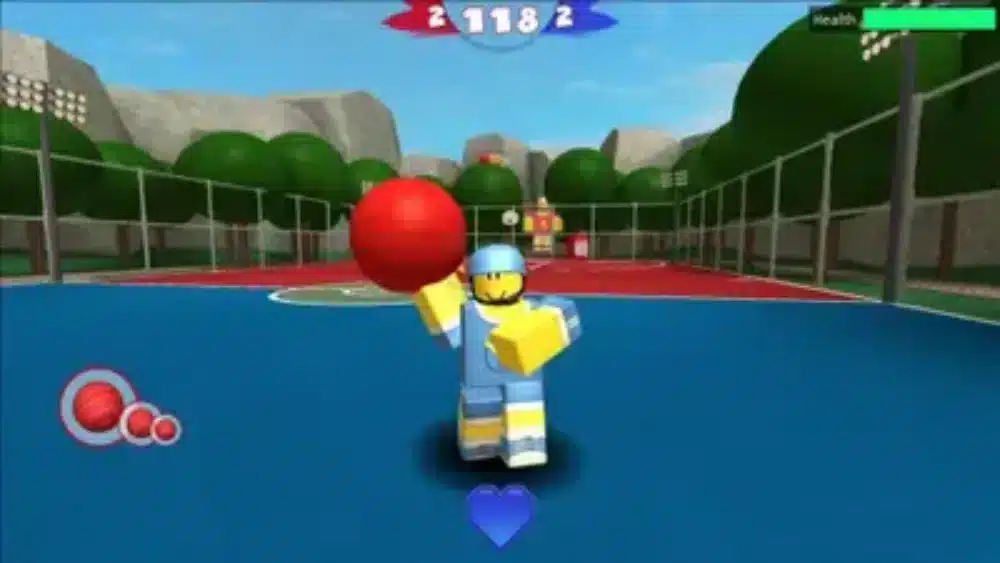
For someone completely new to Roblox, free online Roblox can seem confusing because the platform does not work exactly like a traditional game.
There is no single campaign or fixed progression path. Instead, users create or select an avatar and then explore individual experiences.
Roblox Is a Platform, Not Just One Game
Roblox’s official documentation emphasizes that Roblox is a platform containing millions of user-generated games and experiences.
This means the word “Roblox” can refer to the platform itself, the application used to access it, or the individual experiences hosted inside it.
Understanding this structure makes it easier to navigate the platform.
Starting With Free Experiences
New players can begin without purchasing anything. Since Roblox is free to join and play, there is no need to spend Robux simply to explore the platform.
A good starting strategy is to try several different genres rather than immediately focusing on one popular experience.
For example, a new player might explore:
- Obstacle courses
- Racing experiences
- Role-playing worlds
- Survival games
- Social experiences
- Simulation games
- Horror experiences
- Adventure games
This makes free online Roblox particularly appealing to players who enjoy variety.
Free Online Roblox: Common Mistakes to Avoid
Searching for free online Roblox can lead players toward useful information, but it can also expose them to misleading claims.
The most common mistake is assuming that every website offering browser access is legitimate.
Downloading Unknown Programs
If a website claims that you need to install a special launcher, extension, executable, or modified Roblox client, investigate it carefully.
Roblox warns users about malware and recommends downloading programs only from trusted sources.
The safest option is to use the official Roblox application when you need the full installed experience.
Giving Away Your Account
Never provide your Roblox password to an unrelated website simply because it promises free Robux, exclusive items, cheats, or instant access.
Account credentials should be treated as private information.
If a service requires authentication, verify that you are using the legitimate Roblox login environment.
Assuming Free Means Unlimited
The term free online Roblox does not mean every Roblox feature is free.
Roblox is free to join and play, but Robux can be used for optional purchases and certain experience features.
Likewise, a cloud gaming service may have its own limitations, account requirements, or availability conditions.
Choosing the Best Way to Play Free Online Roblox
There is no single best method for every player.
If you have a modern PC and enough storage, the official application is generally the most straightforward option. If you are testing Roblox temporarily or using a device where installation is inconvenient, a compatible cloud service may be more practical.
For mobile users, the official application is designed around touchscreen controls. For Chromebook users, compatibility depends heavily on the specific device and its management policies.
A Simple Decision Guide
Consider these questions before choosing an access method:
- Do you have enough storage for the official Roblox application?
- Is your device compatible with Roblox?
- Do you need the complete Roblox experience?
- Are you using a managed or restricted device?
- Is your internet connection stable enough for cloud gaming?
- Do you need reliable keyboard, mouse, or controller input?
- Are you comfortable using a third-party cloud platform?
- Does the service support the experience you want to play?
If the answer to most questions favors local installation, the official Roblox application is likely the better choice.
If installation is the main obstacle, free online Roblox through a reputable compatible cloud service may be worth considering.
Free Online Roblox and a Better Gaming Connection
When free online Roblox is accessed through cloud gaming, network quality becomes a central part of the experience.
Unlike a locally installed game, cloud gaming requires a continuous stream between the remote server and your device. That means problems such as latency, packet loss, congestion, and unstable routing can become more noticeable.
Why Network Conditions Matter
Suppose your internet connection is fast but the route to the remote gaming server is inefficient. The available bandwidth may be sufficient, yet your commands can still take longer to reach the destination.
This can result in delayed input or inconsistent responsiveness.
For players using cloud-based gaming, network optimization can therefore be just as important as local hardware.
Improving Stability
Players can start with simple network improvements.
Use a reliable connection, minimize competing traffic, and avoid unnecessary background downloads. If possible, connect the computer directly to the router.
It is also useful to monitor whether problems occur only at certain times. If performance becomes worse during periods of network congestion, the issue may not be the Roblox experience itself.
Free Online Roblox: Official Resources and Safe Access
Players searching for free online Roblox should prioritize reliable sources.
The official Roblox website provides information about the platform, supported applications, downloads, accounts, and safety. Roblox also maintains a support center with installation instructions and account-security guidance.
For the safest starting point, use the official Roblox website when creating an account, downloading the application, or signing in.
The official download page can be found here: Roblox official download page.
Roblox also provides an overview of the platform and explains how users can play, create, and connect through its ecosystem.
Why Official Sources Matter
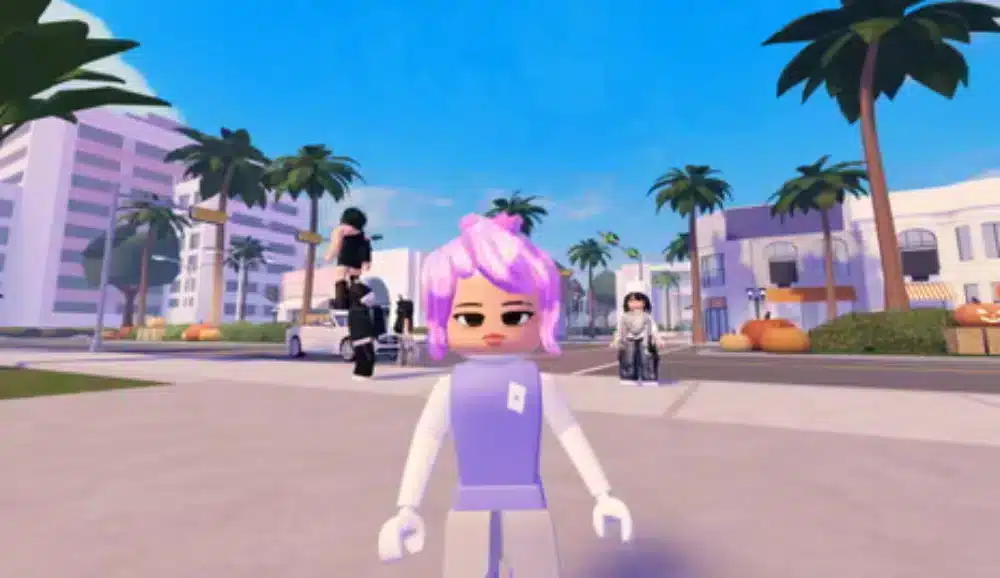
Search results can contain websites that imitate legitimate services.
Some may use familiar words such as “Roblox download,” “free Robux,” or “free online Roblox” to attract visitors. A familiar keyword does not make a website trustworthy.
Always verify the domain before entering sensitive information.
Recognizing the RoBloc Typo
Some searches may contain the misspelling Robloc instead of Roblox. This can happen when users type quickly, use autocomplete, or search from mobile devices.
Regardless of the spelling, the same safety principle applies: verify that you are accessing the legitimate Roblox service before signing in or downloading anything.
The official Roblox website identifies itself clearly and provides the appropriate login and download paths.
Free Online Roblox: What Players Should Know Before Starting
When approached carefully,free online Roblox can be a convenient way to discover Roblox experiences while avoiding unnecessary installation requirements. The platform’s enormous range of community-created content means there is always another experience to explore, while the official Roblox ecosystem provides the safest foundation for accounts, downloads, and gameplay. And to improve your gaming even further, you can count on tools such as ExitLag, which optimizes your connection and reduces lag.
FAQ
Is Free Online Roblox really free to play?
Yes. Roblox is free to join and play, although some experiences, virtual items, and features may require Robux. Players can explore many Roblox experiences without spending money.
Can I play Roblox online without downloading it?
In some cases, cloud gaming services can allow you to access supported Roblox experiences without installing the full Roblox application locally. However, availability and functionality depend on the service and device. The official Roblox experience generally uses its supported application or player.
Do I need Robux to play Roblox?
No. Robux is Roblox’s virtual currency and is used for optional purchases such as certain avatar items and experience features. You can create an account and play many experiences without buying Robux.
Is it safe to use websites offering free Roblox or free Robux?
Be careful with third-party websites. Avoid pages that request your Roblox password, promise unlimited Robux, or require unknown downloads. Use official Roblox websites and applications whenever you need to create an account, sign in, or download Roblox.
What is the difference between Roblox and Robloc?
Roblox is the correct name of the platform. “Rocloc” or Robloc can appear as a typing or search error. Regardless of the spelling used in a search, always verify that you are accessing the legitimate Roblox website before entering account information.
Got questions or want to connect with other players? Join the conversation at the ExitLag Forum!