Discover how campus connectivity powers modern universities with high-speed Wi-Fi, secure networks and optimized performance.
Campus connectivity goes far beyond Wi-Fi in the cafeteria — it’s about building a robust digital infrastructure that supports learning, research, and modern student life. However, connecting every classroom, dorm, and lab requires careful planning and reliable technology.
Beyond that, universities depend on stable networks to handle thousands of users and devices without interruptions. Therefore, understanding how these systems work helps maintain performance and protect sensitive data — see how to fix internet issues for gaming.
Meanwhile, managing large-scale connectivity also means balancing speed, security, and accessibility across multiple buildings. As a result, strong network architecture becomes the foundation of innovation — explore how to boost internet speed for gaming to learn practical optimization strategies before continuing.
Campus Network Concept

Understanding campus connectivity begins with recognizing how large institutions link multiple buildings and systems into one unified network.
This setup supports academic, administrative, and residential operations while ensuring stable access for thousands of users.
However, managing such a system demands high-capacity infrastructure and precise coordination between wired and wireless components.
Defining Campus Network and Connectivity
A campus network is a centralized infrastructure that connects multiple LANs (Local Area Networks) within a single geographic area, such as a university or research institution.
Moreover, it combines both wired and wireless systems to deliver seamless data exchange between departments, dormitories, and classrooms.
Common components include:
- LAN (Local Area Network): Manages local building connections.
- WLAN (Wireless LAN): Provides Wi-Fi access across the campus.
- WAN (Wide Area Network): Links the campus to external services and cloud systems.
Beyond that, maintaining efficient campus connection depends on strong bandwidth allocation, traffic prioritization, and proper security protocols.
In short, when every part of the network functions cohesively, users experience consistent speed and reliability regardless of location.
Integration Across Academic, Administrative, and Student Networks
Campus networks must serve multiple purposes simultaneously — supporting research, digital learning, and daily operations.
Therefore, they rely on segmentation and access control to manage academic databases, staff systems, and student Wi-Fi independently.
Example integrations include:
- Academic servers connected to online course platforms.
- Administrative systems managing enrollment and finance.
- Student-access networks with open yet secure Wi-Fi login portals.
Meanwhile, institutions like NDSU and UND run systems such as ndsu campus connection and und campus connection, showing how universities centralize access to digital tools and student services.
By contrast, a company is considering updating the campus WAN might focus more on efficiency and device management rather than education-specific needs. Ultimately, strong campus connectivity allows all these elements to coexist securely and efficiently.
Key Features of a Reliable Campus Network
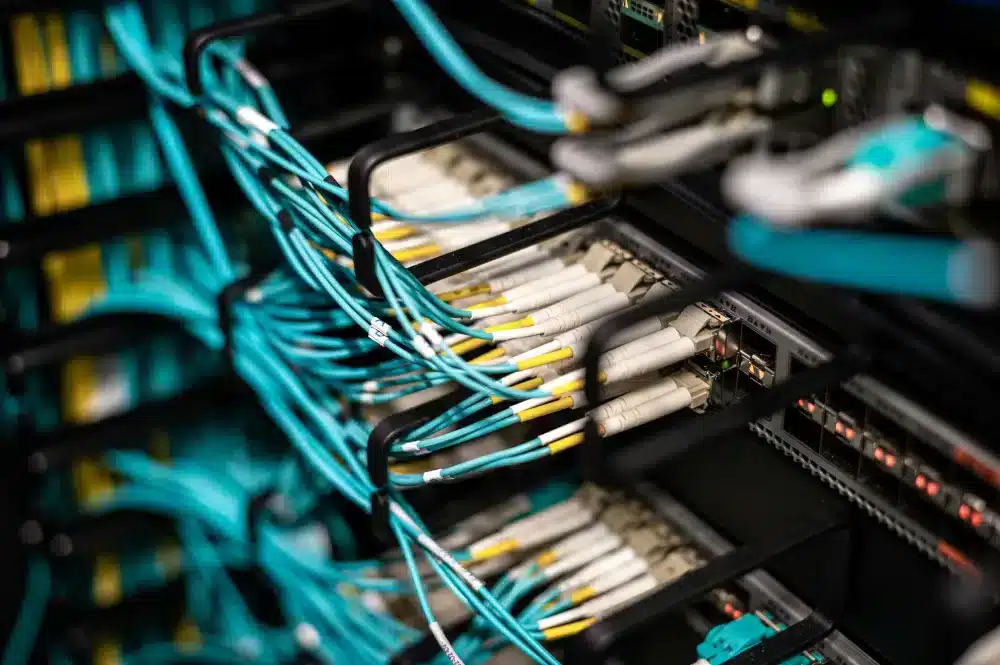
Effective campus connectivity depends on five essential pillars: availability, security, flexibility, capacity, and integration.
These elements ensure that every user — from students to IT staff — can access digital resources efficiently and securely.
Moreover, when these features work together, the entire network becomes more scalable, reliable, and ready for future technologies.
1. High Availability and Wi-Fi Coverage
A strong campus network must guarantee stable access in every area of the institution. Therefore, high-speed Wi-Fi with redundant access points prevents downtime and connection drops.
- Continuous uptime across buildings and outdoor areas
- Smart load balancing to avoid congestion
- Centralized Wi-Fi management for quick troubleshooting
2. Secure Access and Authentication
Security is the backbone of any large-scale network. Beyond that, tools like firewalls and 802.1X authentication restrict unauthorized entry while protecting sensitive data.
- Role-based access for staff, students, and guests
- Real-time monitoring for intrusion detection
- Encrypted sessions for safe data transmission
3. Multi-Device and IoT Compatibility
Modern campuses must support notebooks, phones, consoles, and IoT devices. Meanwhile, administrators should ensure balanced bandwidth so each device type performs efficiently.
- Multi-platform support (Windows, macOS, Android, iOS)
- Connection optimization for consoles and lab devices
- Automatic onboarding for approved IoT hardware
4. Bandwidth and Performance for Labs and Hybrid Learning
Universities rely on stable connections for research and online classes. Consequently, networks need intelligent bandwidth allocation to handle heavy data loads without lag.
- Dynamic QoS (Quality of Service) for key applications
- Segmented traffic for video conferencing and research tools
- Scalable fiber infrastructure to support growth
5. Cloud and Educational Platform Integration
By contrast, isolated systems limit collaboration and innovation. Integrating cloud services ensures seamless access to virtual classrooms and academic tools.
- Single sign-on (SSO) for cloud-based learning platforms
- Data synchronization between local and cloud servers
- Enhanced reliability through hybrid WAN management
In short, when all five pillars align, the campus connection becomes a secure, high-performance ecosystem capable of supporting education, research, and digital transformation.
Use Cases: How Students Connect on Campus

Modern campus connectivity allows students to link everything from laptops to gaming consoles under the same secure Wi-Fi system.
But because every device communicates differently, connection methods can vary — especially when authentication or DNS restrictions come into play. Understanding how each type of device connects is essential for maintaining both convenience and network stability.
Connecting Laptops and Mobile Devices to Campus Wi-Fi
Most students log in using their institutional credentials through a browser-based portal. The process is fast and familiar: select the campus Wi-Fi, sign in, and you’re connected.
Typical setup steps:
- Choose the official campus SSID.
- Enter your student or staff credentials.
- Approve the usage and privacy terms.
Problems usually appear when devices store outdated credentials or connect automatically to old networks, so clearing saved logins can often fix slow or failed connections.
Setting Up PS4, Alexa, or Echo Dot on Campus Networks
Smart devices like consoles and voice assistants need special configuration because they can’t open browser logins. Instead, universities often require pre-registration to authenticate them manually.
How it’s done:
- Register the device’s MAC address on the university network site.
- Request manual approval from IT if the device doesn’t appear automatically.
- Adjust DNS settings if the system uses a captive portal.
Learning how to connect alexa/ps4/echo dot to campus wifi helps prevent hours of troubleshooting — and avoids getting the device blocked by mistake.
Campus Connect Platforms (NDSU, UND, NDUS)
Several U.S. institutions manage their Wi-Fi through systems like NDSU campus connection or UND campus connection, which combine login management, password resets, and device registration in one portal.
These systems simplify access by synchronizing student data with network permissions, keeping everything centralized and secure.
Students can:
- Register multiple devices under one account.
- Reset or update login credentials easily.
- Track connection history or report outages directly from the dashboard.
Fixing Common Campus Connection Problems
Occasional dropouts or login loops are normal in shared networks. Before opening a support ticket, students can try a few quick solutions that solve most problems:
- Forget the Wi-Fi network and reconnect.
- Restart the router interface or device.
- Clear cached DNS entries.
If these steps fail, contacting campus IT support ensures the issue is logged and resolved faster. Consistent performance ultimately depends on a stable infrastructure — and users who know how to connect properly.
Gaming Performance and Campus Connectivity

For many students, campus connectivity is more than just about research or assignments — it’s about staying competitive in online gaming.
Shared Wi-Fi networks can create latency spikes, packet loss, and unstable routes to global game servers. That’s why optimizing network performance is crucial, especially for titles where milliseconds define the outcome.
The Latency Problem in Campus Networks
Campus internet systems are designed for academic stability, not for low-latency gaming. As a result, when hundreds of students stream or download simultaneously, game data often takes indirect routes across congested gateways. Common issues include:
- High ping during peak hours
- Inconsistent server routing
- Sudden packet loss during matches
Even with fast download speeds, unpredictable latency can make real-time games unplayable.
How ExitLag Improves Game Routing
ExitLag tackles these bottlenecks by recalculating routes between your device and the game server in real time. Instead of using a single congested path, it dynamically reroutes data through multiple optimized paths.
Main advantages for students include:
- Reduced ping and jitter on campus networks
- Stable multi-path routing for consistent sessions
- Automatic reconnection if one route drops
Beyond that, ExitLag supports hundreds of online titles — including shooters, MMOs, and competitive MOBAs — ensuring smoother gameplay even behind university firewalls.
Optimizing Campus Networks for Gaming
Before using any external tool, students should first understand their connection limits. Setting up private DNS, using Ethernet where possible, and closing background apps all contribute to lower ping.
Quick optimization checklist:
- Connect to the 5GHz Wi-Fi band or a LAN cable.
- Disable auto-sync or cloud backup tasks.
- Set DNS manually (e.g., Google DNS or Cloudflare).
These steps stabilize performance, but for competitive players, ExitLag’s routing technology provides an extra layer of control and consistency.
When Network Upgrades Make a Difference
Universities planning infrastructure updates — as seen when a company is considering updating the campus WAN — can improve latency dramatically.
By expanding bandwidth and isolating gaming traffic, institutions can support both education and eSports communities.
Meanwhile, students don’t have to wait for campus-wide upgrades. With ExitLag, they can already bypass inefficient routing and enjoy smooth online sessions from dorms, classrooms, or labs — proof that performance gaming and academic networks can coexist efficiently.
Smarter Networks, Stronger Campuses
Investing in high-performance infrastructure is no longer optional for universities — it’s a foundation for innovation, research, and student success. Reliable digital systems keep classes running, labs connected, and communities engaged across multiple devices.
Beyond academics, optimized networks also support gaming, streaming, and remote collaboration without interruptions. When latency drops and bandwidth improves, every student benefits from a smoother, more responsive digital experience.
Ultimately, strong campus connectivity transforms universities into true digital ecosystems — where technology empowers learning, collaboration, and creativity at every level.
Want to play with less lag even on shared networks? Test ExitLag and optimize your connection for online games!
Got questions or want to connect with other players? Join the conversation at the ExitLag Forum!