The COD DMZ release date is set for October 23, 2026, alongside the full launch of Call of Duty: Modern Warfare 4. However, players who digitally pre-ordered the game can jump into the extraction mode three days early.
Early access begins on October 20 at 10 AM PT (1 PM ET). The benefit is available to players who pre-ordered the digital Standard or Vault Edition, while multiplayer becomes available at the game’s full launch.
That’s why knowing the COD DMZ release date matters if you want to start progressing before other players. This guide covers the launch schedule, early access requirements, and everything you need to know about the mode.
DMZ also returns with its own progression system, equipment management, and extraction mechanics. Unlike its previous version, the mode is now part of the paid MW4 experience.
COD DMZ Release Date: US Launch Times and Early Access
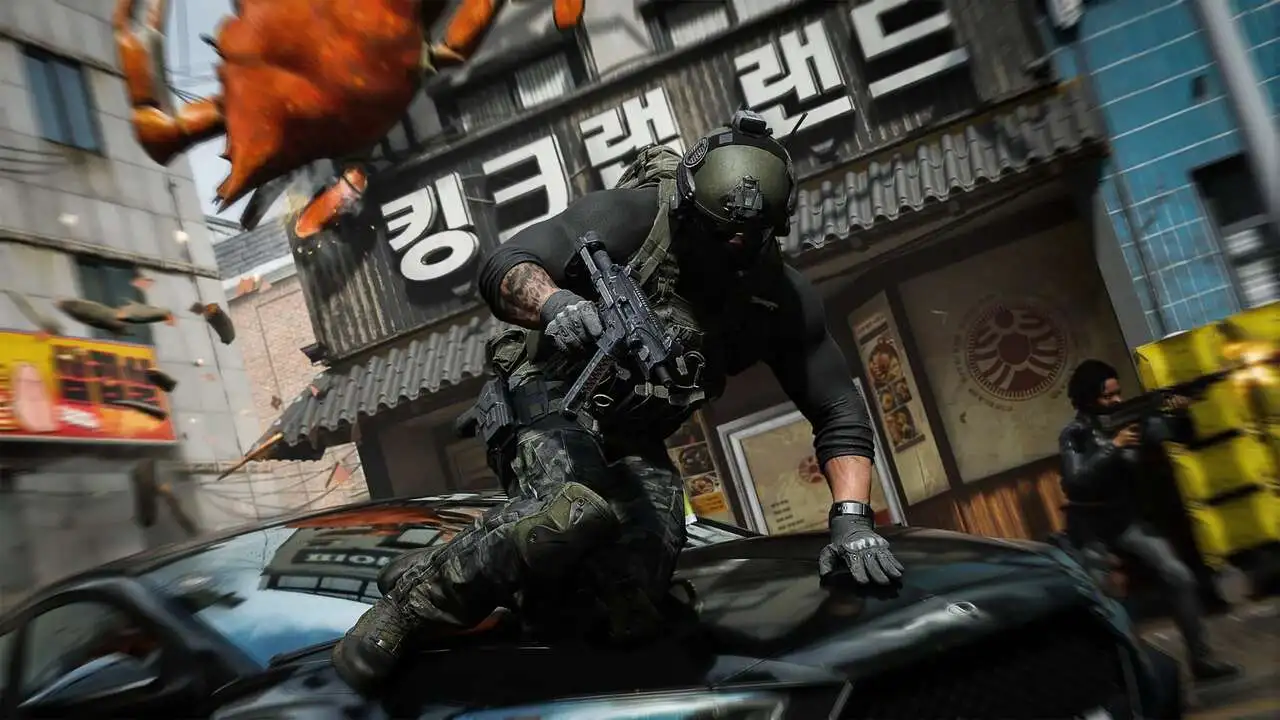
Modern Warfare 4 is rolling out in stages. Campaign early access started on October 16, while DMZ unlocks on October 20 and multiplayer launches on October 23.
When Does DMZ Unlock in MW4?
Activision has confirmed two release dates for DMZ. The first is exclusive to eligible digital pre-orders, while the second makes the mode available to everyone who purchases the game.
Here’s the launch schedule:
| Release stage | Date | US launch time | Who can play |
| DMZ Early Access | October 20, 2026 | 10 AM PT / 1 PM ET | Digital Standard or Vault pre-orders |
| Full Launch | October 23, 2026 | Varies by platform and region | All buyers, including physical copies |
| Season 1 | November 6, 2026 | To be confirmed | MW4 players |
Season 1 is scheduled for November 6, according to the roadmap shared ahead of launch.
How Does DMZ Early Access Work?
According to information shared by the official Call of Duty Updates account, DMZ early access will unlock worldwide at 10 AM Pacific Time on October 20.
This means eligible players across different regions can access the mode simultaneously, regardless of their local time zone.
Here are the key details:
- Digital pre-orders of the Standard and Vault Editions qualify for DMZ early access.
- Physical copies do not grant access on October 20.
- Multiplayer becomes available with the full game on October 23.
- Actual availability may change depending on the platform, time zone, or service disruptions.
If you want to explore Hajin before the full release, you’ll need an eligible digital edition of MW4.
What Is DMZ in Call of Duty: Modern Warfare 4?
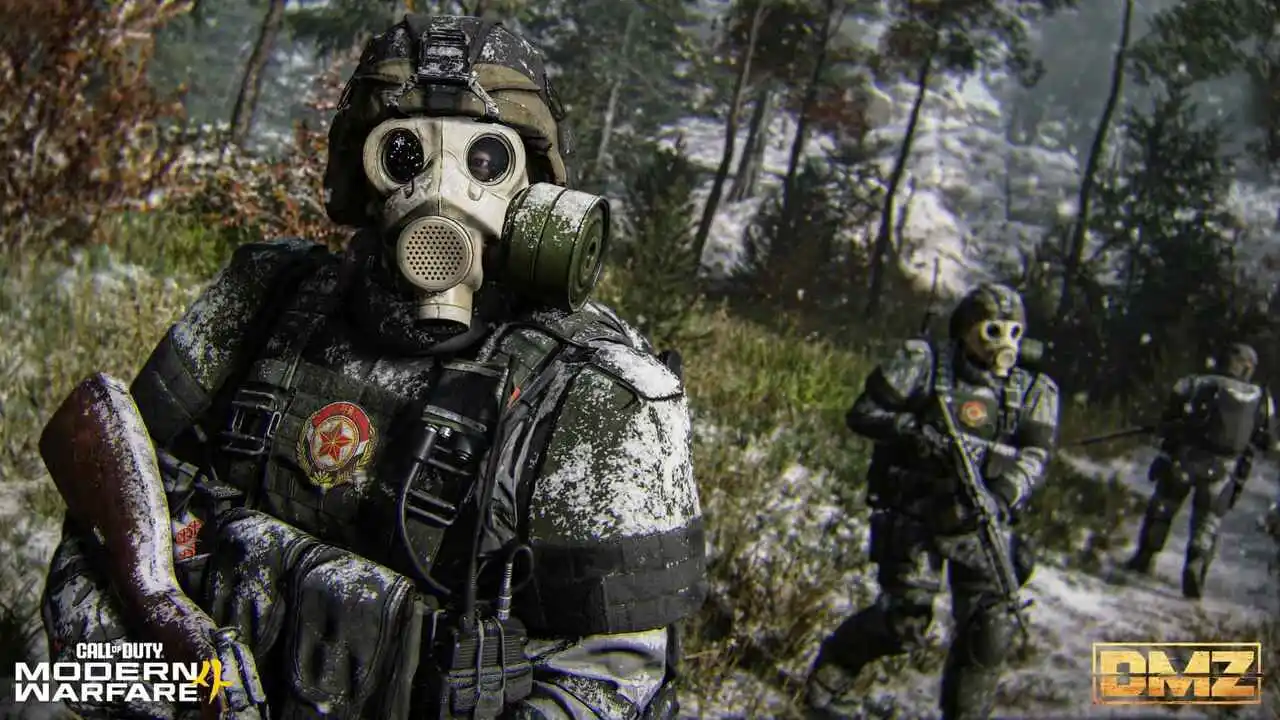
DMZ is the extraction mode in Call of Duty: Modern Warfare 4. Players enter a hostile environment, collect resources, complete objectives, and attempt to extract alive with their equipment.
Unlike traditional multiplayer matches, winning gunfights isn’t your only objective. Surviving and extracting valuable resources are essential parts of your progression.
DMZ is one of MW4’s three main experiences, alongside Campaign and Multiplayer. The returning mode expands on several systems from the franchise’s previous DMZ beta.
The Hajin Map and Its Threats
Matches take place in the Hajin Exclusion Zone, an area on the Korean Peninsula affected by the conflicts depicted in the campaign.
The map features dynamic weather conditions, including rain and fog. These changes can reduce visibility and force squads to adjust their routes.
During each deployment, players face three main types of threats:
- AI-controlled enemies: Hostile forces patrol different areas and defend important locations.
- Enemy squads: Other players may cooperate with your team or attack to steal valuable resources.
- Bosses and special targets: More dangerous enemies tied to challenges and higher-value rewards.
Beyond combat, Hajin also features story missions and dynamic operations. As a result, each deployment can present different objectives and situations.
How Does the DMZ Forward Operating Base Work?
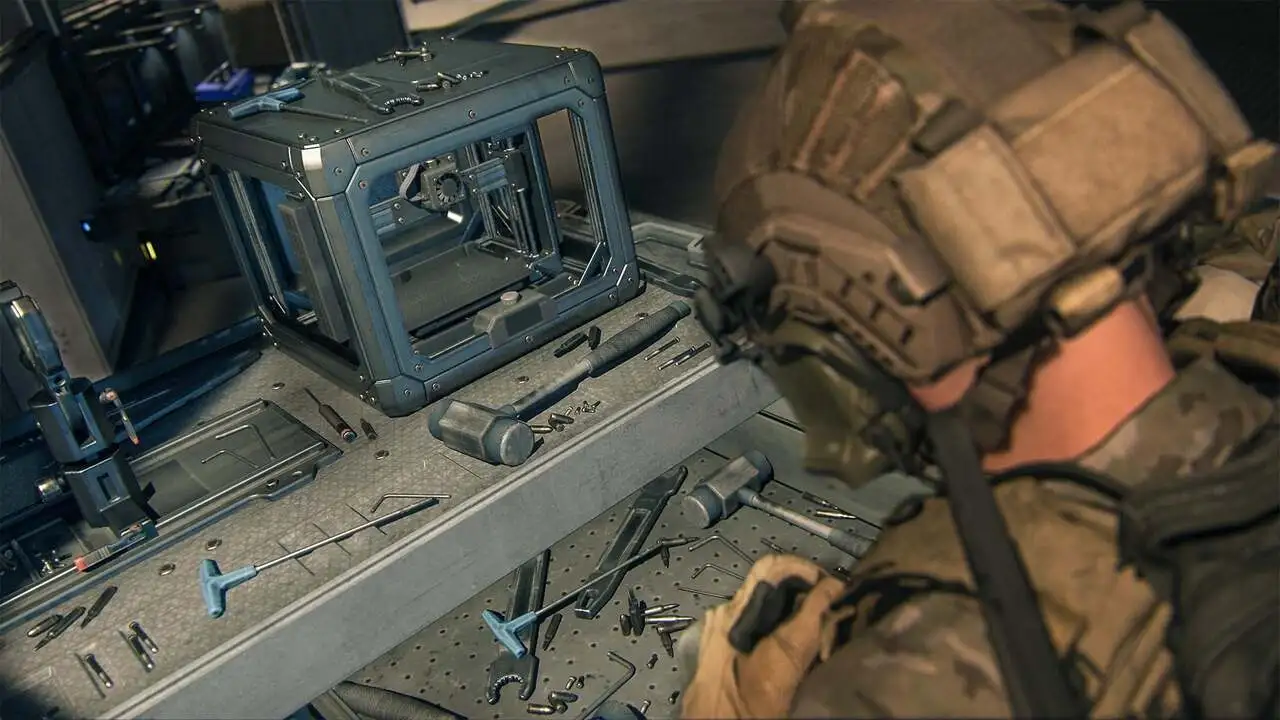
Between matches, players return to the Forward Operating Base (FOB). This is where they prepare for deployments and manage their progression.
At the FOB, you can store extracted resources, manage operators, and prepare equipment for your next run.
Key stations include the Stash, Wallet, Trader, Gunsmith, and Boss Board. Some are available immediately, while others unlock as you progress through the mode.
3D Printer, Operators, and Progression
One of the FOB’s most useful features is the 3D Printer, which unlocks at DMZ Level 2. It allows players to use materials collected in Hajin to craft equipment and develop upgrades.
The Active Duty Operator system also returns. Each operator has their own equipment and trait progression, allowing players to specialize their abilities.
If an operator is eliminated during a deployment, they become missing in action (MIA). Players can spend in-game DMZ cash to recover that operator and preserve their accumulated traits.
This creates an additional layer of management that traditional multiplayer doesn’t offer. Decisions made during one deployment can directly affect how you prepare for the next.
How to Play DMZ in Modern Warfare 4
Learning how to play DMZ starts with understanding one basic rule: you need to balance the risks of exploring Hajin against the importance of extracting your resources.
The longer you stay in the zone, the more valuable your rewards can become. However, you’ll also face greater exposure to enemies and rival squads.
Your First DMZ Deployment: Step by Step
- Open DMZ from the main menu. You’ll enter the FOB, where you can prepare for your deployment.
- Choose an Active Duty Operator. Customize your available loadout or select free equipment.
- Select ground entry. This option doesn’t cost in-game cash and is a good way to learn your first routes.
- Explore Hajin and complete objectives. Collect resources, finish missions, and avoid unnecessary fights.
- Extract successfully. Reach an available extraction point, call in the helicopter, and stay onboard until the extraction is complete.
A successful extraction lets you bring collected equipment and resources back to the FOB. If you’re eliminated, you may lose part of your carried inventory, depending on the game’s item protection rules.
Even when an extraction fails, the experience earned during the deployment continues to contribute to your progression.
Risks and Rewards in DMZ
DMZ also features a bounty system. Players who eliminate multiple operators can become high-profile targets, encouraging other squads to hunt them down.
This creates a constant choice between seeking fights and protecting your loot.
For beginners, extracting early is often more valuable than risking an entire loadout for one additional reward.
DMZ vs Multiplayer: What’s the Difference?
The biggest difference between DMZ and multiplayer comes down to each mode’s objective. Traditional multiplayer focuses on winning matches through eliminations or objectives, while DMZ combines survival, resource collection, and persistent progression.
Here’s how the two modes compare:
| Feature | DMZ | Multiplayer |
| Main objective | Loot, complete missions, and extract | Win matches through kills or objectives |
| Enemies | AI enemies and other players | Other players |
| Death | May result in lost equipment and MIA operators | Respawning depends on the game mode |
| Progression | FOB, operators, traits, and stash | Levels, weapons, and attachments |
| Gameplay pace | More tactical and risk-based | Generally faster and more direct |
| Release date | October 20 early access; October 23 full release | October 23 |
Is Weapon Progression Shared Between DMZ and Multiplayer?
Yes. Despite their differences, DMZ and multiplayer share weapon progression.
This means weapon attachments and upgrades unlocked by leveling up guns in DMZ can also be used in multiplayer, subject to compatibility rules.
As a result, players who start on October 20 can develop part of their arsenal before multiplayer launches.
However, DMZ still has its own leveling and progression systems, separate from certain mechanics found in traditional competitive modes.
COD DMZ Beginner Tips: How to Survive Your First Runs
Your first few days in DMZ should focus on learning Hajin, testing equipment, and understanding extraction mechanics. A few simple decisions can help minimize losses while you learn.
Pro Tips for Your First DMZ Matches
Start with free equipment. There’s no reason to risk valuable weapons while you’re still learning the map’s routes and threats.
Prioritize missions and resources. Completing objectives helps you progress and earn cash for future deployments.
Unlock the 3D Printer. This feature becomes available at Level 2 and helps turn collected materials into useful equipment.
Extract before taking unnecessary risks. Leaving with some loot is often better than losing your gear while chasing one final objective.
Common DMZ Beginner Mistakes
One of the most common mistakes is treating DMZ like Team Deathmatch. Chasing every gunfight increases the risk of losing the resources you’ve collected.
Another mistake is ignoring MIA operators. Without managing recoveries and available cash, you could limit your options for future deployments.
It’s also important not to leave the extraction helicopter too early. Boarding the aircraft doesn’t mean the extraction is immediately complete.
Finally, remember that purchasing a physical copy doesn’t grant early access. To play on October 20, you’ll need an eligible digital edition.
Get Your Connection Ready for COD DMZ With ExitLag
With the COD DMZ release date approaching, connection stability is an important factor for players preparing to explore Hajin.
A network disruption during a gunfight or extraction can put an entire deployment at risk. Since matches involve accumulated resources, connectivity issues can have consequences beyond losing a regular multiplayer match.
How Can ExitLag Help in DMZ?
ExitLag is a connection optimization tool designed to improve how game traffic is routed across networks. Its goal is to find more efficient paths between your connection and game servers.
Some of its available features include:
- Multipath: Uses multiple network routes to help reduce the impact of certain connection issues.
- Multi-Internet: Allows compatible setups to use different available internet connections for improved connection resilience.
- Traffic Shaper: Helps prioritize gaming traffic over other applications sharing your network.
These features may contribute to a more stable gaming experience, depending on your connection, internet provider, and network conditions.
However, ExitLag cannot eliminate every latency issue or guarantee lower ping in every situation.
If you’re playing on PC and planning your first deployments into Hajin, check out ExitLag for Windows to see how route optimization could help prepare your connection for the new DMZ.
Got questions or want to connect with other players? Join the conversation at the ExitLag Forum!