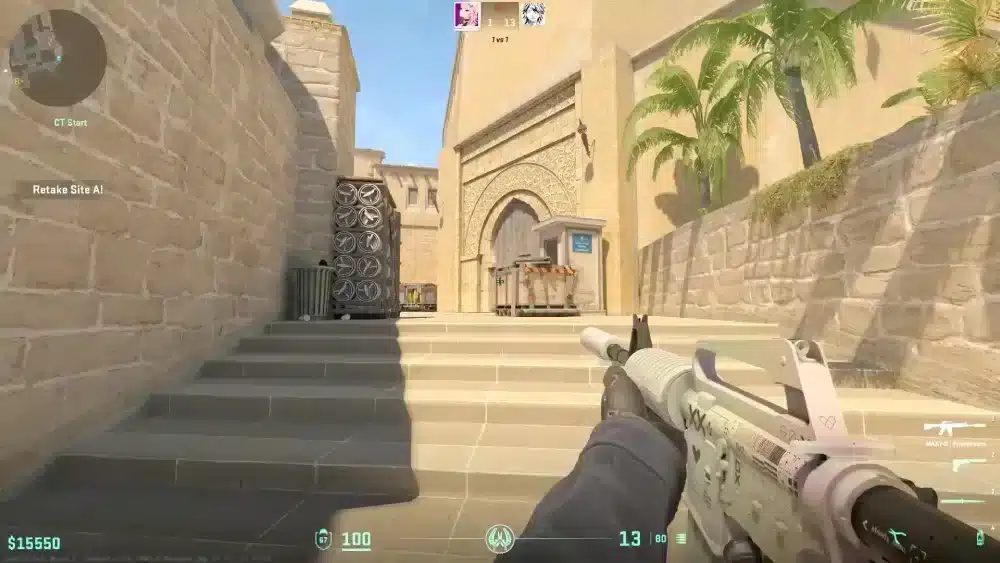
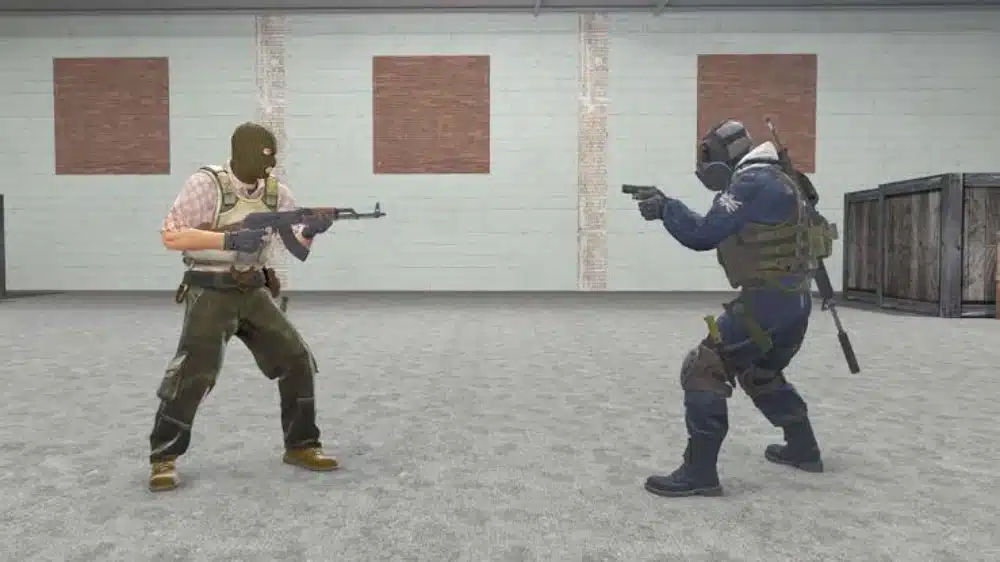
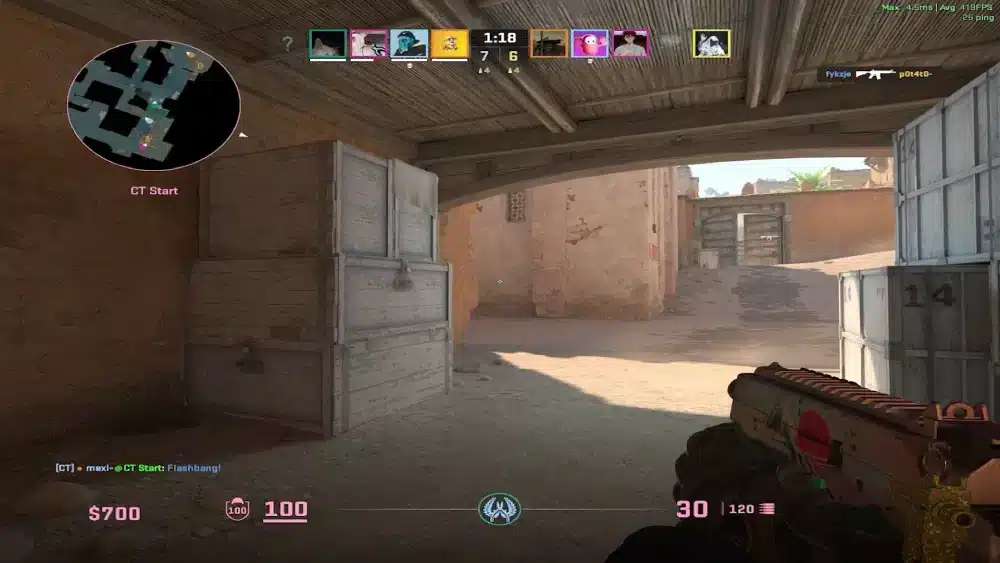
Counter-Strike 2 vs CS:GO is no longer a hypothetical debate. CS2 replaced CS:GO on Steam entirely on September 27, 2023, and the two titles have now been directly comparable for nearly three years across every dimension of gameplay, performance, and competitive structure.
The clearest answer to whether CS2 is a significant upgrade over CS:GO: yes, but with nuance. CS2 is built on the Source 2 engine, which brings meaningful improvements to graphics, smoke mechanics, server-side shot registration, and match format. The core tactical shooter identity remains identical, which means the upgrade benefits players who care about modern technology without changing what made Counter-Strike great.
Understanding what the main differences between CS:GO and Counter-Strike 2 are and whether you should switch from CS:GO to Counter-Strike 2 requires looking beyond first impressions and examining each change’s actual impact on the way matches play out.

What Are the Main Differences Between CS:GO and Counter-Strike 2?
The differences between the two versions fall into several distinct categories: engine and graphics, core gameplay mechanics, match format, ranked system, and economy adjustments.
Engine Upgrade: Source 2 vs. the Original Source Engine
The most fundamental change in Counter-Strike 2 is the engine replacement. CS:GO ran on the original Source engine, which Valve first released with Half-Life 2 in 2004. By the time CS2 launched in 2023, the Source engine was nearly 20 years old.
Source 2 delivers several concrete improvements:
- Physically-based rendering: Lighting in CS2 is calculated realistically, meaning light sources, shadows, and surface reflections behave the way they would in the real world rather than using baked-in static lighting values.
- Higher-resolution textures: Every map, weapon, and character model was rebuilt with significantly higher detail.
- Multi-core CPU optimization: CS2 is designed to distribute workload across modern multi-core processors, improving frame rates on contemporary hardware compared to the single-threaded constraints of the older engine.
- Dynamic object interaction: Physical objects in CS2 respond to grenades, bullets, and player contact in ways the Source engine could not simulate.
Smoke Grenades: The Biggest Gameplay Change
The most impactful gameplay change between CS:GO and CS2 is how smoke grenades work. In CS:GO, smokes were 2D texture overlays that appeared at a fixed position and did not respond to the game world around them.
In CS2, smokes are volumetric physical objects that:
- React to the map’s geometry, expanding into connected spaces and stopping at walls
- Can be dispersed temporarily by grenades or gunfire, creating momentary gaps that players can exploit
- Change in shape based on where they land and what surfaces they are near
- Interact with CS2’s dynamic lighting system, appearing differently depending on the light sources nearby
This single change fundamentally altered the strategic meta. Lineup-based smoke positioning that was memorized in CS:GO does not always produce the same visual result in CS2 because the smoke’s shape responds to the environment differently.
Sub-Tick System: Shot Registration Overhaul
CS:GO used a tick-rate-based server model. The server processed game state updates at fixed intervals (64 or 128 ticks per second depending on the server). Every player action between tick updates was handled with interpolation, which introduced inaccuracies in shot registration, especially in close-range duels.
CS2 replaced this with a sub-tick system:
- Every player input (shooting, moving, throwing utility) is recorded with a precise timestamp rather than being rounded to the nearest tick
- The server processes these timestamped inputs accurately regardless of when they occur between server updates
- The result is more consistent shot registration, particularly for fast-paced duels where previous CS:GO players experienced situations where shots that appeared to connect did not register
Match Format: MR12 Replaces MR15
CS:GO used a Maximum Rounds 15 (MR15) format, meaning each half played to a maximum of 15 rounds and a match could last up to 30 rounds. CS2 uses MR12, with each half capped at 12 rounds and a maximum of 24 rounds.
The impact of this change on competitive play:
- Matches are meaningfully shorter on average
- Individual rounds carry higher weight in terms of match outcome
- Economy recovery cycles are slightly different because the total number of rounds available to build a deficit is reduced
- Pro matches have shorter broadcast windows, which benefits streaming and live event scheduling
Ranked System: Premier Mode and Map-Specific Rankings
CS:GO offered a single competitive rank on the Silver to Global Elite scale. CS2 introduced two separate ranked modes with different rating systems:
- Premier Mode: Uses a numerical CS Rating (CSR) that reflects global skill level. The current Premier season resets each season with a fresh start. This mode is the closest equivalent to a global competitive ladder.
- Competitive Mode: Retains the traditional Silver to Global Elite ranking, but now assigns a separate rank per individual active duty map rather than a single unified rank.
| Feature | CS:GO | Counter-Strike 2 |
| Engine | Source | Source 2 |
| Ranked modes | Single competitive mode | Premier (CSR) + per-map Competitive |
| Match format | MR15 (up to 30 rounds) | MR12 (up to 24 rounds) |
| Smoke grenades | Static 2D overlay | Volumetric, physics-reactive |
| Shot registration | Tick-rate interpolated | Sub-tick timestamped |
| Buy menu | Circular radial menu | Grid layout with loadout system |
| Skins and inventory | Separate | Shared (CS:GO skins carry over) |
| Server availability | Offline since January 2024 | Active and continuously updated |
How Do the Gameplay Mechanics of CS:GO Compare to Counter-Strike 2?
How the gameplay mechanics of CS:GO compare to Counter-Strike 2 comes down to feel as much as function. Both games share the same fundamental structure: buy phase, round-based economy, bomb-site objectives, and tactical team play.
The mechanical differences that matter most in actual matches:
Movement Feel
CS2 movement uses the same acceleration and friction model as CS:GO, so muscle memory from the older game transfers directly. However, some players report subtle differences in how strafe jumps, counter-strafes, and specific peek movements feel in the sub-tick environment.
Buy Menu and Loadout System
CS2’s buy menu replaced CS:GO’s circular radial interface with a grid layout organized by weapon category. More significantly, CS2 added a loadout system where players pre-select which weapons appear in their buy menu rather than having access to the full arsenal at all times.
This means players must decide before the match which CT rifle they prefer (M4A1-S or M4A4) and which pistols to include in their loadout, rather than having all options available every round.
Additionally, CS2 added a refund feature during the buy phase. Players who purchase a weapon accidentally can sell it back during the buy timer, which eliminates a frustrating CS:GO problem where misclicks cost money.
Molotov Changes in 2026
An early 2026 gameplay update changed how Molotov and Incendiary Grenades behave. Molotovs no longer break when hitting a player, which means players can now bodyblock a Molotov in flight to alter its landing position. This change opened new strategic possibilities for utility usage that did not exist in CS:GO or early CS2.
Should You Switch from CS:GO to Counter-Strike 2?
The question of whether to switch from CS:GO to Counter-Strike 2 or wait has a clear answer in 2026: CS:GO server support ended on January 1, 2024. If you want to play online multiplayer Counter-Strike, CS2 is the only option through the main Steam release.
For players who still prefer the older experience, Valve re-added CS:GO to Steam as a separate legacy product on March 3, 2026, using the classic branch hidden within the CS2 installation. This allows access to the original version’s bots, workshop maps, and offline features, though the online multiplayer component remains on CS2.
What CS:GO players gain from CS2:
- Better shot registration through the sub-tick system
- Modern graphics without changing the competitive visual clarity that matters for high-level play
- Dynamic smokes that add strategic depth to utility lineups
- Continued updates, seasonal content, and competitive support from Valve
- All existing CS:GO skins, items, and inventory transferred automatically
What some CS:GO veterans criticize in CS2:
- Some specific spray patterns and movement mechanics feel slightly different despite similar underlying physics
- Performance on older hardware can be inconsistent, particularly the stuttering some players report on systems not optimized for Source 2
- The meta adjustment period following CS2’s launch required relearning smoke lineups due to the volumetric smoke changes
Pro Tips: Transitioning from CS:GO to Counter-Strike 2
- Transfer your CS:GO configuration files to CS2: Most CS:GO config settings, including crosshair, viewmodel, and launch options, carry over to CS2 using the same commands. Copy your CS:GO config.cfg file to the CS2 config directory to preserve your settings without rebuilding them from scratch.
- Relearn smoke lineups for your most-played maps: Volumetric smokes land differently than CS:GO’s static smokes. Key lineups for B site on Mirage, mid on Inferno, and common positions on Dust2 need to be relearned in CS2, even for experienced CS:GO players.
- Use Premier mode to establish a meaningful rank quickly: Premier’s numerical CSR system provides a more granular and globally comparable rank than the traditional Silver-to-Global system. Placing in Premier gives you a cleaner competitive baseline than transferring expectations from your CS:GO rank.
- Verify your frame rate settings with Source 2: CS2 performs differently from CS:GO on the same hardware. Test the game’s built-in performance monitoring to identify whether your GPU or CPU is the bottleneck, and adjust settings accordingly rather than assuming your CS:GO optimal settings translate directly.
Common Mistakes When Comparing CS:GO and CS2
- Expecting identical spray patterns: While the weapons are the same, the sub-tick system changed how spray patterns feel to execute. Players who rely on memorized spray transfers from CS:GO will notice slight differences. Fix: Spend time in aim-training modes or offline practice to recalibrate spray control in CS2’s environment specifically.
- Using old smoke lineups without testing them: CS:GO smoke lineups are frequently referenced in YouTube guides and community resources, and many still work. But the volumetric smoke system means some lineups produce different-sized or differently shaped smokes. Fix: Test every lineup you plan to use in a private server before relying on it in ranked.
- Ignoring the loadout system: Players who rush into CS2 without configuring their weapon loadout may find themselves unable to buy their preferred weapons in match. Fix: Visit the inventory or weapon loadout menu before your first ranked session and select the pistols and rifles you want available in the buy phase.

Play Counter-Strike 2 with a Stable Connection Using ExitLag
The Counter-Strike 2 vs CS:GO improvements to shot registration through the sub-tick system make CS2 the most technically fair version of Counter-Strike ever released. But your connection quality still determines whether those improvements translate into consistent performance in your matches.
ExitLag is a connection optimizer used by over 30 million players across 4,000+ game titles, including Counter-Strike 2. It analyzes multiple network routes in real time and selects the fastest, most stable path between your device and Valve’s game servers, ensuring the sub-tick system works in your favor rather than against you.
Features that benefit CS2 players:
- Real-Time Optimization: Continuously selects the lowest-latency route to CS2 servers so your sub-tick inputs register with the precision the system was designed to deliver.
- Multipath Technology: Routes game data through multiple simultaneous paths so a single network failure never costs you a round in Premier mode.
- Traffic Shaper: Prioritizes CS2 game traffic over Steam downloads, background processes, and other network activity that could spike your ping during a match.
- Multi-Internet: Supports up to four simultaneous internet connections, eliminating disconnections during competitive sessions.
Download ExitLag and play CS2 at your best.
All images used in this blog post belong to their respective owners and are used for informational and educational purposes only. They do not imply endorsement or affiliation with the rights holders.
Got questions or want to connect with other players? Join the conversation at the ExitLag Forum!