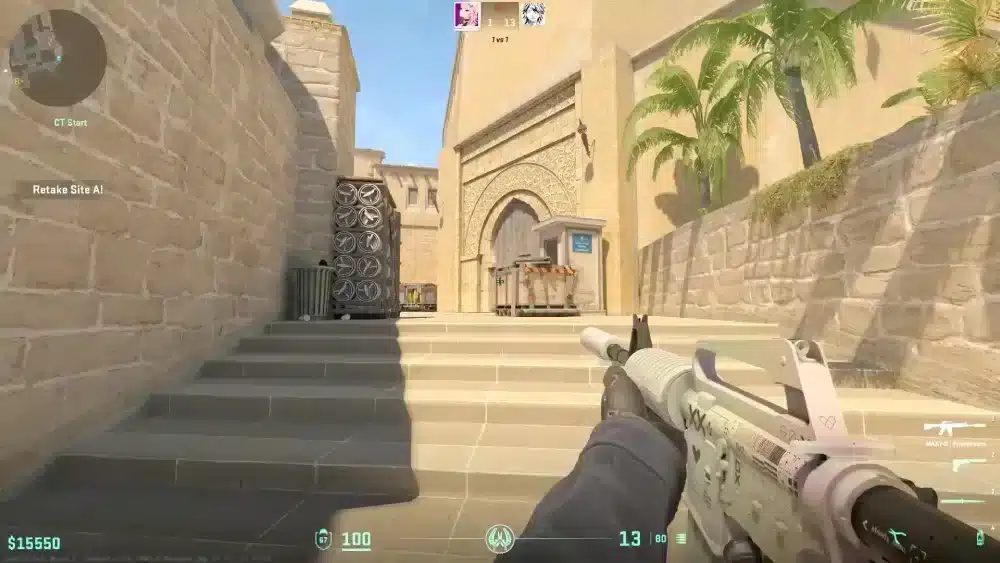
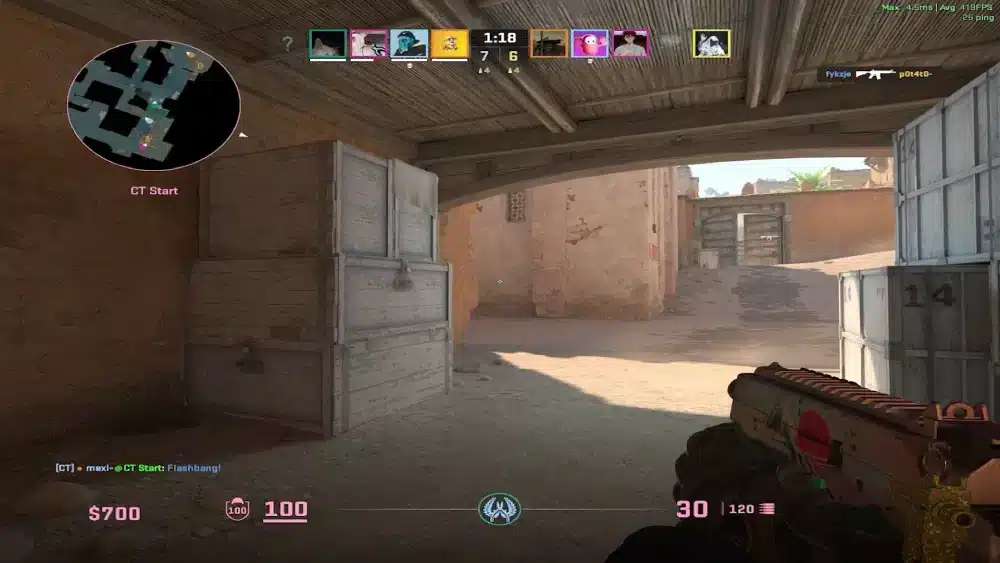
Counter Strike Crosshairs are one of the most personalized elements of your CS2 setup. Unlike most games with fixed reticles, Counter-Strike allows near-unlimited customization of your crosshair’s size, thickness, color, gap, and behavior. That flexibility means your crosshair can be a genuine competitive advantage or a subtle handicap, depending on your choices.
Counter Strike Crosshairs matter because they determine where your eye focuses during fights. A well-configured crosshair makes it easier to pre-aim head level, track moving targets, and identify when your placement is accurate. A poorly configured one creates visual noise that costs you duels.
This complete guide covers everything about CS2 crosshairs: optimal settings, pro player configurations, how to import crosshair codes, and the principles that separate good crosshairs from great ones.

Counter Strike Crosshairs: The Fundamentals
What Makes a Good Crosshair
Professional players and coaches agree on several principles for effective crosshair configuration:
- Consistency: A static crosshair does not move when you move. Your brain can build precise muscle memory around a fixed reference point. Dynamic crosshairs that spread during movement create unreliable visual feedback.
- Visibility: Your crosshair must be visible against every map background. Cyan and green are the most universally visible colors across all CS2 maps and lighting conditions.
- Appropriate size: Too large obscures your target. Too small is hard to see during fast-paced movement. The ideal size fits naturally in your peripheral vision.
- No dot for riflers, optional dot for AWP: Many professional riflers prefer no center dot to avoid covering the head hitbox. AWPers sometimes use dots for precision.
Crosshair Settings Explained
Every CS2 crosshair has these configurable properties:
| Setting | Function | Competitive Recommendation |
|---|---|---|
| Style | Static vs dynamic | Static (Style 4 or 5) |
| Color | Visibility across maps | Cyan or Green |
| Size | Overall scale | 2–4 for most players |
| Thickness | Line weight | 0.5–1 |
| Gap | Space between lines | -3 to 0 |
| Outline | Border around crosshair | 0–1 |
| Center Dot | Dot in middle | Optional |
| T-Shape | Removes top line | Preference only |
| Follow Recoil | Moves with gun recoil | Disabled for competitive |
Best Counter Strike Crosshairs: Pro Player Settings 2026
Top Professional Crosshair Configurations
ZywOo (Team Vitality): Small, clean, and readable. His crosshair is minimal with a slight gap and thin lines, optimized for precise tapping at all distances. Widely considered one of the best crosshairs to copy for players who want a safe, proven setup.
m0NESY (G2 Esports): Traditional cross with a moderate gap and no center dot. Optimized for both rifling and AWP flexibility across different combat situations.
dev1ce (NIP / retired): Thin cyan crosshair with minimal visual noise. Tailored specifically for precise tapping and long-distance engagement, favored by AWP-primary players.
How to Import a Pro Crosshair Code
CS2 allows crosshair sharing through sharecode strings. To import:
- Open CS2
- Navigate to Settings > Game > Crosshair
- Click the share/import icon (arrow symbol)
- Paste the crosshair code into the input field
- Click Apply to activate instantly
The crosshair replaces your current settings immediately. Test it in a deathmatch server before using in ranked.
Creating Your Own Crosshair via Console
Access the console (~) and use these commands:
cl_crosshairstyle 4
cl_crosshaircolor 5
cl_crosshairsize 3
cl_crosshairthickness 0.5
cl_crosshairgap -2
cl_crosshair_drawoutline 0
Style 4 = static inner lines only. Color 5 = cyan. Adjust size and gap to your preference.
Counter Strike Crosshairs: Color Science
Why Cyan Dominates in 2026
Cyan (RGB: 0, 255, 255) has become the dominant professional crosshair color for two reasons:
- Contrast against all surfaces: CS2 maps use warm tones (sand, wood, concrete). Cyan’s cool blue-green creates maximum contrast against these surfaces.
- No confusion with game elements: Red, orange, and yellow crosshairs can blend with fire effects, bomb indicators, and certain map textures. Cyan conflicts with nothing.
Green (RGB: 0, 255, 0) remains the second most popular choice and performs similarly well across most maps.
Colors to Avoid
- White: Blends into bright map areas like Mirage’s middle
- Red: Blends with damage indicators and certain textures
- Yellow: Blends with dust and sand textures on multiple maps
Pro Tips: Counter Strike Crosshairs Optimization
Pro Tips: Getting the Most From Your CS2 Crosshair
- Stick with your crosshair for at least one month before judging it: Your brain needs time to build muscle memory around a new visual reference point. Changing crosshairs weekly resets that process constantly and prevents accurate evaluation.
- Test new crosshairs in deathmatch, not ranked: Ranked pressure creates bias in crosshair evaluation. Test any change in unranked deathmatch servers first to give yourself honest feedback.
- Match your crosshair to your primary weapon: AWP players benefit from tighter, more precise crosshairs. Aggressive riflers benefit from slightly larger crosshairs that are faster to visually locate during strafing duels.
- Disable dynamic crosshair completely: A crosshair that spreads during movement trains players to fire while moving. Fix: set cl_crosshairstyle to 4 or 5 for static behavior and train yourself to stop before shooting.
- Use T-shape only if it improves your pre-aim: Some players find removing the top line helps them visualize head height more clearly. Others find it confusing. Test both and choose based on actual duel performance.
Common Mistakes Counter Strike Crosshair Players Make
- Changing crosshairs after every bad session: Bad sessions are caused by mistakes, not crosshairs. Fix: diagnose what actually went wrong in the session before attributing it to your crosshair. Change crosshairs only after multiple sessions of consistent issues.
- Using a crosshair that is too large: Oversized crosshairs cover the head hitbox and make precise pre-aiming harder. Fix: reduce crosshair size until the gap in the center is approximately equal to one head hitbox width at your typical engagement distance.
- Keeping dynamic crosshair enabled: Dynamic behavior rewards spraying and punishes pre-aim habits. Fix: disable dynamic crosshair completely and rebuild aiming habits around where your static crosshair rests.
Why Connection Quality Affects Your Crosshair Effectiveness
The most perfectly calibrated crosshair cannot compensate for high latency. If your shots register 60ms after you pull the trigger, your crosshair placement is irrelevant because the target has already moved. Low ping is the foundation that makes crosshair optimization meaningful.
How ExitLag Complements Your Crosshair Setup
ExitLag routes your connection to CS2 servers through the fastest available path. It is not a VPN. It reduces ping, eliminates jitter, and prevents the packet loss that disconnects your crosshair precision from your shot registration.
For every Counter Strike player with an optimized crosshair:
- Lower ping: Your aim translates directly to kills instead of misses.
- Consistent packet delivery: No shots that leave your gun but never reach the server.
- Multipath Technology: Multiple routing paths maintain connection stability during ranked sessions.
- Multi-Internet: Supports up to 4 connections for uninterrupted competitive play.
- PC Boost: Reduces background process competition for smooth frame rates.

Counter Strike Crosshairs: Small Setting, Big Impact
Counter Strike Crosshairs occupy a small piece of your screen and represent a tiny fraction of your total CS2 configuration. Yet they have an outsized impact on how you see the game, where your eye focuses, and how accurately your aim translates to kills.
The right crosshair reinforces good habits: consistent pre-aim at head level, clear target identification, and reliable visual reference during movement. The wrong one undermines all three. Take the time to configure yours deliberately, test it rigorously, and then commit to it long enough to build real muscle memory.
All CS:GO / CS2 game images belong to Valve Corporation. Used for informational and educational purposes only.
Got questions or want to connect with other players? Join the conversation at the ExitLag Forum!