

Completing a Free Fire download is the first step toward joining one of the world's most popular battle royale games. Developed by Garena, Free Fire has attracted millions of players thanks to its fast-paced matches, accessible gameplay, and support for a wide range of devices.
Many players search for Free Fire download options because they want a quick and safe way to install the game on Android, iPhone, or even PC. With multiple versions available, including Free Fire MAX, it is important to understand where to download the game and which version best fits your device.
Whether you are a new player or returning after a break, this guide explains everything you need to know about Free Fire download, installation methods, system requirements, and optimization tips for the best gaming experience.
What is Free Fire?
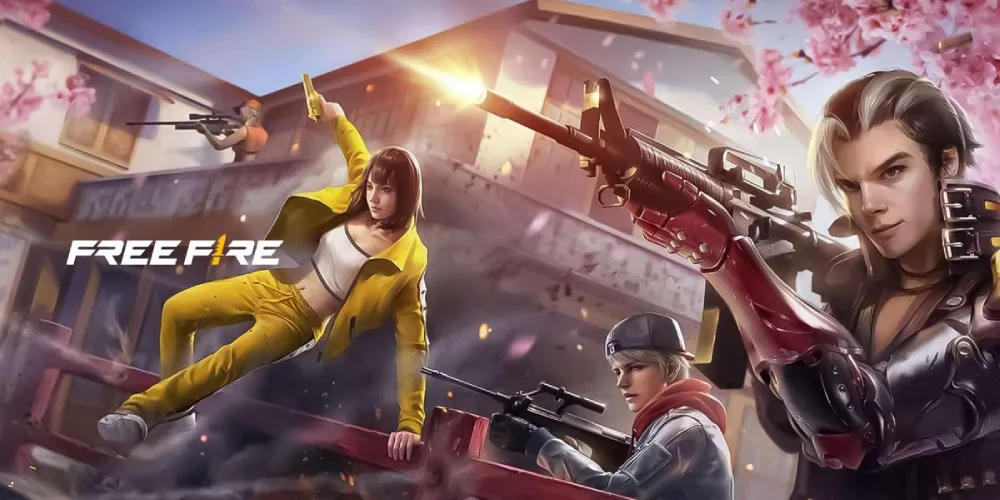
Free Fire is a multiplayer battle royale game where players compete to become the last survivor on the battlefield.
Each match places dozens of players on an island where they must:
- Gather weapons;
- Find equipment;
- Eliminate opponents;
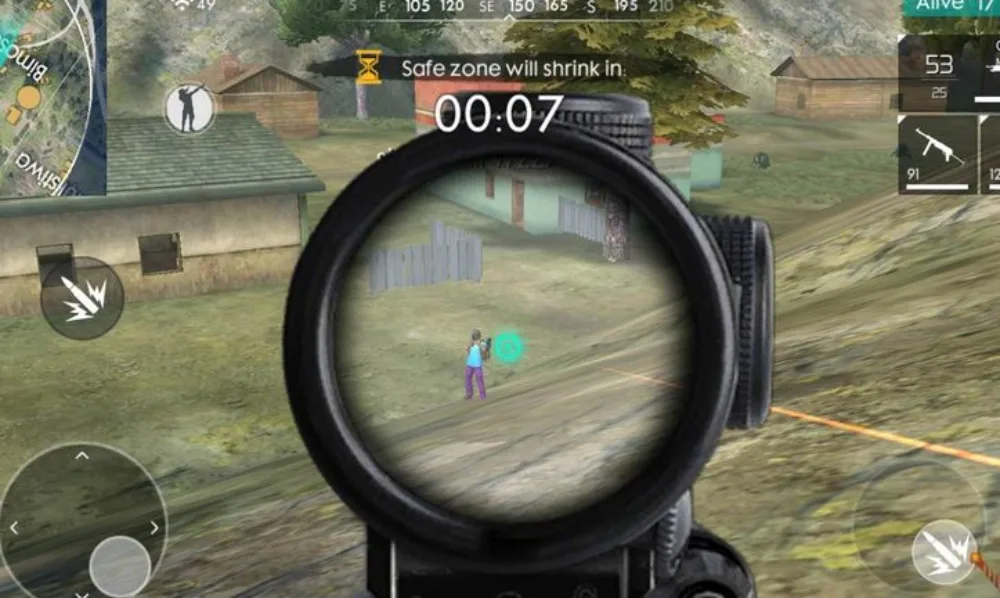
- Survive shrinking safe zones.
The game's shorter match duration makes it especially appealing to mobile gamers.
Why Free Fire became so popular
The success of Free Fire comes from several factors:
- Fast matches;
- Low hardware requirements;
- Regular updates;
- Competitive gameplay;
- Large global community.
These features helped transform the game into one of the most downloaded mobile titles worldwide.
Free Fire and Free Fire MAX
When researching Free Fire download, players often discover two different versions of the game.
These are:
- Free Fire;
- Free Fire MAX.
Both versions share the same gameplay but differ in graphical quality and visual enhancements.
How to download Free Fire on Android
Android remains one of the most common platforms for a Free Fire download.
Downloading from Google Play Store
The safest method is downloading directly from the official Google Play Store.
Steps include:
- Open Google Play Store;
- Search for Free Fire;
- Select the official Garena version;
- Tap Install;
- Wait for the download to complete.
This method ensures you receive official updates and security protections.
APK download considerations
Some users search for alternative installation files.
While APK files can be useful in specific situations, players should always prioritize trusted and official sources whenever possible.
Downloading unofficial files may introduce:
- Security risks;
- Corrupted installations;
- Missing updates;
- Compatibility issues.
How to download Free Fire on iPhone
Apple users can also complete a Free Fire download quickly and safely.
Downloading from the App Store
To install the game:
- Open the App Store;
- Search for Free Fire;
- Locate the official application;
- Tap Get;
- Wait for installation.
Once installed, players can log in and begin playing immediately.
iOS compatibility
Most modern iPhones support Free Fire without significant issues.
Performance may vary depending on:
- Device generation;
- Available storage;
- Operating system version;
- Background applications.
Keeping your device updated helps maintain smooth gameplay.
Free Fire MAX download explained
Many players encounter the term Free Fire max download while searching for the game.
What is Free Fire MAX?
Free Fire MAX is an enhanced version designed for players seeking improved visuals.
It offers:
- Higher-quality textures;
- Improved lighting;
- Better effects;
- Enhanced animations;
- Upgraded environments.
Importantly, Free Fire MAX shares the same servers as the standard game.
Should you choose Free Fire MAX?
The answer depends on your device.
Free Fire MAX is ideal for:
- Modern smartphones;
- Higher-end hardware;
- Players who prioritize graphics.
Meanwhile, standard Free Fire remains an excellent option for devices with more limited resources.
Free Fire PC download options
Many users search for Free Fire pc download solutions to enjoy the game on larger screens.
Is Free Fire officially available on PC?
Free Fire was primarily designed for mobile devices.
Currently, there is no standalone native PC version distributed in the same way as many traditional desktop games.
However, players can still enjoy the game on computers through Android emulators.
Popular emulators for Free Fire
Common emulator options include:
- BlueStacks;
- LDPlayer;
- MEmu;
- NoxPlayer.
These applications create a virtual Android environment on Windows computers.
After installing an emulator, players can complete the Free Fire pc download process through the Google Play Store.
How to install Free Fire on PC
Understanding the installation process is important for users interested in Free Fire pc download.
Emulator installation process
To begin:
- Download an Android emulator;
- Install the emulator;
- Sign in with a Google account;
- Open Google Play Store;
- Search for Free Fire;
- Install the game.
The process closely resembles installing the game on a mobile device.
Benefits of playing on PC
Many players choose the Free Fire pc download route because it provides:
- Larger displays;
- Keyboard and mouse controls;
- Stable performance;
- Comfortable long gaming sessions.
These advantages can significantly improve the overall experience.
Free Fire system requirements
Before starting a Free Fire download, it is useful to understand system requirements.
Mobile requirements
Free Fire is known for supporting a wide range of devices.
Basic requirements typically include:
- Modern Android or iOS versions;
- Available storage space;
- Stable internet connection;
- Sufficient memory.
Because the game is optimized for accessibility, many budget devices can run it successfully.
Free Fire MAX requirements
Free Fire MAX generally requires:
- More storage;
- Additional RAM;
- Stronger graphics capabilities.
Players with newer smartphones usually experience the best results.
Free Fire download Comparison Table
When deciding which version to install, it helps to compare the available options. While all versions provide access to the same core gameplay experience, their hardware demands and visual quality differ.
The table below summarizes the key differences.
| Version | Graphics Quality | Device Requirements | Shared Progress |
| Free Fire | Standard | Lower | Yes |
| Free Fire MAX | Enhanced | Higher | Yes |
| Free Fire PC Download (Emulator) | Depends on PC | Varies | Yes |
This comparison helps players determine which option best matches their hardware and personal preferences.
Understanding the differences
The most important distinction involves graphical quality and hardware requirements.
Standard Free Fire focuses on accessibility and smooth performance, while Free Fire max download options target players who want improved visual fidelity.
Meanwhile, Free Fire pc download setups depend largely on emulator performance and computer specifications.
Which version should you choose?
For most players:
- Older devices → Free Fire;
- Modern devices → Free Fire MAX;
- Desktop gaming preference → Emulator-based PC setup.
Each option offers access to the same competitive environment and player community.
Common installation problems and solutions
Although most downloads complete successfully, some players encounter issues during installation.
Download won't start
Possible causes include:
- Poor internet connection;
- Insufficient storage;
- Store service errors;
- Device restrictions.
Restarting the device often resolves temporary issues.
Installation errors
If installation fails:
- Verify available storage;
- Update the operating system;
- Clear application cache;
- Restart the download.
These solutions resolve many common installation problems.
Tips for a successful Free Fire download
Following a few best practices can help ensure a smooth installation experience.
Use official sources
Whenever possible, complete your Free Fire download through:
- Google Play Store;
- Apple App Store;
- Official emulator marketplaces.
Official sources provide the safest experience.
Maintain available storage
Large updates and future content require additional space.
Keeping extra storage available helps prevent:
- Installation failures;
- Update interruptions;
- Performance degradation.
Regular device maintenance can improve overall stability.
Optimizing Free Fire after installation
After completing your Free download for Free Fire, optimizing settings can improve performance.
Adjust graphics settings
Players experiencing lag should consider:
- Lowering graphics quality;
- Reducing frame-rate demands;
- Disabling unnecessary effects.
These changes can significantly improve performance on lower-end devices.
Maintain a stable connection
Battle royale games rely heavily on network quality.
A stable connection helps reduce:
- Lag spikes;
- Packet loss;
- Match interruptions;
- Input delays.
Network stability is often just as important as hardware performance.
FAQ
The safest approach is downloading directly from the Google Play Store or Apple App Store.
Yes. Completing a Free Fire download is free, although optional in-game purchases are available.
Free Fire MAX offers improved graphics and visual effects while maintaining the same gameplay and shared progression systems.
Yes. Players can complete a Free Fire pc download using Android emulators such as BlueStacks or LDPlayer.
Storage requirements vary depending on the version and updates installed, but maintaining additional free space is recommended.
Enjoy a Better Free Fire Experience with ExitLag
Completing a Free Fire download is easy, whether you choose the standard version, Free Fire max download, or a Free Fire pc download setup through an emulator. The key is selecting the version that best matches your hardware while downloading from safe and trusted sources.
With proper installation, optimized settings, and a stable connection, players can enjoy smoother matches, faster loading times, and a more enjoyable battle royale experience.
For even better online gaming performance, ExitLag helps optimize connection routes, reduce network instability, and improve responsiveness.
Try ExitLag and enjoy a smoother experience during your Free Fire matches!



