Since its debut, GTA 5 5 PC has become the definitive version of Grand Theft Auto V for serious players. The transition from consoles to PC brought not only graphical enhancements but also an entirely new level of player freedom, driven by mod support, flexible controls, and performance optimization options.
For those looking to understand the map more deeply, check out this GTA V map overview and region guide to navigate Los Santos like a pro.
Whether you’re diving into the chaotic story mode, customizing your experience with mods, or engaging in high-speed pursuits in GTA Online, playing on PC gives you the tools to tailor your experience exactly the way you want. And with regular updates from Rockstar, this version continues to thrive in 2025.
In this complete guide, we’ll cover the PC version’s core strengths: enhanced visuals, the ability to fly planes and helicopters with precision, custom mod installation, and pro-level optimization tips. If you’re playing on a gaming PC or even a mid-range laptop, this is how to unlock the full potential of GTA V.
GTA 5 PC Release Date and Evolution
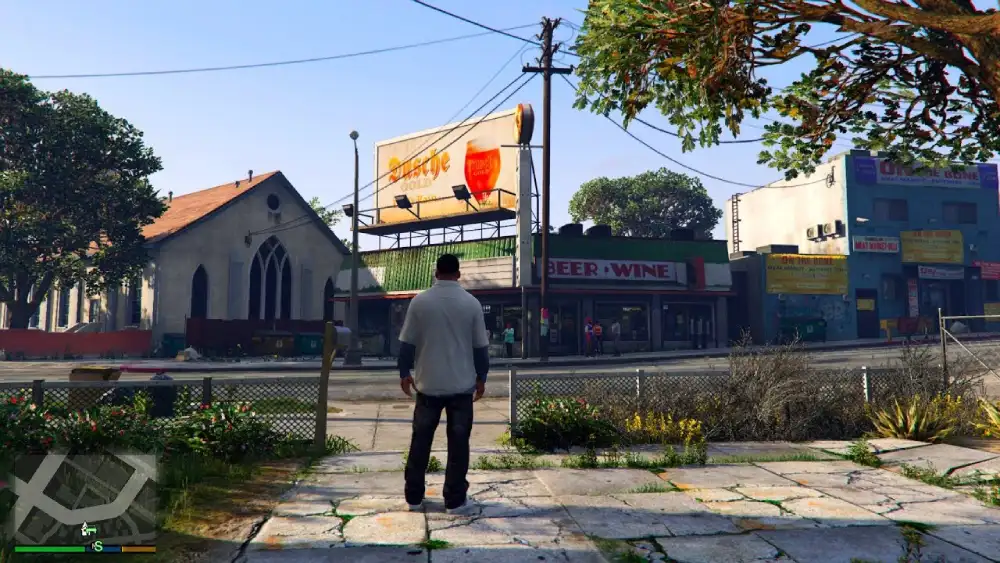
Originally released in 2013 for older consoles, GTA V made its way to PC nearly two years later. That wait wasn’t in vain: the PC version launched with significantly improved graphics, smoother performance, and exclusive tools like the Rockstar Editor.
When Did GTA 5 Come Out on PC?
| Platform | Release Date |
| PlayStation 3 | September 17, 2013 |
| Xbox 360 | September 17, 2013 |
| PlayStation 4 | November 18, 2014 |
| Xbox One | November 18, 2014 |
| PC | April 14, 2015 |
The PC launch was not just a port—it was a reimagining. Rockstar delivered a product capable of running on everything from modest rigs to ultra-high-end gaming systems.
What Makes GTA 5 5 PC Different?
- Dynamic 4K+ resolution support and ultrawide displays
- Unlocked frame rates with support for 60+ FPS and beyond
- Rockstar Editor for creating custom cinematic videos
- First-person mode toggle for immersive gameplay
- Expanded draw distance, enhanced weather systems, and realistic shadows
- Mod support and access to the game’s file system
The combination of visual fidelity, performance customization, and mod flexibility makes the PC version the most powerful iteration of the game.
GTA V Story Mode vs GTA Online on PC
One of the most compelling reasons to choose GTA 5 5 PC is the seamless access to both Story Mode and GTA Online, each with their own appeal and technical benefits on PC.
Want to buy or re-download the game? The official GTA V store page on Epic Games offers frequent discounts and bundle deals for both Story Mode and GTA Online versions.
Story Mode: Single-Player Brilliance
Play as Michael, Franklin, and Trevor, three criminals with intertwined destinies across 70+ missions. The story mode features:
- Dynamic heist mechanics
- Open-world exploration and side quests
- Environmental storytelling
- Cinematic-quality cutscenes
- Access to modding without risk of bans
PC players can enhance Story Mode with visual mods, gameplay tweaks, and even AI enhancements using community tools.
GTA Online: Endless Multiplayer Mayhem
GTA Online is a persistent multiplayer world where players can:
- Build businesses and empires
- Participate in heists, races, and survival modes
- Customize vehicles, properties, and outfits
- Join roleplay servers (e.g., FiveM, NoPixel)
- Use ExitLag to reduce lag and ping instability in sessions
Why PC Offers the Best Online Experience
- More stable FPS on modern GPUs
- Expanded graphical settings for optimization
- Access to private and modded servers
- Faster asset loading with SSDs and RAM tuning
How to Fly a Plane or Helicopter in GTA 5 PC
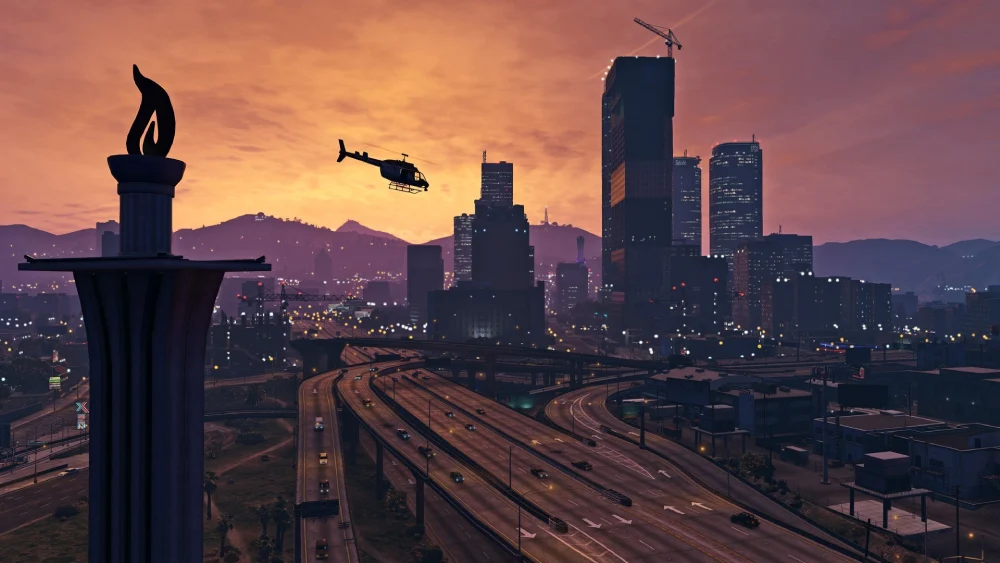
Mastering flight mechanics is crucial for completing missions, exploring hidden locations, and simply enjoying the freedom of the skies in Los Santos. On PC, precise keyboard and mouse input—or a controller—provides unmatched control over aircraft.
How to Fly a Plane in GTA 5 PC
Planes in GTA V offer an exhilarating mix of speed and agility. You’ll find them at airports, airstrips, or mission spawns.
Default Keyboard Flight Controls (Plane)
| Function | Default Key |
| Throttle Up | W |
| Throttle Down | S |
| Pitch Up | NUMPAD 5 |
| Pitch Down | NUMPAD 8 |
| Roll Left | NUMPAD 4 |
| Roll Right | NUMPAD 6 |
| Turn Left (Yaw) | A |
| Turn Right (Yaw) | D |
| Landing Gear | G |
| Exit Aircraft | F |
Holding the W key accelerates the plane; use the NUMPAD and directional keys to maintain level flight or perform maneuvers.
Pro Tips for Planes
- Practice touch-and-go landings at Trevor’s airstrip.
- Activate cinematic camera (V) for scenic flights and recordings.
- Use Rockstar Editor to capture your aerobatics and stunts.
How to Fly a Helicopter in GTA 5 PC
Helicopters are essential for stealth missions, fast getaways, and scenic exploration. They’re also used in several GTA Online and Story Mode tasks.
If you’re looking to push the boundaries of gameplay beyond Rockstar’s original design, take a look at this breakdown of GTA 5 mods and customization tools, which includes everything from graphics overhauls to full conversion packs.
Default Helicopter Controls (Keyboard)
| Function | Default Key |
| Ascend | W |
| Descend | S |
| Pitch Forward | NUMPAD 8 |
| Pitch Backward | NUMPAD 5 |
| Yaw Left | A |
| Yaw Right | D |
| Fire Weapons | Left Mouse Click |
| Exit Helicopter | F |
Tip: Avoid sudden directional inputs when hovering. Smooth transitions keep your chopper stable during tight landings.
Controller Support
For smoother flying:
- Use a controller (Xbox/PlayStation) for analog precision.
- Re-map controls for custom layouts in Settings > Key Bindings.
How to Install and Use Mods in GTA 5 5 PC
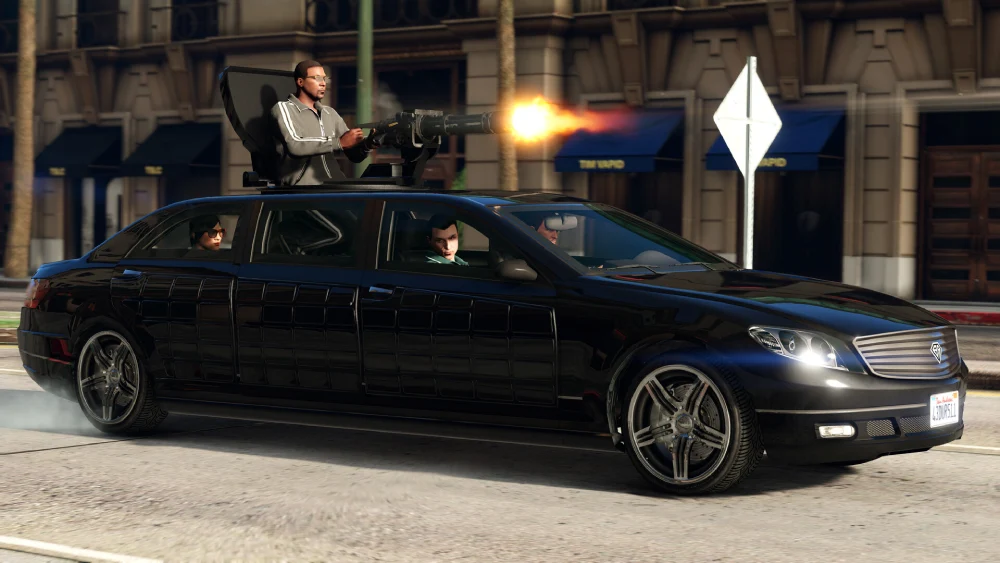
Modding is one of the greatest reasons to play GTA 5 5 PC. It extends the game’s life far beyond the original experience by enabling creative expression, advanced customization, and even total gameplay conversions. Whether you’re looking to enhance visuals, add realistic physics, or become Batman, modding makes it possible.
And while many are still enjoying GTA V, fans are eagerly awaiting news on its sequel—although GTA VI has reportedly been delayed again, causing quite a stir among the community.
What Are GTA 5 Mods?
Mods are unofficial content or tools created by the community to change, add, or improve in-game features. These modifications can range from minor tweaks to massive overhauls.
Types of Mods You Can Use:
- Visual Mods – Ultra HD textures, realistic weather systems, improved lighting and shadows.
- Script Mods – Add new missions, heists, mechanics like flying cars or working elevators.
- Vehicle Mods – Replace in-game cars with real-world vehicles, helicopters, motorcycles.
- Gameplay Mods – Zombie survival, superhero transformations, enhanced police behavior.
- Utility Mods – Menus for teleportation, invincibility, spawning items, or saving custom scenarios.
Important: Always use mods only in Story Mode. Using them in GTA Online violates Rockstar’s terms and can lead to permanent bans.
How to Safely Mod GTA 5 PC
Step-by-Step Modding Guide
- Create a clean backup of your GTA 5 directory before installing mods.
- Download OpenIV – the main tool for editing GTA’s internal files.
- Activate the “mods” folder in OpenIV. This keeps original game files untouched.
- Install Script Hook V and ASI Loader to enable script mods.
- Add mods into appropriate folders (mods, scripts, update, or root directory).
- Launch GTA 5 in Story Mode only, and test each mod individually.
Essential Tools
| Tool Name | Purpose |
| OpenIV | Manages and edits in-game files securely |
| Script Hook V | Allows script mods to run in GTA 5 |
| Menyoo or Simple Trainer | In-game mod menu for customization |
| GTA V LUA Plugin | Runs .lua-based mod scripts |
Always read the mod creator’s installation guide. Incompatible mods can crash your game or affect save files.
Top 5 GTA 5 PC Mods in 2025
| Mod | Type | Features |
| NaturalVision Evolved | Visual | Next-gen weather, HDR lighting, global illumination |
| LSPDFR | Gameplay | Play as a cop with full police simulator mechanics |
| Menyoo Trainer | Utility | Teleports, spawn menus, mission creators |
| Simple Zombies | Survival | Turns Los Santos into an open-world zombie map |
| Realism Dispatch | AI/Gameplay | Enhanced police reactions, backup logic |
Performance and Optimization Tips for GTA 5 5 PC
To get the most out of GTA 5 5 PC, optimizing your setup is crucial. Rockstar’s open world is demanding, but with the right configurations, you can run it smoothly even on mid-range systems.
Minimum vs Recommended System Specs
| Component | Minimum Requirement | Recommended Requirement |
| CPU | Intel Core i5 3470 | Intel Core i7 8700 / Ryzen 5 3600 |
| RAM | 8 GB | 16 GB |
| GPU | NVIDIA GTX 660 / AMD HD 7870 | RTX 3060 / RX 6700 XT |
| Storage | 90 GB HDD | 90 GB SSD |
| OS | Windows 10 (64-bit) | Windows 11 (64-bit) |
| DirectX | Version 11 | Version 12 |
Advanced Optimization Tips
- Texture Quality: Medium textures on low-VRAM GPUs avoid stuttering.
- Population Density: Reducing traffic and pedestrians helps CPU-bound systems.
- Tessellation and Shadows: These drain GPU power—disable or reduce to improve FPS.
- Use DX11 over DX10: Provides better performance and compatibility for mods.
- Enable Triple Buffering: Reduces screen tearing when VSync is active.
Use ExitLag to Improve Online Performance
- Stabilizes packet routing
- Reduces ping variation
- Improves matchmaking consistency
- Especially useful for GTA Online Heists and races
If you’re mainly playing multiplayer, the official GTA Online website offers updates, weekly event info, and helpful tools to plan your grind and gear.
FAQ — GTA 5 5 PC
To fly a plane, press W to accelerate, NUMPAD 5/8 to pitch up/down, and NUMPAD 4/6 to roll. Always extend or retract the landing gear using G. Use V to switch views for better angles.
Hold W to rise, S to descend, and use NUMPAD 8/5 to move forward/back. Use A/D to rotate. Helicopters are great for urban landings—learn to hover smoothly before attempting missions.
Install OpenIV, Script Hook V, and Menyoo or a similar trainer.
Move mod files to your mods or scripts folder.
Launch in Story Mode and test for stability.
GTA 5 PC launched on April 14, 2015. It followed the PS3/Xbox 360 release in 2013 and PS4/Xbox One in 2014.
Conclusion: Why GTA 5 5 PC Remains the Best Version
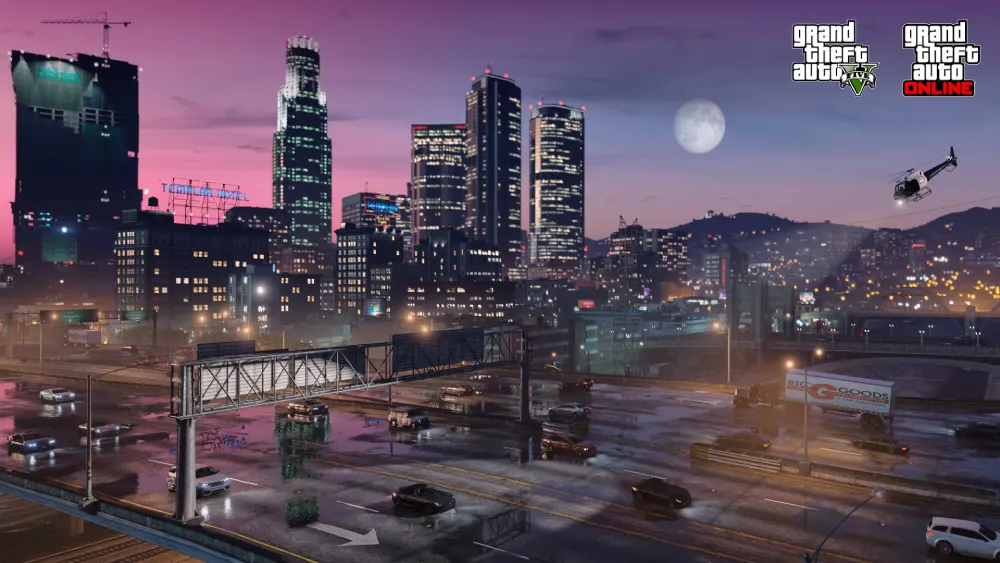
From visual mods and realistic roleplay servers to modded missions and 4K free roam, GTA 5 5 PC still leads the pack. It’s not just a game—it’s a creative playground for gamers, filmmakers, developers, and roleplayers.
Whether you’re flying over Mount Chiliad in a jet or diving into an ultra-realistic zombie apocalypse, the PC version adapts to how you want to play. And with ExitLag, you can ensure that every session—especially online—is free of lag, stuttering, or ping spikes.
Push your rig to the limit, play your way, and dominate GTA 5 5 PC with ExitLag.
Got questions or want to connect with other players? Join the conversation at the ExitLag Forum!