Losing an iPhone can be stressful, especially when you use it for gaming, communication, navigation, and everyday tasks. If you have ever wondered how does find my iphone work, the answer involves Apple’s Find My system, location services, Bluetooth, Wi-Fi, cellular networks, and Apple’s Find My network. Understanding these technologies can also help you recognize why a stable connection matters when your device communicates with online services. For more information about network performance, see our guide on how ExitLag works.
First, it is important to understand that how does find my iphone work is not simply a matter of tracking the phone through its mobile internet connection. Instead, Find My can use several signals and nearby Apple devices to help determine where a missing device is located. This means that an iPhone may sometimes be discoverable even when it does not have a normal internet connection.
So, how does find my iphone work in simple terms? Find My combines information from the iPhone’s location sensors with Apple’s network infrastructure. When available, the device can communicate its location through Wi-Fi or cellular data. In supported situations, Bluetooth and nearby Apple devices can also help relay an encrypted location signal through the Find My network.
How does find my iphone work and what makes it possible?
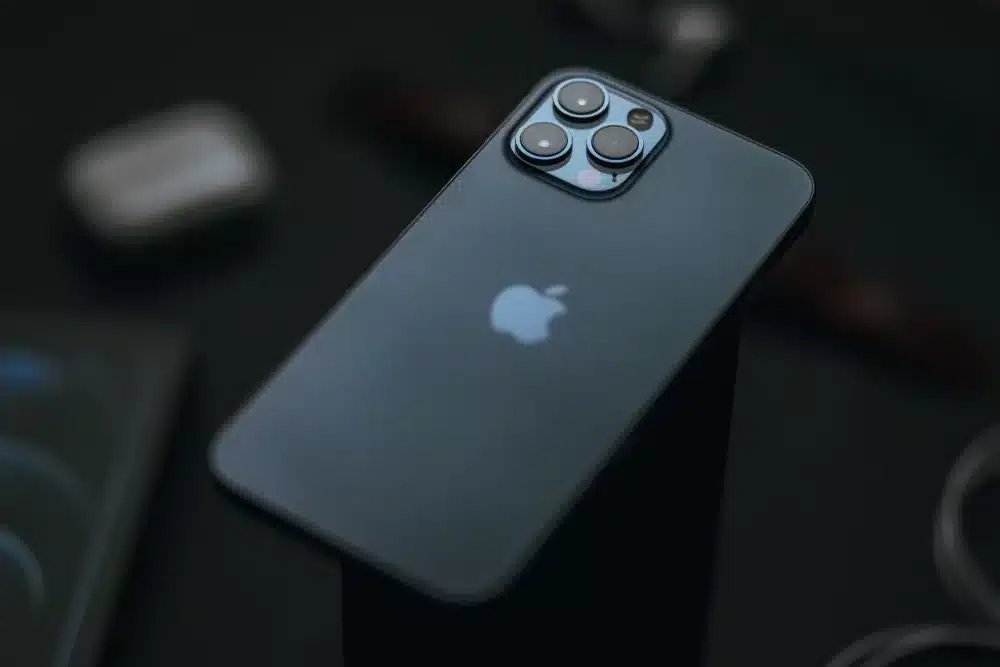
Find My is built around several technologies working together. As a result, the exact method used to locate an iPhone can depend on its battery status, network connection, location settings, and whether the device is within range of other Apple devices.
location services and the iphone
Location Services allow an iPhone to estimate its position using information from GPS, nearby Wi-Fi networks, cellular towers, and other available sensors. GPS can provide highly useful positioning information outdoors, while Wi-Fi and cellular information can help when satellite signals are weaker.
Moreover, the iPhone does not necessarily need to rely on one technology at all times. It can combine available signals to produce a more useful location estimate. This is important because buildings, underground areas, dense urban environments, and physical obstacles can affect positioning accuracy.
For example, a device inside a large shopping center may have weaker GPS reception. However, nearby Wi-Fi networks and other positioning signals can still contribute to determining its approximate location.
The role of the find my network
The Find My network expands the system beyond the missing iPhone’s own internet connection. Compatible Apple devices nearby can detect certain Bluetooth signals from a missing device and securely relay its approximate location to Apple’s network.
The process is designed around privacy protections. Nearby devices do not simply reveal the identity of the missing phone to their owners. Instead, Apple’s system uses encryption and identifiers designed to prevent ordinary users from seeing information about other people’s devices.
This creates a large network of participating Apple devices. Therefore, a missing iPhone may be detectable in an area where its owner cannot directly connect to it.
| Technology | Main role | Can help when internet is unavailable? |
| GPS | Estimates geographic position | Yes, for positioning |
| Wi-Fi | Helps estimate location and provide connectivity | Limited |
| Cellular | Provides network connectivity and location information | No internet may limit some features |
| Bluetooth | Communicates with nearby compatible devices | Yes, for supported Find My features |
| Find My network | Relays location through nearby Apple devices | Yes, on supported devices |
How iphone find my phone work, how does find my phone work on iphone?
The wording can be confusing because several Apple features are connected to the same Find My ecosystem. In practice, the system is designed to help users locate their own devices, people who have chosen to share their location, and compatible items connected to the Find My network.
Finding an iphone through another device
If your iPhone is missing, you can use the Find My app on another compatible Apple device or access Find Devices through Apple’s services. After signing in with the appropriate Apple Account, the system can show the device’s available location information.
Depending on the circumstances, you may be able to:
- See the device’s approximate or current location.
- Play a sound to help locate it nearby.
- Mark the device as lost.
- Display contact information on the Lock Screen.
- Erase the device remotely when appropriate.
However, the options available can depend on the device model, settings, connectivity, and whether the iPhone is powered on or otherwise able to participate in the Find My system.
what happens when an iphone is offline?
One of the most useful aspects of the Find My ecosystem is its ability to work in supported situations even when a device is offline.
When an iPhone participates in the Find My network, nearby Apple devices can detect its Bluetooth signal. The nearby device can then communicate the approximate location to Apple’s network without exposing the missing device’s information directly to the person carrying that nearby device.
This means an offline iPhone can potentially be located in places where traditional GPS tracking through cellular internet would not be sufficient.
Still, offline finding is not magic. The device must support the relevant functionality, the feature must have been enabled, and environmental conditions can affect whether another participating Apple device detects the signal.
How accurate is find my iphone?
Accuracy is one of the most common questions surrounding Apple’s location technology. Although Find My can provide useful location information, the result should not always be interpreted as an exact physical position.
Factors that affect location accuracy
Several factors can influence how accurately an iPhone’s location is determined. For example, GPS generally performs better outdoors with a clear view of the sky. Indoors, the phone may rely more heavily on Wi-Fi, cellular information, Bluetooth, and other positioning technologies.
Signal conditions can also change rapidly. Therefore, the location shown in Find My may represent the most recently available information rather than the phone’s exact position at the moment you check it.
Environmental conditions can include:
- Buildings and walls that interfere with signals.
- Weak GPS reception indoors.
- Limited cellular connectivity.
- Few nearby devices participating in the Find My network.
- Battery or power limitations.
Why the displayed location may change
Location information can change as the iPhone moves or as new positioning information becomes available. Consequently, you might see a location that appears slightly different from the previous one.
This does not necessarily mean that the phone suddenly moved a large distance. Instead, the system may have received a newer estimate based on different available signals.
For that reason, it is better to interpret Find My as a location service that provides progressively updated information rather than assuming every displayed point represents a perfectly precise coordinate.
How does find my iphone work without cellular data?
A common misconception is that an iPhone must always have mobile data to appear in Find My. In reality, Apple’s Find My network can support offline finding on compatible devices.
bluetooth and nearby apple devices
Bluetooth is particularly important to the offline portion of the system. A missing compatible iPhone can emit a Bluetooth signal that nearby Apple devices may detect.
Those nearby devices can then participate in the process of anonymously relaying information to Apple’s network. Because the communication is designed to protect privacy, the person whose device helps relay the signal does not normally receive the missing iPhone’s location.
This approach is especially useful in busy environments. A phone left in a public place may be near many Apple devices, increasing the opportunity for its Bluetooth signal to be detected.
Battery and power considerations
Battery status also matters. A powered-off or critically low-battery iPhone may have different capabilities depending on its model and configuration.
Some newer Apple devices support technologies designed to remain findable for a period after the battery becomes very low. However, this capability varies by hardware and settings.
Therefore, users should enable Find My features before losing a device rather than expecting to activate them afterward.
How to use find my iphone effectively
Setting up Find My before a problem occurs is the most important step. The service is significantly more useful when the necessary settings are already enabled.
Check your find my settings
Before your iPhone goes missing, review the relevant Find My settings. In general, users should verify that Find My iPhone and the Find My network are enabled when supported.
A simple preparation checklist is:
- Open the iPhone’s Settings.
- Select your Apple Account and open Find My.
- Check that Find My iPhone is enabled.
- Check whether Find My network is enabled.
- Check whether Send Last Location is available and enabled.
These settings can help preserve the ability to locate a device under different circumstances.
That to do when your iphone is missing
If you cannot find your iPhone, avoid immediately assuming that it has been permanently lost. First, check the Find My app or Apple’s Find Devices service.
Then:
- Check the most recent location shown.
- Play a sound if you believe the phone is nearby.
- Enable Lost Mode when appropriate.
- Add contact information to the Lock Screen if needed.
- Consider remote erasure if recovery is unlikely and protecting personal information is necessary.
If the device appears somewhere unfamiliar, prioritize personal safety rather than attempting to recover it yourself. Location information can help identify where a device was detected, but it does not guarantee that the phone is physically accessible.
Does internet quality affect find my iphone?
Network quality can influence many online services, although it is important to distinguish location technology from gaming network optimization.
Connectivity and location services
When an iPhone has an active internet connection, information can be transmitted to Apple’s services through Wi-Fi or cellular networks. If the connection is unstable, communication with online services can be delayed.
However, Find My does not depend exclusively on the same kind of network routing used by online games. Its architecture include.
Got questions or want to connect with other players? Join the conversation at the ExitLag Forum!